
Visual learning, decoded.
Practical guides on sketchnotes, AI infographics, and PDF-to-visual workflows. Tested on real notes, written for people who'd rather see than re-read.
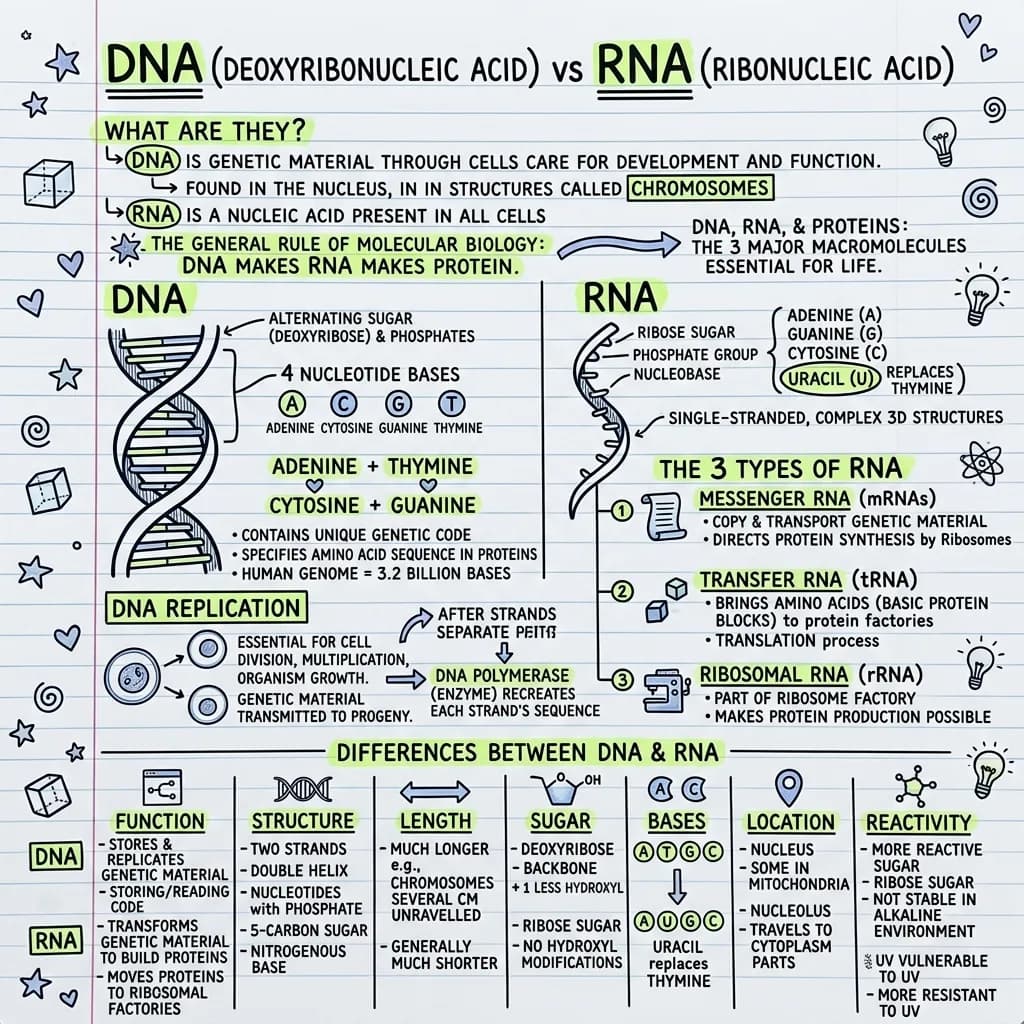
Study With Visuals and Flashcards: The Two-Pass Method
One upload gives you a visual summary and a flashcard deck. Use the visual to understand the shape of a topic, then the deck to lock it in. Here is the two-pass method, worked through with DNA and RNA.
Read the guide →14 real notes → 14 visual one-pagers.
Anatomy, biology, history, cybersecurity and more — see exactly what VisualNote AI produces from real documents.
More from the blog
19 articles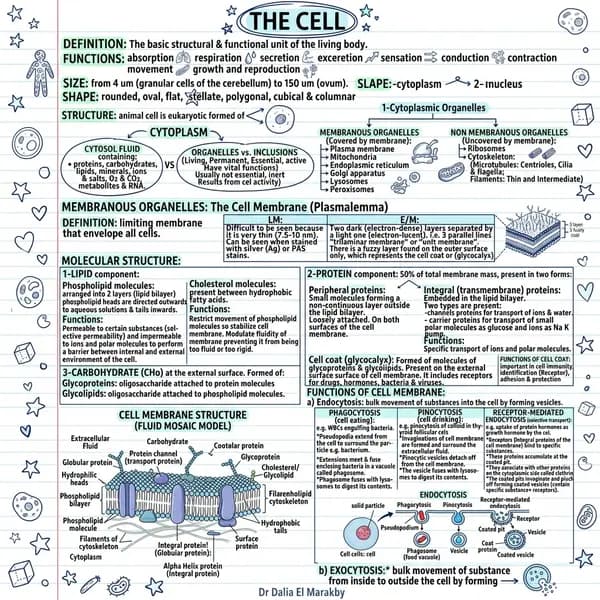
Study Better With Flashcards: Active Recall That Actually Works
Re-reading feels productive and fades within days. Flashcards force you to retrieve, which is what makes memory stick. How active recall works, a spacing schedule you can follow, and how to write cards worth reviewing.
Read article →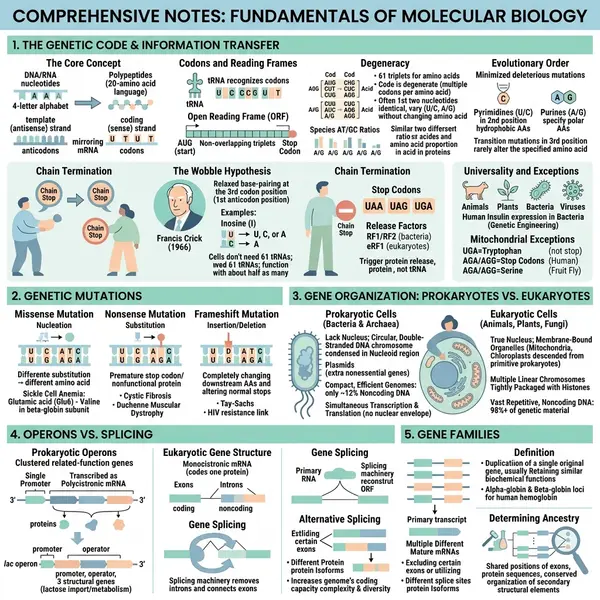
Turn a PDF Into Flashcards: Upload, Generate, Export Anywhere
Upload a chapter PDF, get a visual summary and a deck of up to 30 cards, then export to Anki via CSV, print through the browser, or hand out a self-contained offline page. The full walkthrough.
Read article →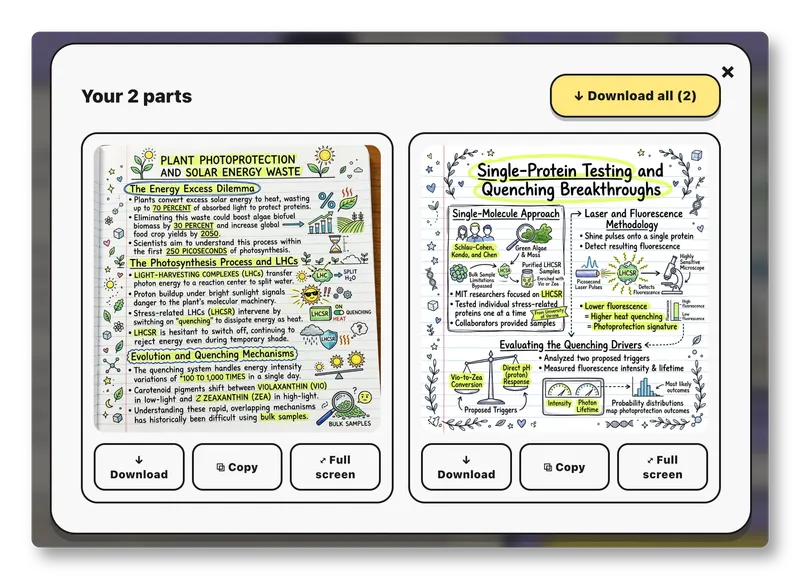
Split: Turn a Long PDF Into a Set of Connected Visuals
Too long for one image? Split breaks a PDF, article, or chapter into connected sections — each one becomes its own sketchnote, read in order. Here's how it works.
Read article →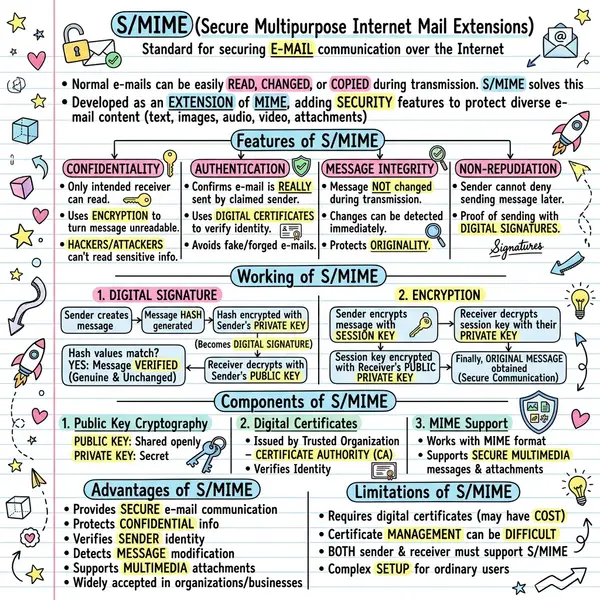
URL to Sketchnote: Turn Any Article Into a Visual Summary
Paste a link, get a one-page sketchnote. Convert blog posts, news articles, and Substack essays into shareable visual summaries with AI — no copy-paste required.
Read article →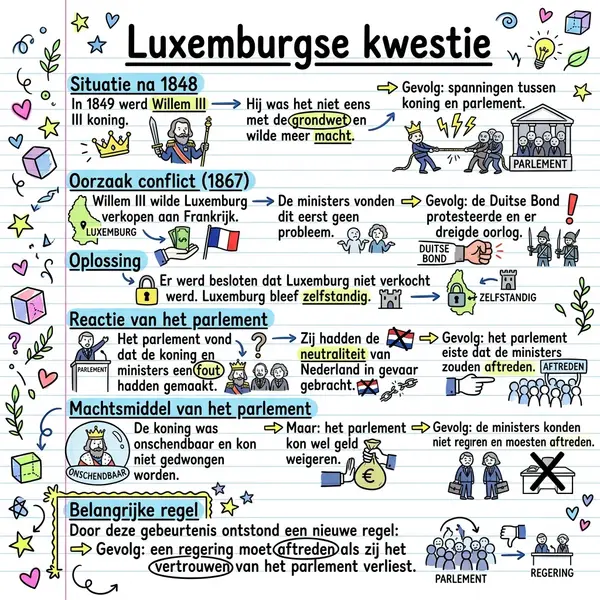
Upload Your Own Style: Brand-Consistent AI Sketchnotes
Drop in a reference image — sketch, slide, brand mockup — and the AI copies the style, not the text. Same content, your visual identity, every time.
Read article →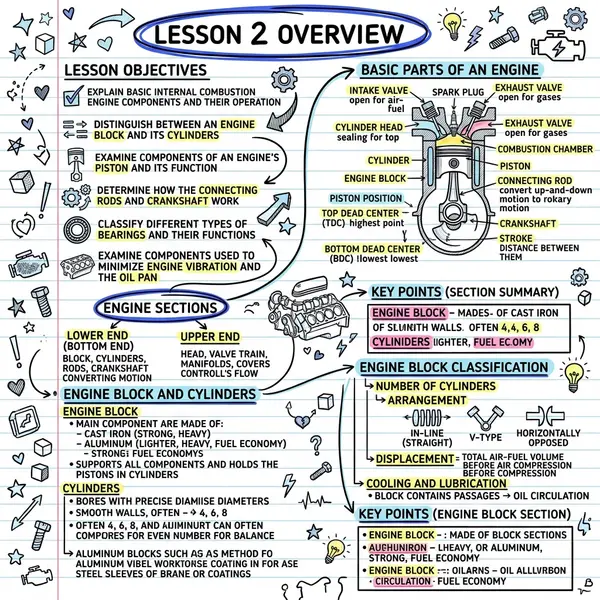
AI Article Summarizer: Turn Any Blog or News Story Into a Visual
Compare AI article summarizers and learn how to go from URL to a one-page visual summary in under a minute. Workflows for newsletters, sales, and research.
Read article →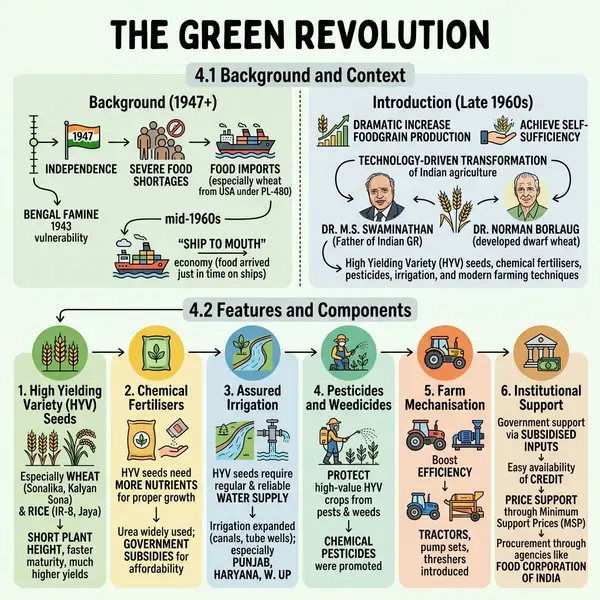
Sketchnote Infographics: A Complete Guide (2026)
Everything you need to know about sketchnote infographics — what they are, why they work, examples, and how to make one in seconds with AI.
Read article →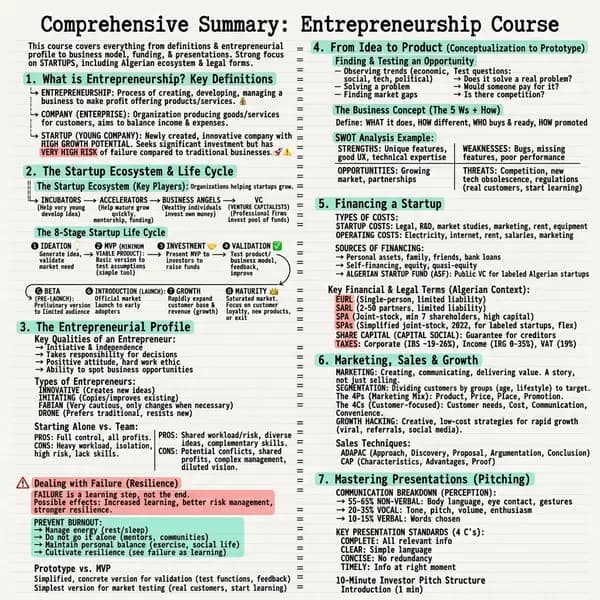
Best PDF to Infographic Converter in 2026 (Free & Paid)
We tested every PDF to infographic converter in 2026. Here's the honest comparison of speed, quality, pricing, and which one to pick for your workflow.
Read article →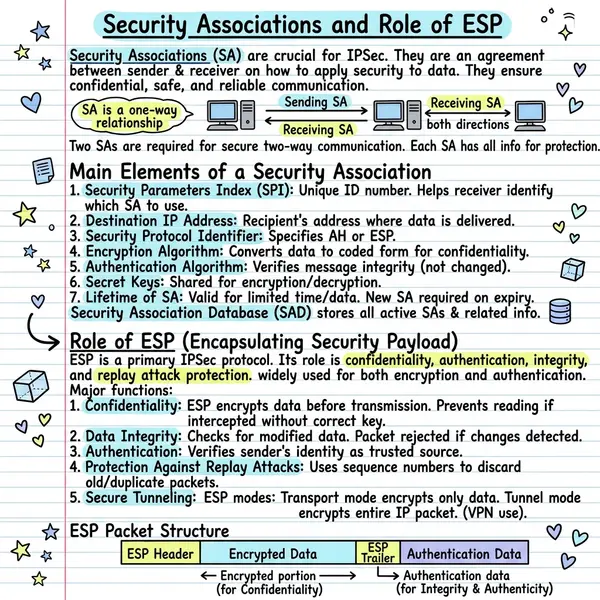
How to Use Notes to Visual AI (Free Tool Guide)
Step-by-step guide to turning your raw notes into visual one-pagers using notes to visual AI. Works with study notes, meeting notes, and bullet points.
Read article →Visual Notes for Students: Study 2× Faster with Sketchnotes
Why visual notes outperform highlighters and re-reading. The science of dual-coding, plus a 5-minute workflow to make exam-ready visual notes from any chapter.
Read article →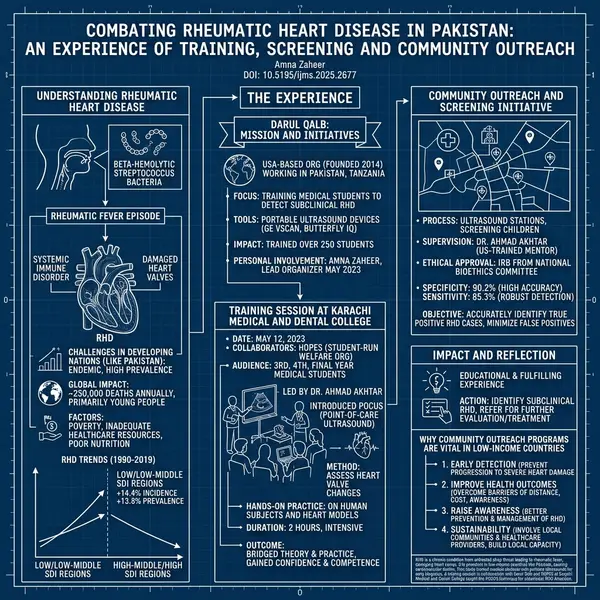
PDF to Visual Summary: Turn Any Document Into a Sketchnote
How to turn a 30-page PDF into a single sketchnote-style visual summary your readers actually keep. Workflow, examples, and templates inside.
Read article →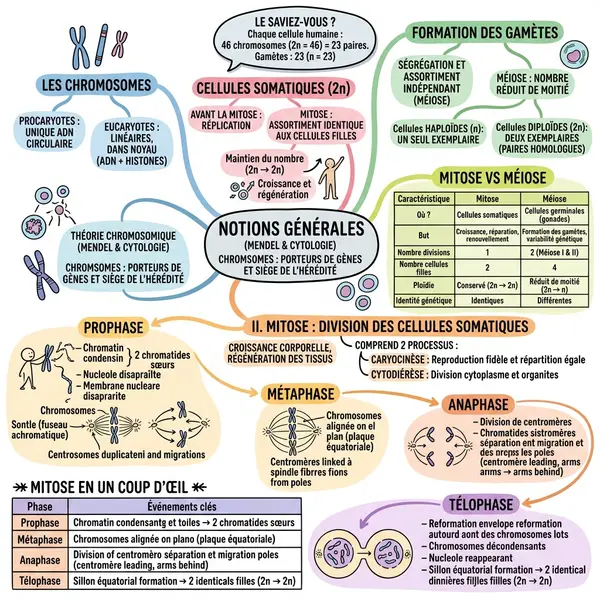
Text to Visual AI: Create Visuals from Any Text in Seconds
Text to visual AI explained: how the tech works, what makes a good prompt, and 12 use cases beyond “just make it look pretty”.
Read article →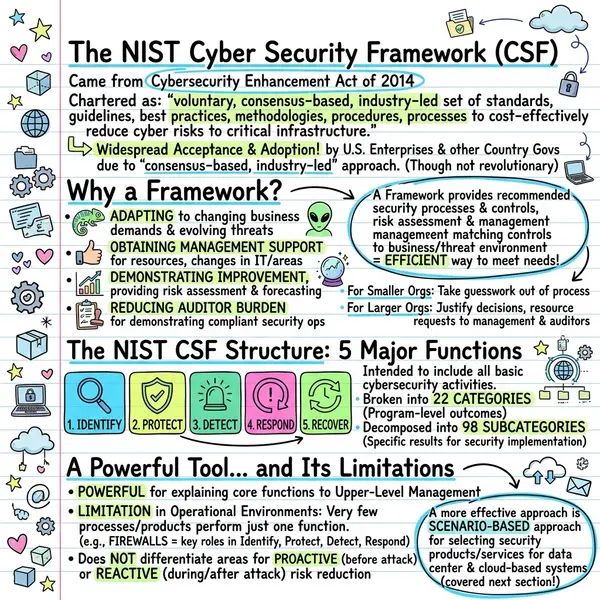
How to Use AI to Create Visual Content from a Knowledge Base
Knowledge bases are full of buried gold. Here's how teams use AI to turn KB articles, wikis, and SOPs into shareable visual one-pagers.
Read article →30 Sketchnote Examples & Styles to Inspire Your Next Visual
Thirty real sketchnote examples across Classic, Blueprint, Comic, Timeline, Kanban, Terminal and more — plus the prompt patterns to recreate each one.
Read article →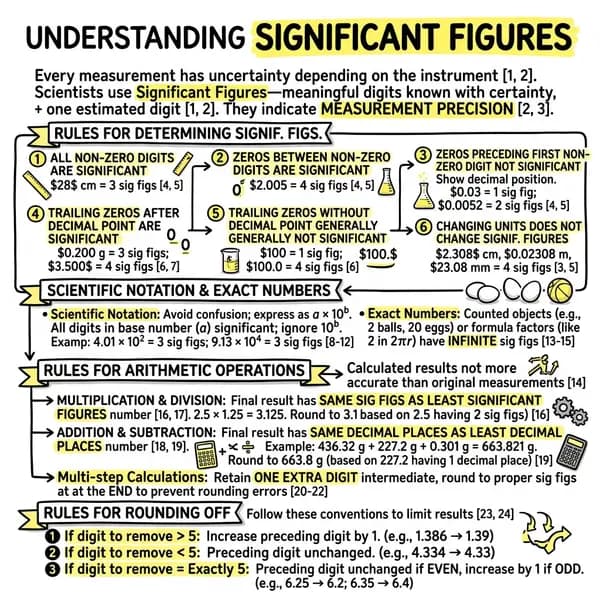
How to Convert a PDF to an Infographic (in Under 30 Seconds)
A step-by-step guide to turning any PDF — research paper, report, textbook chapter — into a shareable visual infographic using AI. No design skills needed.
Read article →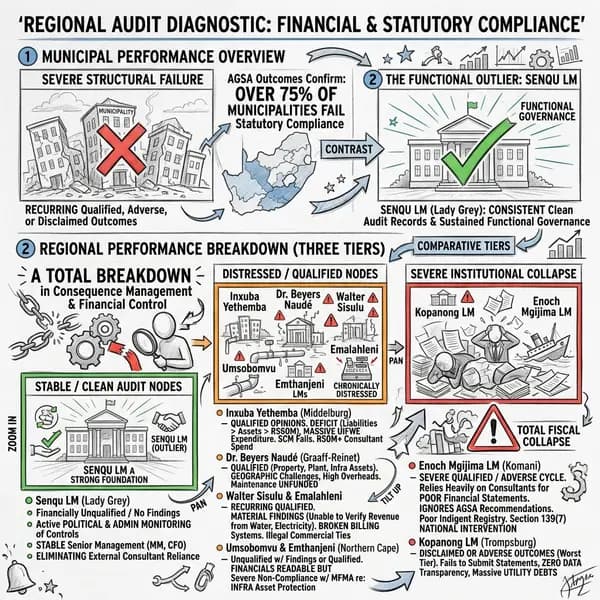
The Best AI Infographic Generators in 2026 — Compared
A practical comparison of the top AI tools for creating infographics in 2026. We test speed, output quality, and price to find the best option for different workflows.
Read article →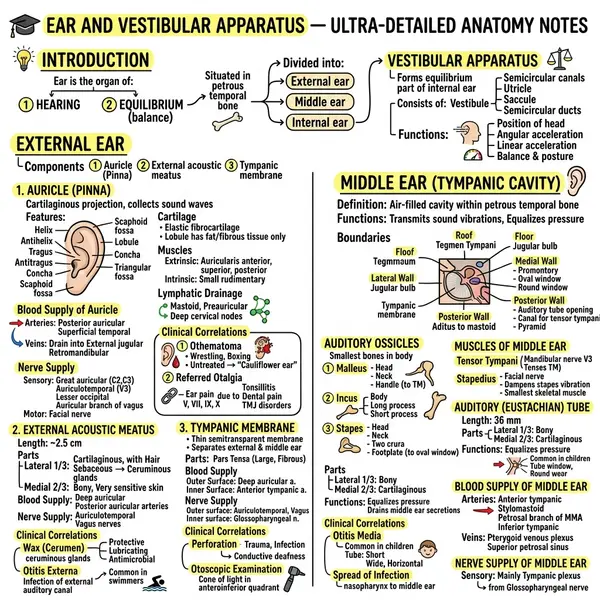
Visual Note-Taking Styles and When to Use Each One
Classic, Blueprint, Comic, Kanban, Timeline, Terminal — a breakdown of VisualNote AI's visual styles and which works best for different types of content.
Read article →How to Turn Meeting Notes into Shareable Visual Summaries
Meeting notes sit unread in Notion forever. Here's how to convert them into visual one-pagers that your team will actually look at — automatically, in under a minute.
Read article →Stop Reading PDFs — Use AI to Summarise Them Visually Instead
Long PDFs are productivity killers. AI-powered visual summarisation lets you extract the key insights from any document in seconds. Here's how it works.
Read article →Try the tool the guides are about.
Free generations, no card. Paste your notes, pick a style, get a one-pager in under 15 seconds.