
Visual Notes Gallery
The same notes can become a hand-drawn sketchnote, a tidy kanban board, a flowing timeline, or a technical blueprint. Browse the styles below to see what your text or PDF could look like, then make your own in under 30 seconds. Want to see real documents transformed instead? Visit the examples gallery.
Hand-drawn styles
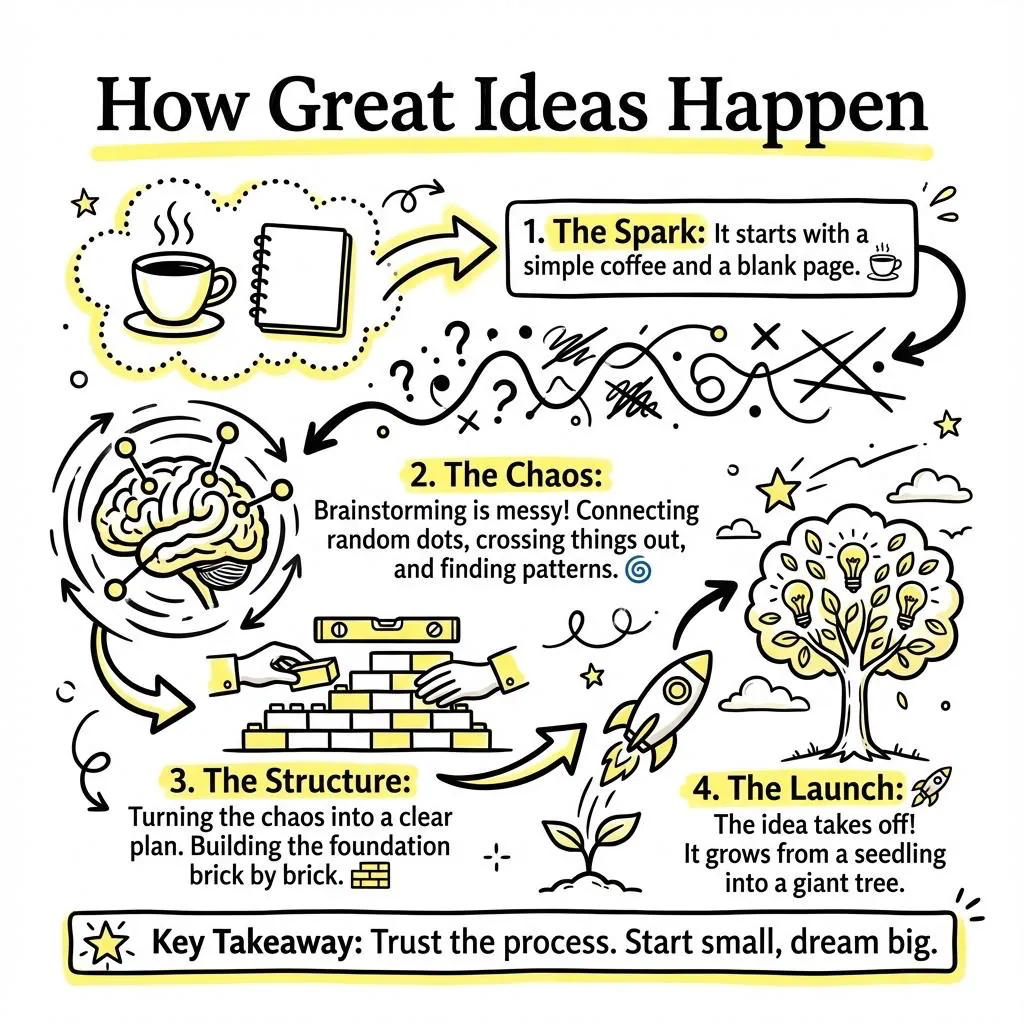
Classic
Structured infographic layout, the all-rounder for lecture and meeting notes.
Make one in Classic →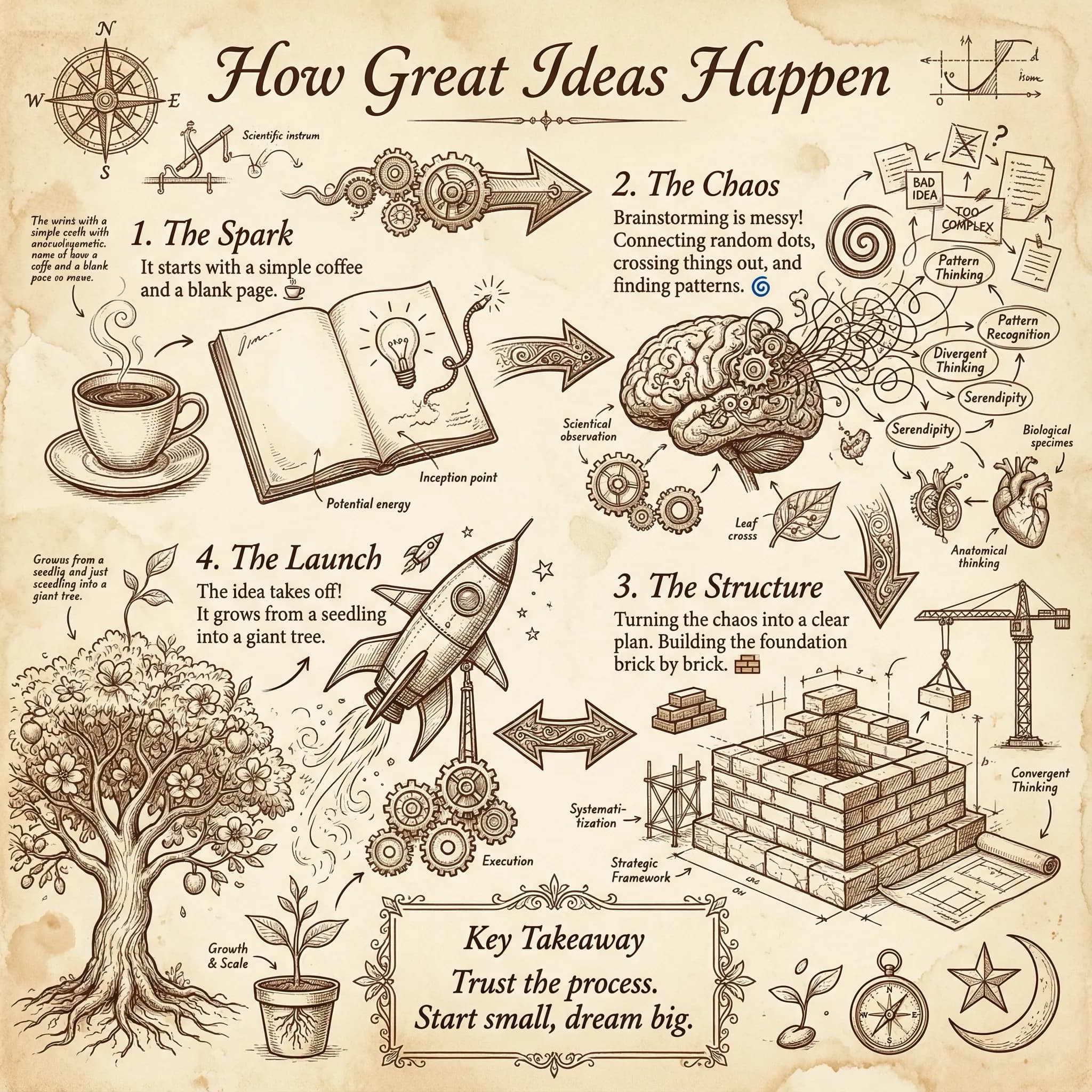
Journal
Warm, hand-journaled pages, personal study notes with character.
Make one in Journal →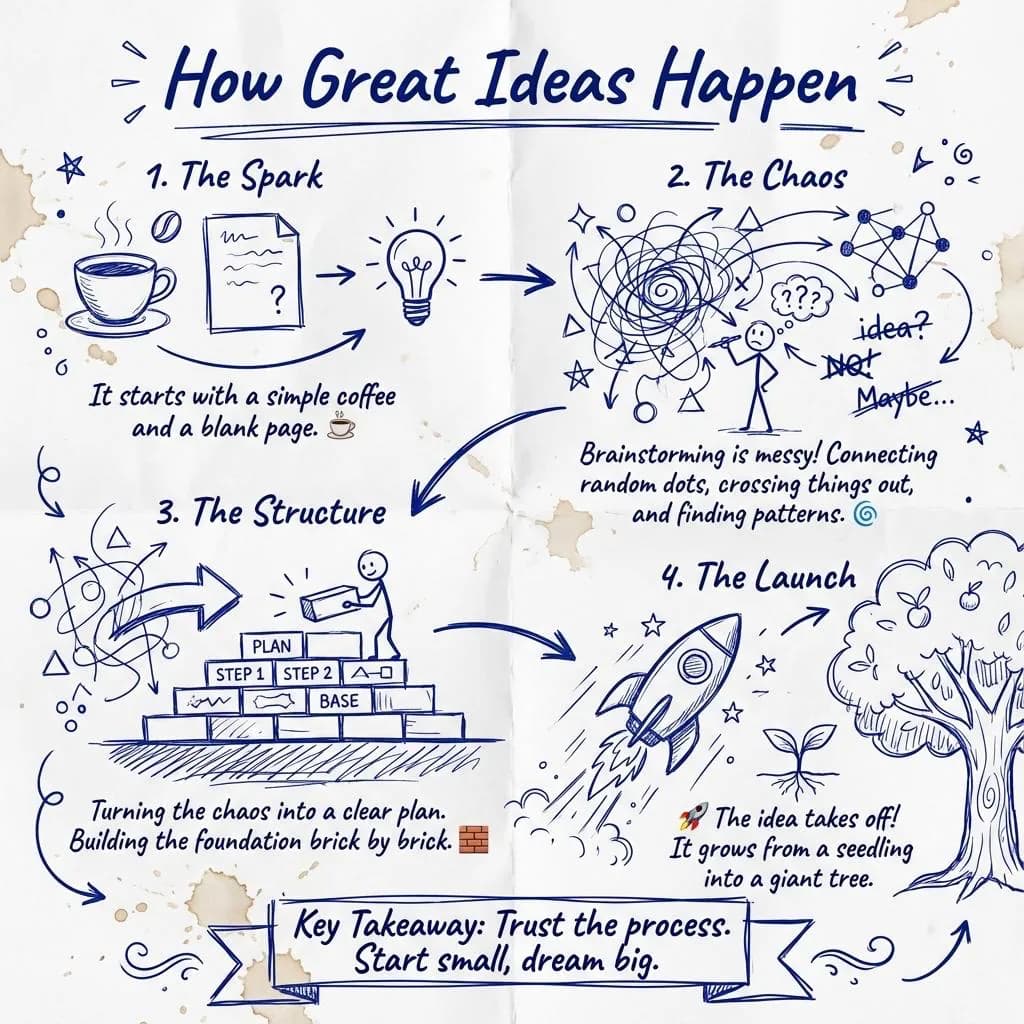
Napkin
Quick back-of-napkin sketch, clarify one idea fast.
Make one in Napkin →Styles that show structure
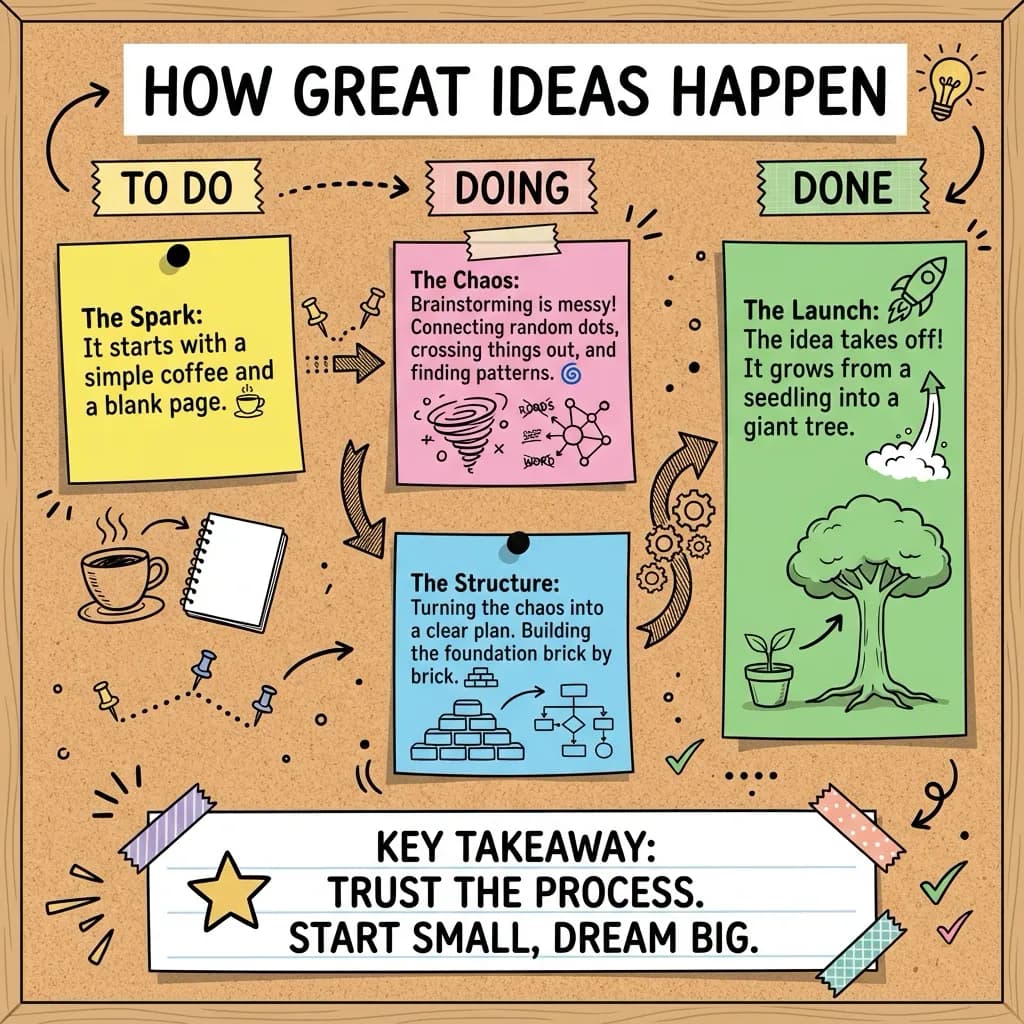
Kanban
Categorised columns, perfect for pros/cons, decisions, and action items.
Make one in Kanban →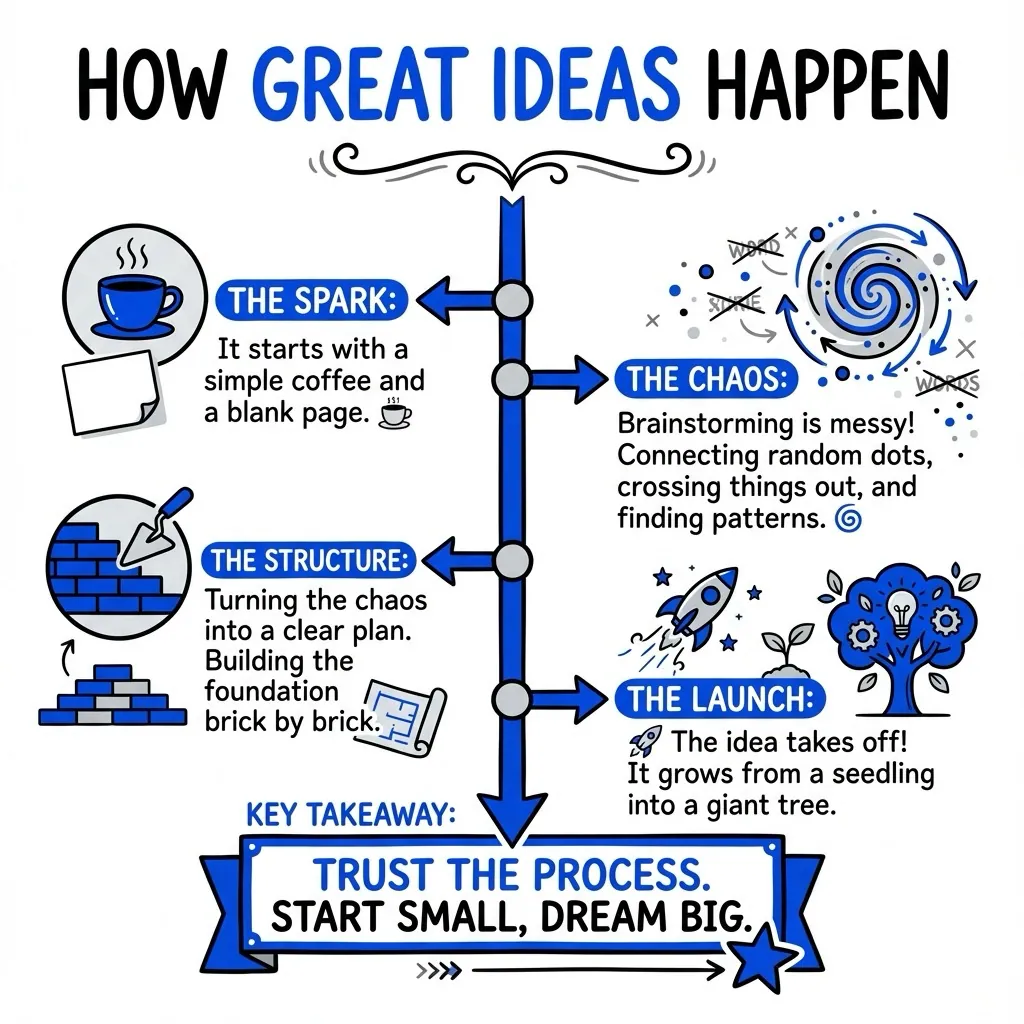
Timeline
Sequential flow, events, processes, and step-by-step recaps.
Make one in Timeline →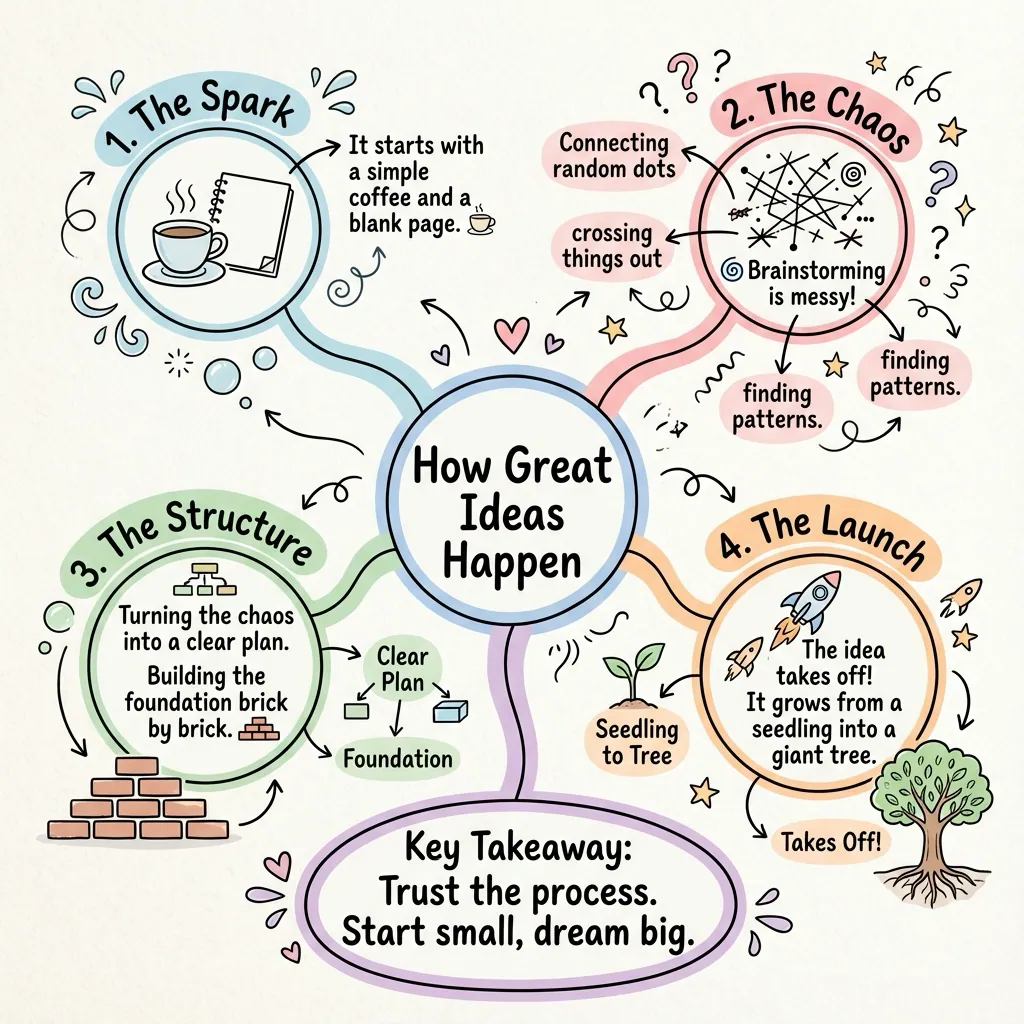
Mindmap
Radial connections, branch a central idea into related concepts.
Make one in Mindmap →Styles for technical material
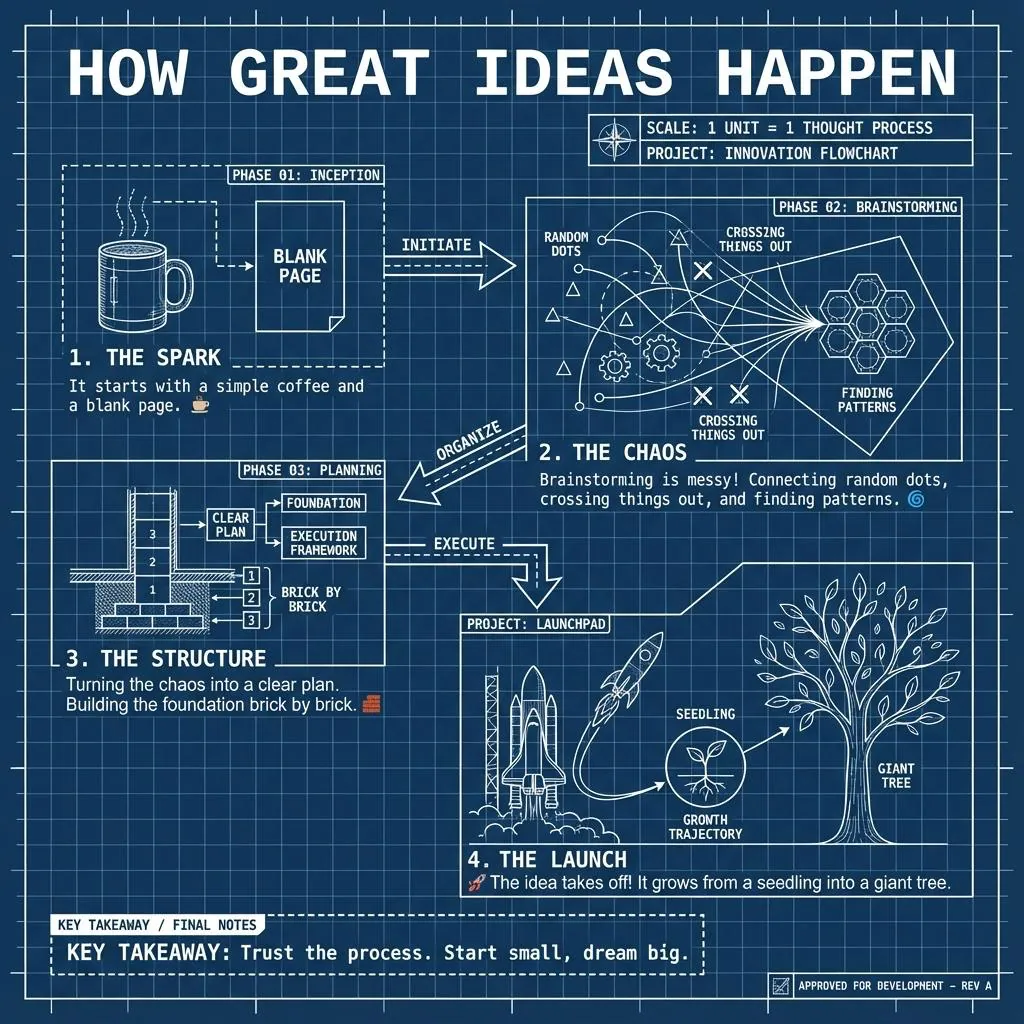
Blueprint
Technical schematic look, systems, architecture, and how-things-work notes.
Make one in Blueprint →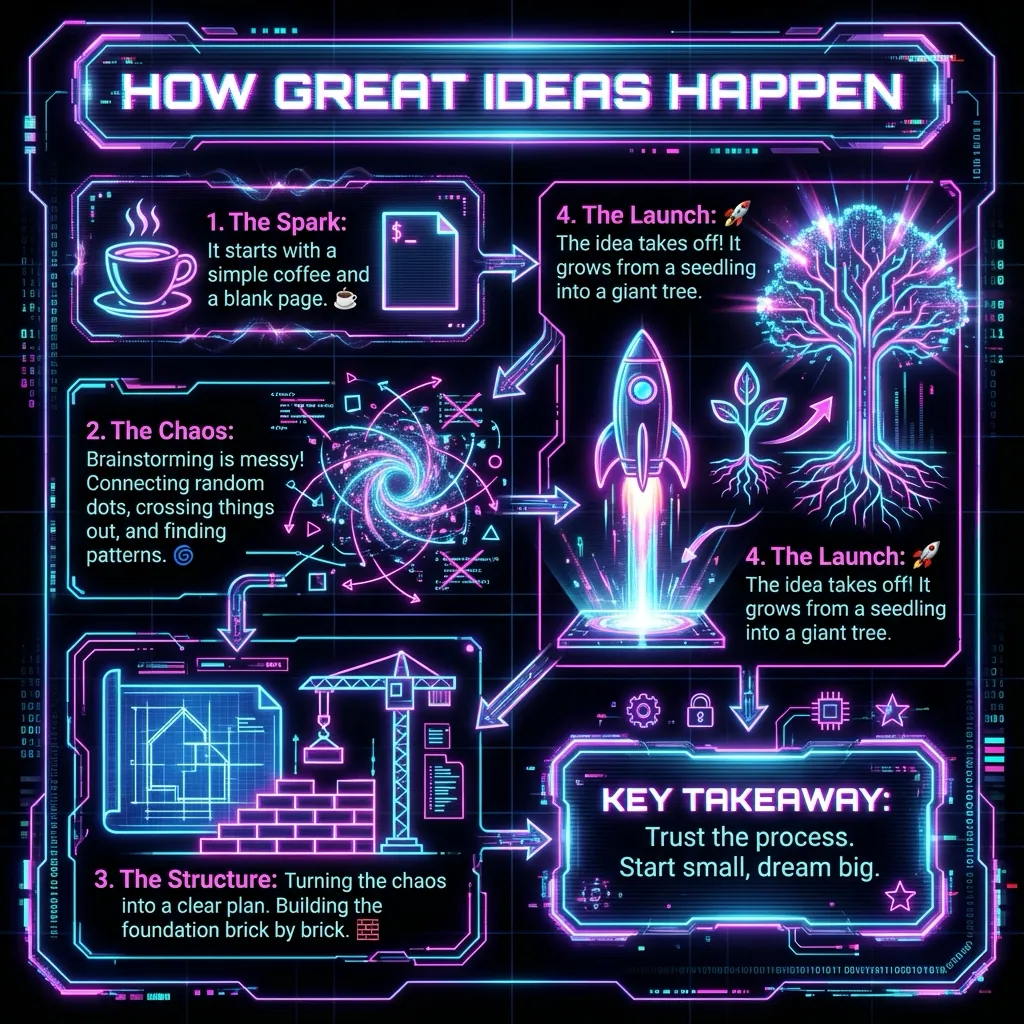
Cyber
High-contrast neon, technical and security topics that pop.
Make one in Cyber →Styles with a mood
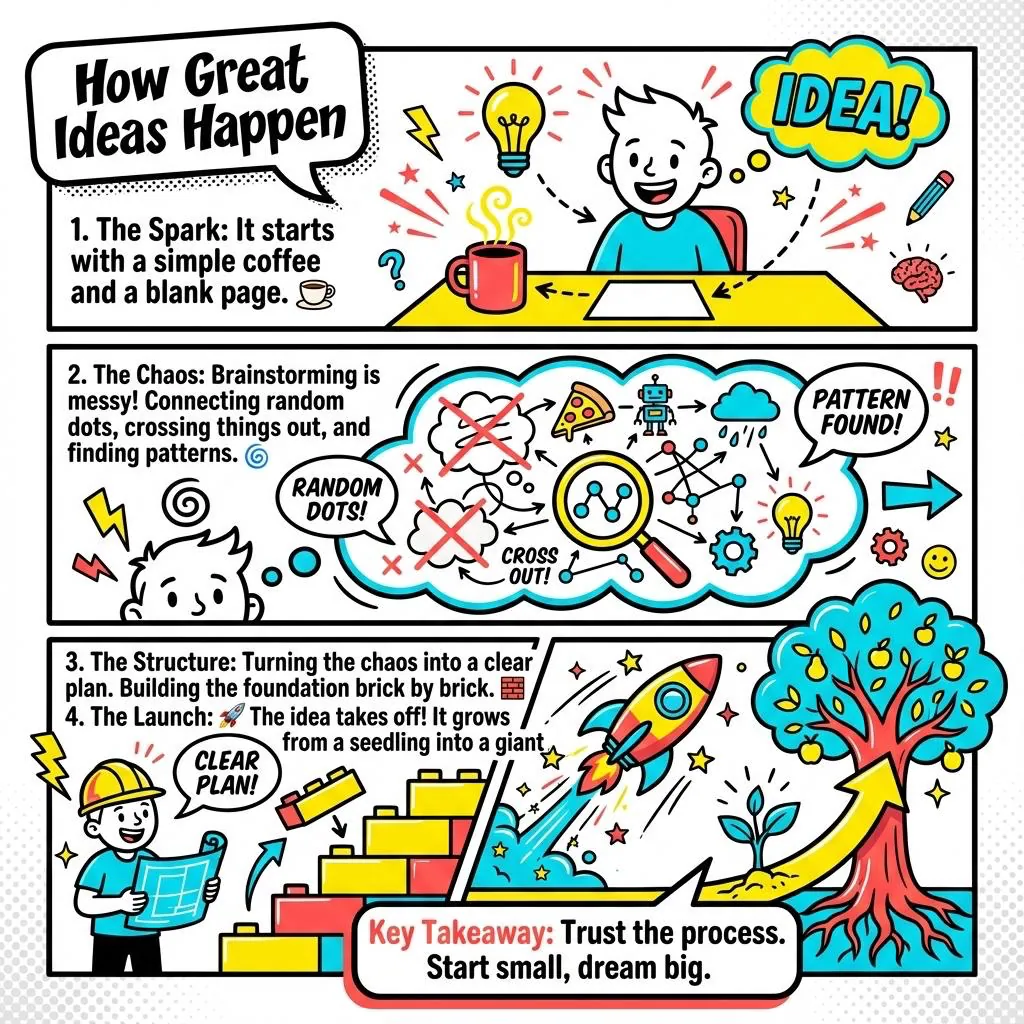
Comic
Panelled storytelling, narratives, case studies, and explainers.
Make one in Comic →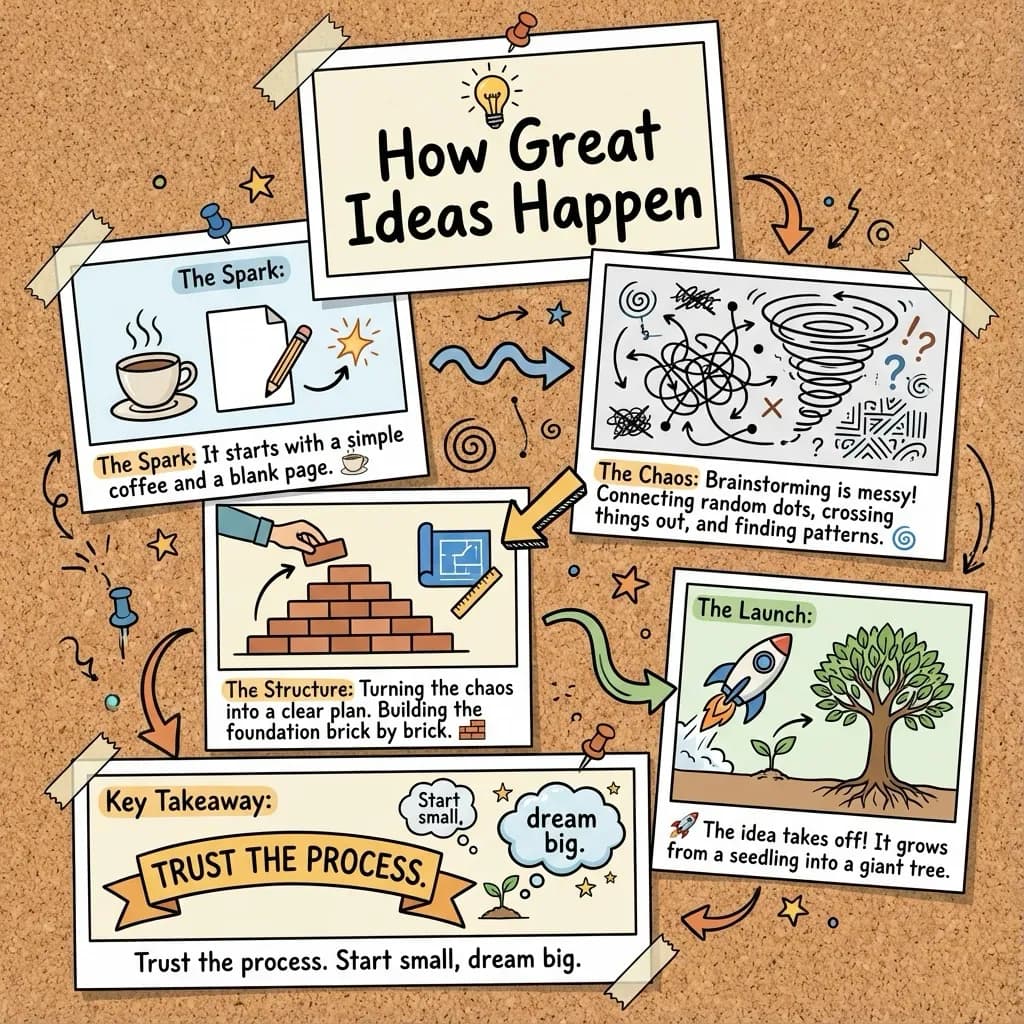
Polaroid
Photo-collage feel, moodboards and visual recaps.
Make one in Polaroid →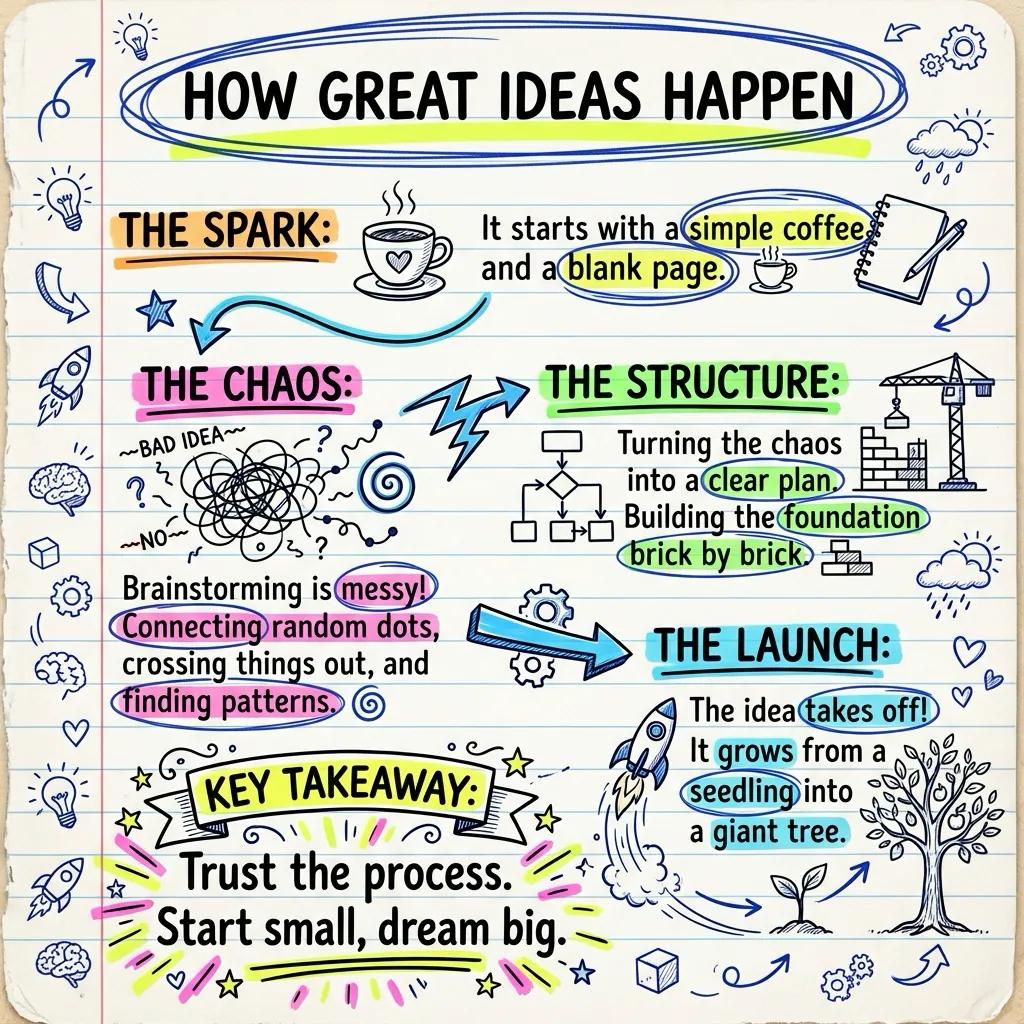
Doodle Diary
Playful hand-drawn doodles, informal, memorable revision notes.
Make one in Doodle Diary →Styles for work
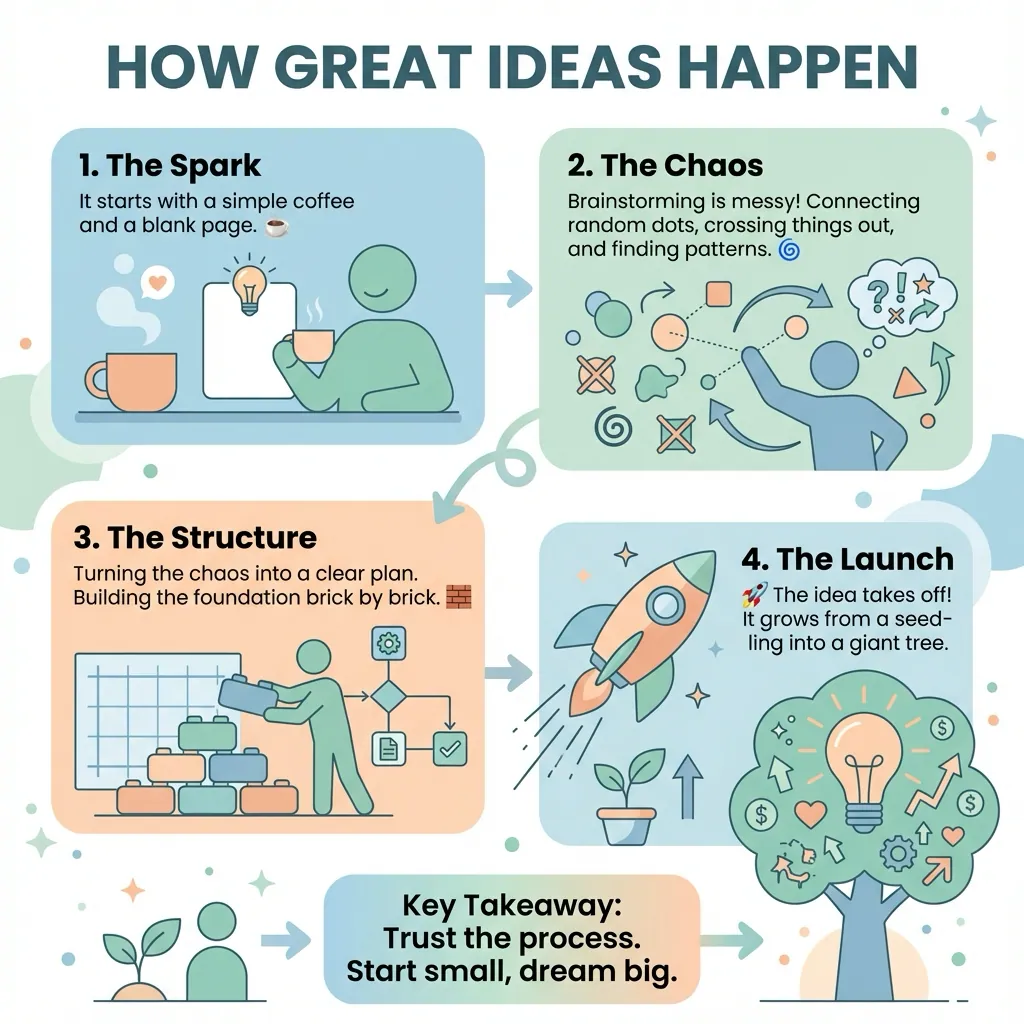
Corporate
Clean, on-brand decks, reports and stakeholder summaries.
Make one in Corporate →These are 12 of 40+ styles. See the full set on the features page.
Make your own visual notes, free
Paste text or upload a PDF, pick any style above, and download a high-res visual in under 30 seconds. No credit card.