
Make a quiz in minutes. No account, no catch.
Type your questions, play them, share a link or print the answer key. Nothing leaves your browser.
- Every question type
- Play, share or print
- No sign up
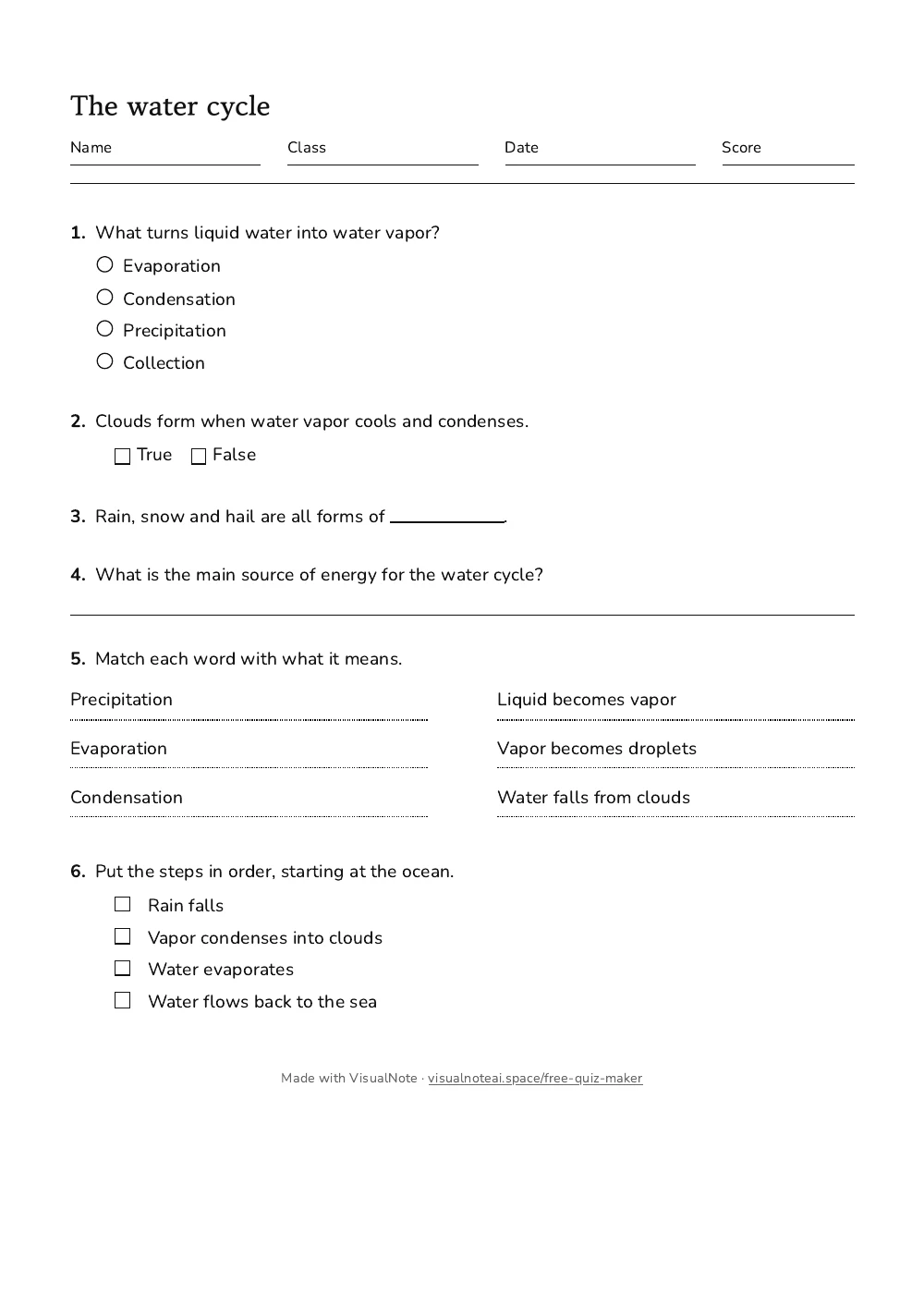
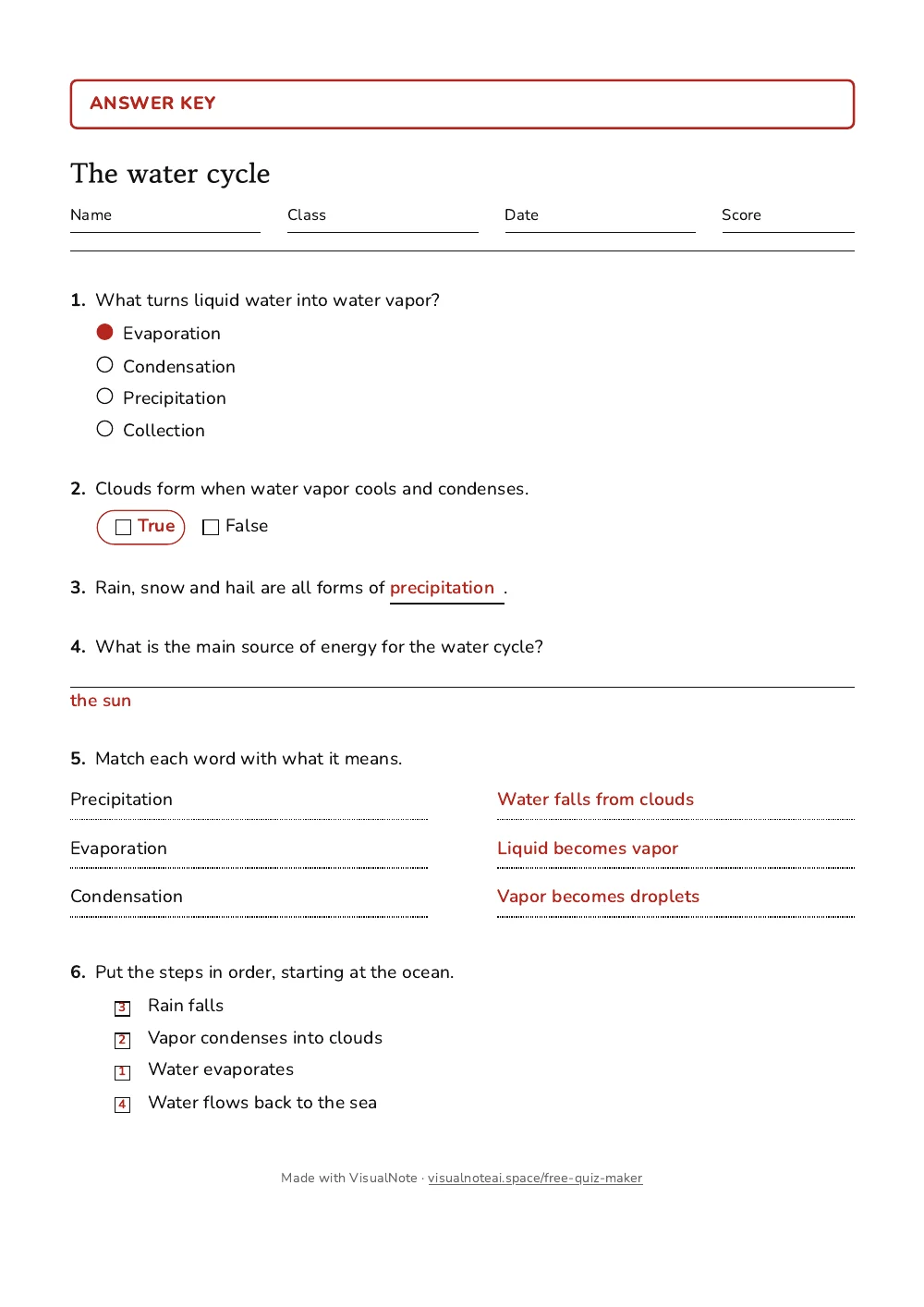
It prints as a real test, with its answer key
The printed sheet has name, class, date and score fields at the top. The answer key is the same sheet with the answers filled in, so the two can never disagree.
How it works
- Add questions from the gallery: multiple choice, true or false, fill in the blank, short answer, matching, ordering, checkboxes, open answers, tables, column maths and tracing lines.
- Choose Play preview to try it. Every answer gets instant feedback, and the end screen shows the score.
- Share the link, embed it on your site, or print the student copy and the answer key.
Rather not type every question?
This page is fully manual and always will be. With a free VisualNote account, the test maker writes the questions from your notes, a PDF or a photo of a paper test, and you edit them on the same kind of page. Removing the credit line from the printed sheet and getting a Word file are paid options there: $4.99 for one test, or included with Plus.
Generate these questions from your notesQuestions people ask
Is the quiz maker really free?
Yes. Making, playing, sharing and printing a quiz are free and need no account. The printed sheet carries one small line that says it was made with VisualNote. Removing that line and getting a Word file are paid options inside a free account: $4.99 for one test, or included with Plus. A live link that shows you who played and their scores is included with every free account.
Do I need to sign up?
No. You can make a quiz, play it, share it and print it without an account and without giving an email address.
Where is my quiz saved?
In this browser, on this device. Nothing you type is sent to our servers. If you clear your browser data the draft is gone, so copy the share link to keep a backup or to continue on another device.
How do my students take the quiz?
Send them the link. They answer in their browser, on a phone or a computer, and see right away whether each answer is correct. Nothing is installed. Their score stays on their screen: we do not collect names or answers.
Can students see the answers?
The whole quiz travels inside the link, so a determined student could find them. The tool is built for practice and review, not for graded exams. For a graded test, print it.
Which question types can I use?
Every type the test maker has: multiple choice, true or false, fill in the blank, short answer, matching, ordering, checkboxes, open answers, tables to fill, column maths and tracing lines, plus headers, section titles and instructions. Mix them freely. Online play covers the types with one right answer; the rest print.
Can I put a quiz on my website or blog?
Yes. Press Share, copy the embed code and paste it into your page. The quiz plays inside your page and keeps working for as long as the code is there.
Can AI write the questions for me?
Not on this page. With a free VisualNote account, the AI test maker drafts a test from your notes, a PDF or a photo of a paper test, and you can still edit every question.