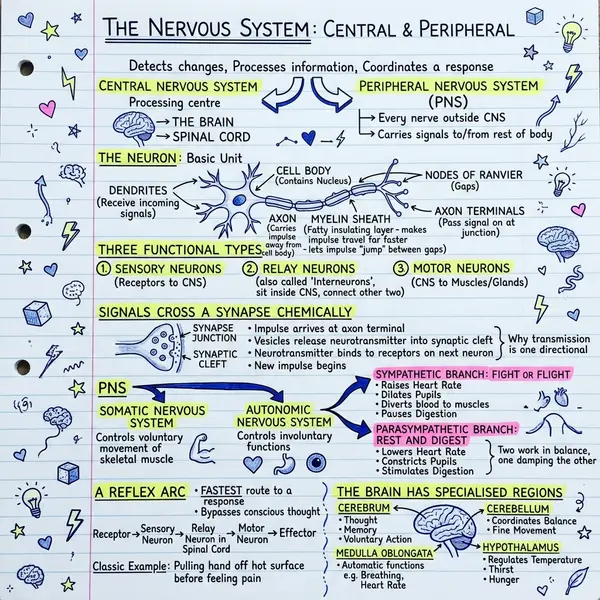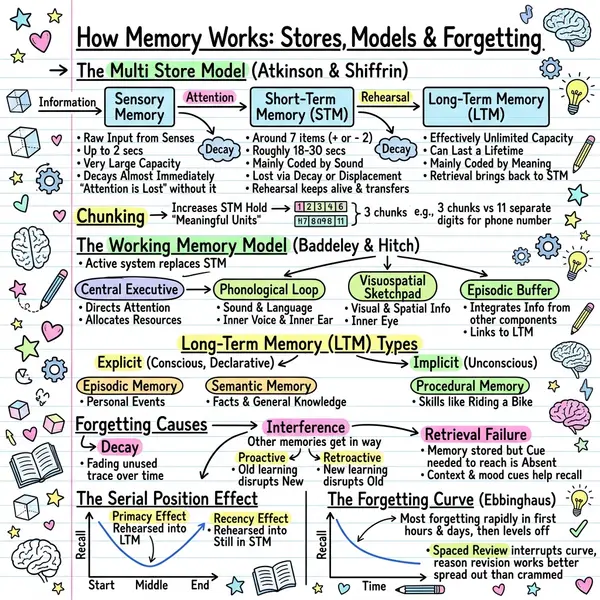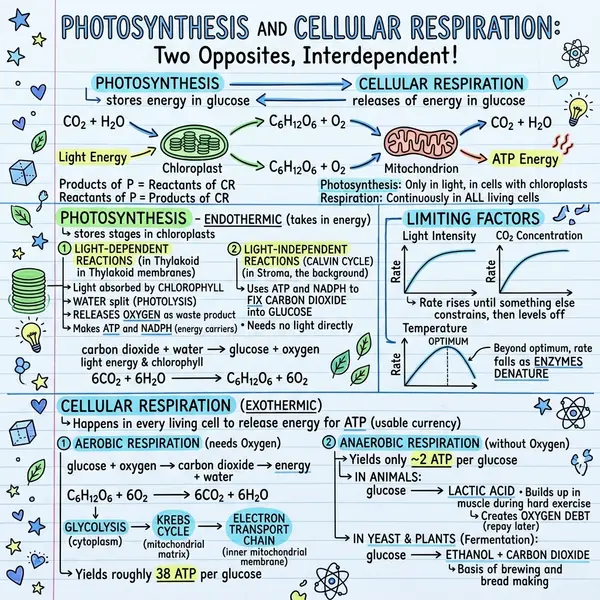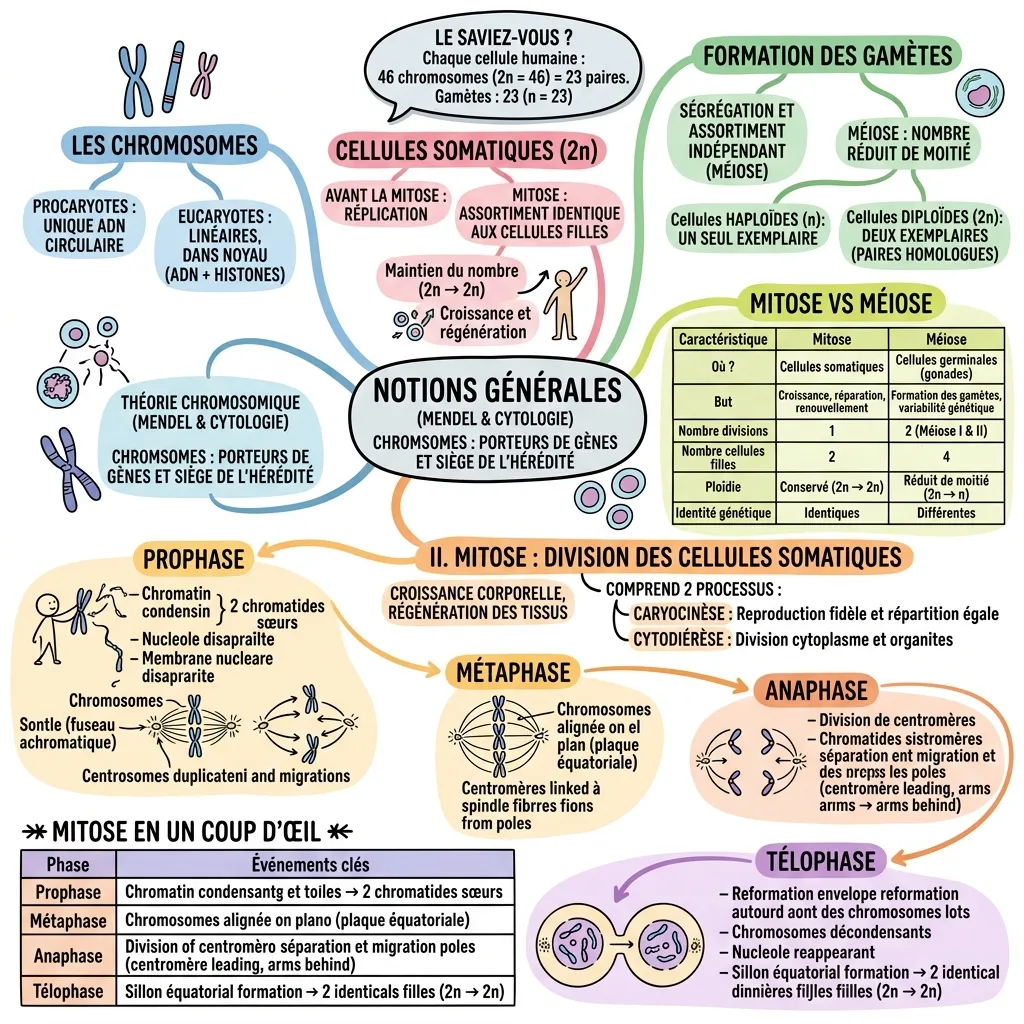
The quality gap between text-to-visual tools doesn't come from which image model they use. It comes from how seriously they take the planning step in the middle. Get planning right and the output reads like a page someone designed; get it wrong and you get a noisy poster. If you only want to try it, the text to visual AI tool is free to start.
How text-to-visual AI works
A text-to-visual pipeline has three stages. First, a language model reads your text and decides which 5–8 ideas matter most, ranks them, and groups them into a layout. Second, that plan is converted into a visual prompt — a description of the page, sections, and icons. Third, an image model renders the result as a single PNG, typically in a sketchnote or infographic style.
A naive tool sends your raw text straight to an image model and gets unreadable results. Strong tools invest in the planning step — that's why the same input produces a coherent layout instead of noise.
When to create a visual from text
- Turning a blog post into a LinkedIn or Instagram visual
- Compressing a long email into a one-image briefing
- Converting a meeting transcript into a recap visual
- Making a chapter or essay into a study sketchnote
- Producing weekly visual summaries for a newsletter
- Translating a product spec into an at-a-glance image for stakeholders
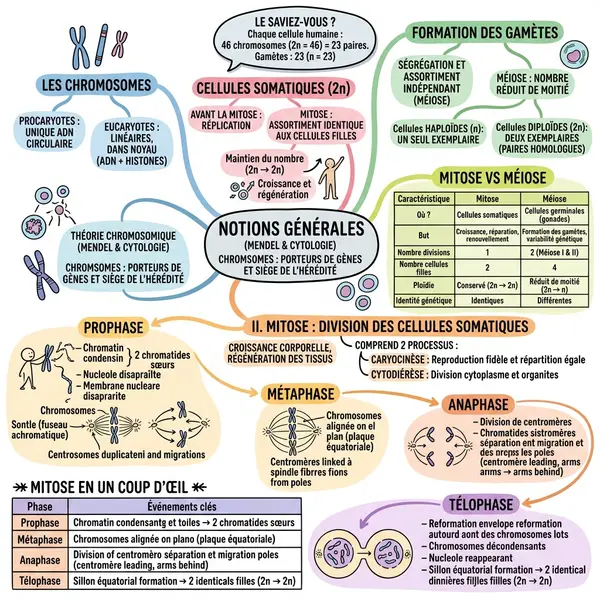
Step-by-step
Open the generator
Go to notes-to-visual. No login needed to test on the free tier.
Paste your text
200–3,000 words of plain text. The sweet spot is 500–1,500 for a single page. Above 3,000 you lose detail; under 200 the AI invents context.
Pick a style
Classic for general, Timeline for sequences, Blueprint for technical, Kanban for comparisons.
Generate
20–40 seconds. The AI reads, structures, prompts, and renders a 1024×1024 PNG.
Refine
Regenerate for a different composition. Switch styles for a structurally different result. Edit the input to drop or add details.
Text-to-visual vs text-to-image
Text-to-image tools (Midjourney, DALL-E, Stable Diffusion) produce art and photography from prompts. Excellent for hero images and illustrations. Weak at structured information design — text comes out garbled, layouts are unpredictable.
Text-to-visual AI is purpose-built for information design. Text renders cleanly because the system knows what words must appear. Layout is consistent because the planning step enforces structure. Pick text-to-image for creative assets; pick text-to-visual when the words matter.
Frequently asked questions
Is text-to-visual AI free?
Yes — free tier with generations every month. Plus is $13.99/month with higher limits and PDF upload. See pricing.
How long can the input be?
Up to a few thousand words. The sweet spot is 500–1,500. Longer inputs work but lose detail.
Can I use the visual commercially?
Yes — visuals you generate are yours to use commercially under standard terms.
Best style for a general blog post?
Classic. Switch to Timeline, Blueprint, or Kanban only when the structure of the source demands it.