
Free · no credit card
Turn a PDF into a mind map
Drop your PDF below and the AI maps its ideas into a live, editable diagram you can study from.
Lecture slides, papers, reports. Up to 10MB. Your PDF opens in the tool when you sign in.
Live demo
A real map, not a screenshot
Drag to pan, scroll to zoom. This is the same canvas you get after signing in.
Why use it
What the map gives you
A 40 page PDF, one diagramLecture slides, a research paper, or a report goes in; a map of its main ideas and how they branch comes out. You see the whole argument at once instead of scrolling.
Editable after extractionThe AI reads the document's text and builds the tree; you rename nodes, add branches it missed, and prune what does not matter for your exam or your meeting.
Study kit from the same uploadThe same PDF can also become a visual note and a flashcard deck, so the map is one part of a full study kit, not a dead end.
Three steps
How it works
STEP 01Upload your PDFUp to 10MB. The text is extracted automatically.
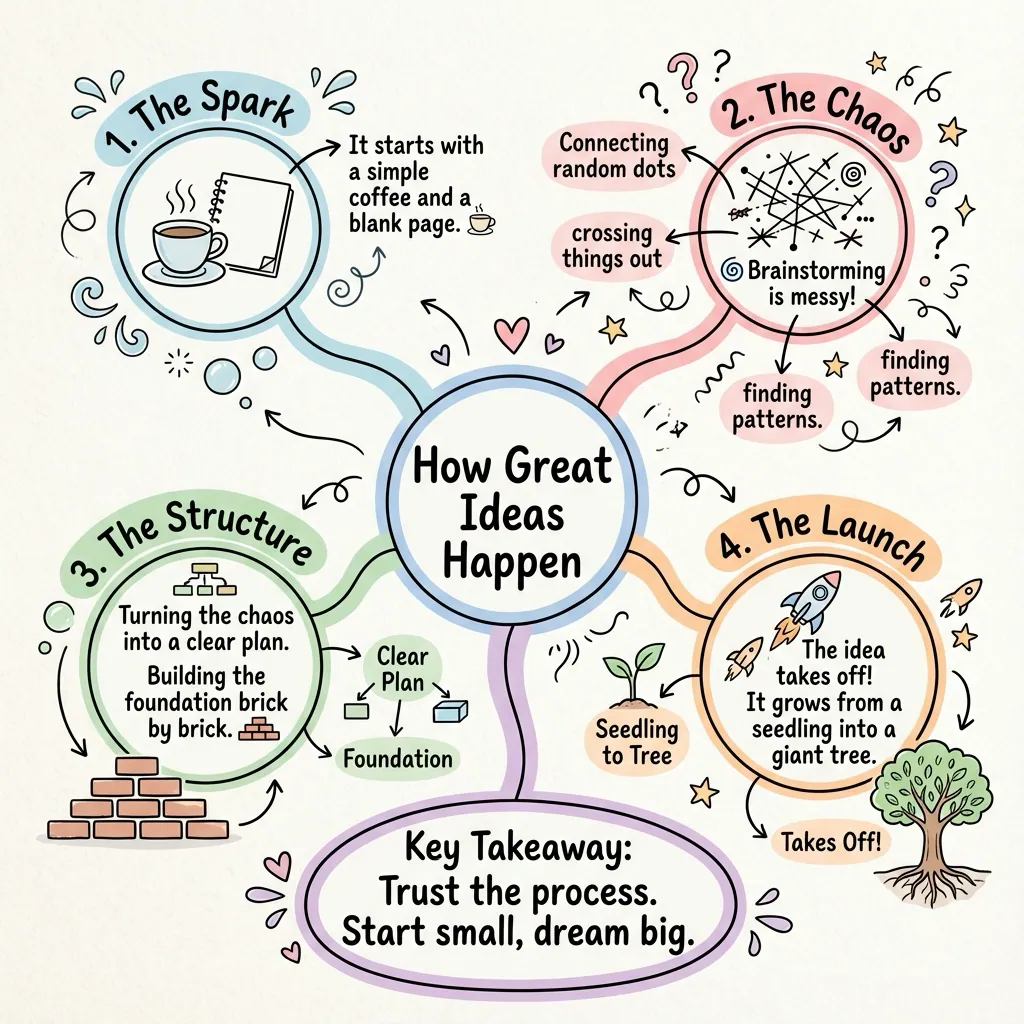
STEP 02The AI builds the treeMain topic, branches, details, laid out and connected.
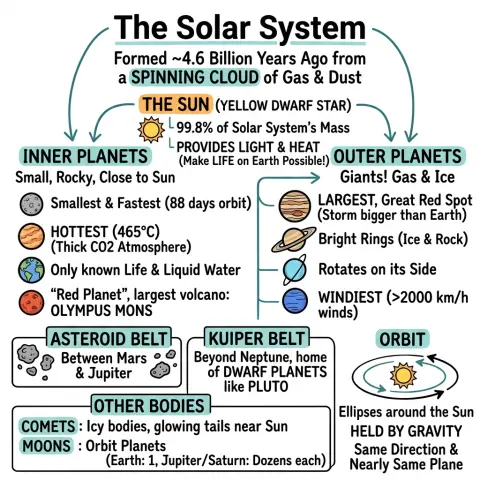
STEP 03Edit and exportAdjust any node, switch layouts, then download the map as a PNG.
Map your own PDF, free
Upload a PDF and get an editable map in seconds, with no credit card.