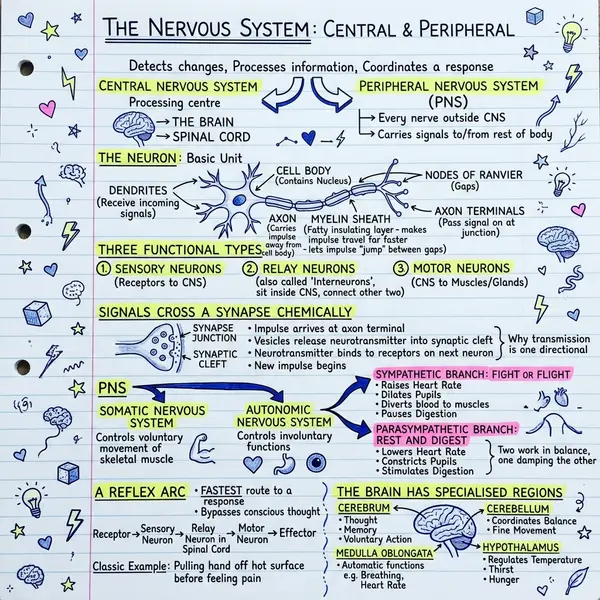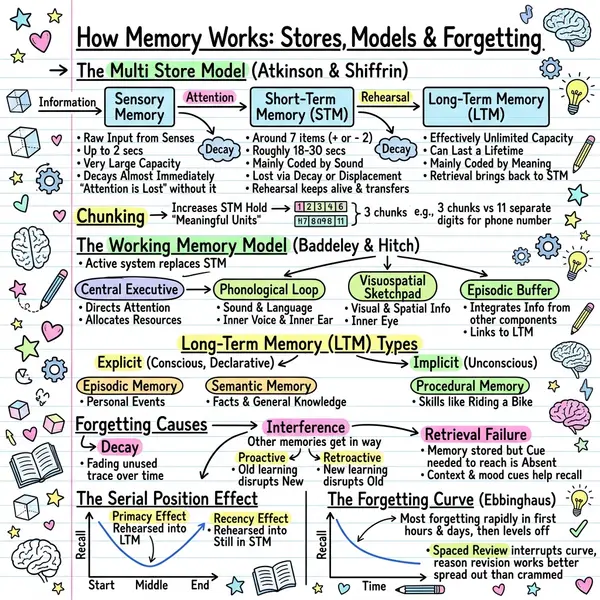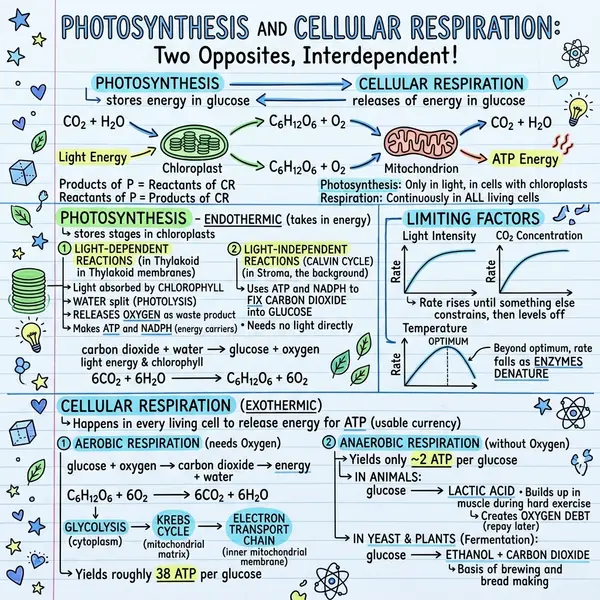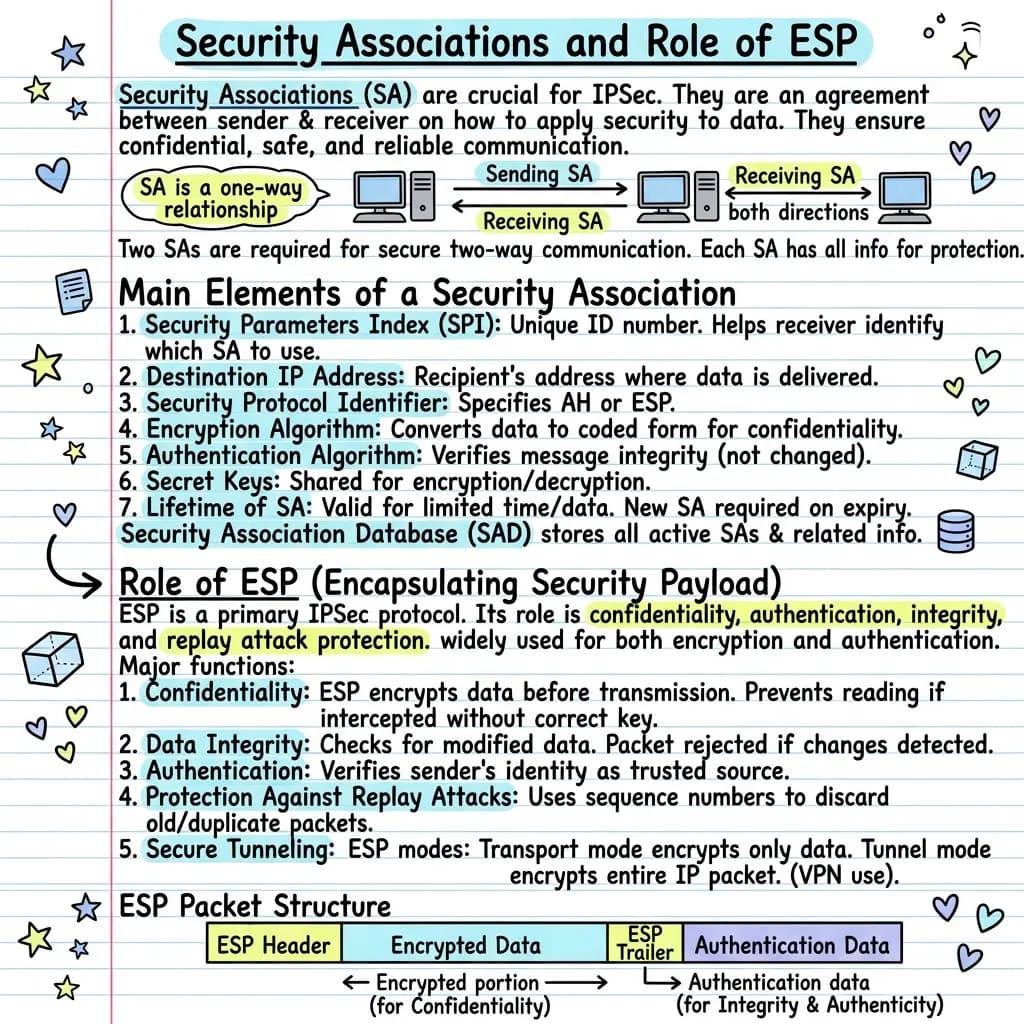
The AI handles three jobs that used to take you an hour: deciding which points matter, choosing a layout, and drawing the visual. You provide plain text; you get a sketchnote PNG you can paste anywhere.
What is “notes to visual AI”?
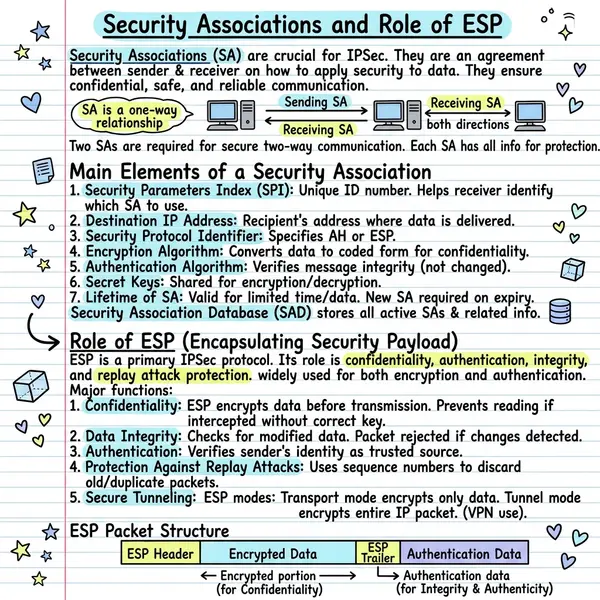
Any tool that uses a language model plus an image model together to read text-based notes and produce a structured visual document — a sketchnote, infographic, or mind map — without you opening a design tool. The result is a single PNG you can paste into Notion, Slack, email, a deck, or a study folder. It looks hand-drawn, reads in seconds, and acts as a memory anchor.
What kind of notes work best?
Almost anything text-based works, but quality of input drives quality of output. The best sources are:
- Lecture or class notes typed during or after a session
- Meeting transcripts and minutes (200–3,000 words)
- Book or article summaries you wrote yourself
- Research notes and literature reviews
- Brainstorms, project briefs, product specs
- Podcast or YouTube transcripts pasted as plain text
Under 100 words and the AI invents context. Over 6,000 words and it struggles to compress. The 500–3,000 word band is the sweet spot for a single-page visual.
The 5-step workflow
Open the generator
Go to notes-to-visual on visualnoteai.space. No account needed to try the free tier.
Paste your notes
Drop raw text into the input. No need to format with markdown or headings — the AI handles structure.
Pick a style
Classic is the safe default. Timeline for chronological notes, Kanban for comparisons, Blueprint for technical specs.
Generate
The AI reads, selects 5–8 points, and draws a sketchnote in 20–40 seconds. Background-friendly — keep working in another tab.
Download or regenerate
Like it? Download the PNG. Not quite? Regenerate — the second pass often surfaces a meaningfully different composition.
Real use cases
- Students turning lecture notes into revision sketchnotes — see use cases for students
- Teachers compressing a chapter into a one-page visual handout — see use cases for teachers
- Product managers turning meeting notes into shareable visual recaps
- Consultants converting client research into one-page visual briefs
- Writers turning podcast transcripts into LinkedIn carousels
Frequently asked questions
Is the free tool actually free?
Yes. The free tier on VisualNote AI gives you free generations every month with no credit card.
How long does generation take?
Typically 20–40 seconds depending on input length and current load.
Can I edit the visual after?
The output is a flat PNG. For text edits, drop the image into Figma or Canva and overlay.
Do you keep my notes?
Notes are processed through serverless endpoints and not stored permanently.
See the full FAQ or read the sketchnote infographic guide.