
Study with pictures you'll
actually remember.
Paste a chapter, drop a PDF or a YouTube link. VisualNote turns it into a sketchnote, mind map or flashcard deck in 30 seconds.
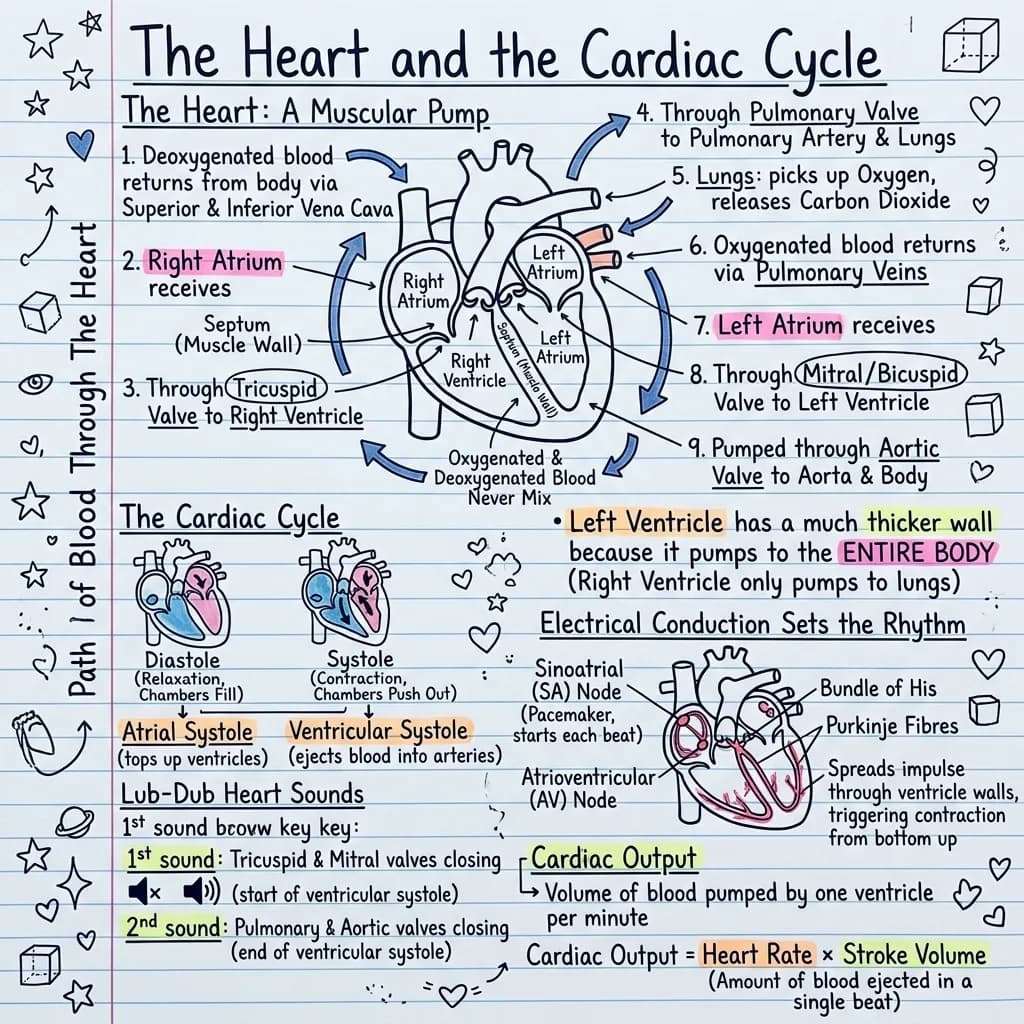
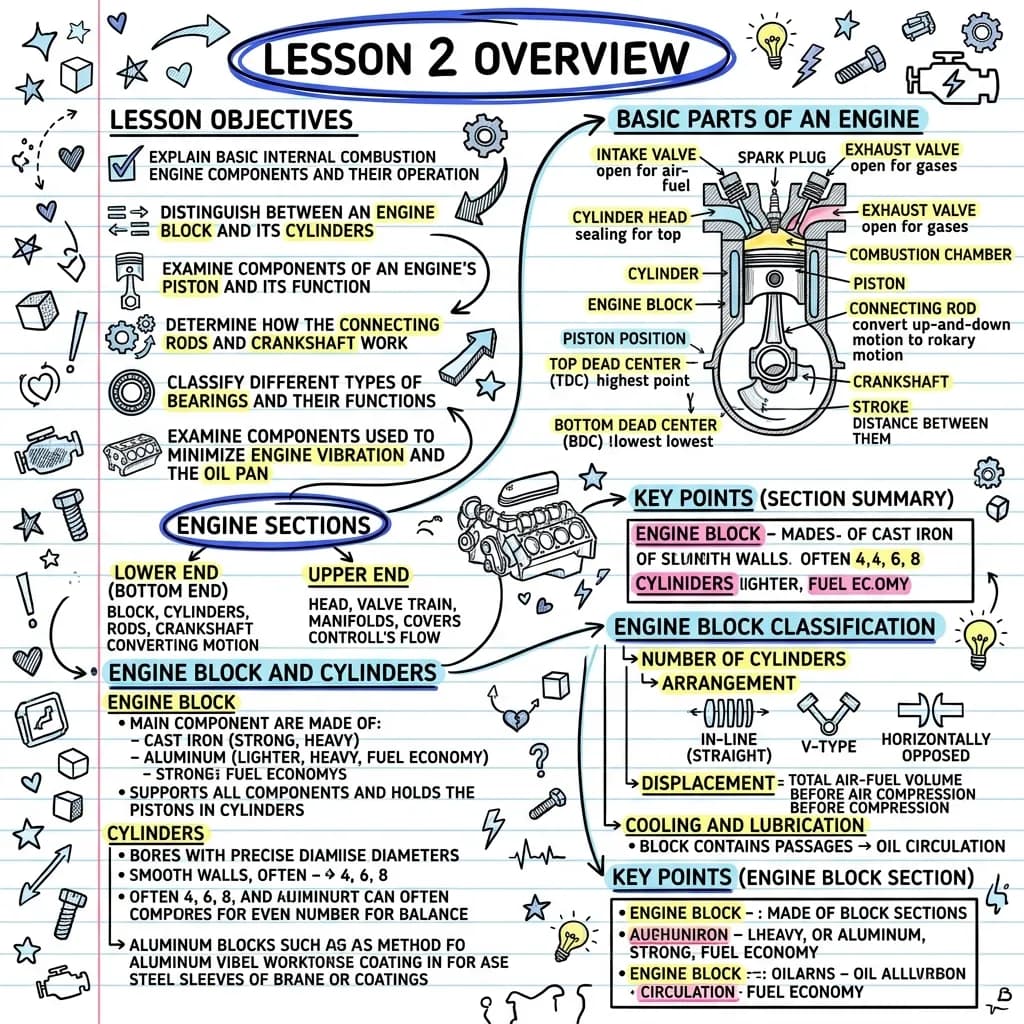
Understand it with a visual. Remember it with flashcards.
A summary shows you the shape of a topic. A deck makes you retrieve it. Every visual you generate can become a set of up to 30 question-and-answer cards, drawn from the same notes, PDF, or chapter you started with.
Test yourself
Tap the card to flip it. This is the same practice view you get inside the app.
1 / 3
What you can do with a deck
- Practice it here. Flip through the deck card by card, question first, answer second.
- Add more cards. If the deck missed something, generate more from the same source without repeating what you already have.
- Start over. Regenerate the whole deck if you want a different angle on the material.
Four ways to take it with you
- CSV for Anki, Excel, or Google Sheets.
- PDF through the print dialog, for a paper handout.
- Plain text to paste anywhere.
- An interactive page that works offline, with no login and nothing to install.
See how it all connects.
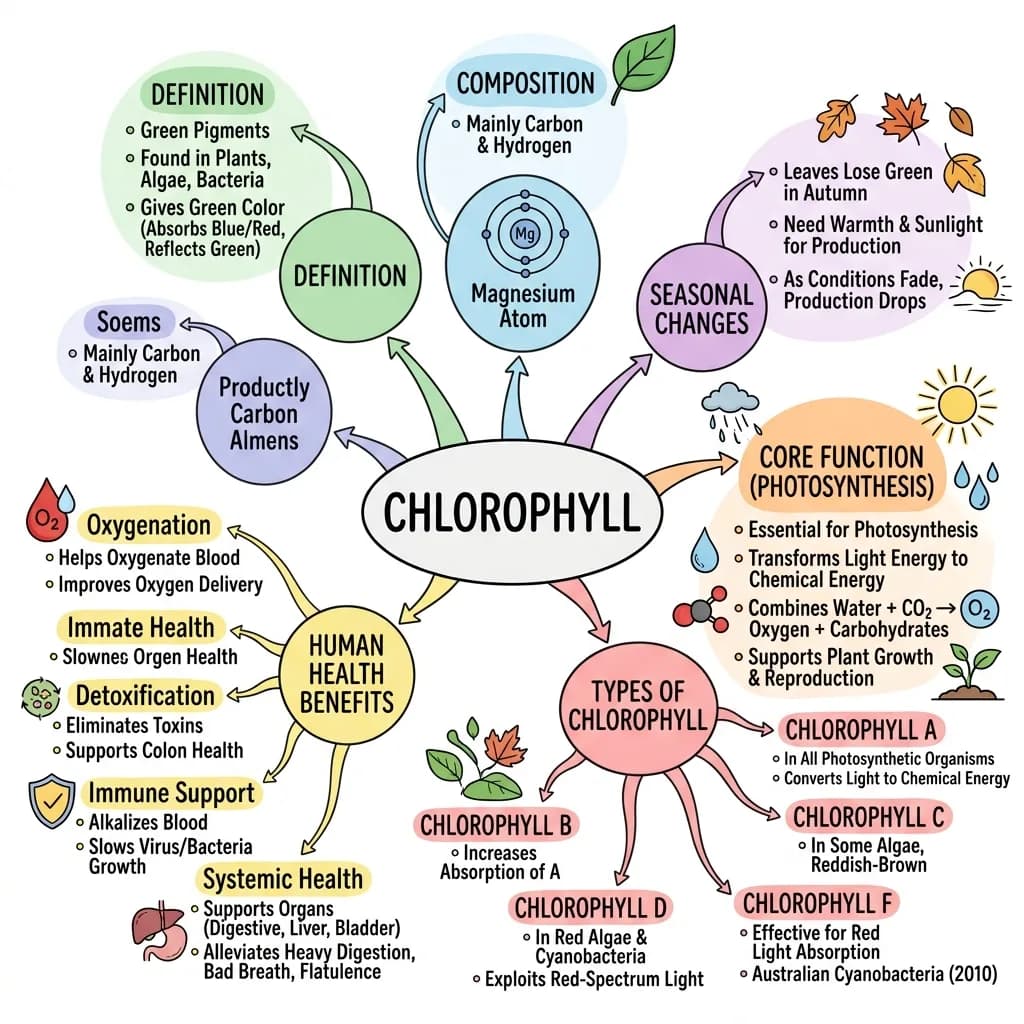
The same notes that become your visual and your deck also become a mind map: the main topic at the center, the themes branching out, the details on the edges. Every node is editable, and the map exports as a PNG.
Explore a real map
Generated by VisualNote AI from plain text, shown in the circular layout. Drag to pan, scroll to zoom.
What you can do with a map
- Pick the shape. Left-to-right, top-down, or the circular layout shown here, one click apart.
- Edit every node. Rename, add, or prune branches; the map relays out by itself.
- Export as PNG. Print it, drop it into slides, or stick it above your desk.
When a map beats a list
- Relationship-heavy topics. History causes, biology systems, grammar families.
- Revision at a glance. Cover a branch and recall what hangs from it.
- Planning. Essays, projects, and presentations start as branches.
Turn a YouTube video into a visual note.
Paste any YouTube link (a lecture, tutorial, or talk) and VisualNote AI summarizes the whole video into one shareable sketchnote, mind map, or infographic you can actually study from.
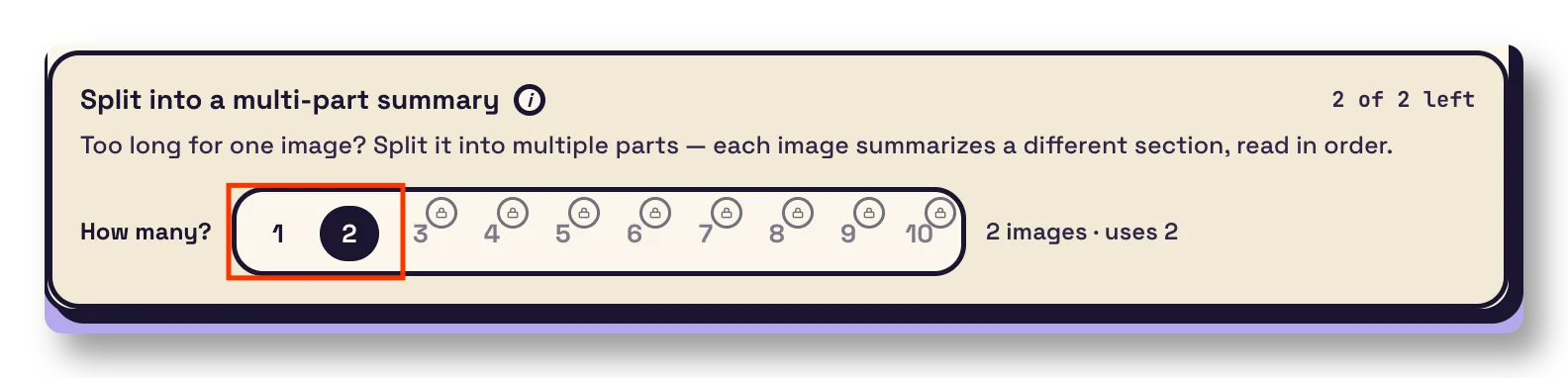
Long source? Split it into a set of visuals.
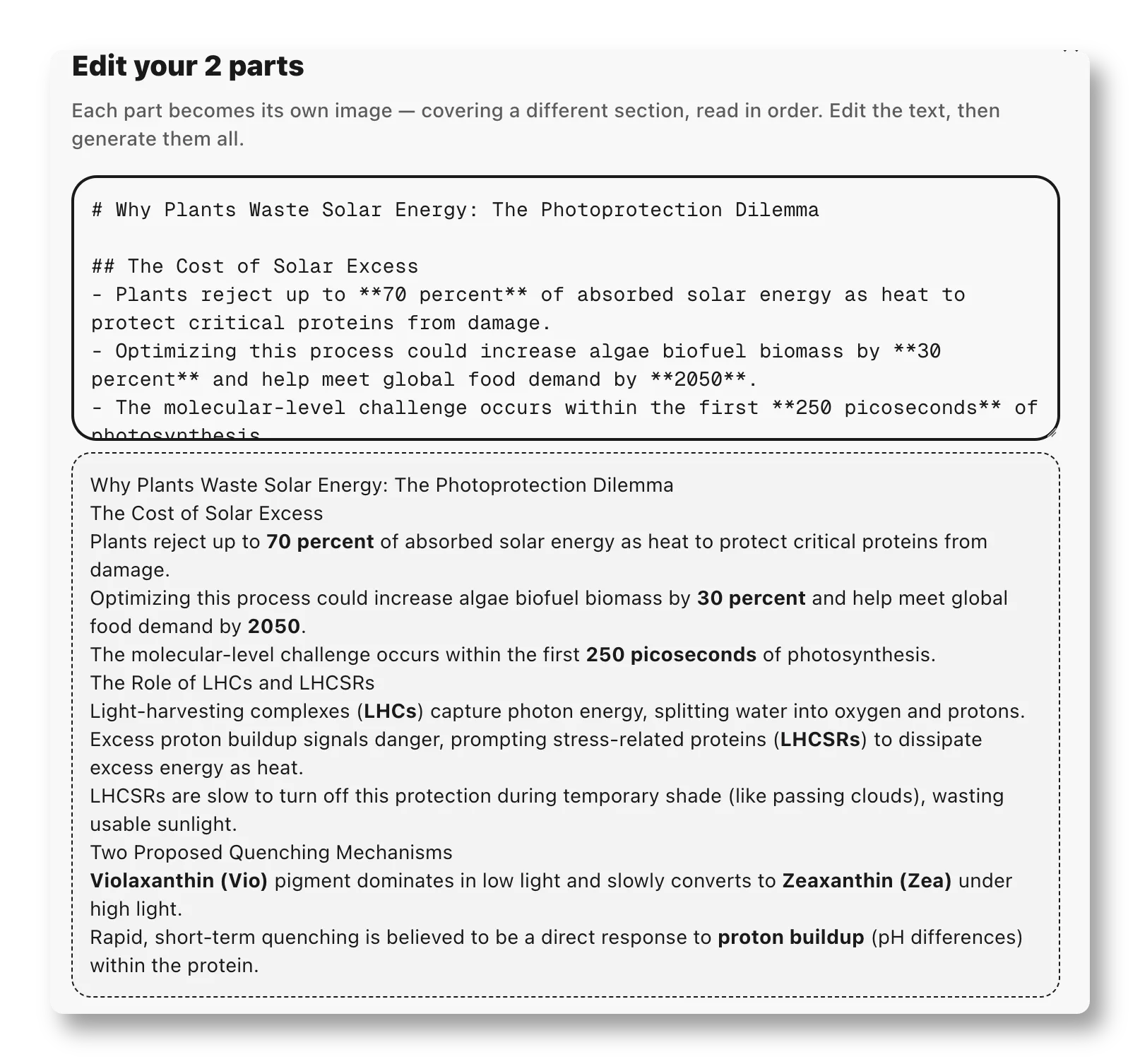
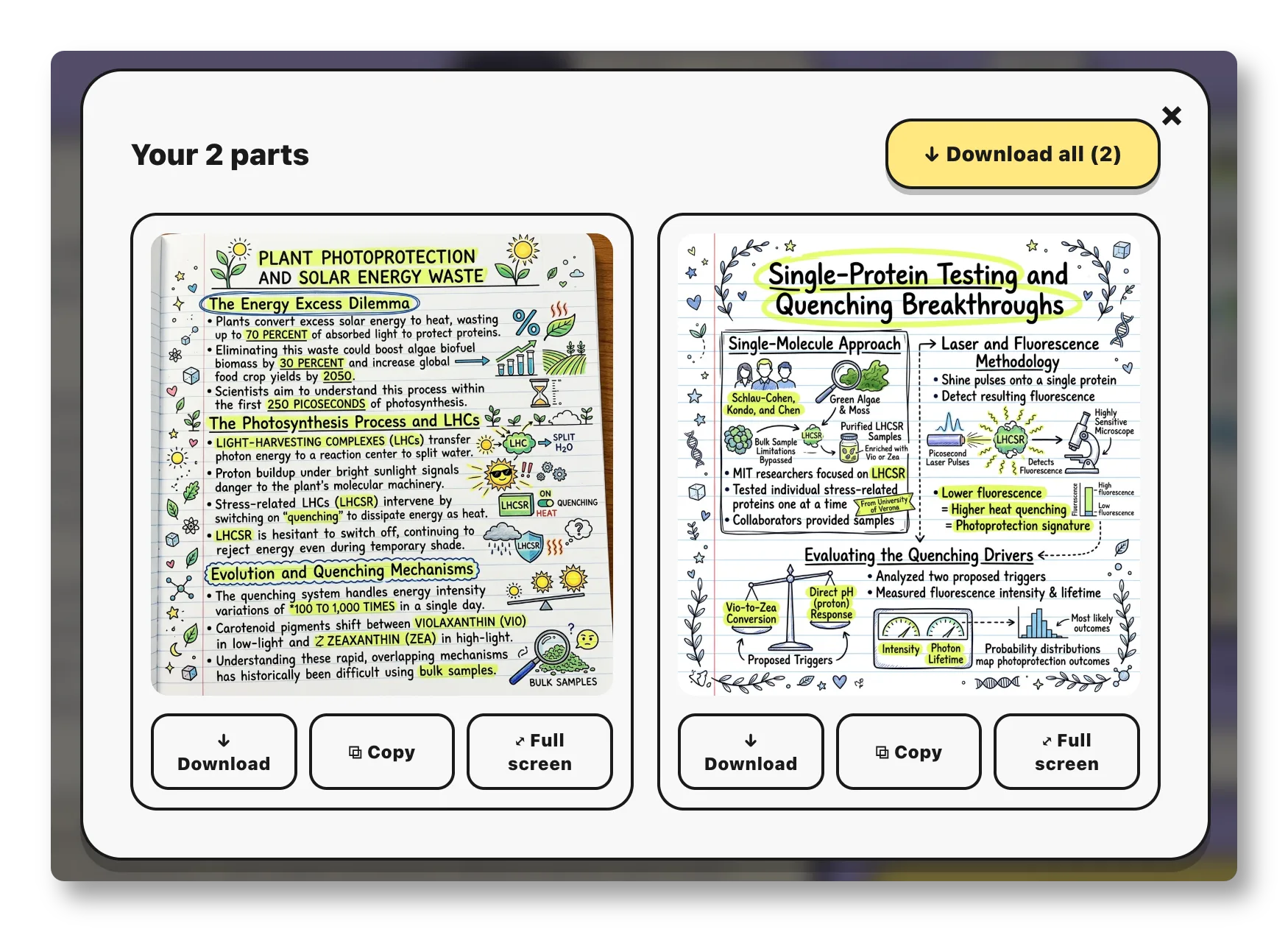
Too long for one image? New multi-part summaries break a PDF, article, or chapter into connected sections: each one becomes its own sketchnote, read in order.
From boring text to a visual
your brain actually keeps.
Drop in your content
Paste a chapter, upload a PDF, or dump your meeting notes. We accept up to 10MB: .pdf, .docx, plain text.
Choose your vibe
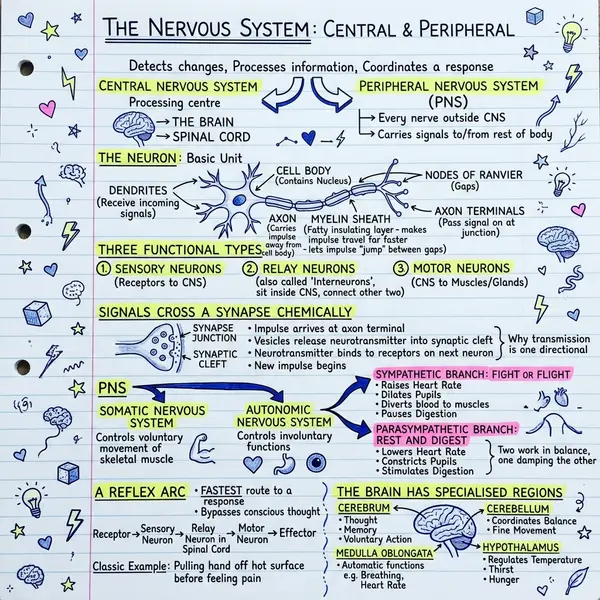
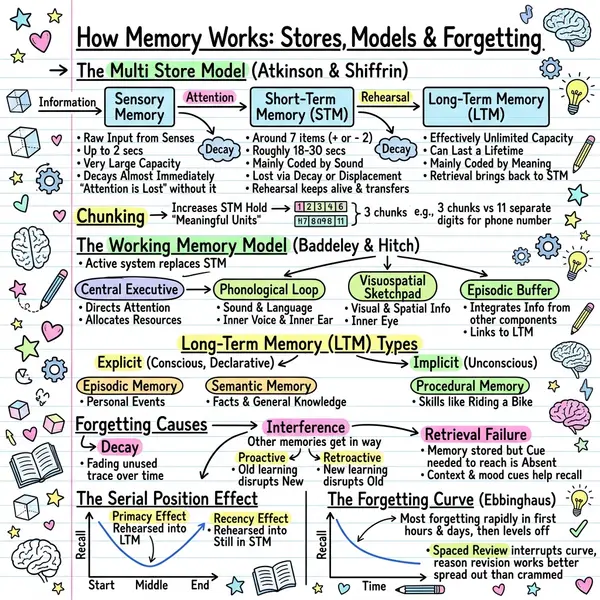
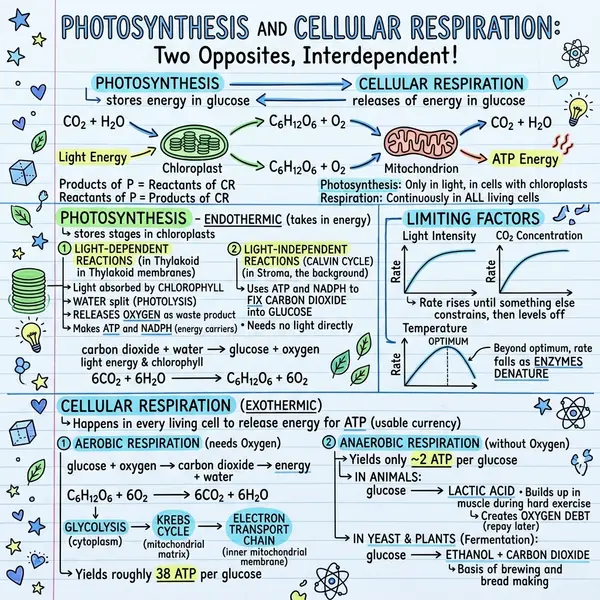
40+ styles, from clean infographic to scrappy notebook scribble. Whatever fits your class, post, or pitch.
Download or post
PNG, high-res, instantly. Drop it into Notion, Anki, slides, or post it to X: saved 3× more often.
Now: your style, any link.
Train the sketchnote on a reference image you already love, or skip the copy-paste and turn any article URL into a one-page visual.
Make every visual look like yours
Drop in a sketch, a slide, or a screenshot of a visual you love. The AI uses it as a style reference: same color palette, same line work, same layout language. The text and content come from your notes; only the look comes from your reference.
- Mirror your brand or notebook aesthetic across every visual
- No prompt engineering: the image does the work
- Works with hand-drawn references, designer mockups, or screenshots
Paste a URL → get a sketchnote
Skip the copy-paste from blogs, news articles, research write-ups, or Substack posts. Drop the URL in, we fetch the page, extract the structure, and hand it straight to the visual generator. One click, one sketchnote, no tab juggling.
- Works on articles, blog posts, knowledge-base pages, and docs
- Bullet-point summary lands in the editor: edit before you generate
- Unlimited on Plus · 3 free summaries on the Notebook plan
Who's using VisualNote?
Students, teachers, marketers, researchers and more: see how each team uses it on the use cases page.
Cram a chapter in half the time.
Skip the highlighters and 3am rewrites. Drop your textbook PDF and get a one-page visual you can scan before the exam.
- ✓ Turn 40 pages into one shareable PNG
- ✓ Works on lecture slides, PDFs, and raw notes
- ✓ Send the visual to your group chat: instantly the favorite
- ✓ Student plan: 50% off with a .edu email
See an actual textbook page become a one-pager.
Upload a PDF, Word doc, or text file up to 10MB. We extract the key concepts and render them in your chosen style.
Before: PDF document
Upload any PDF, Word document, or text file.
After: visual one-pager
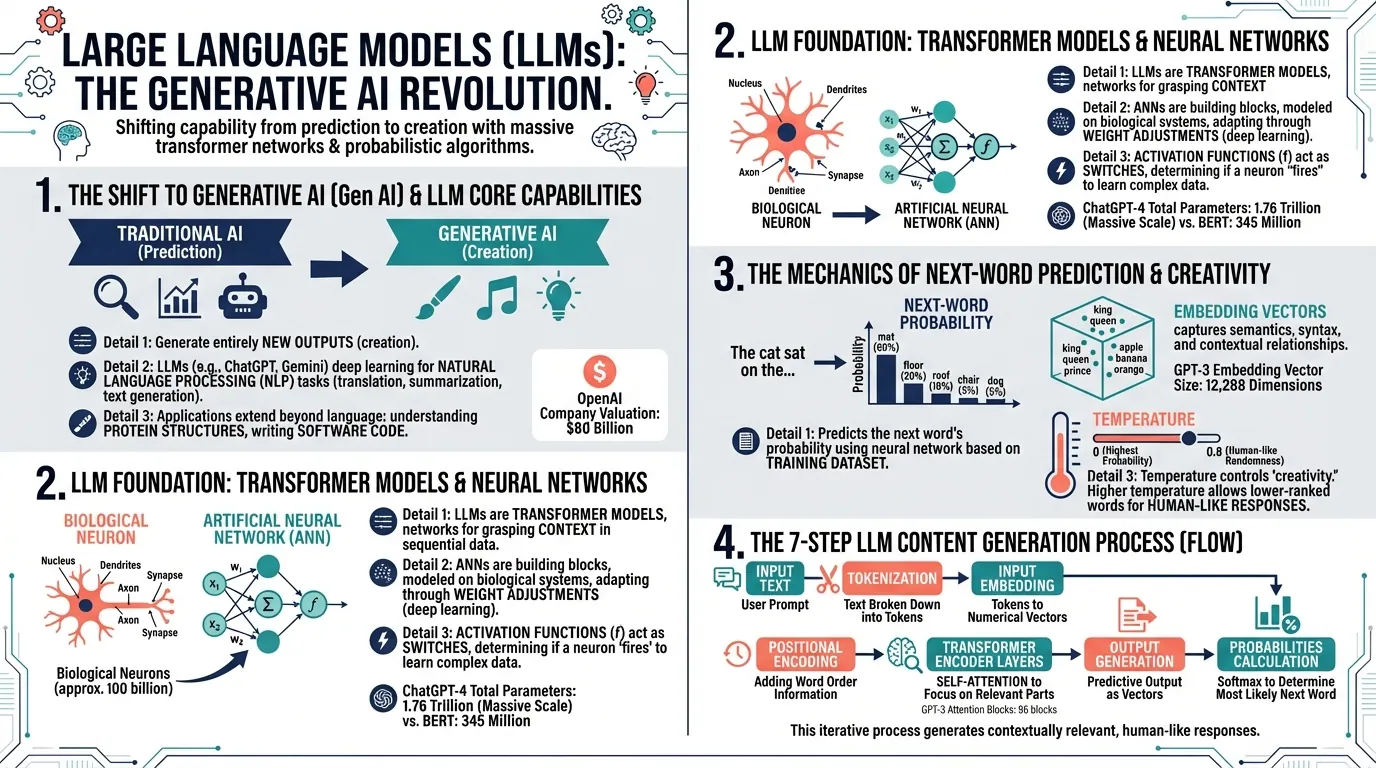
Beautiful, sharable visual notes generated in under 15 seconds.
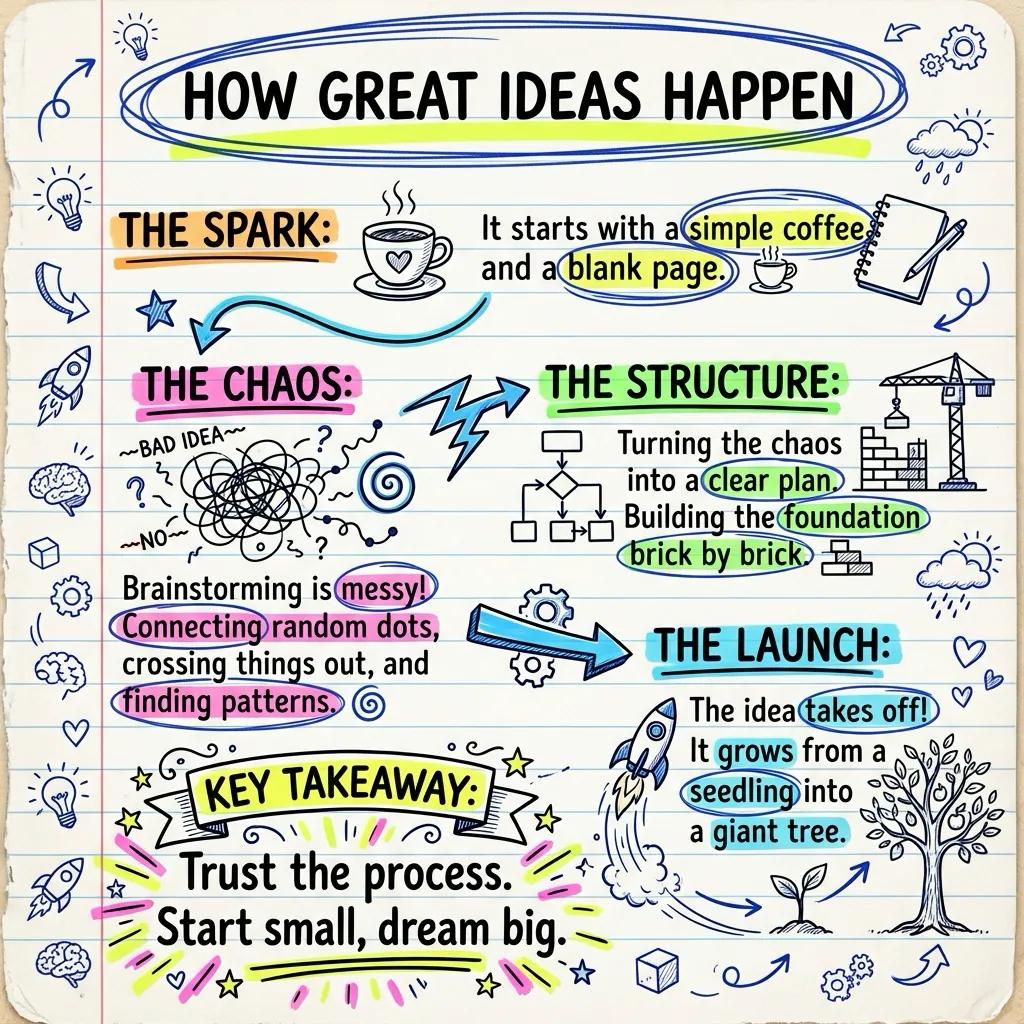
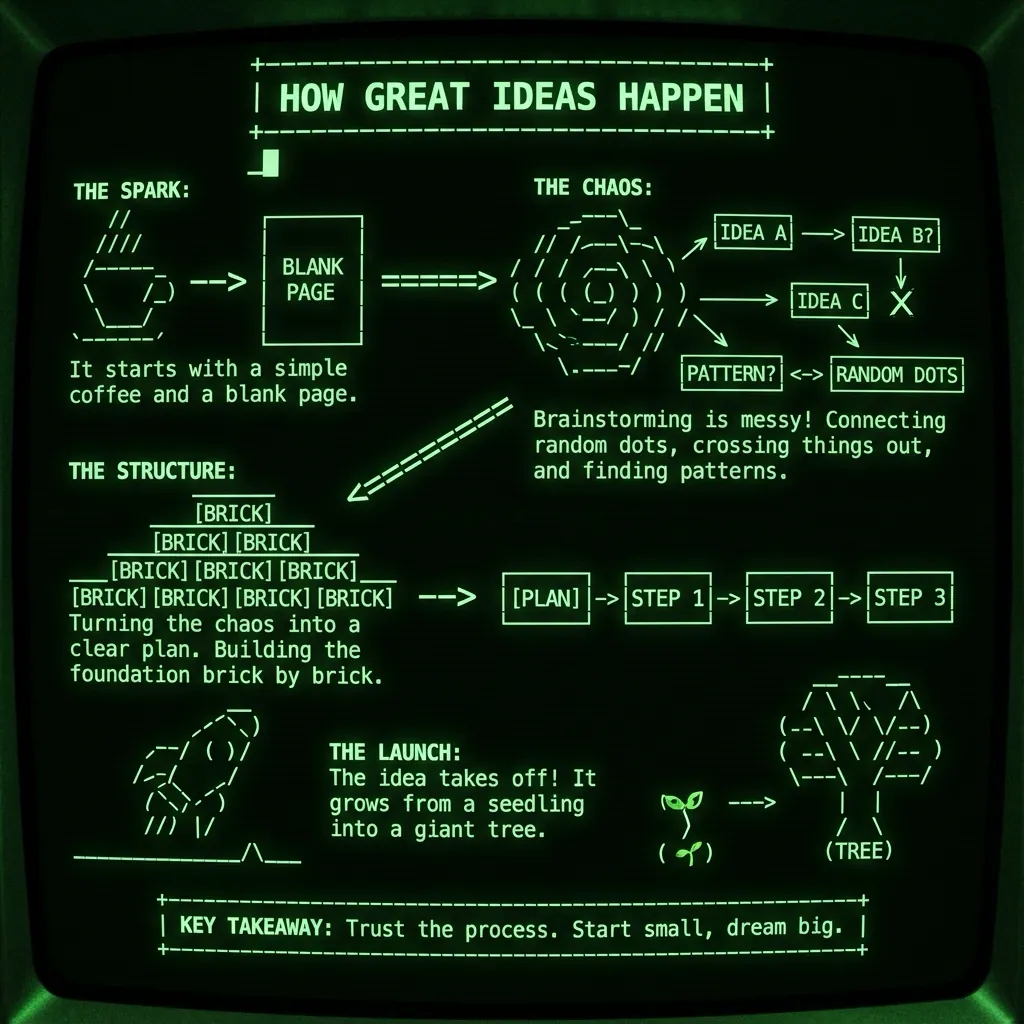
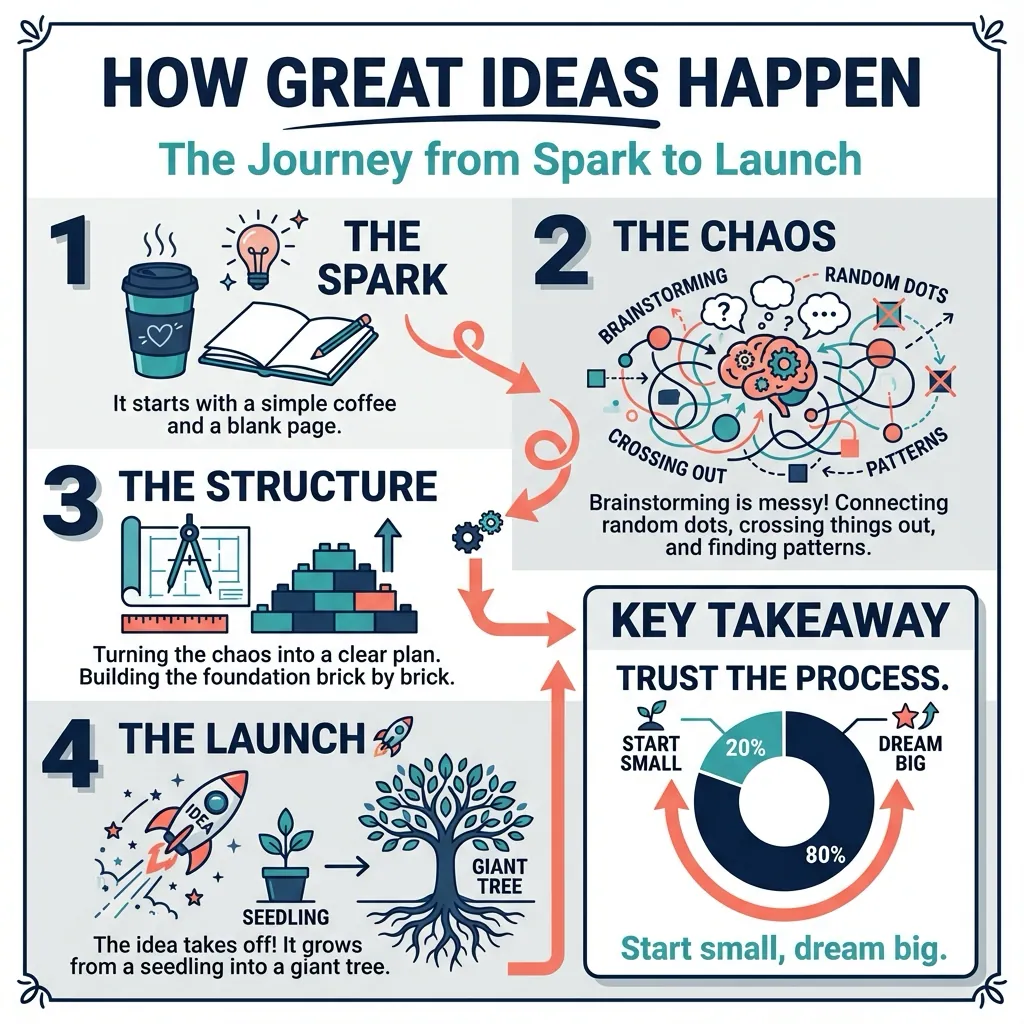
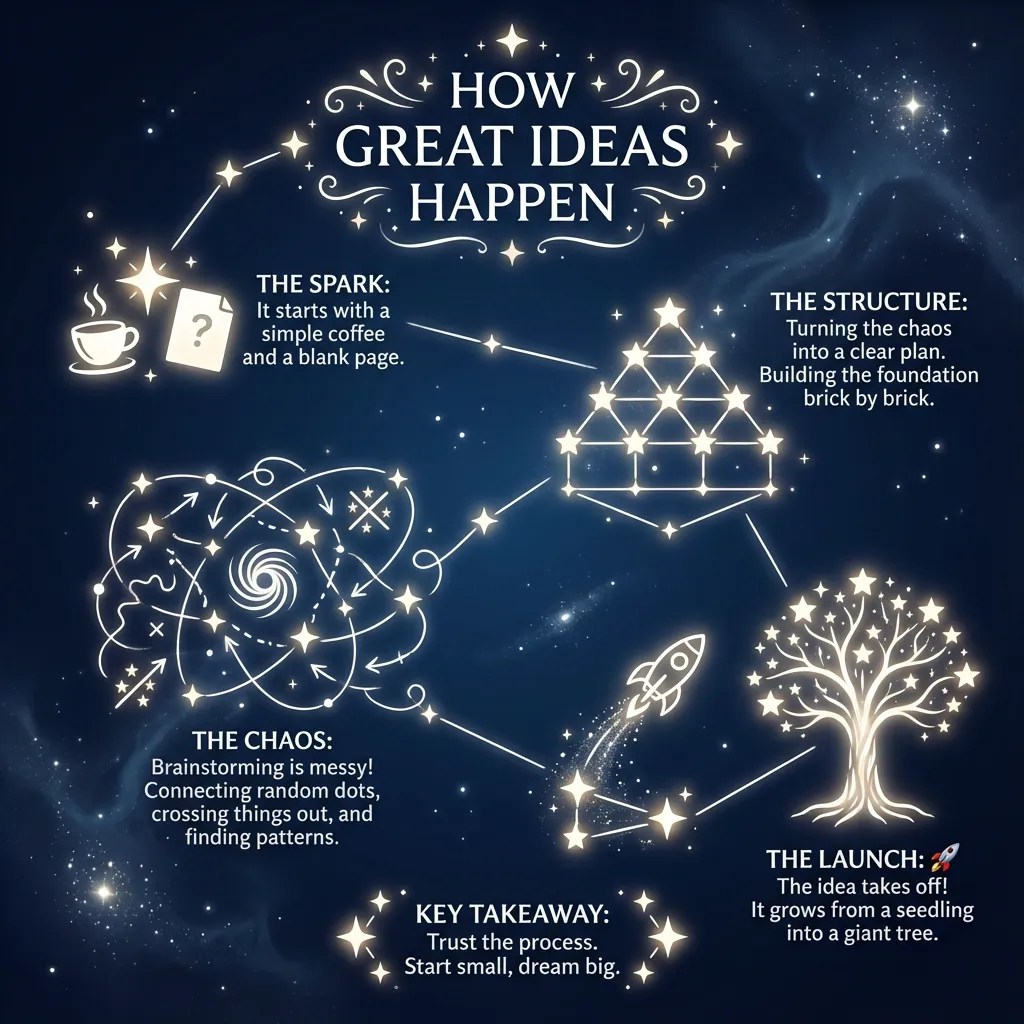
Pick the style. We'll match the vibe.
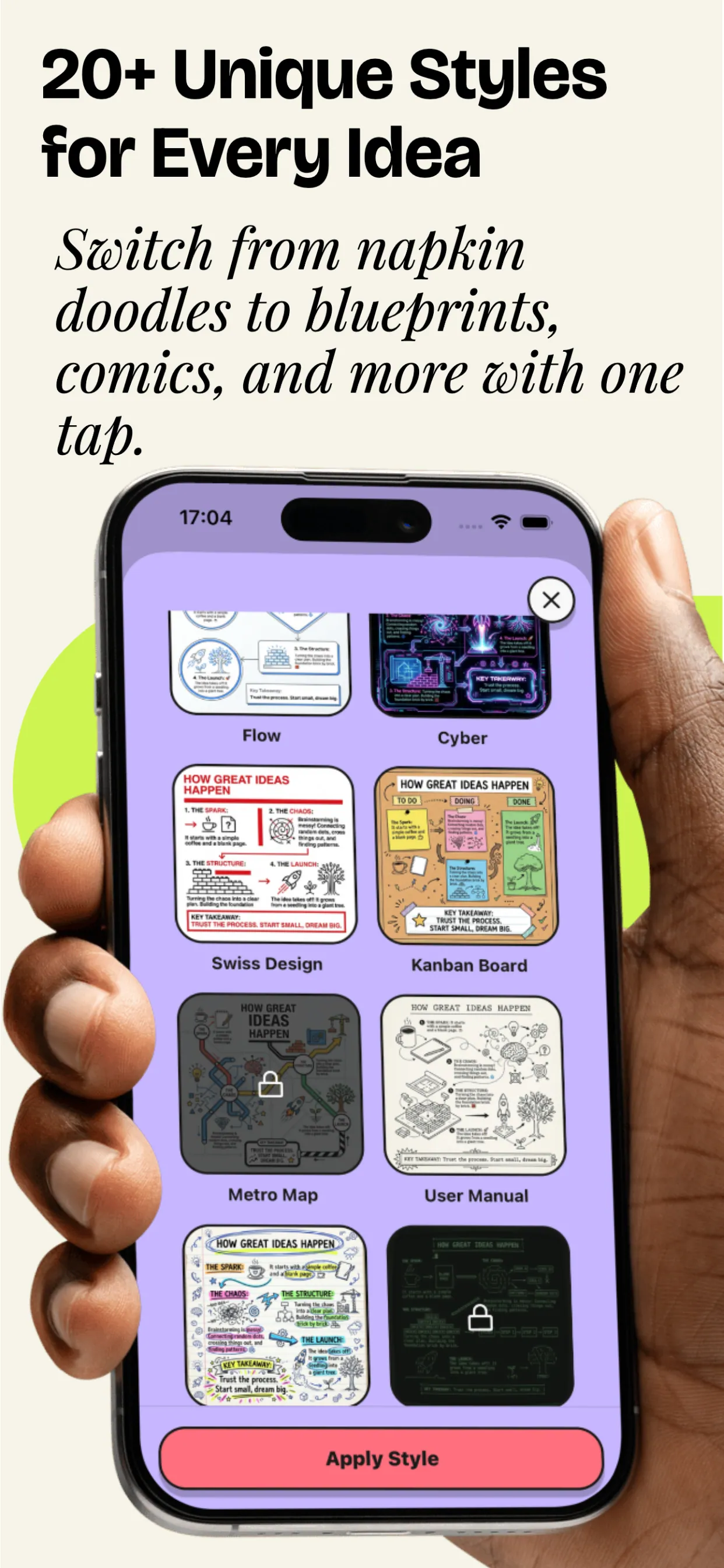
From hand-drawn napkin scribbles to clean dashboard infographics. Free users get 5 styles: Plus unlocks everything.
Explore styles
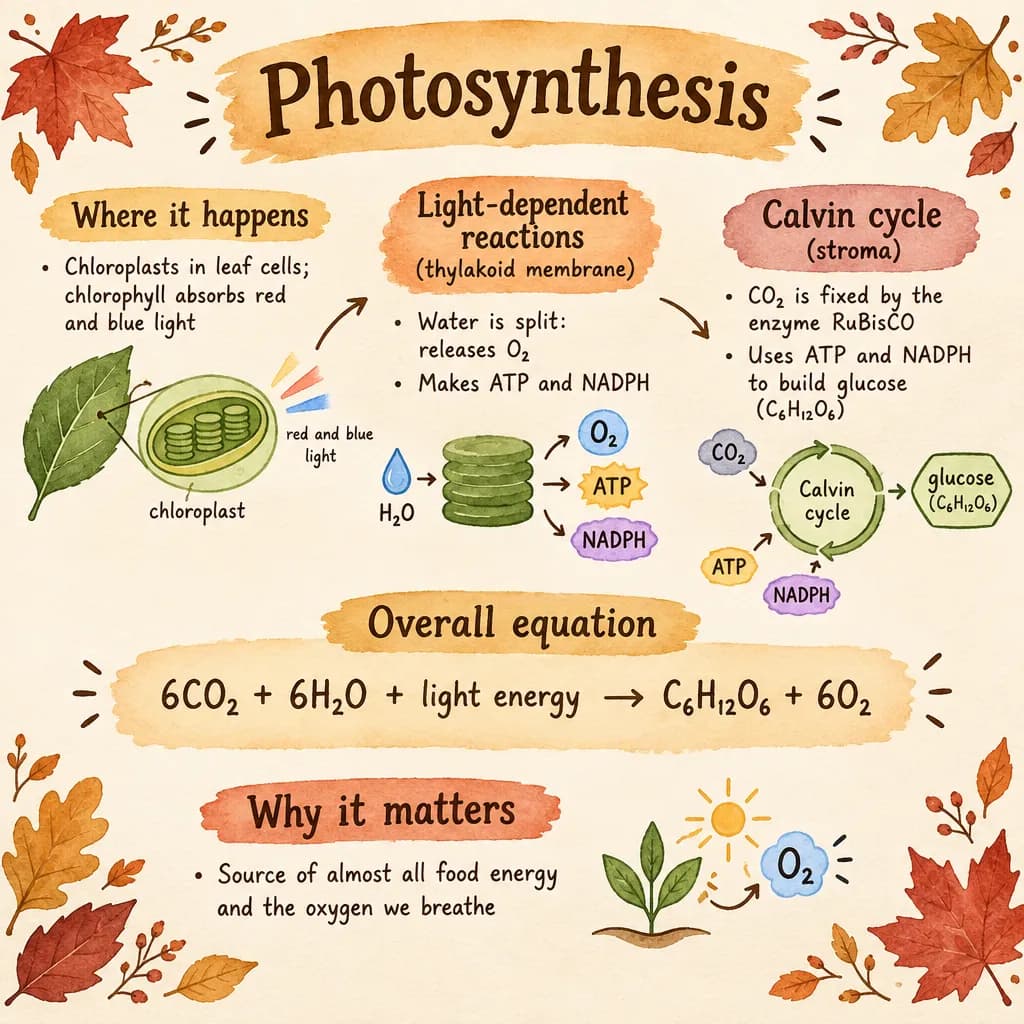
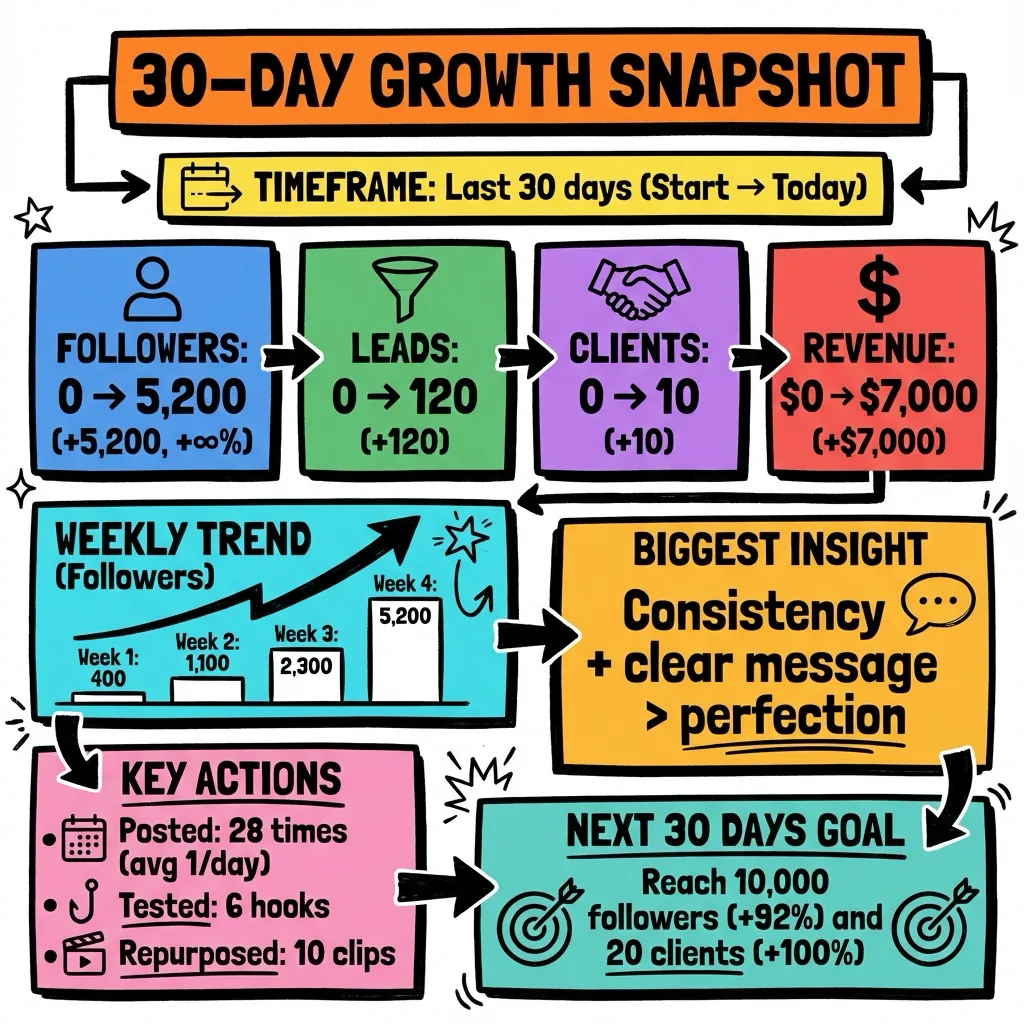
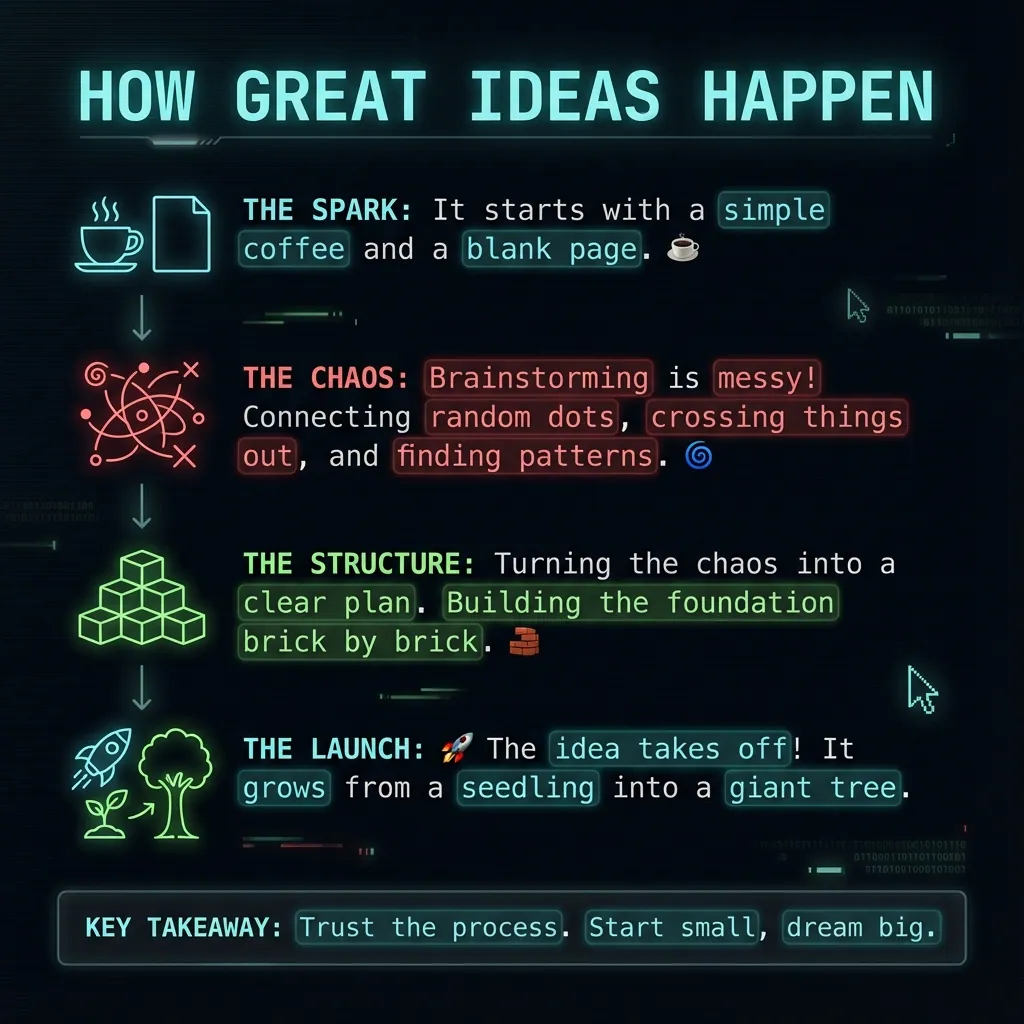
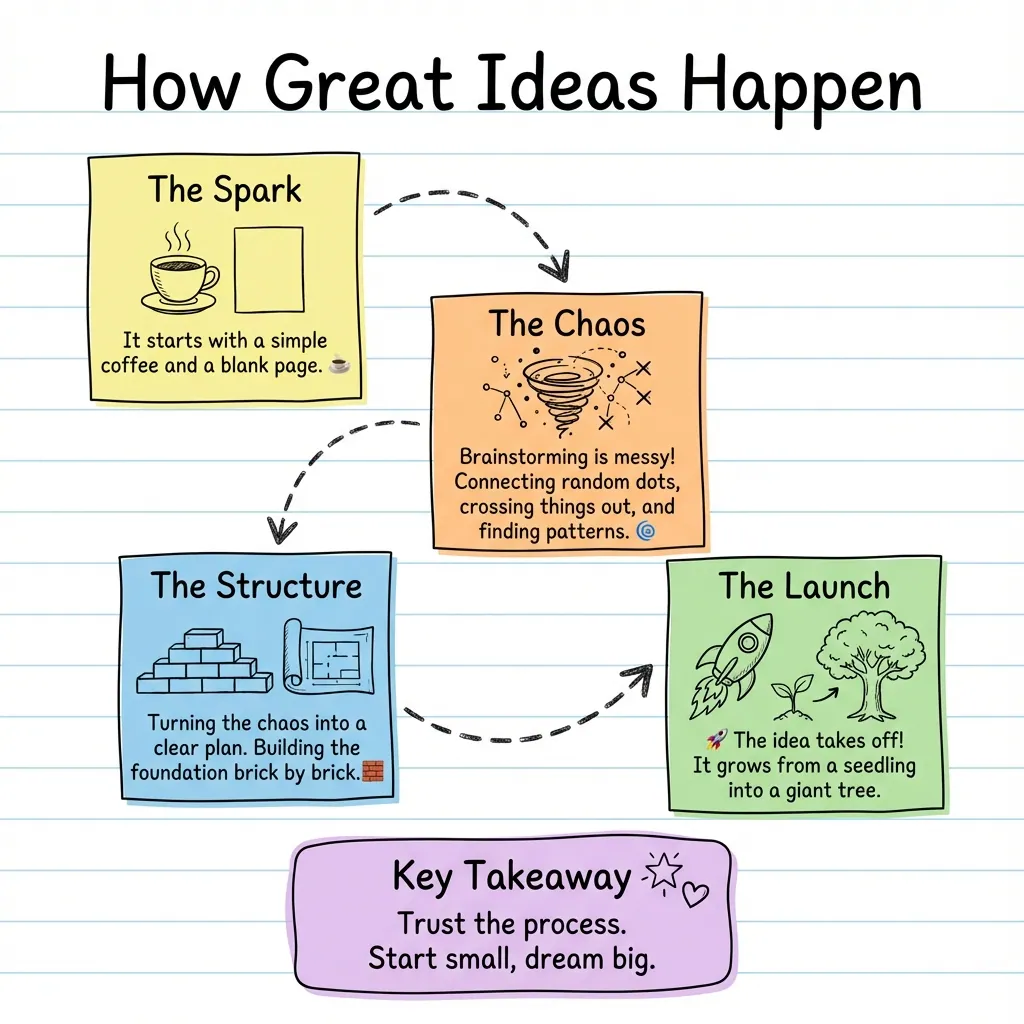
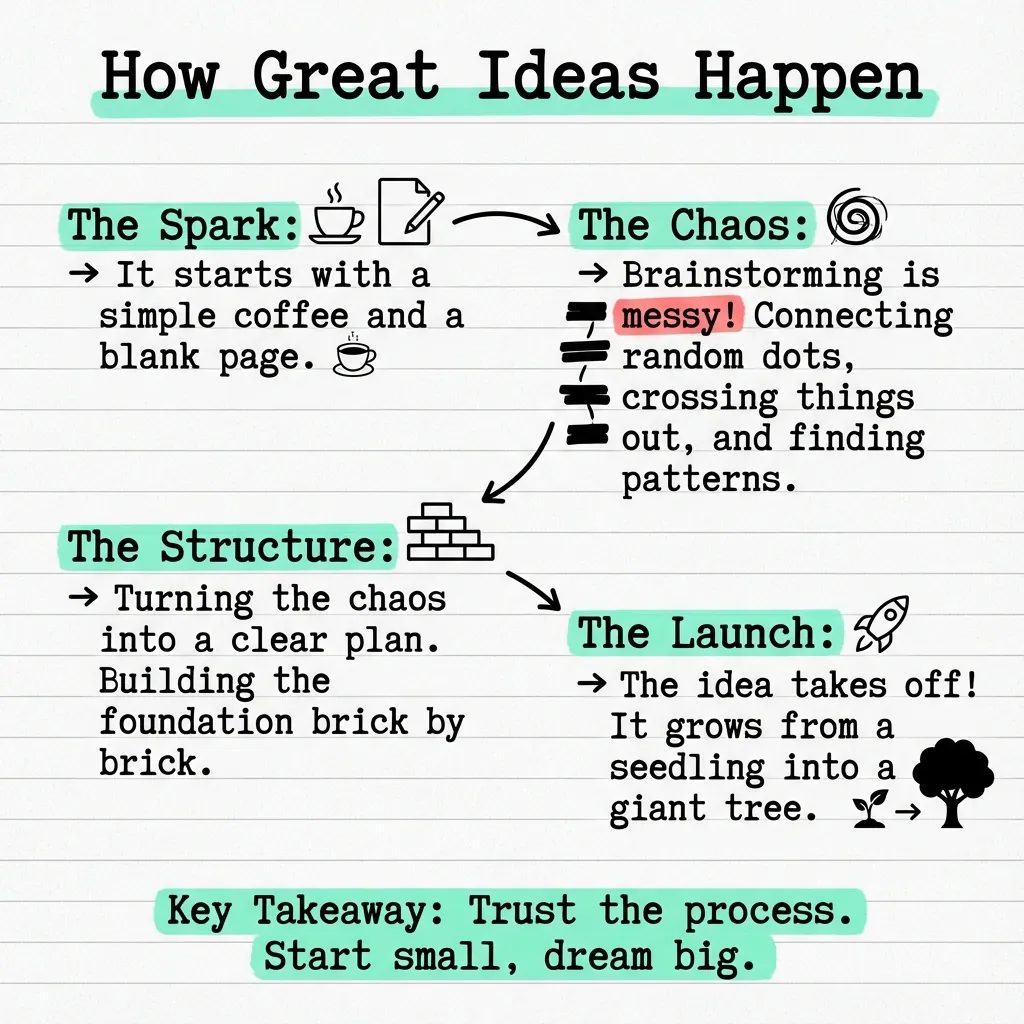
From sketchnotes to dashboards: pick a look that fits your content and audience. Hover to pause and browse.
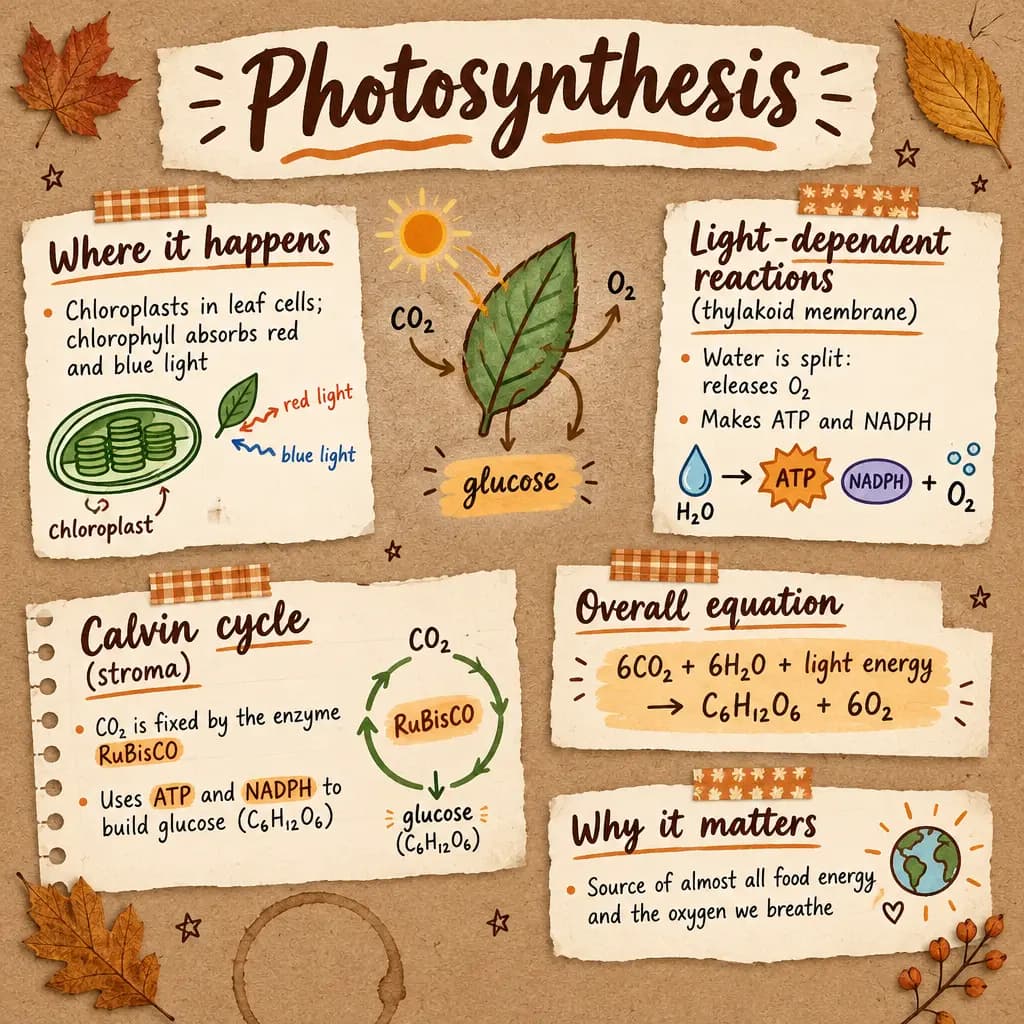
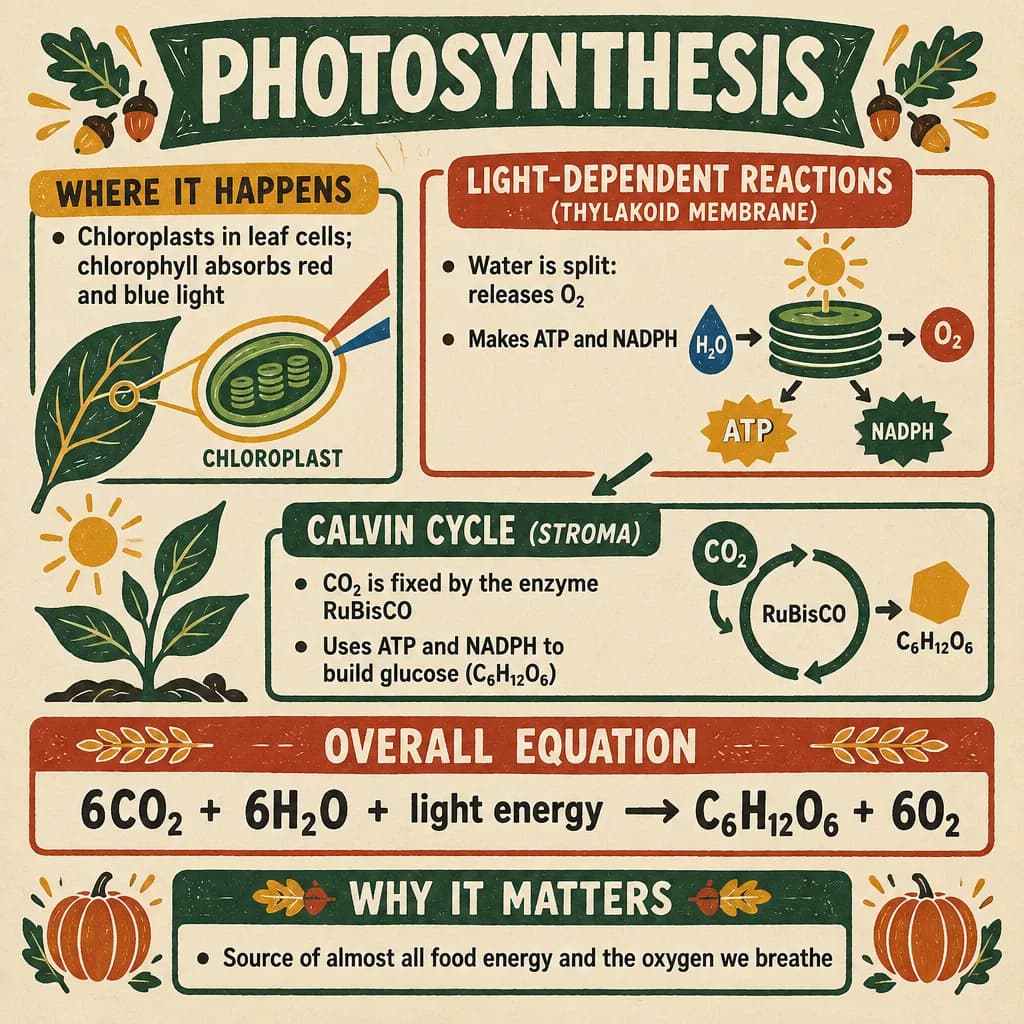
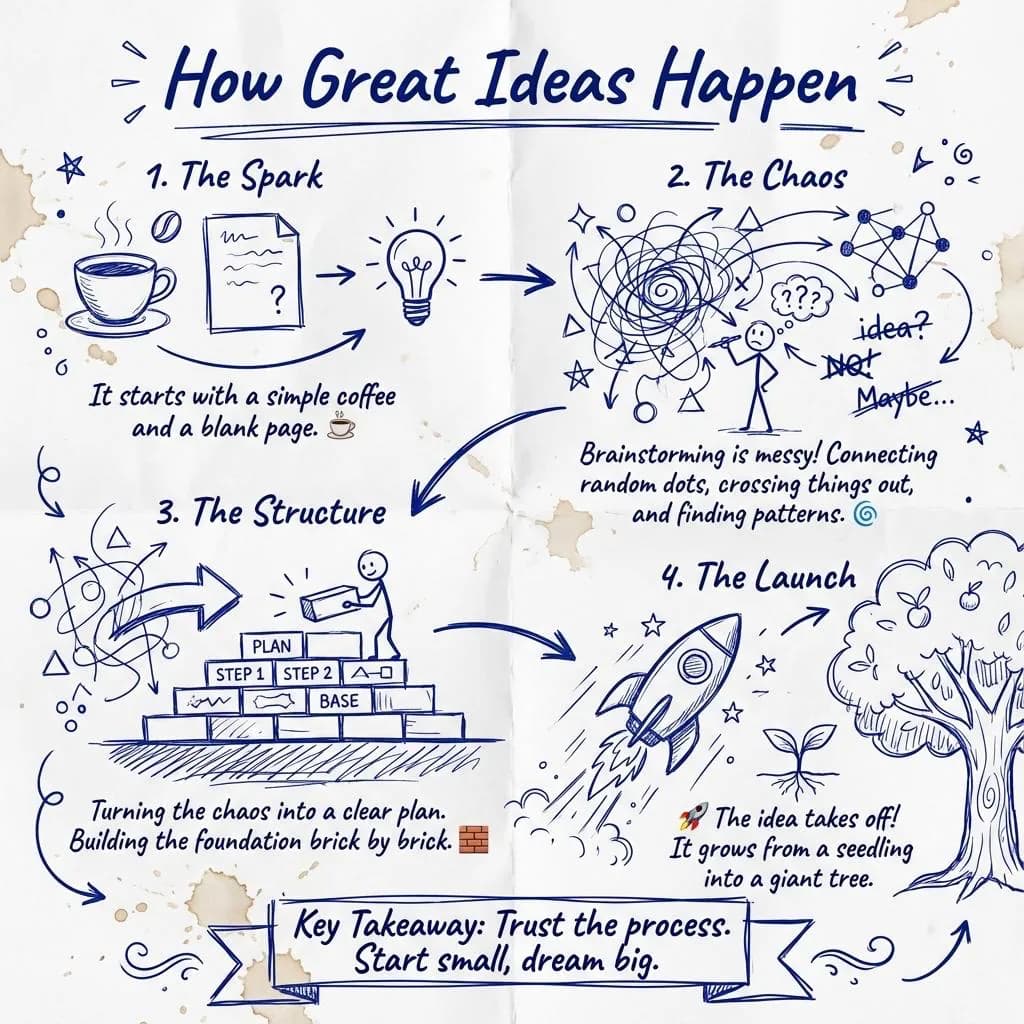
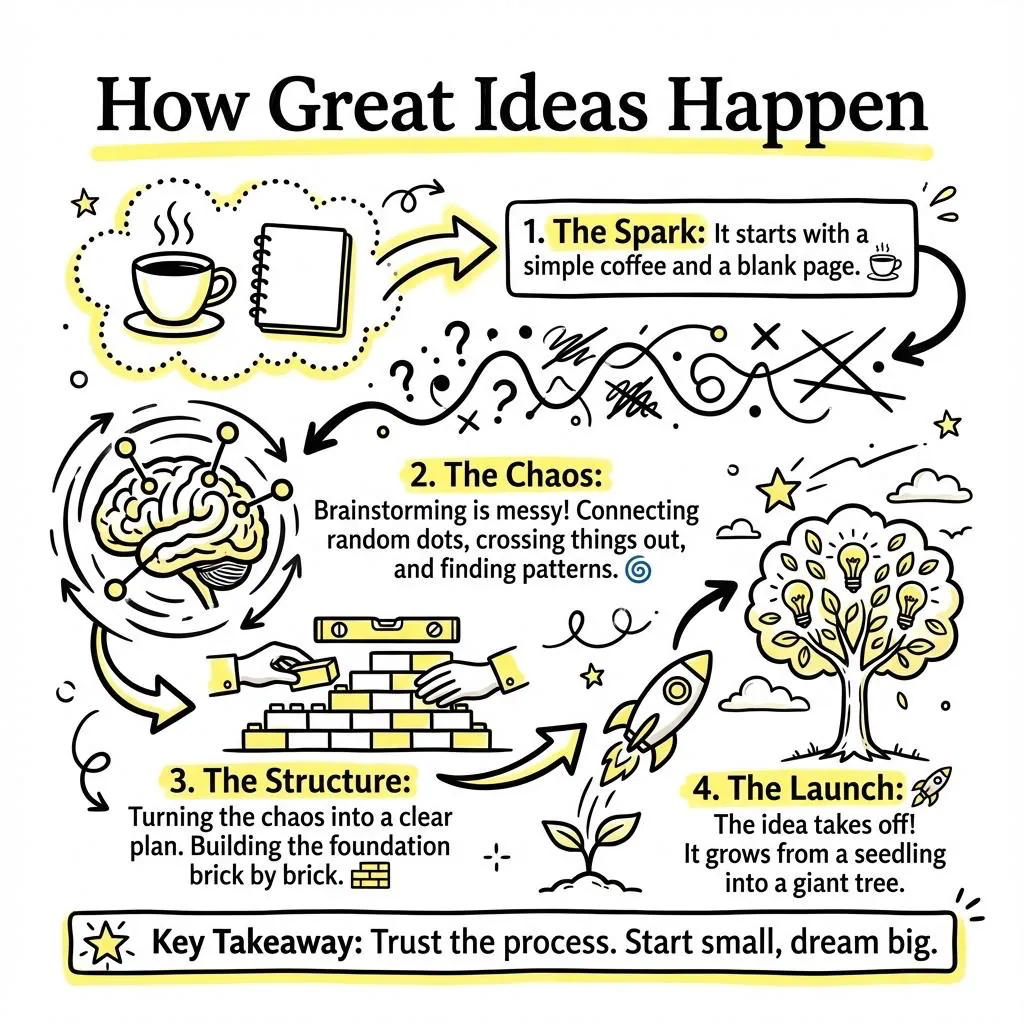
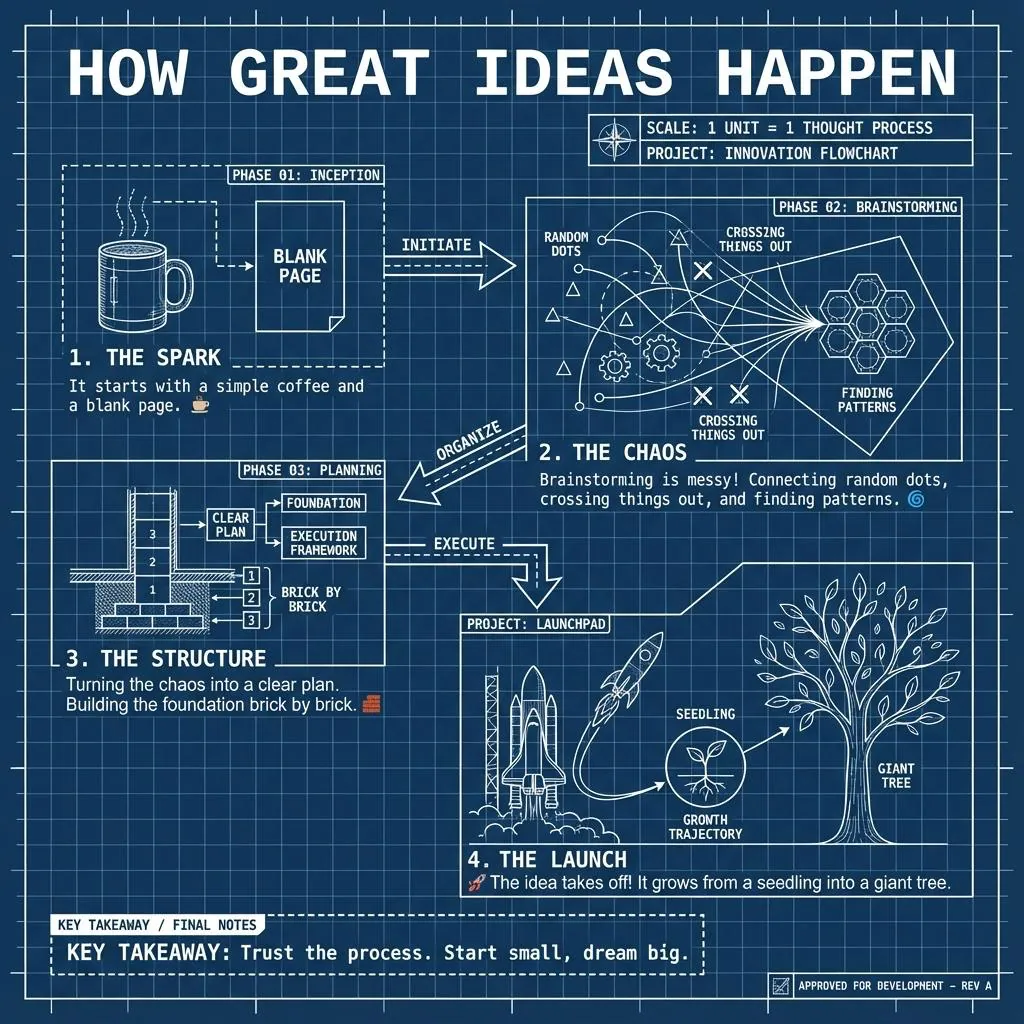
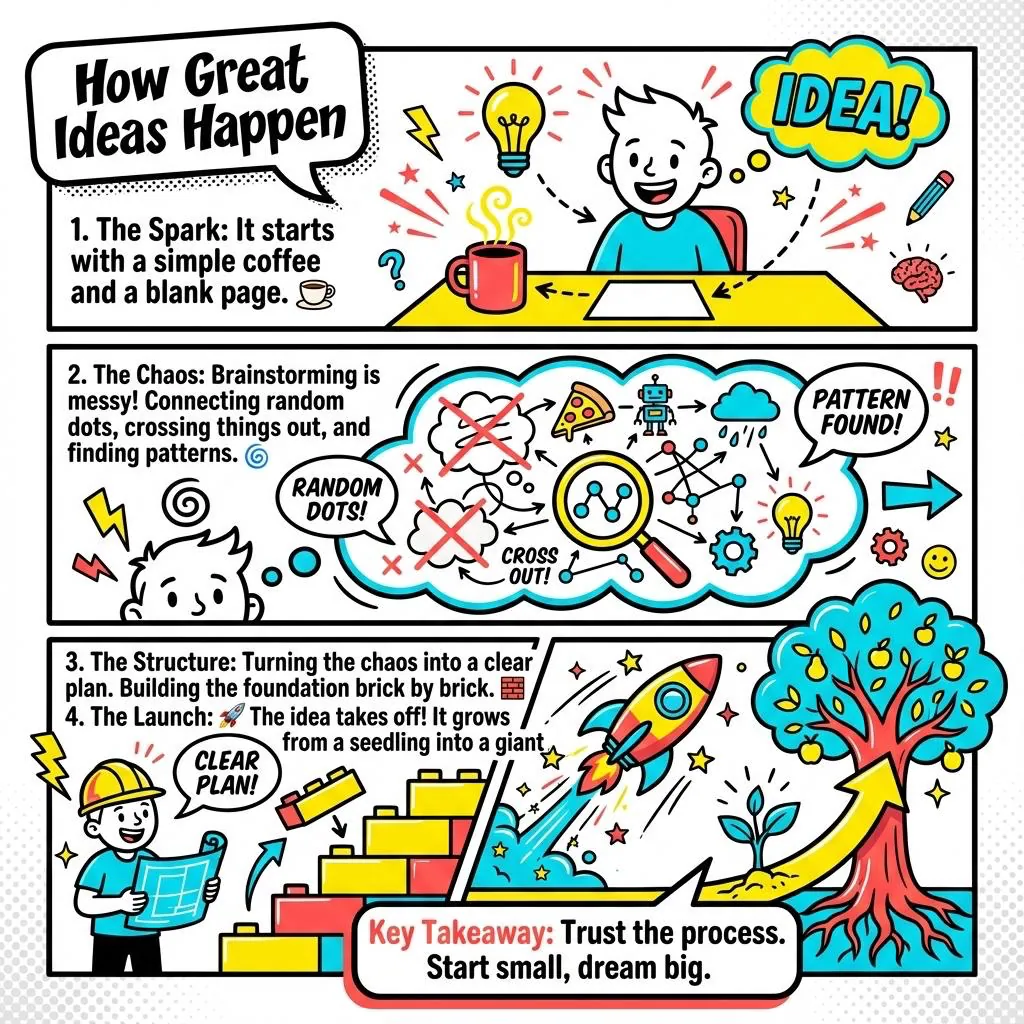
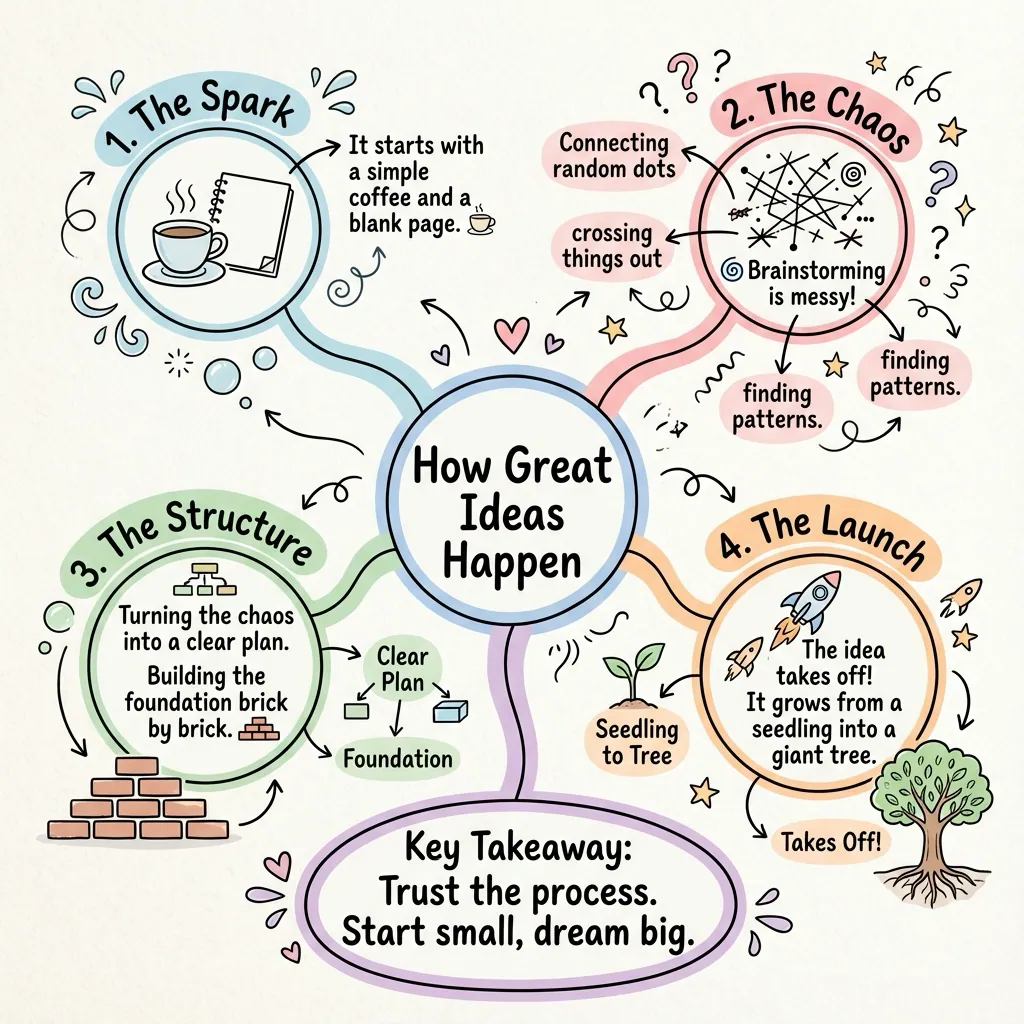
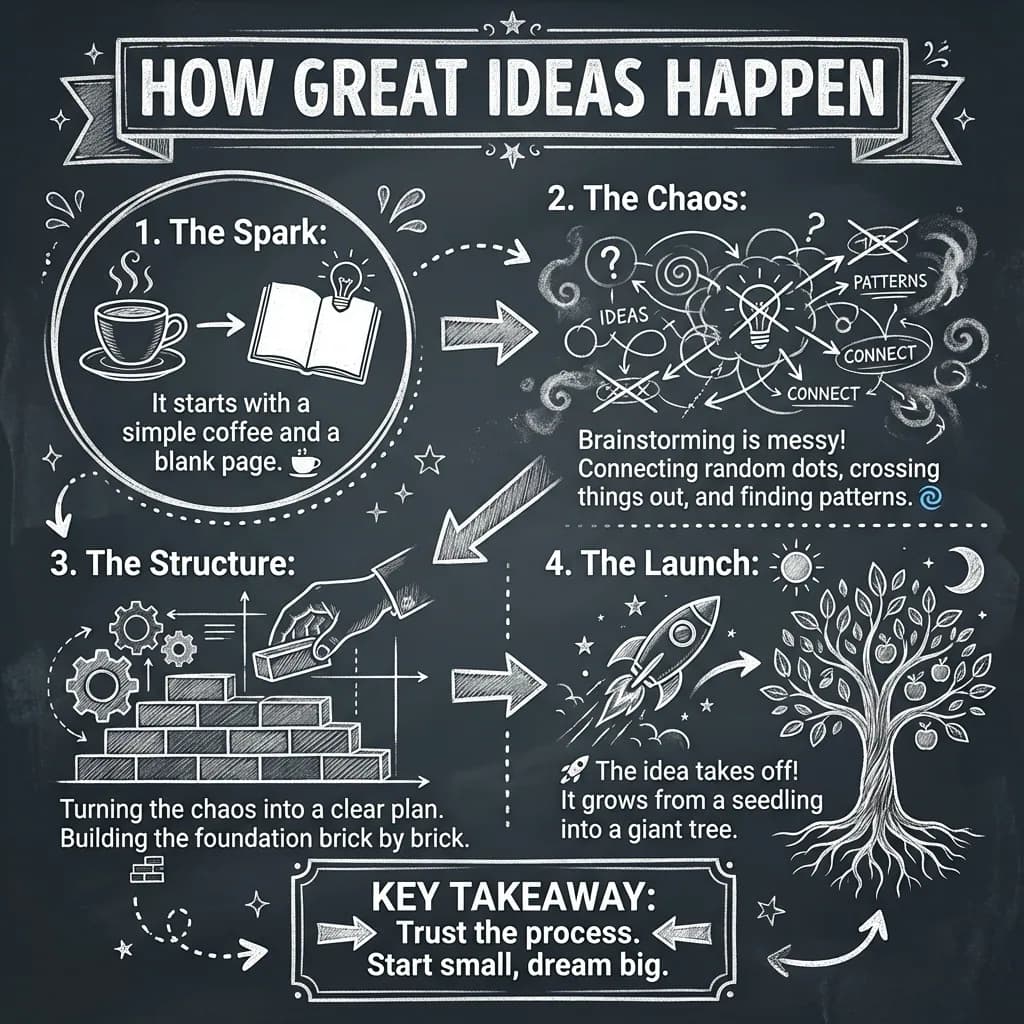
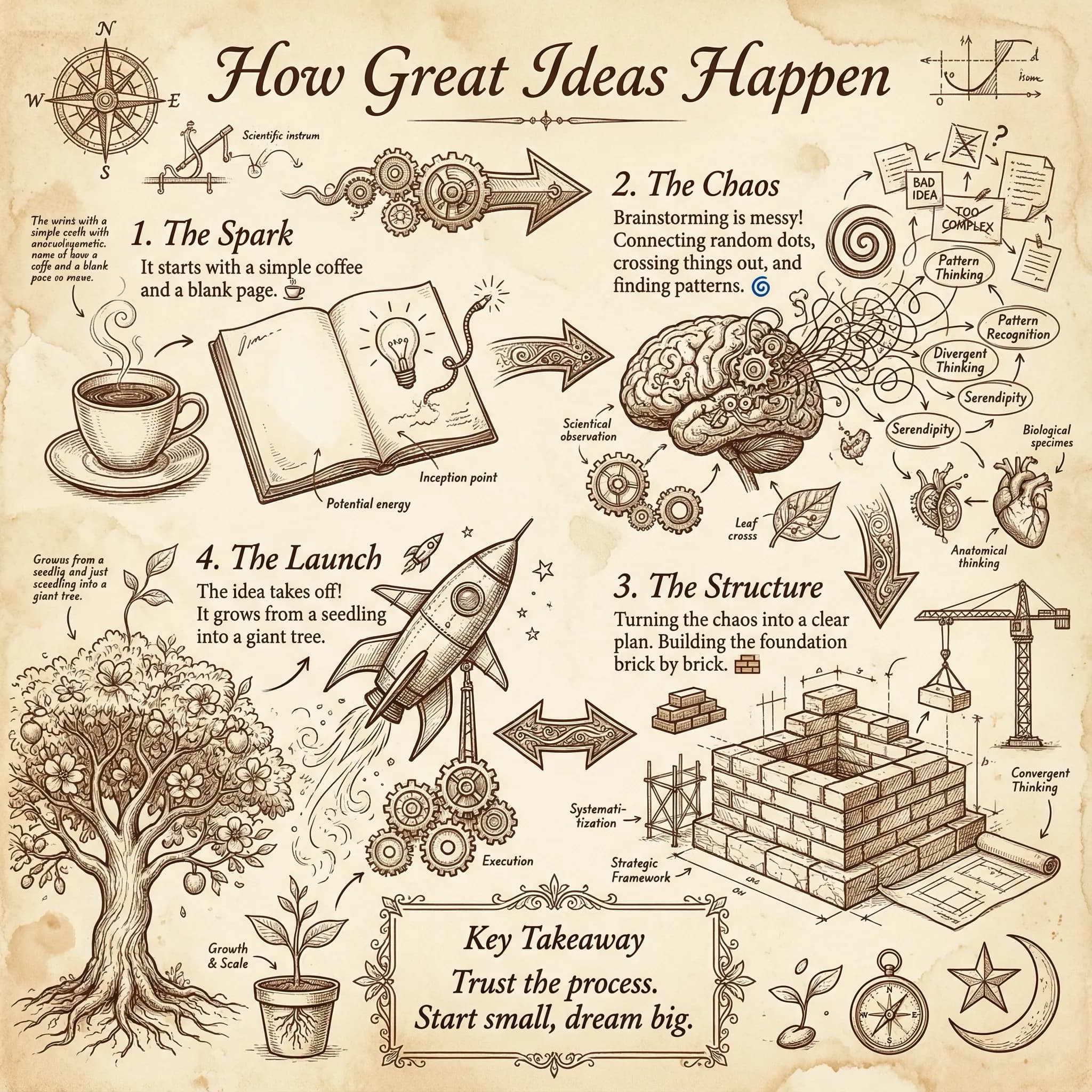
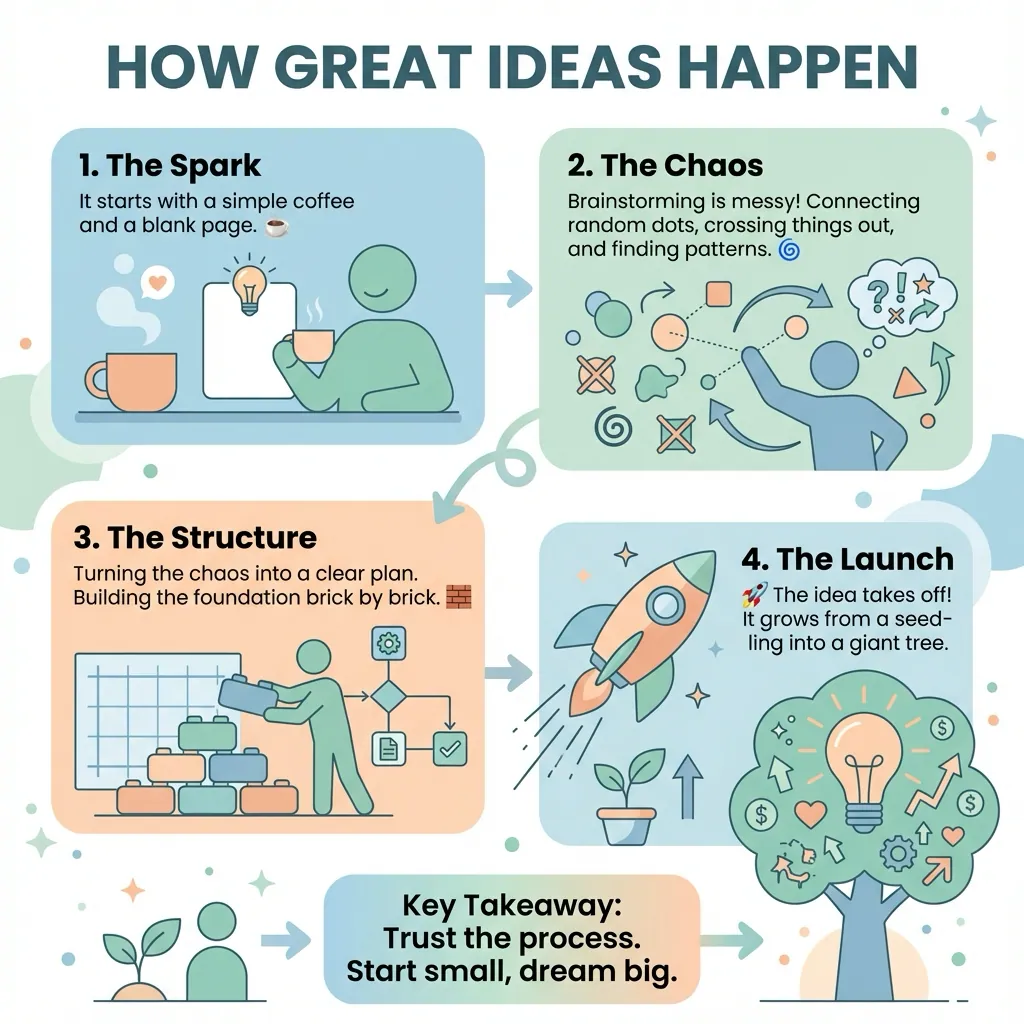
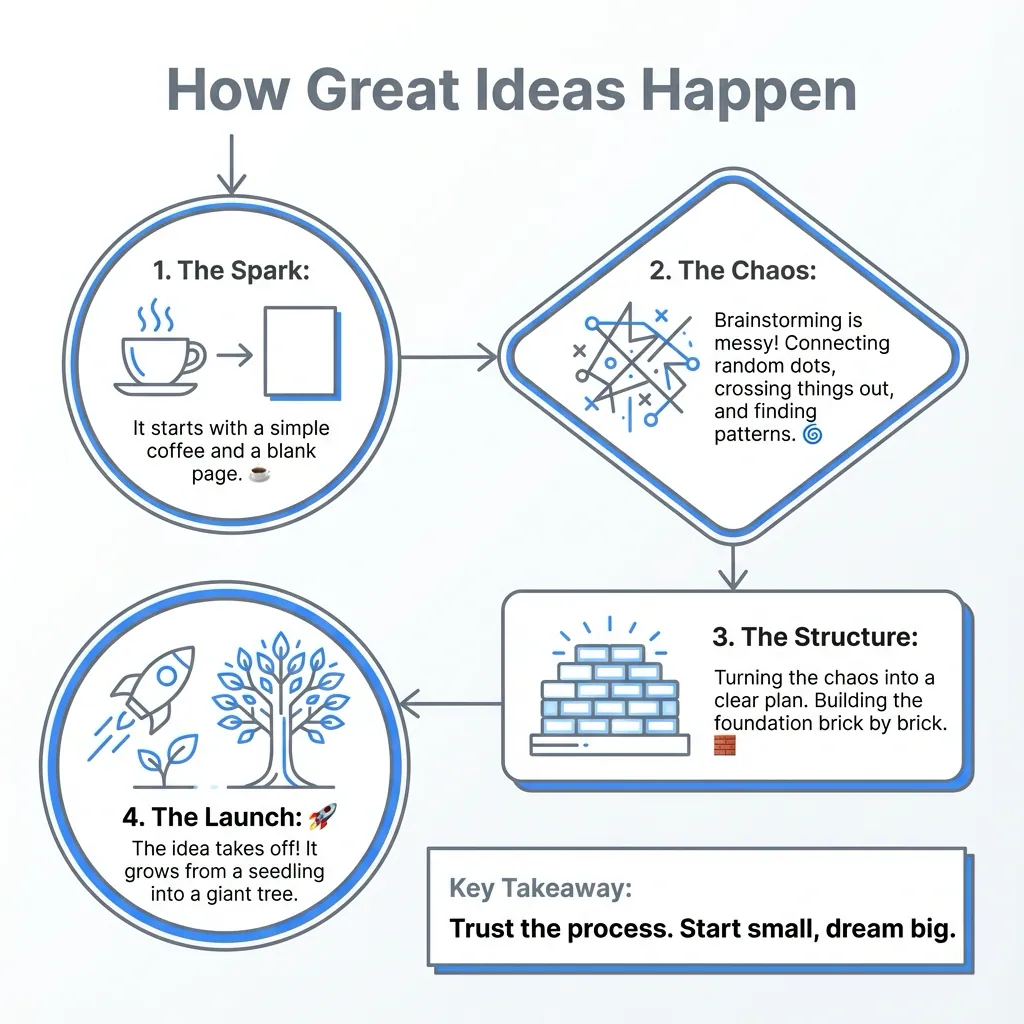
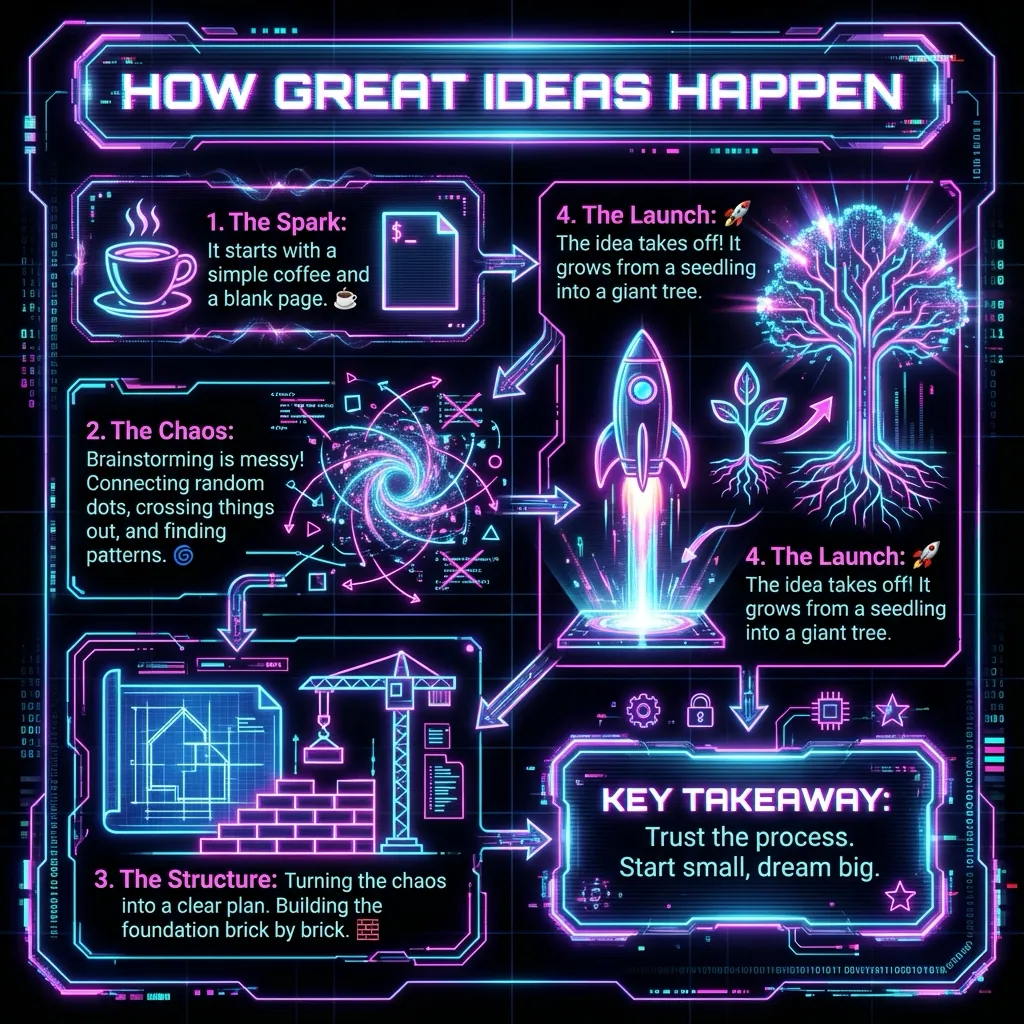
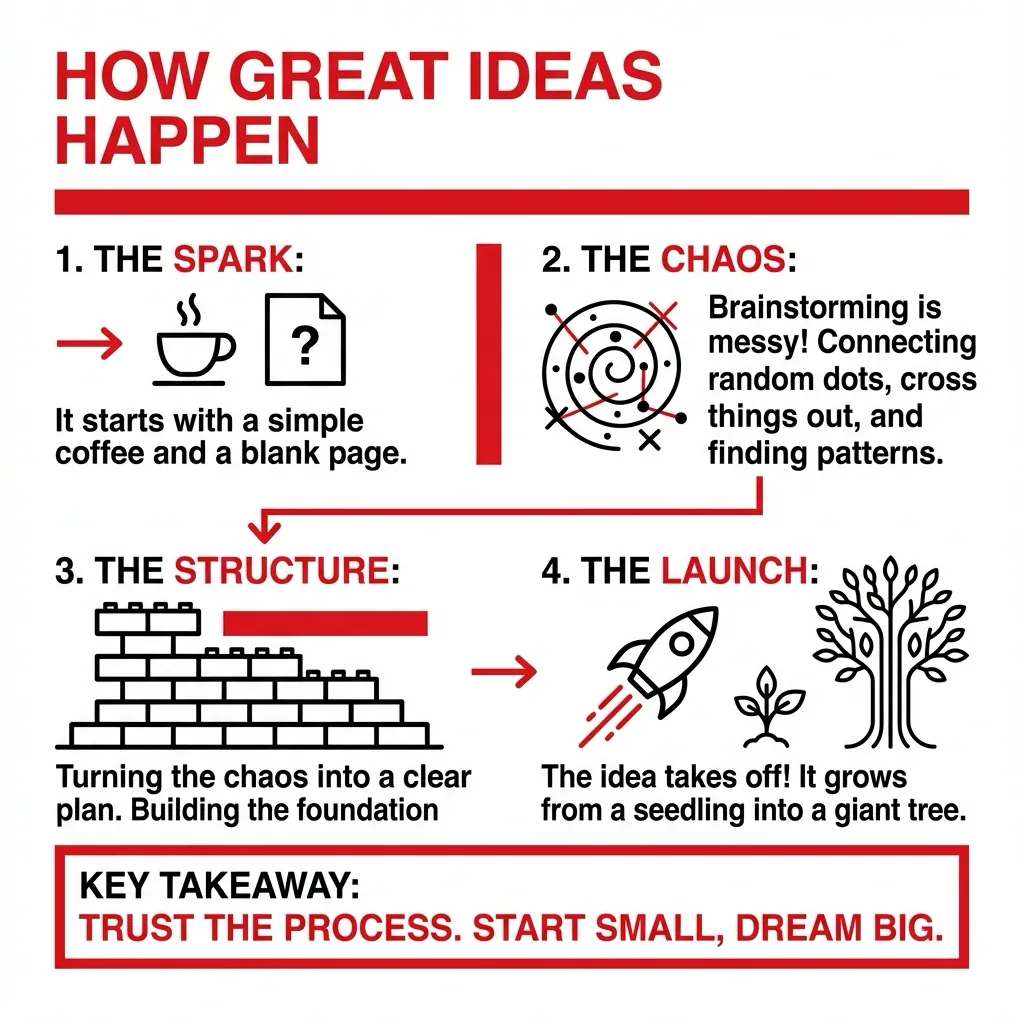
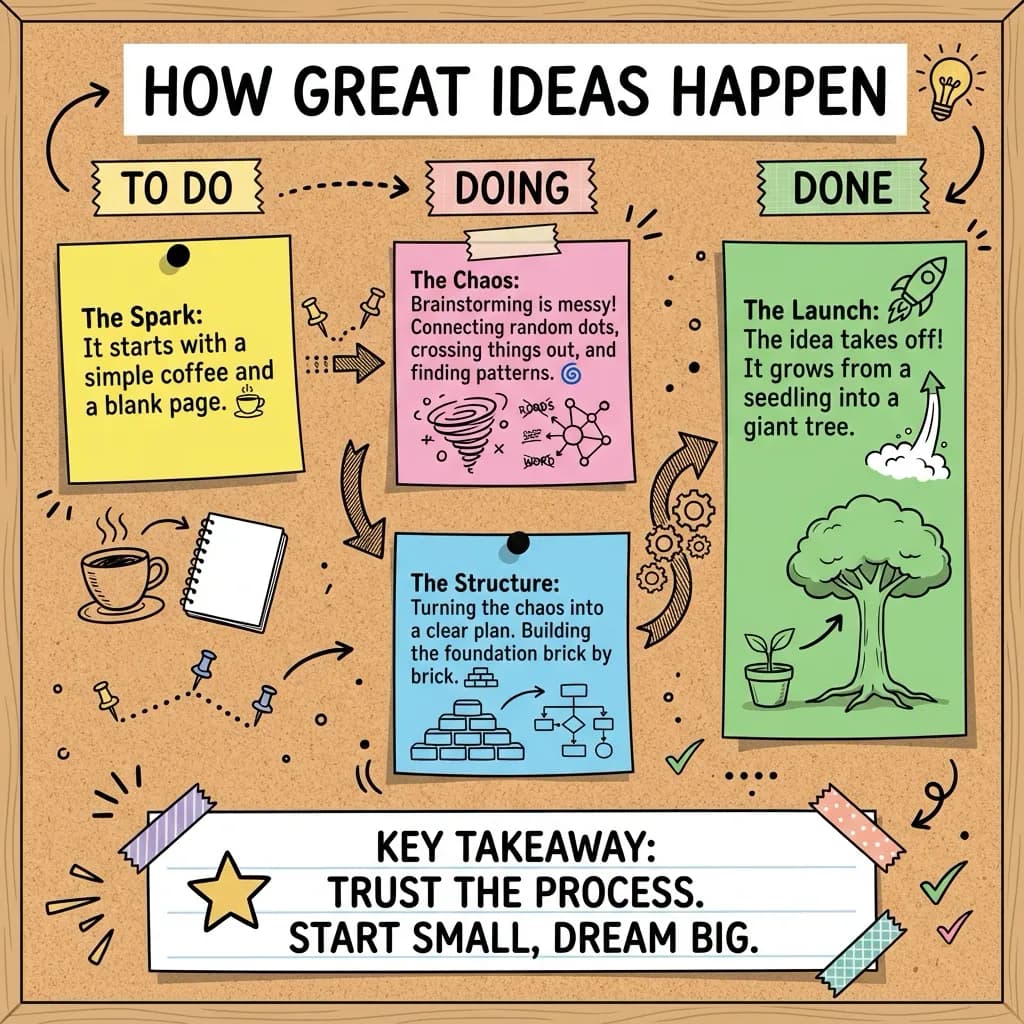
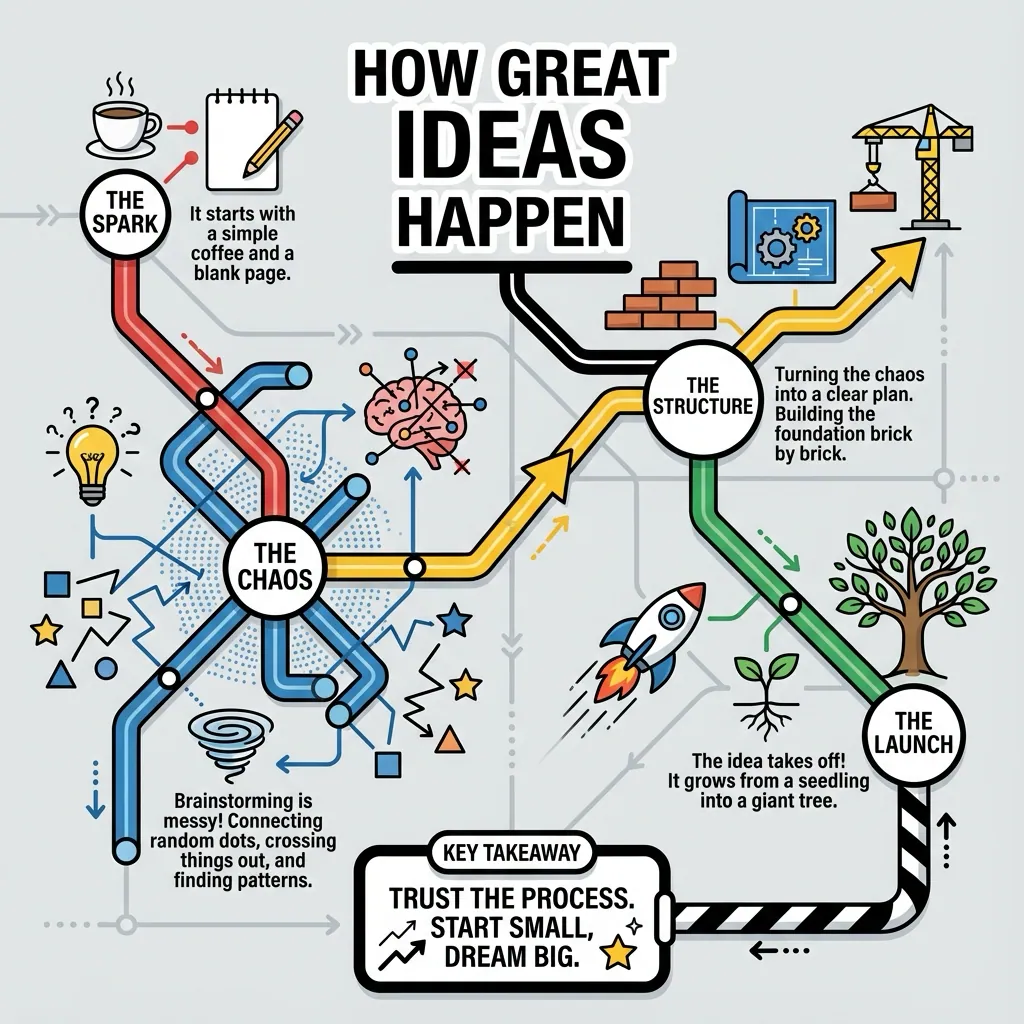
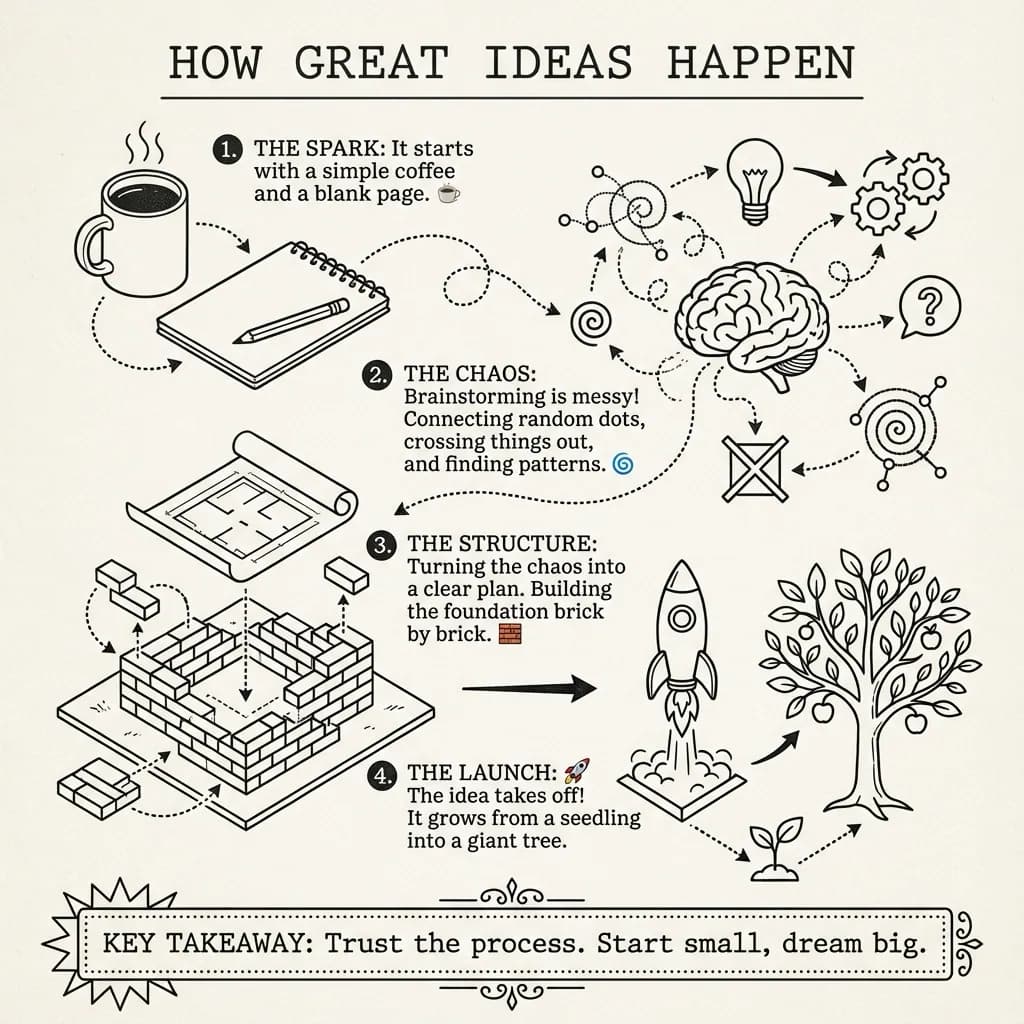
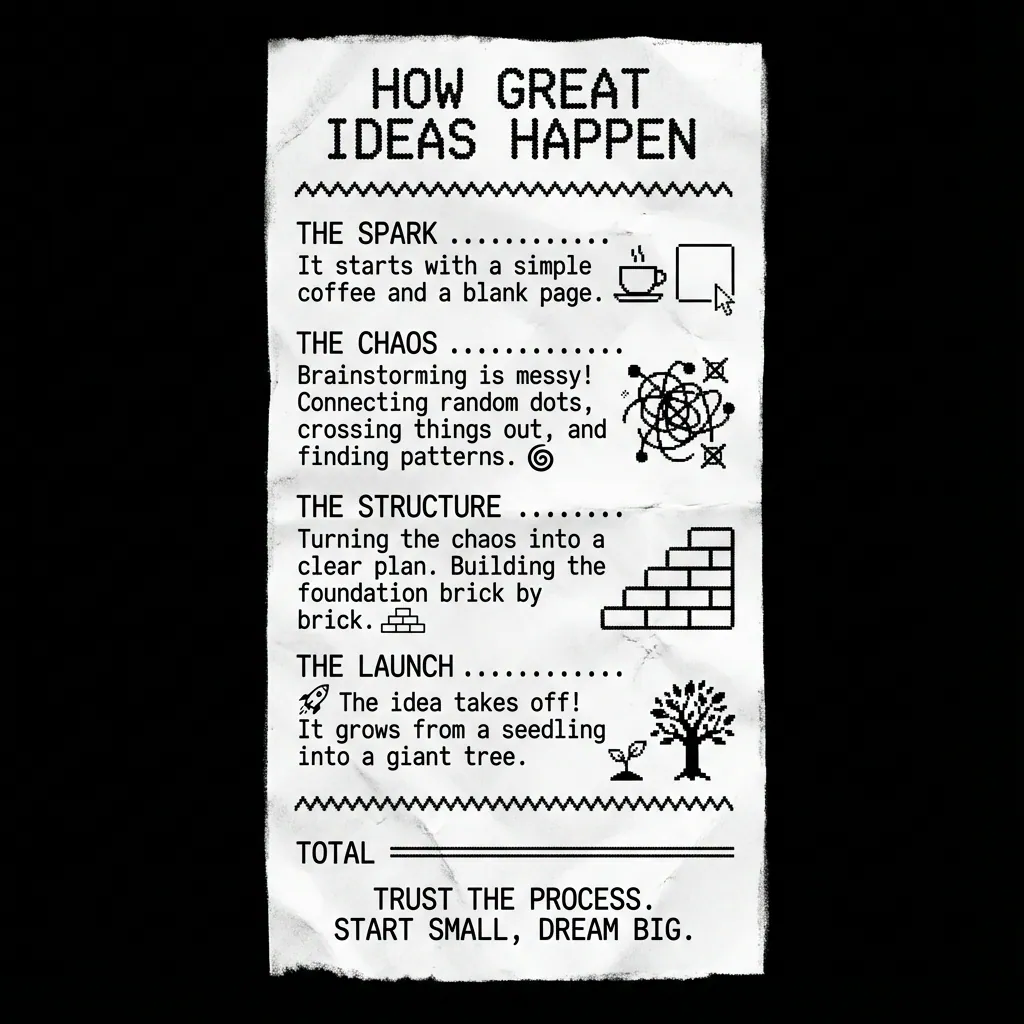
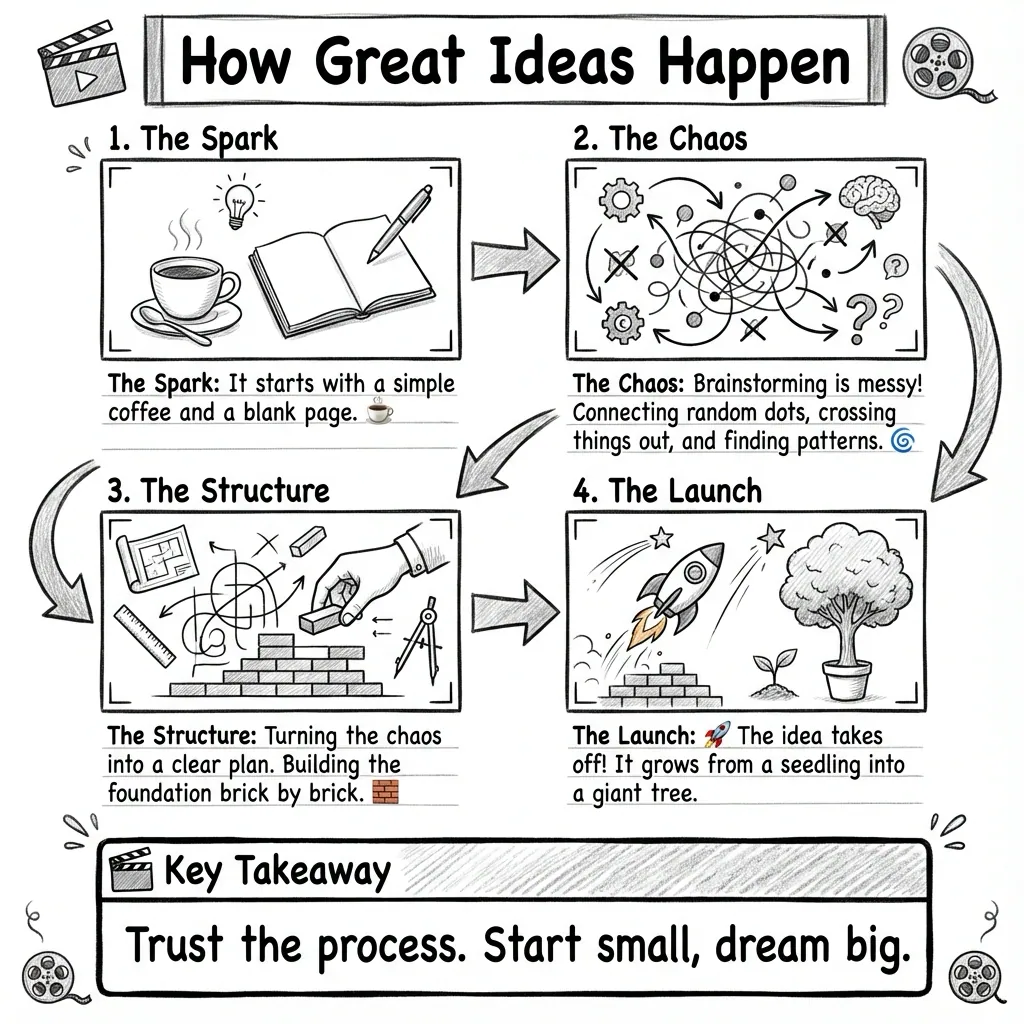
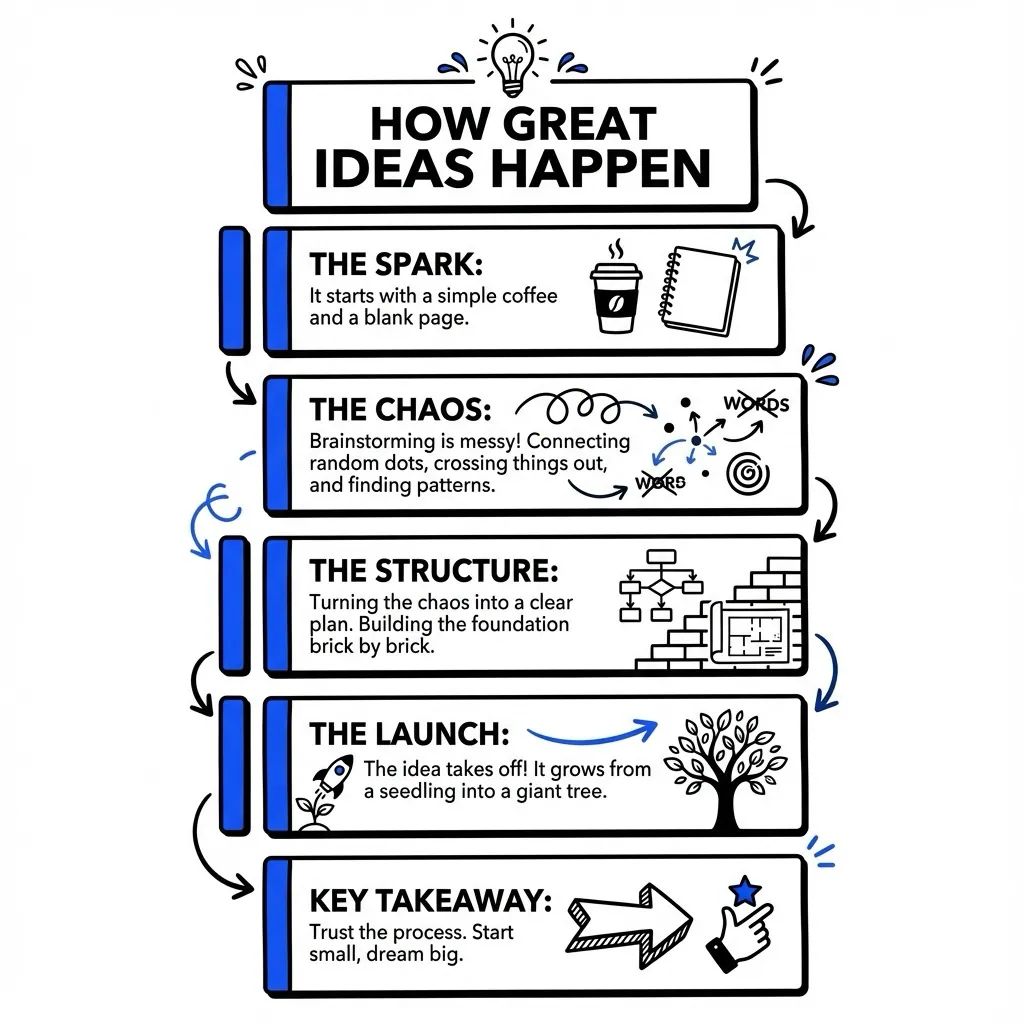
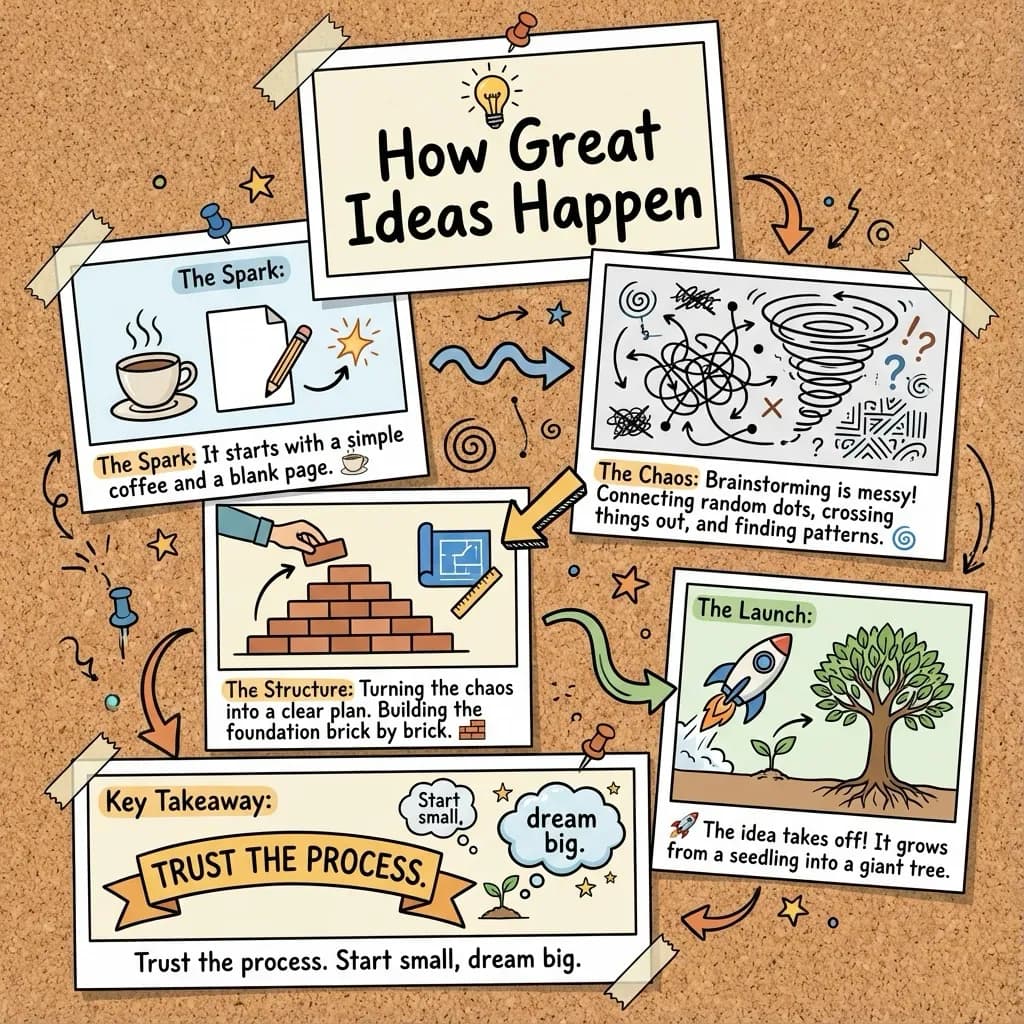
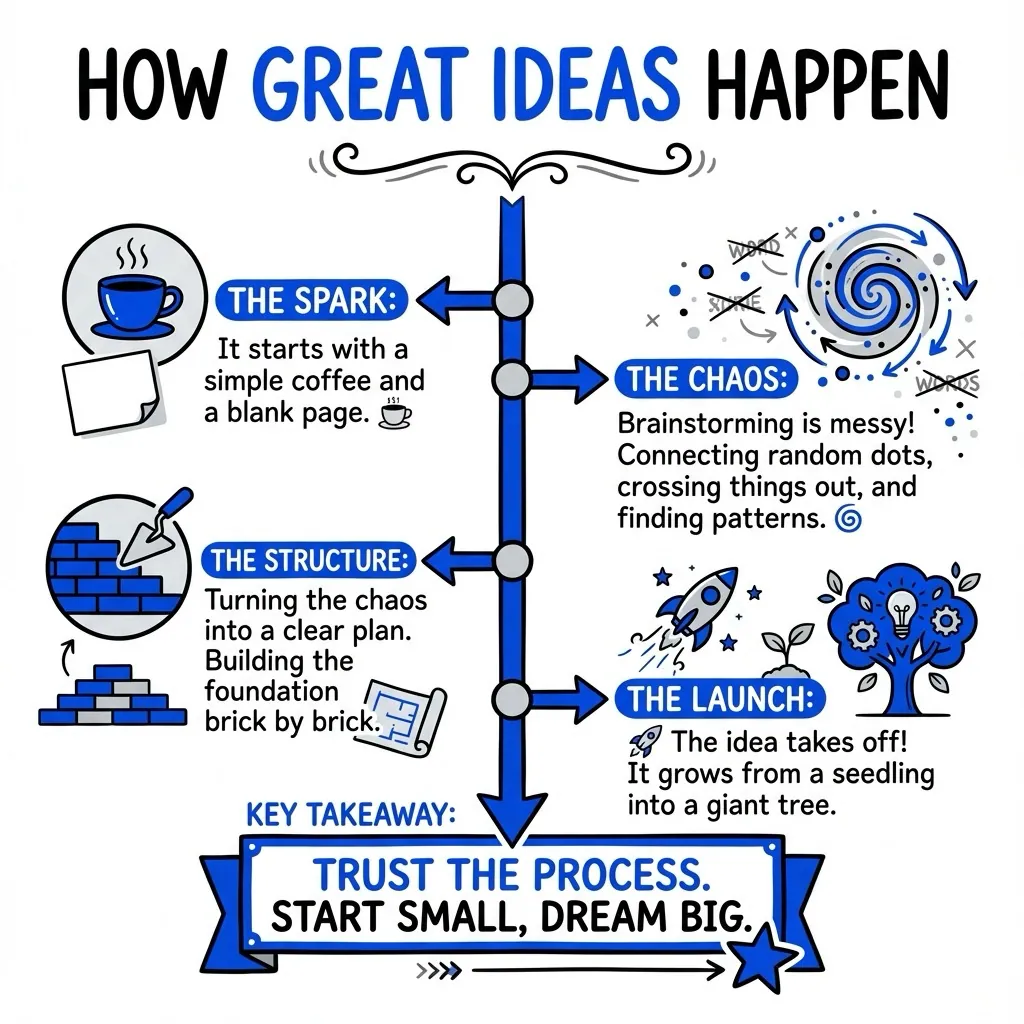
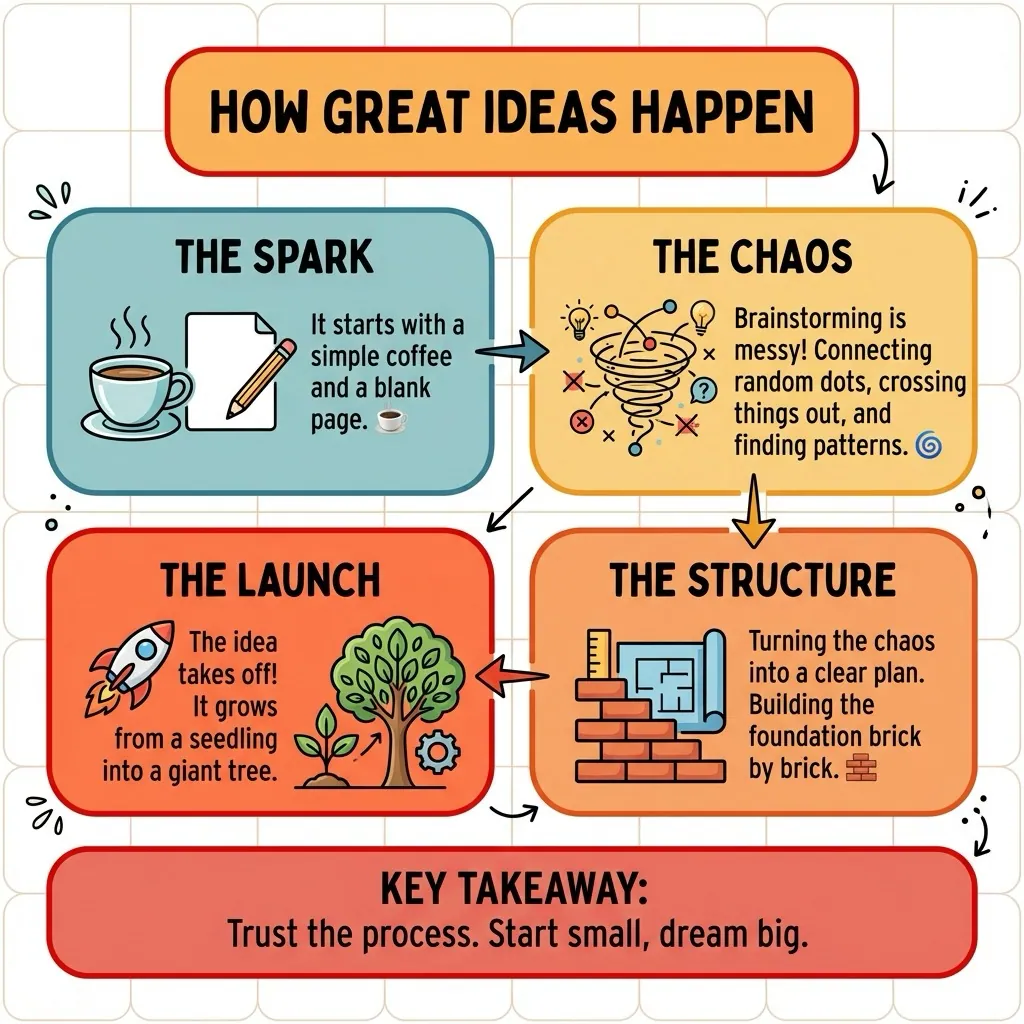
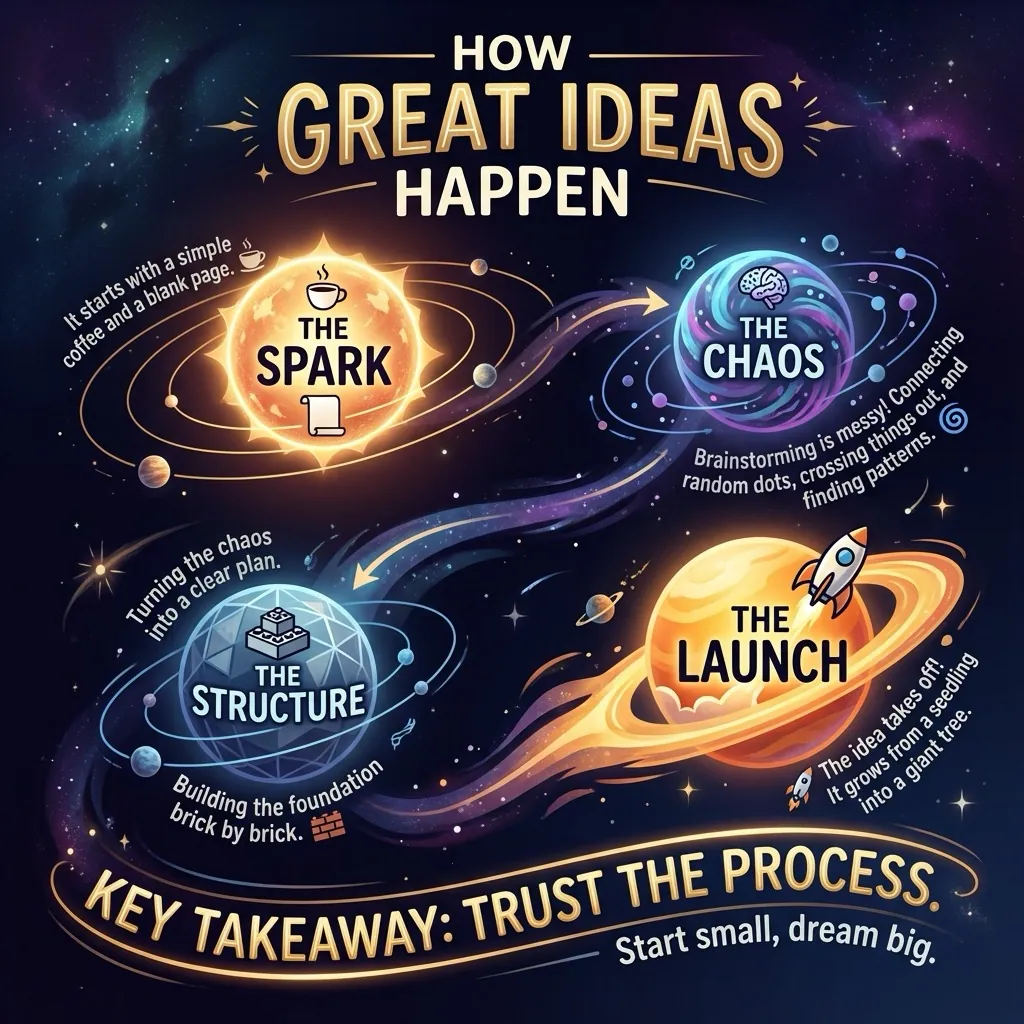
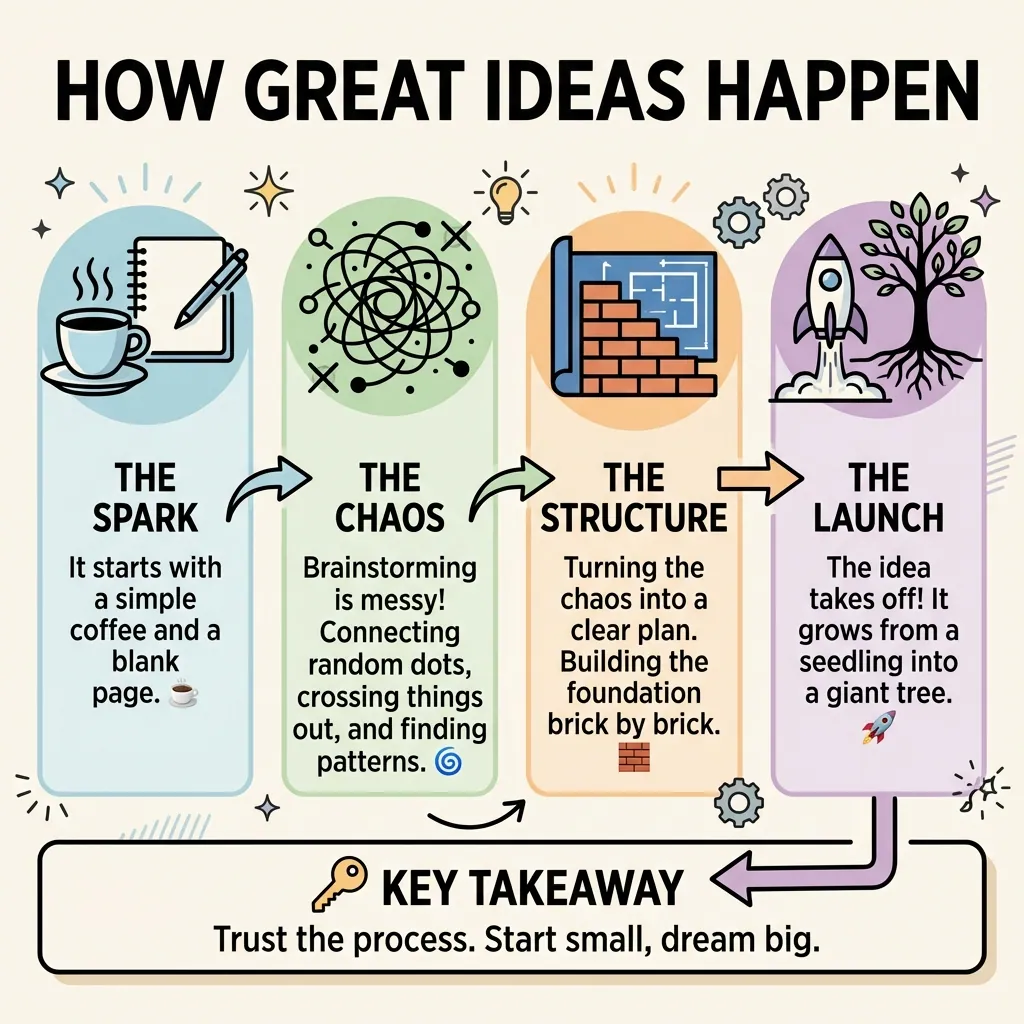
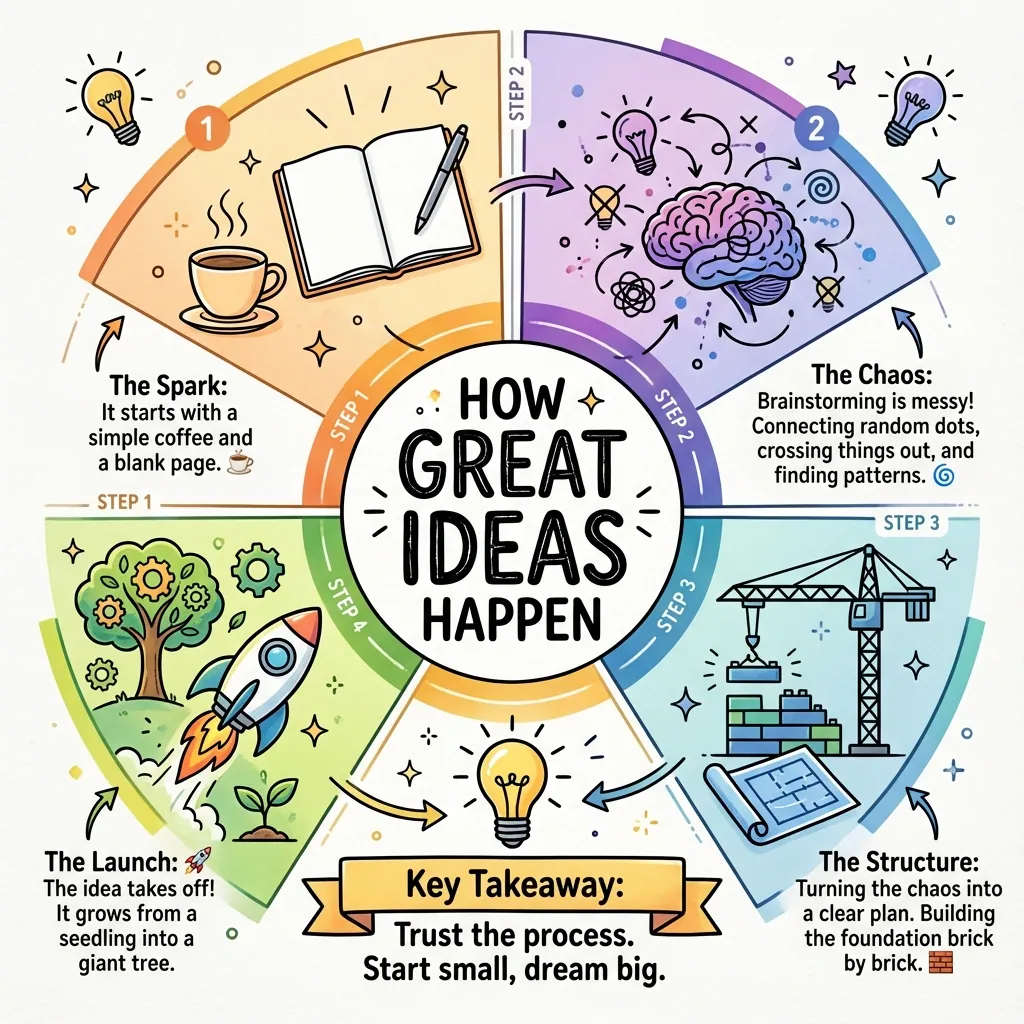
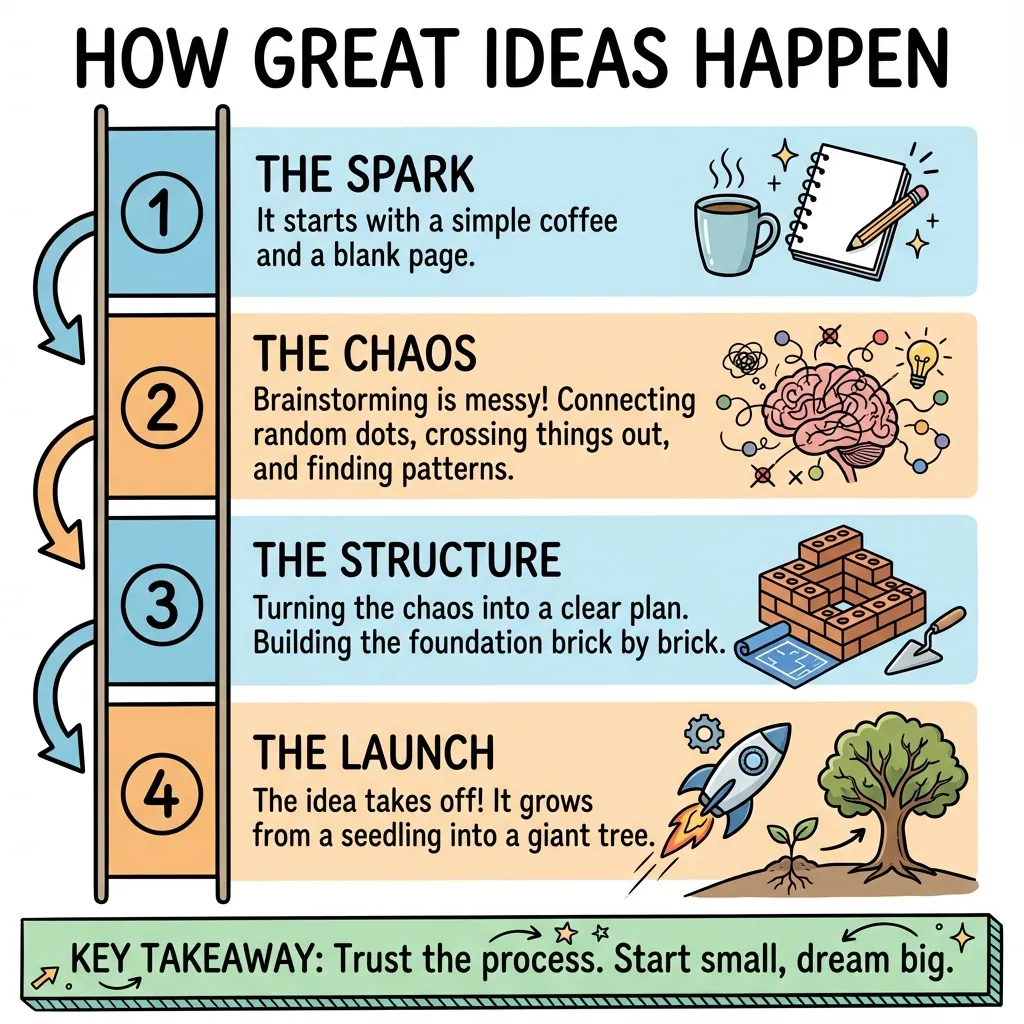
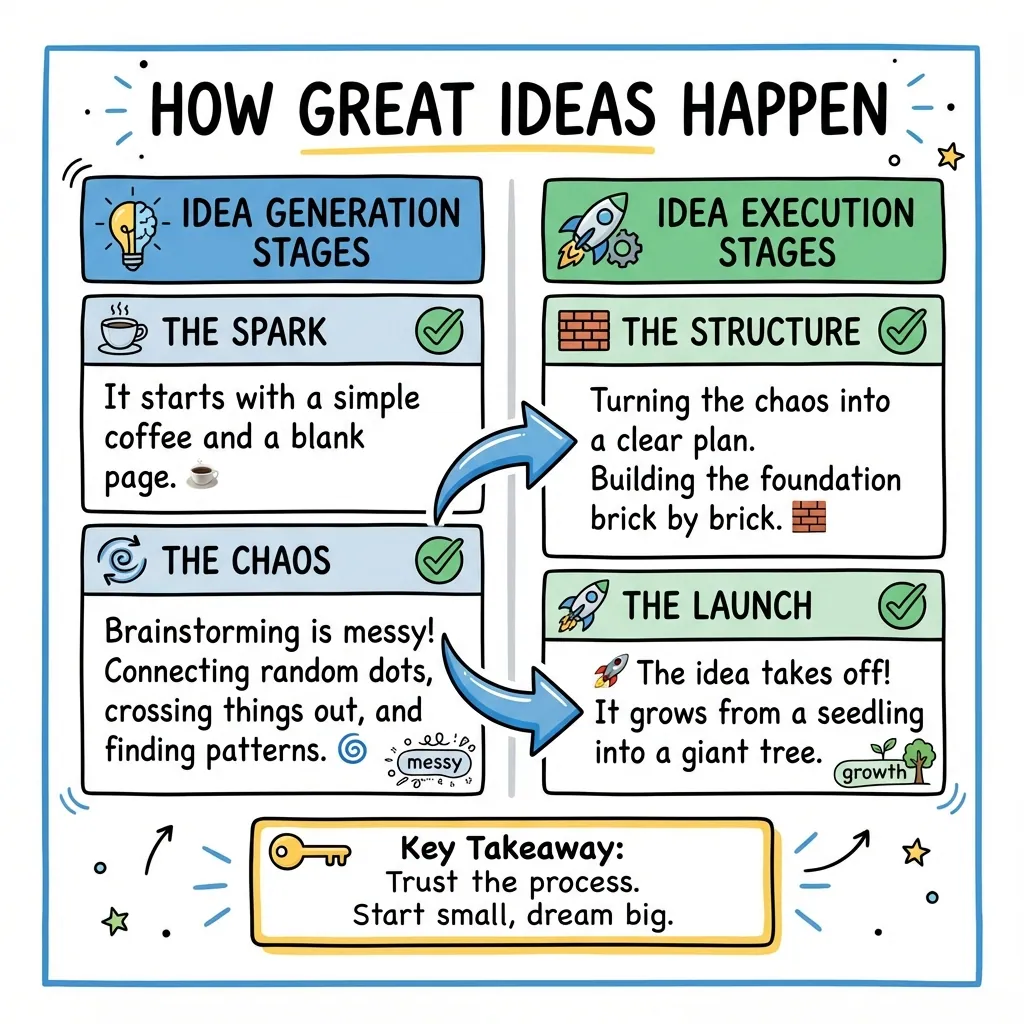
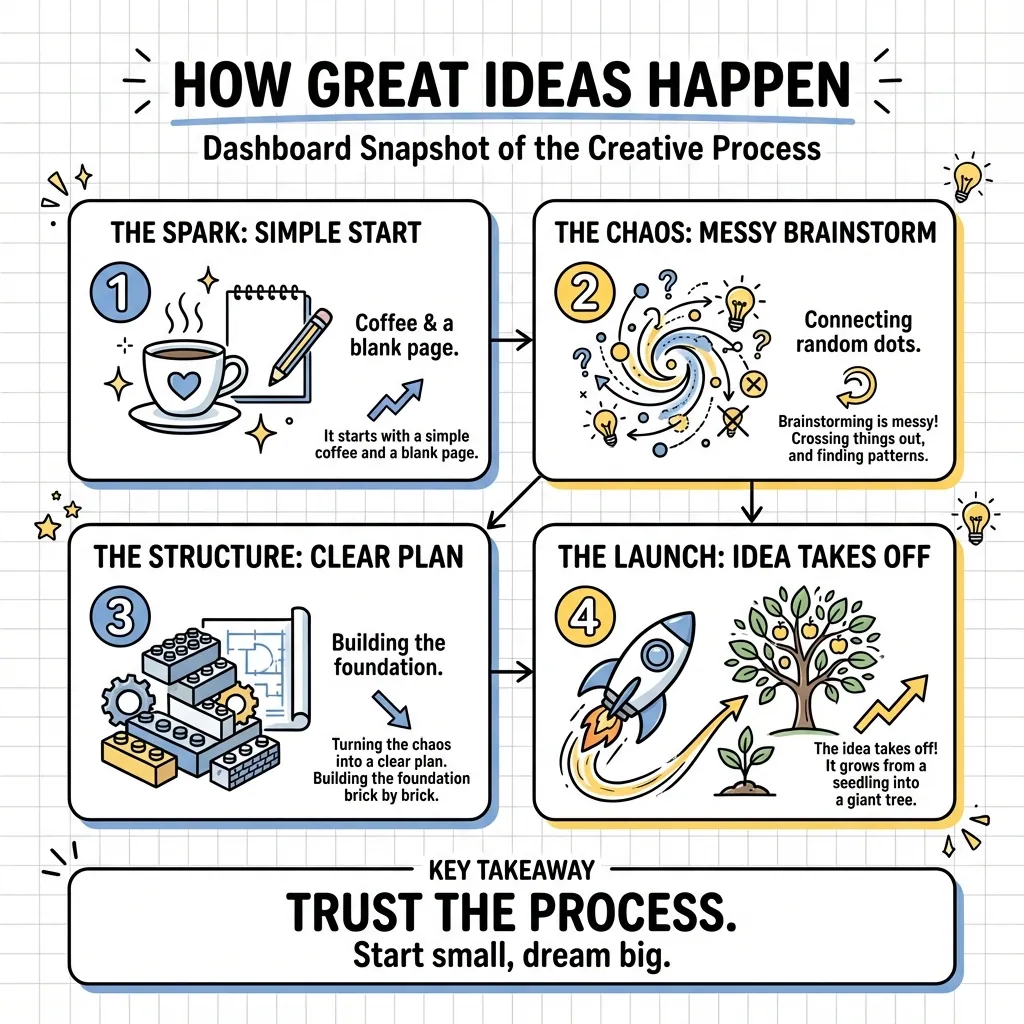
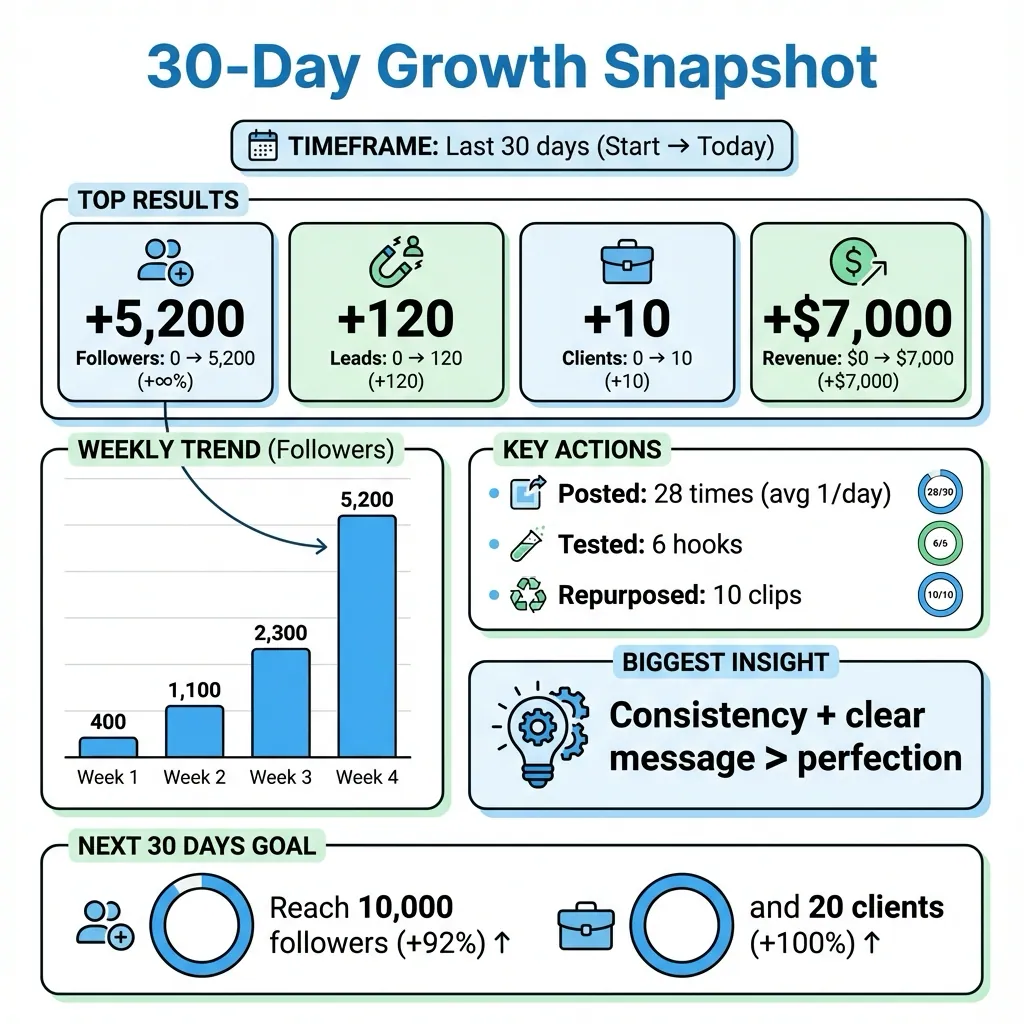
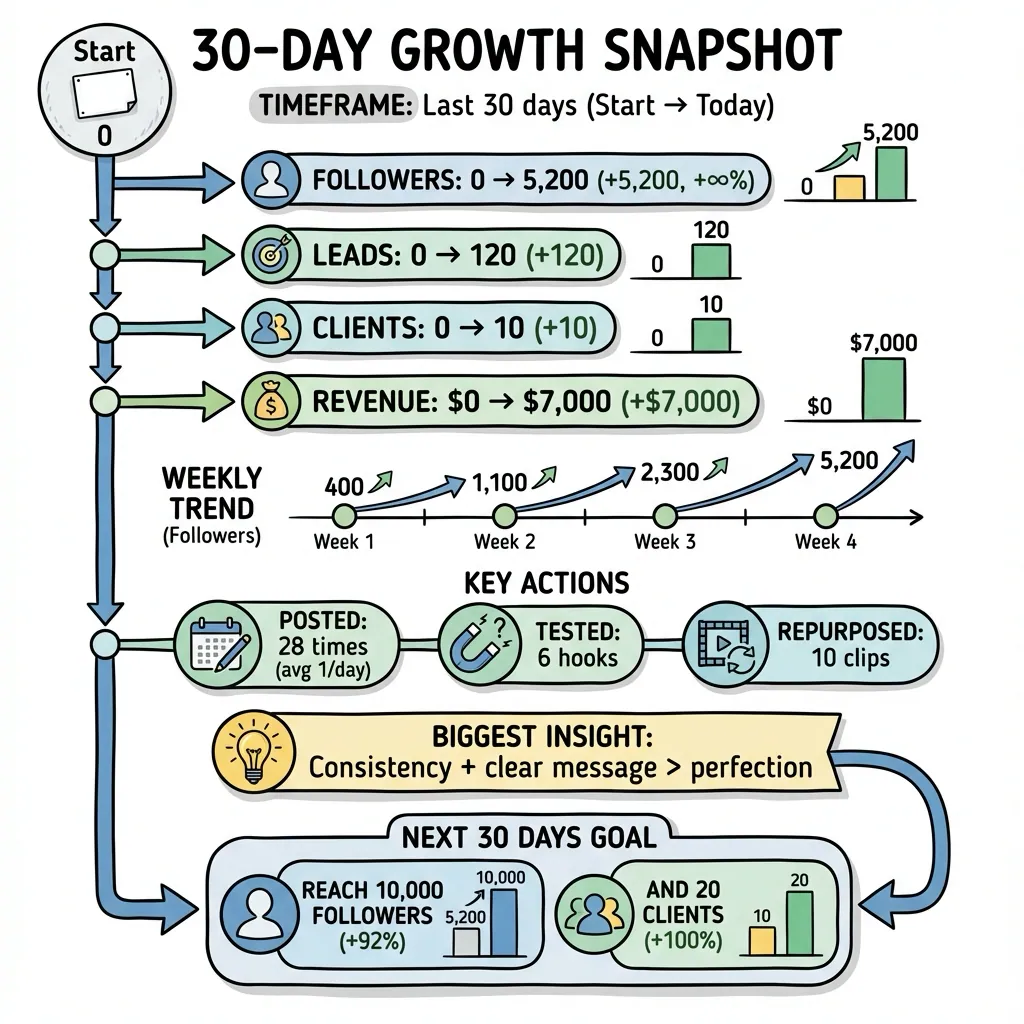
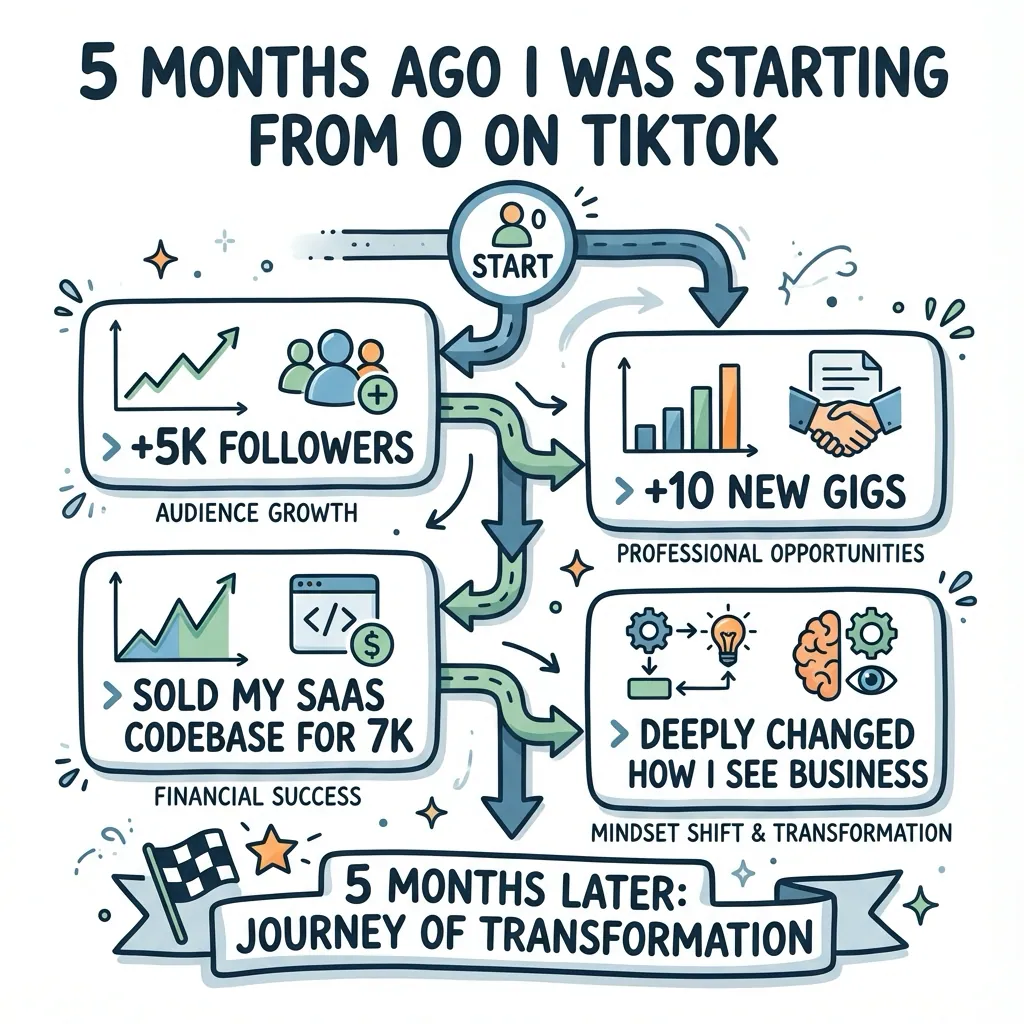
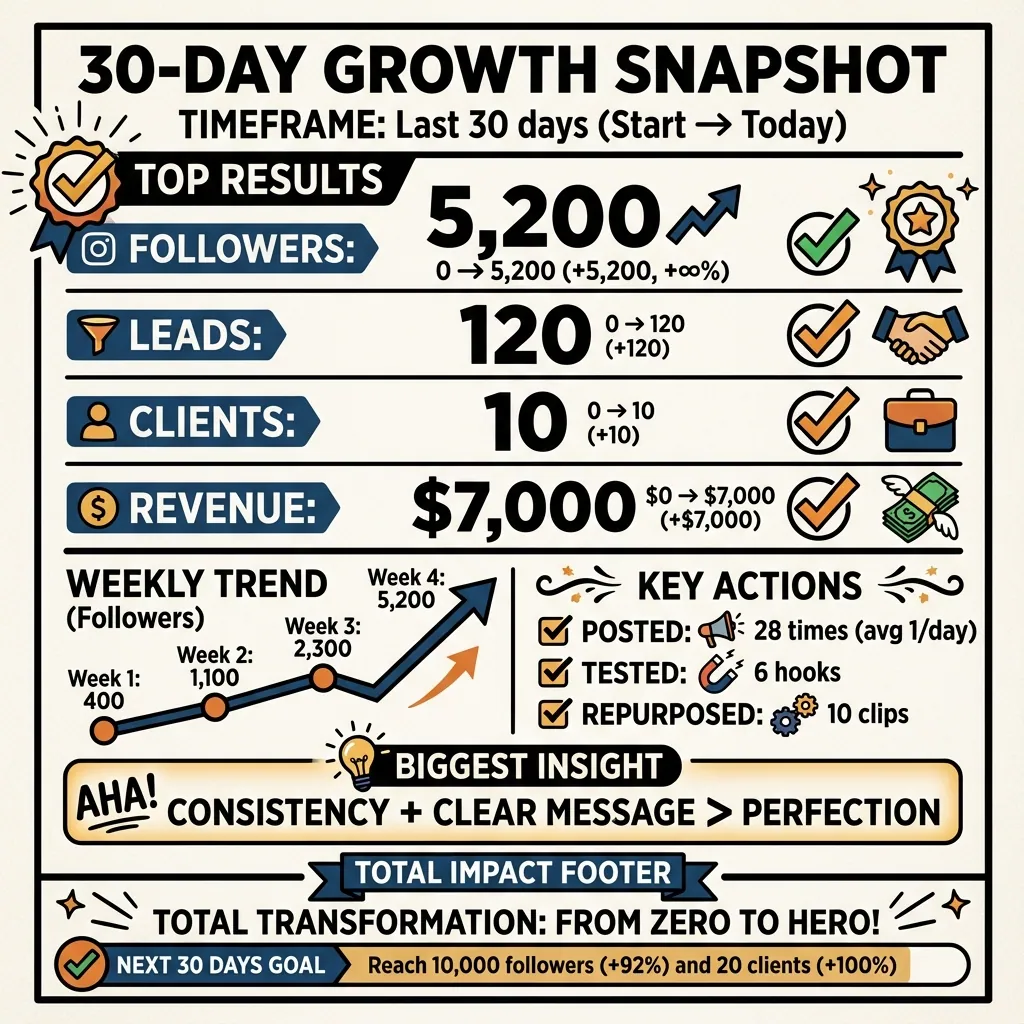
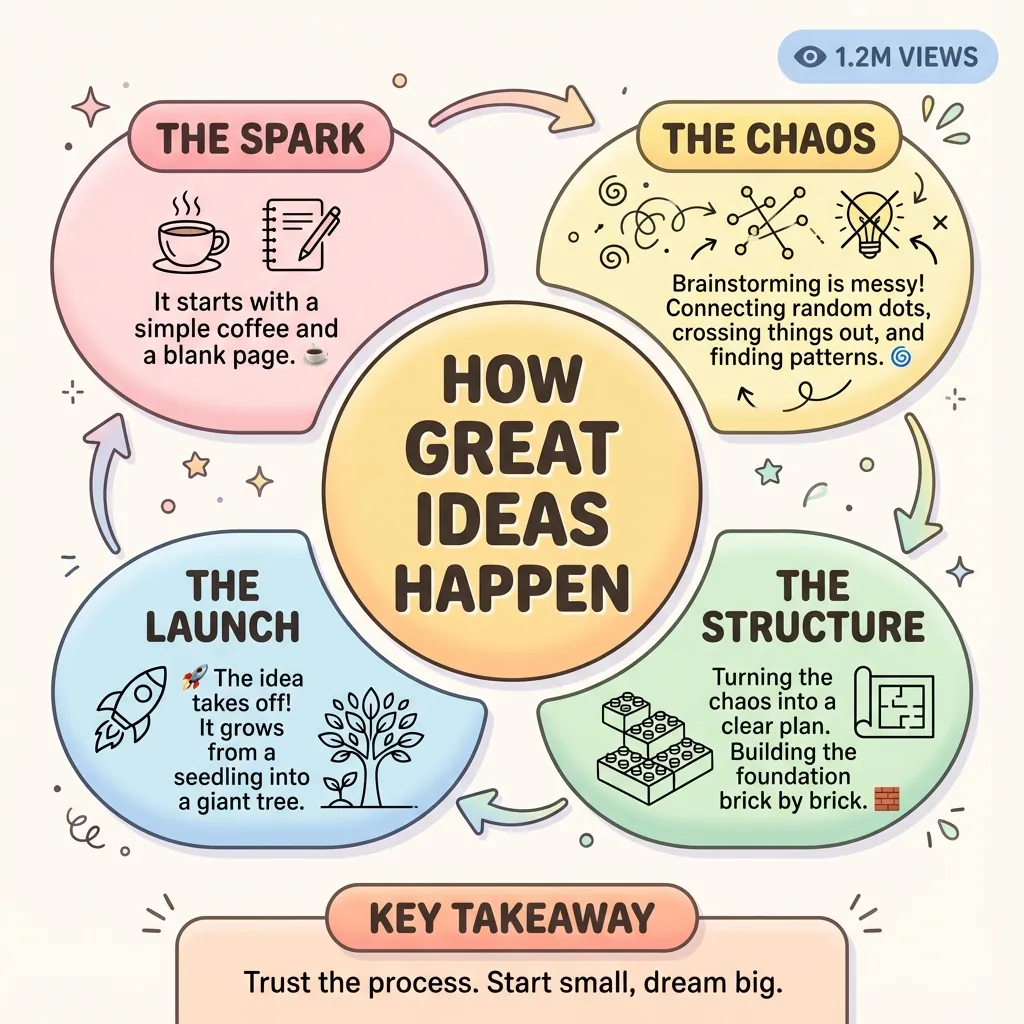
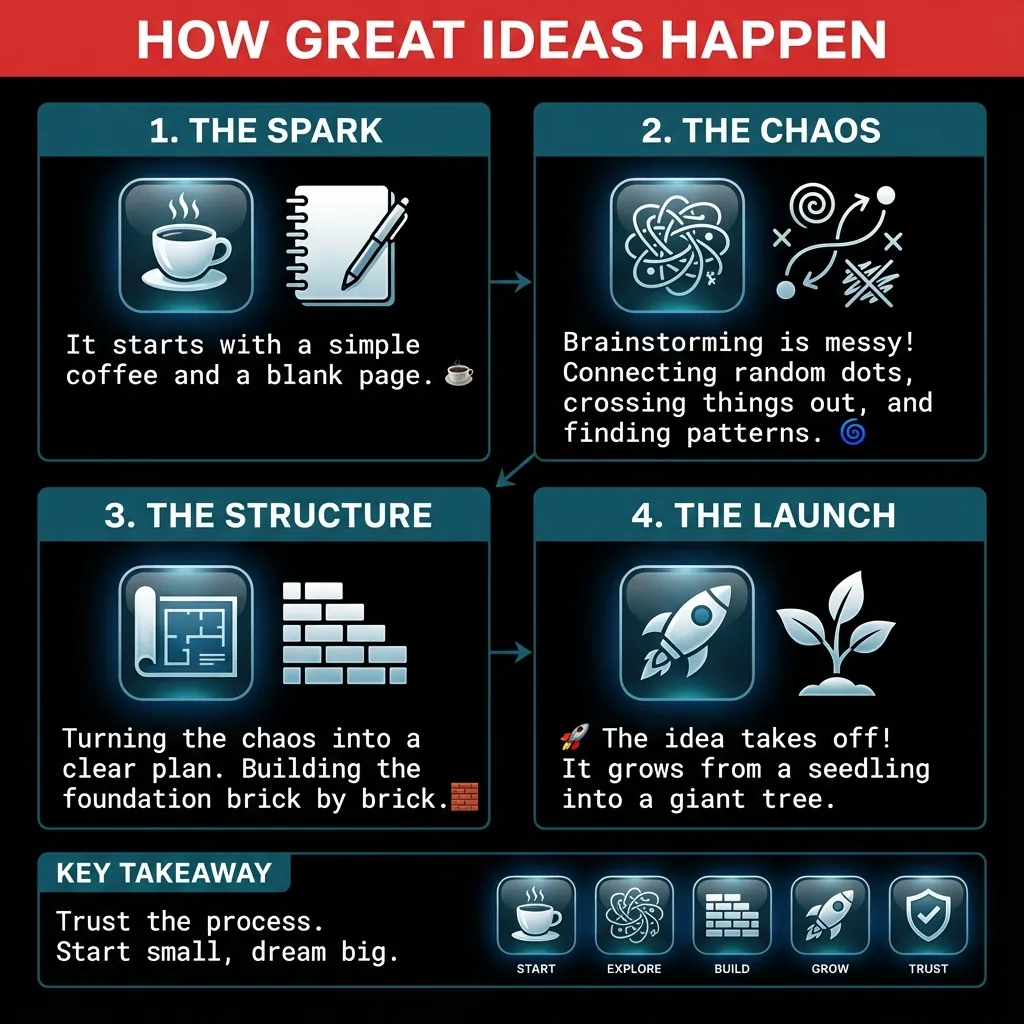
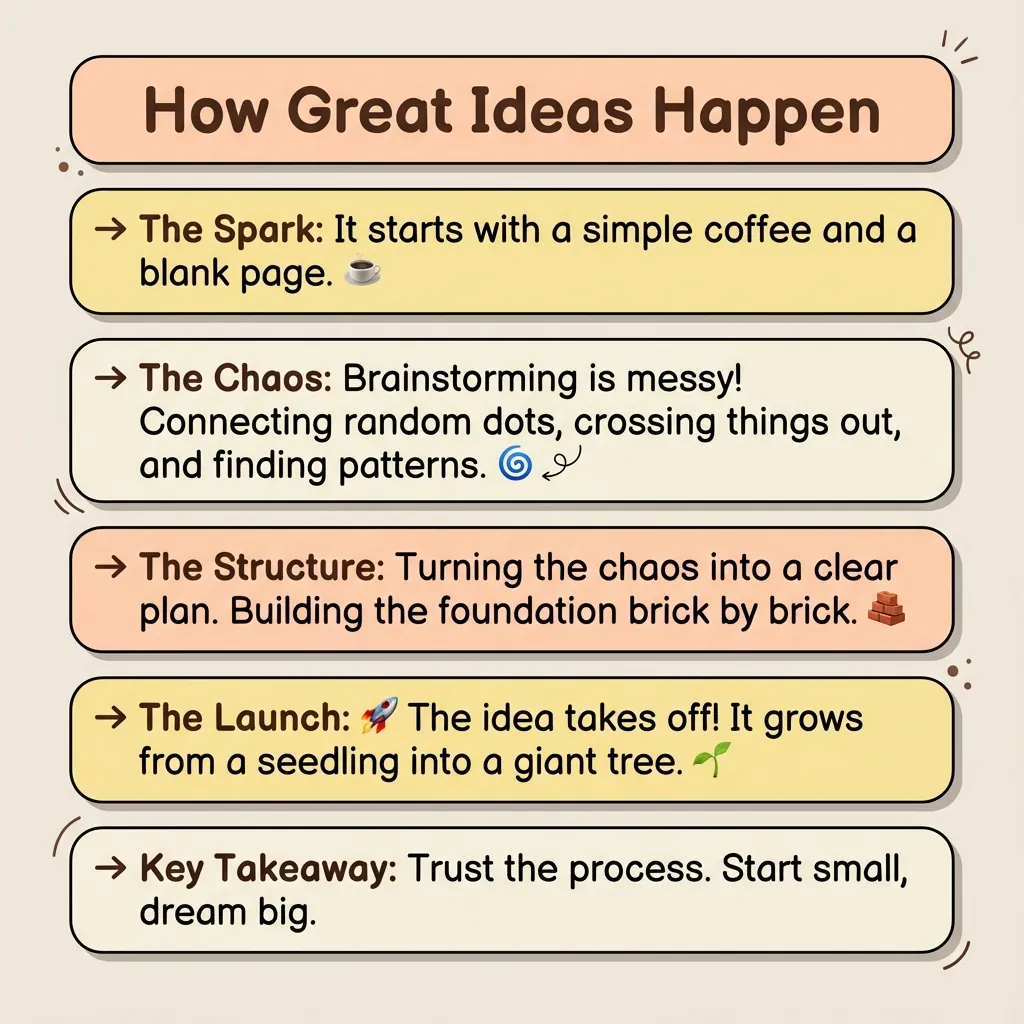
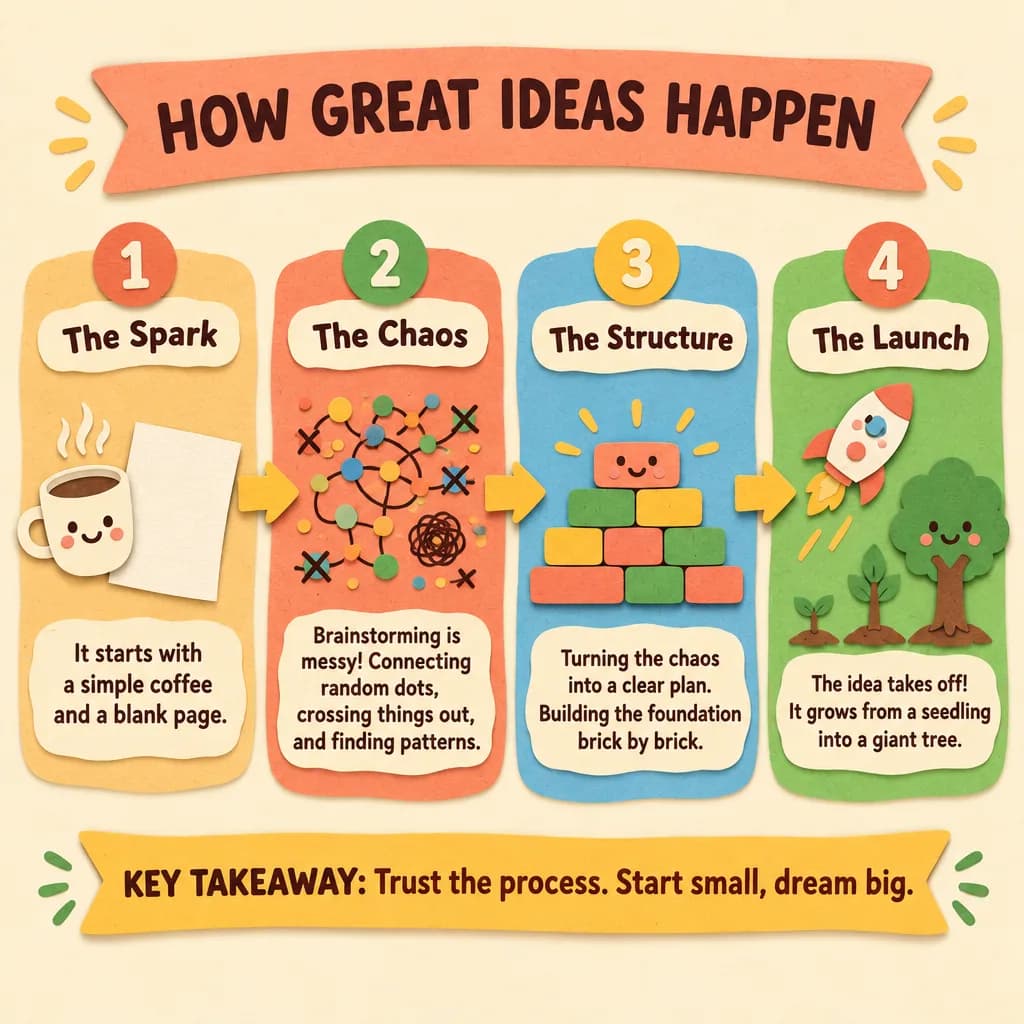
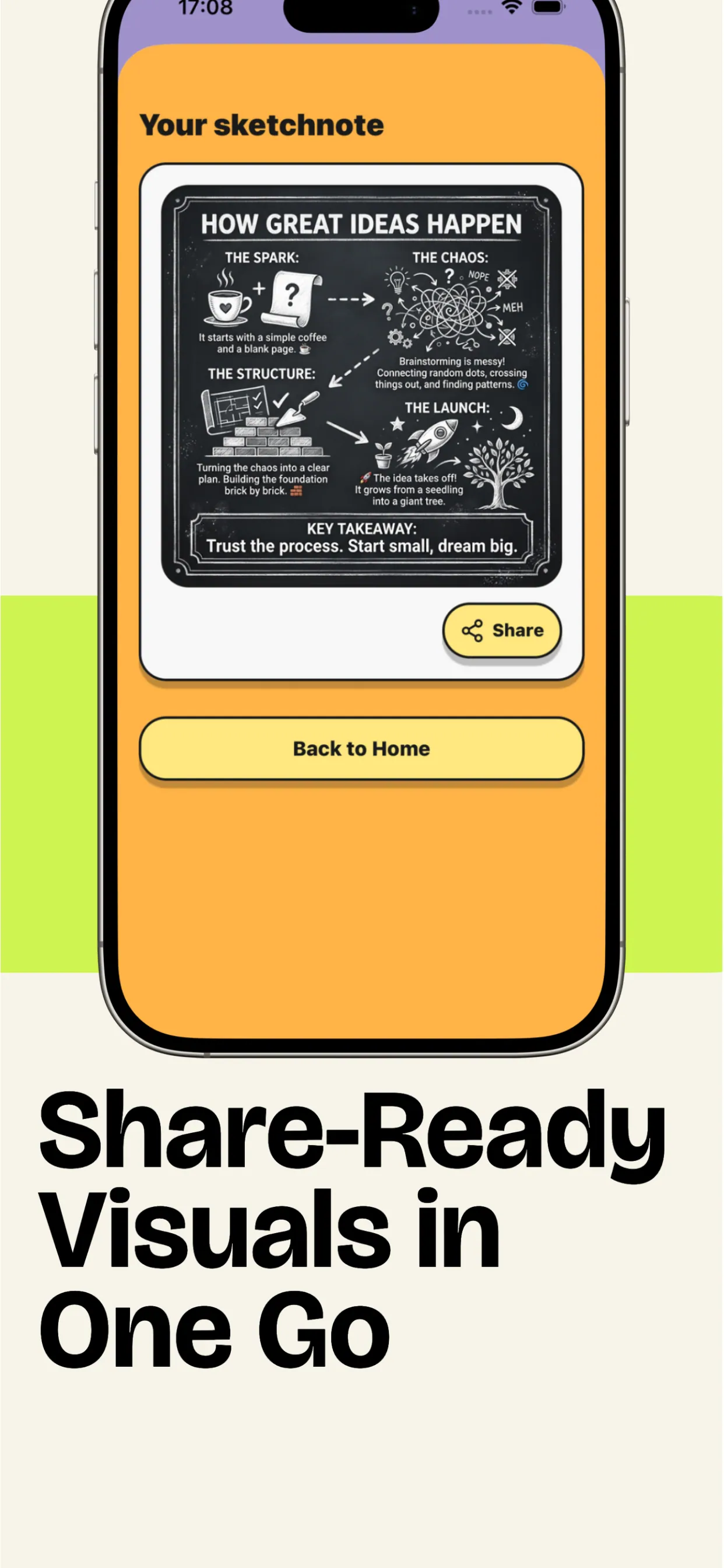
We have also an iOS app with the screens
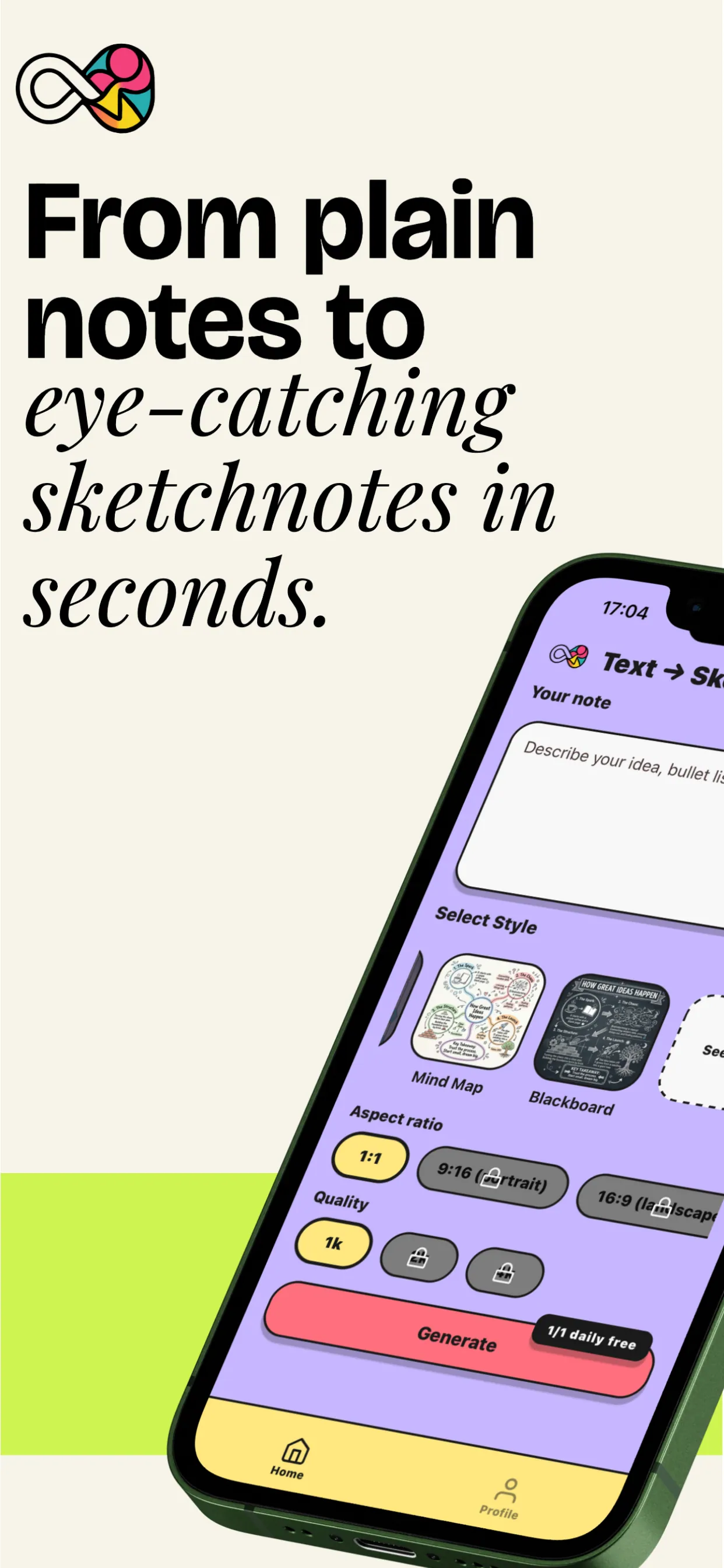
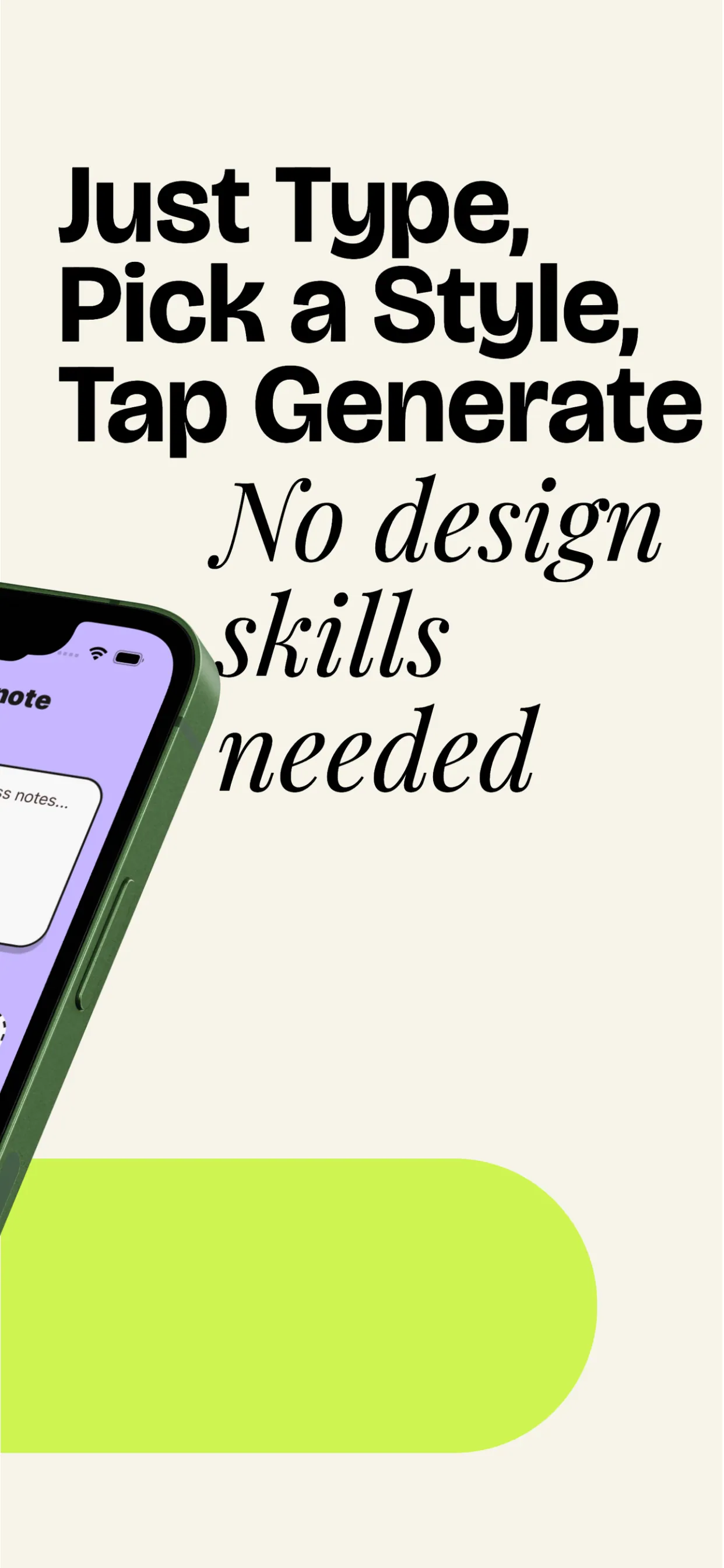
Prefer creating visuals on mobile? Download the official VisualNote AI iOS app to turn text into art, transform notes into sketchnotes, and generate infographic-style visuals you can share instantly.
Why not just use Canva, ChatGPT, or your own notes?
We put it head-to-head with the popular tools: read the full comparisons and alternatives.
Doing it yourself
- 2 hours fighting Canva text boxes
- ChatGPT gives you a wall of text, not a visual
- Hand-drawing means you need to be an artist
- Inconsistent style across visuals
- Flashcards typed out by hand, one card at a time
- You give up and re-read the PDF
The visual way
- 15 seconds. Paste → generate → download.
- A real visual layout, not a text dump
- 40+ polished styles: looks designed
- Consistent: your whole semester matches
- Flashcards from your notes, ready for Anki
- $13.99/mo ≈ $0.20 per visual. Less than a coffee.
From the first 1,328.
One coffee a month.
50 visuals.
For students cramming, teachers prepping, and creators posting weekly. Everything unlocked.
Stuff people ask before paying.
Read the guides behind the tool.
Why visual notes beat highlighters, how to pick a sketchnote style, the PDF-to-infographic comparison nobody else wrote.
Your next exam, lesson, or post.
In a single visual.
Stop re-reading. Start seeing. Make your first sketchnote in under 15 seconds.
Create my first visual →