
PDF to Infographic Converter: Free AI Tool
VisualNote AI is the fastest pdf to infographic converter on the web. Upload any PDF, a research paper, a report, a chapter, a whitepaper, and get a clean, shareable infographic in under 30 seconds. No design skills, no templates, no manual layout.
What is a PDF to infographic converter?
A PDF to infographic converter is a tool that reads the contents of a PDF document and turns the key information into a visual one-pager, an infographic. Traditionally, you'd open a tool like Canva or Adobe Illustrator, manually copy your text in, pick a layout, drag boxes around, and spend an hour designing. With an AI infographic from PDF tool, that whole process is automated.
VisualNote AI extracts the main themes, structures them into sections and callouts, and renders the result as a polished image you can share, print, or embed. It's the easiest way to convert PDF to infographic at scale.
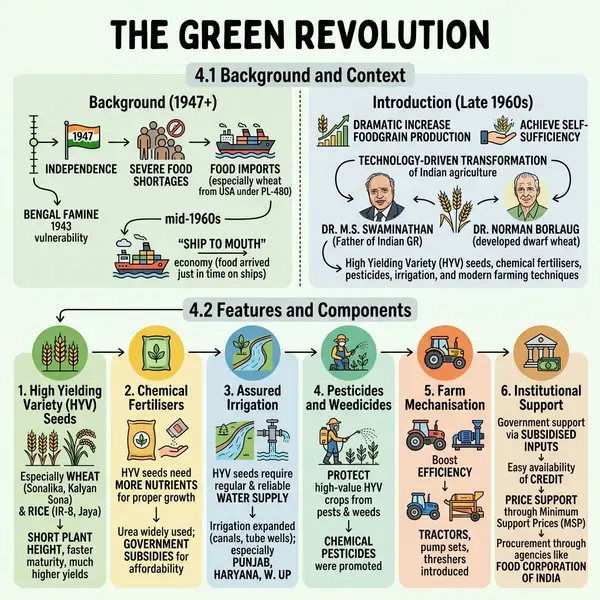
How it works
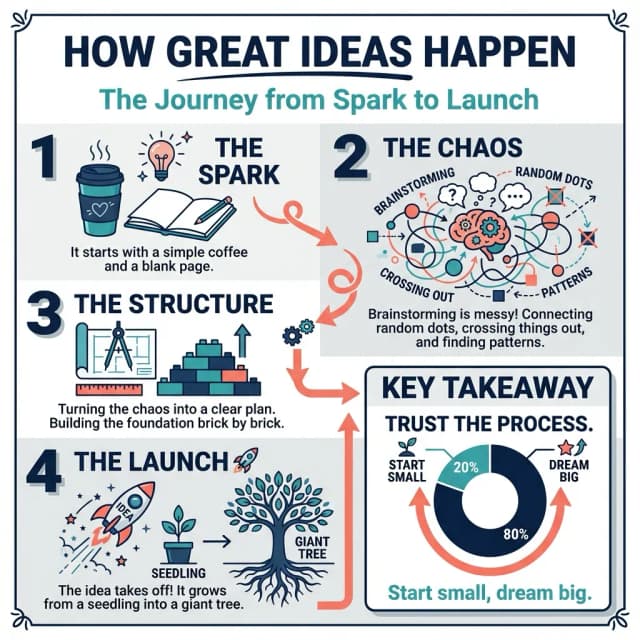
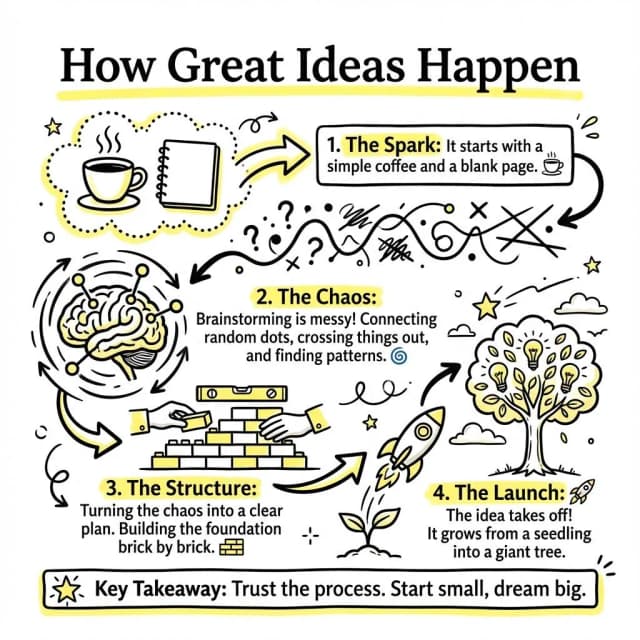
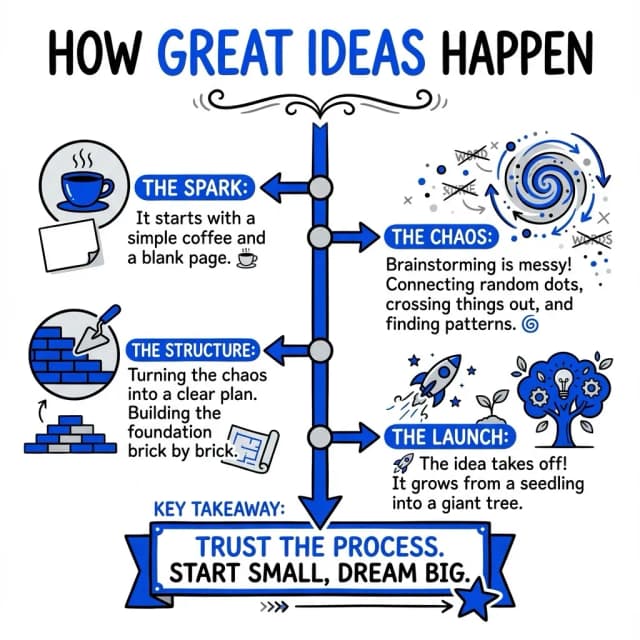
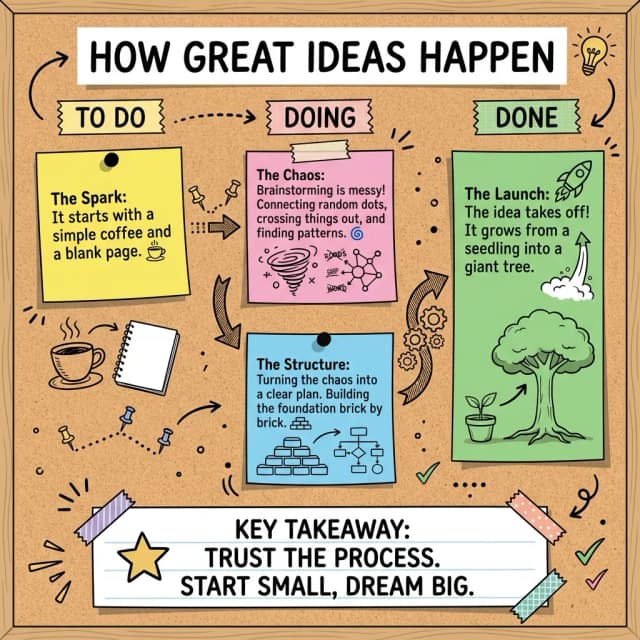
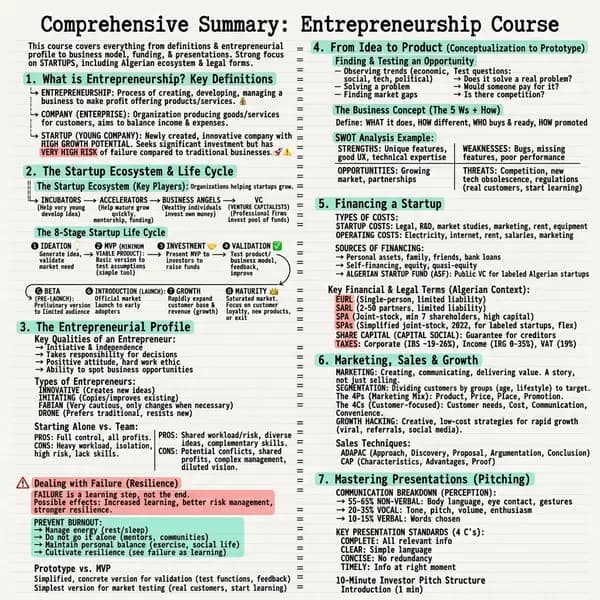
Documents that became one-pagers
Each one opens the full infographic and the document it came from.
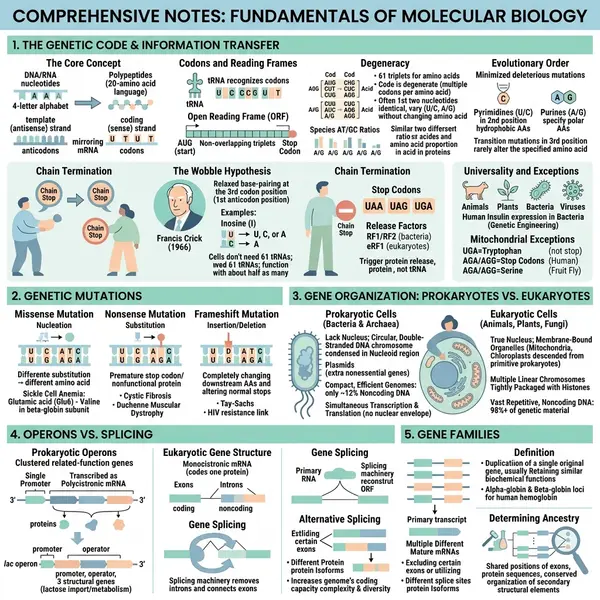 Molecular biology
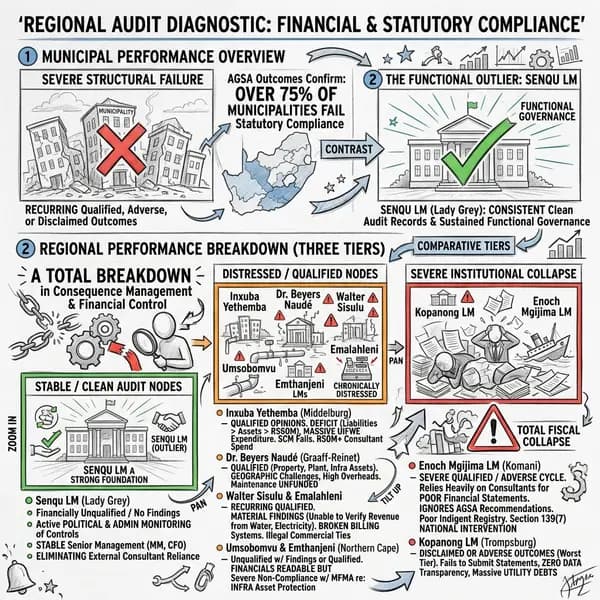 Municipal audit
Why VisualNote AI is the best PDF to infographic converter
Best styles for PDF infographics
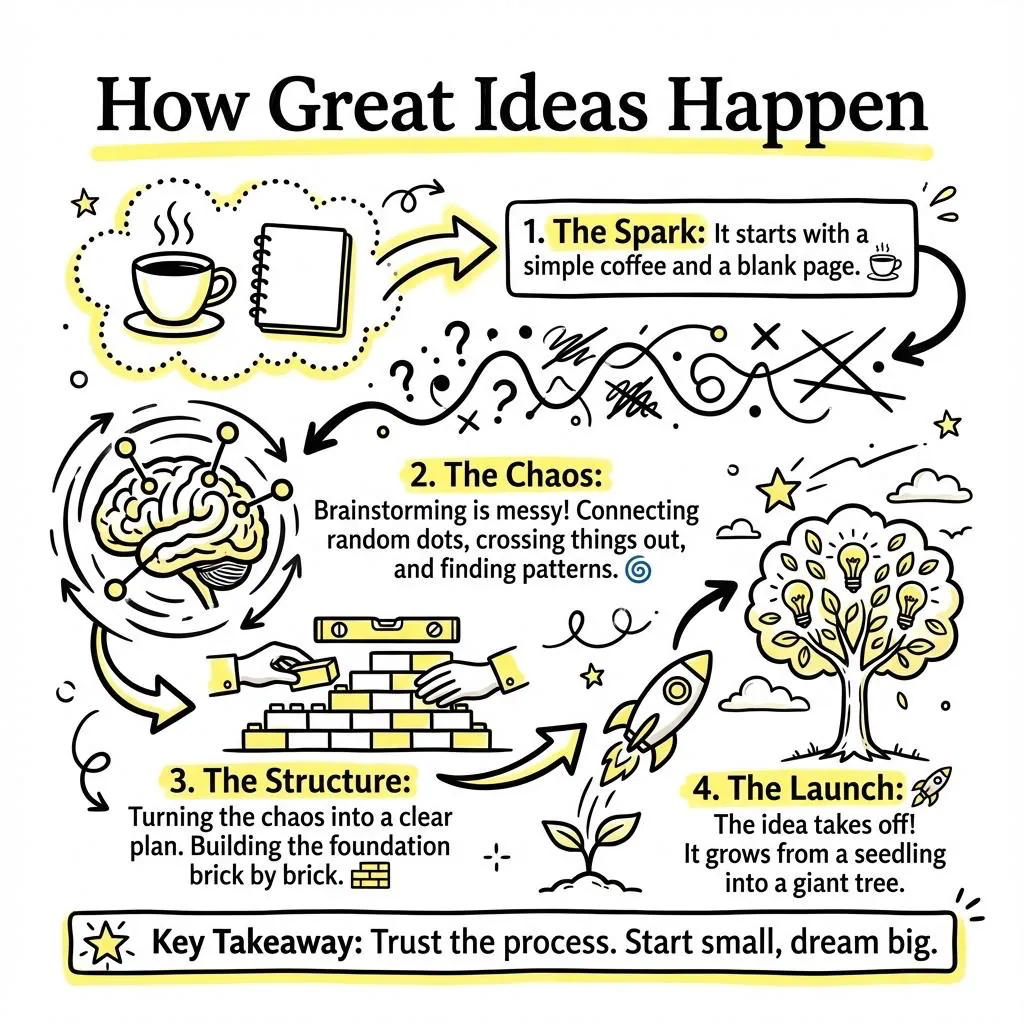
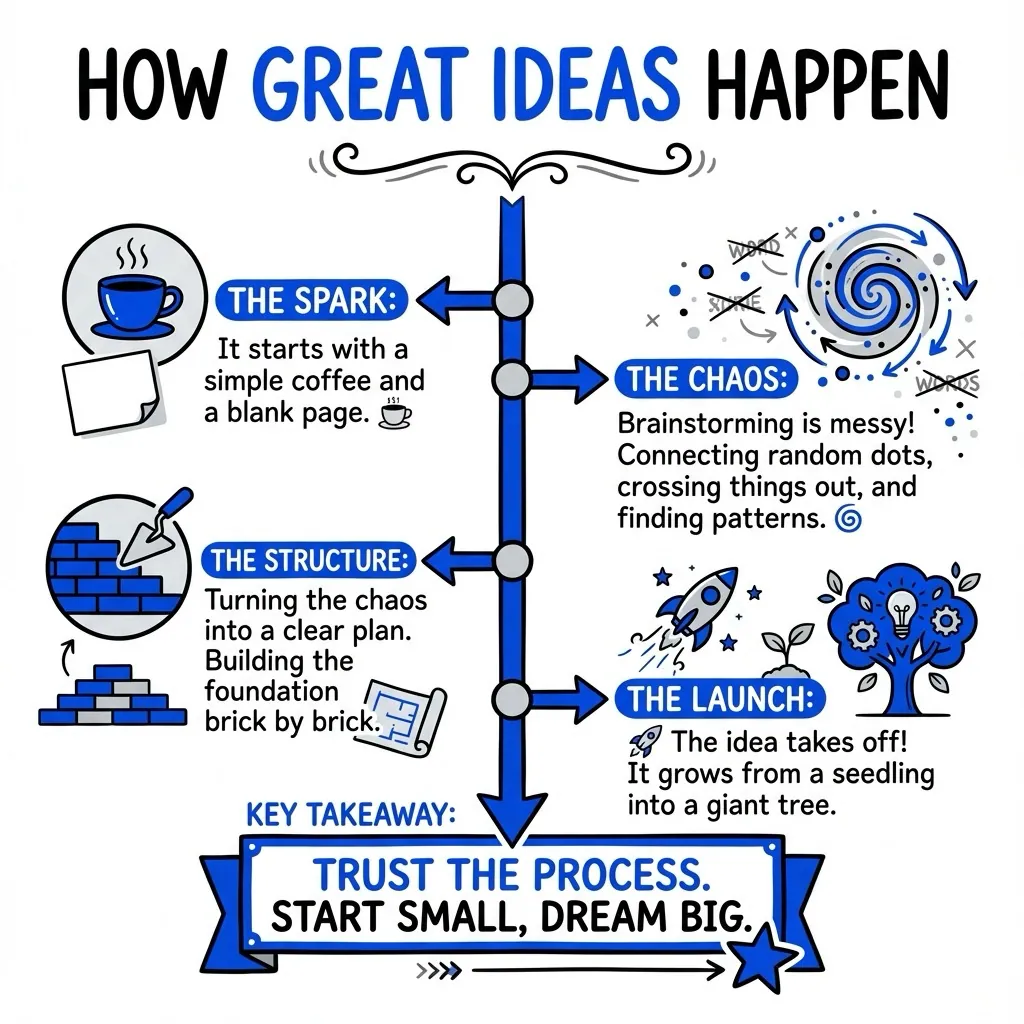
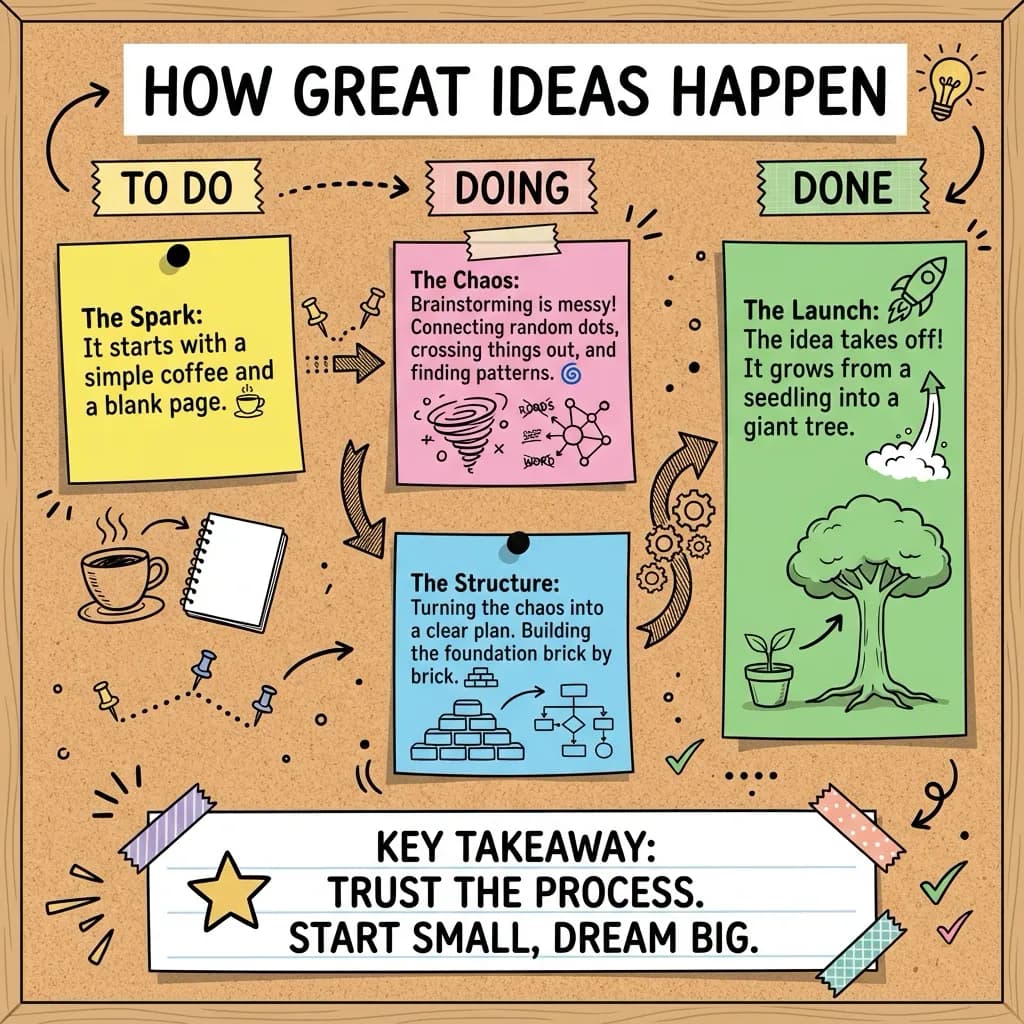
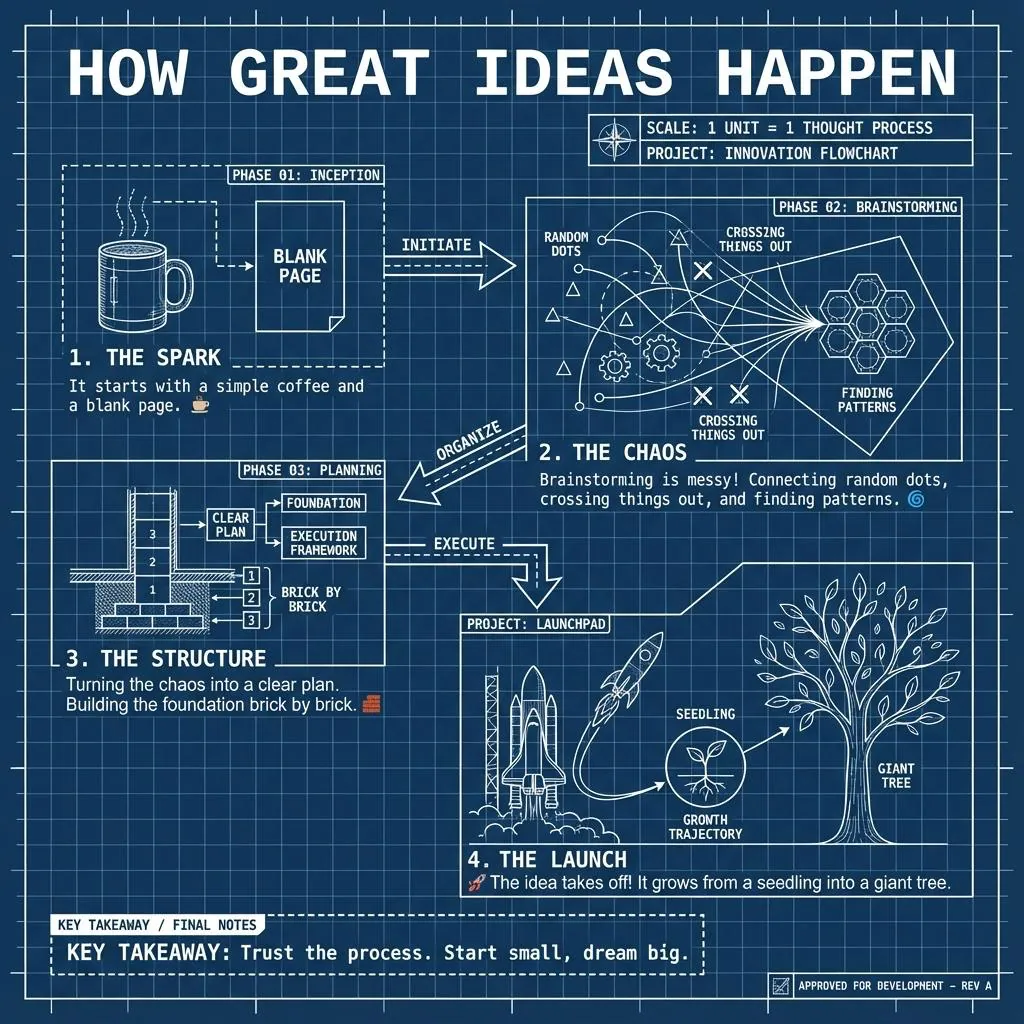
Four of the forty. See the full set on the features page.
Who uses our PDF to infographic converter
Questions people ask
Upload your PDF, pick a visual style, and VisualNote AI extracts the key points and lays them out as a clean infographic in under 30 seconds.
Yes, the free plan lets you convert PDFs to infographics with no credit card required. Paid plans unlock more generations and longer documents.
Research papers, lecture notes, ebooks, reports, whitepapers, meeting notes, and any text-based PDF can be turned into an AI infographic from PDF.
You can regenerate with a different style or tweak the source text and re-run. The output is a high-resolution PNG ready to share or print.
Free plans support short PDFs; paid plans support longer documents. See the pricing page for details on each plan's limits.
Convert your first PDF to an infographic, free
No credit card. Upload a PDF and download a high-res infographic in 30 seconds.