
AI Sketchnote Generator: Make Sketchnote Infographics
VisualNote AI is an AI sketchnote generator built for one thing: turning your text and PDFs into a sketchnote infographic in under 30 seconds. No drawing skills. No tablet. Just paste, pick the Classic style, and download.
What is a sketchnote infographic?
A sketchnote infographic blends two formats. Sketchnotes are hand-drawn visual notes with icons, lettering, and arrows, illustrative and personal. Infographics are structured visual summaries with hierarchy, callouts, and clear sections. A sketchnote infographic gives you the warmth of a sketchnote with the clarity of an infographic.
Traditionally, making one took a tablet, hours of practice, and an iPad full of brushes. With our AI sketchnote generator, you skip all of that. Paste your content, pick the style, and the AI does the visual thinking, laying out sections, choosing icons, and writing the sketchnote-style headers.
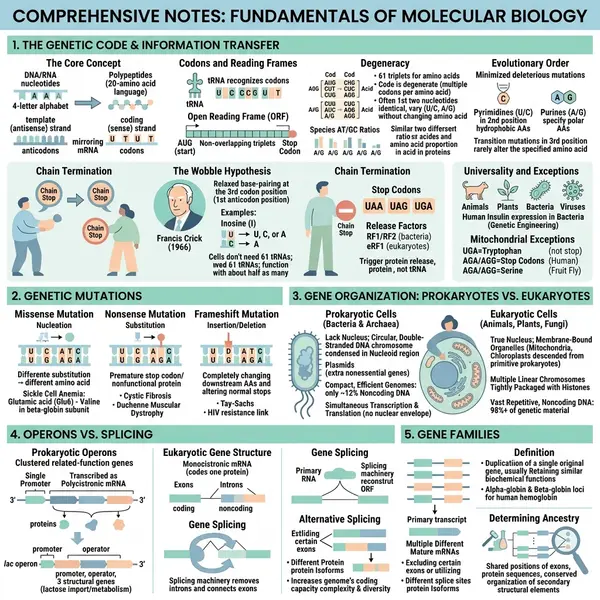
How it works
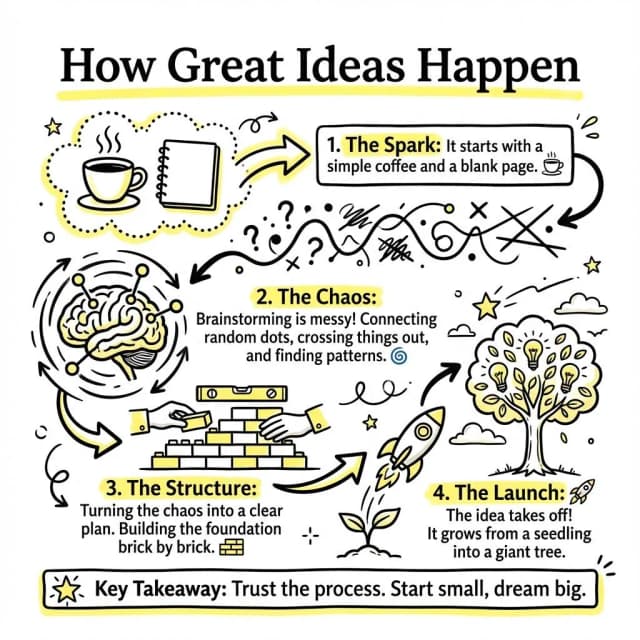
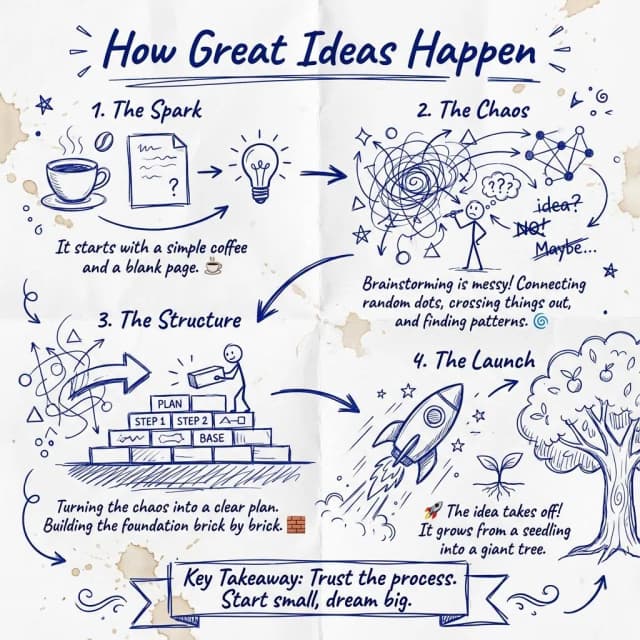
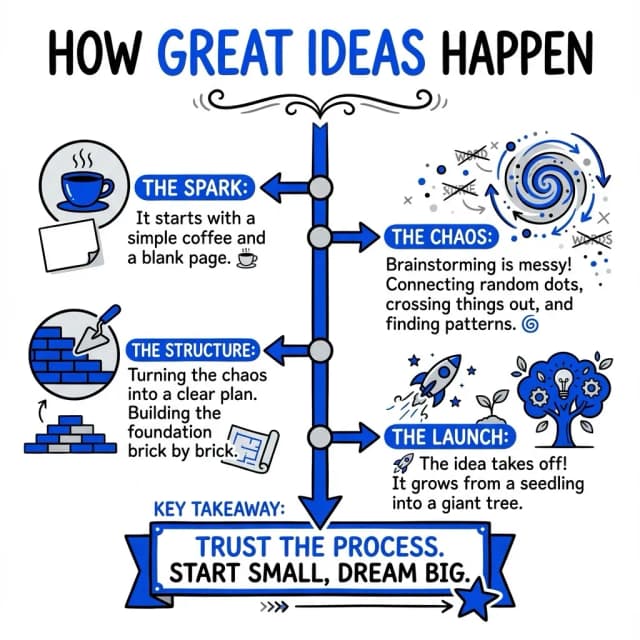
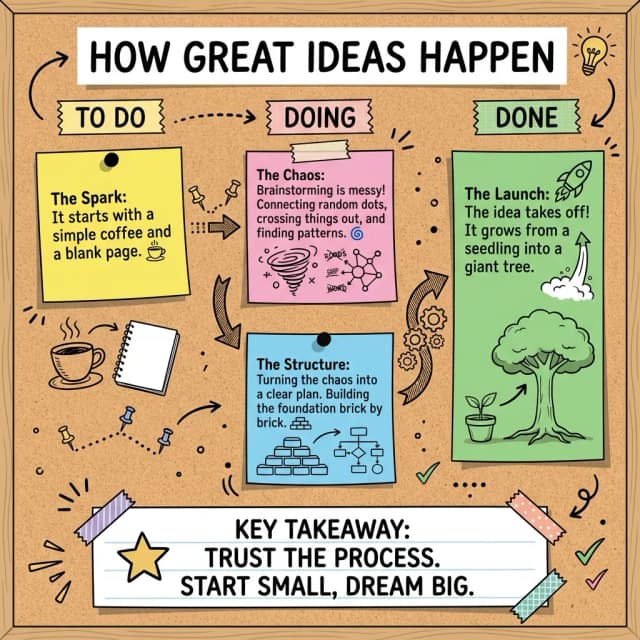
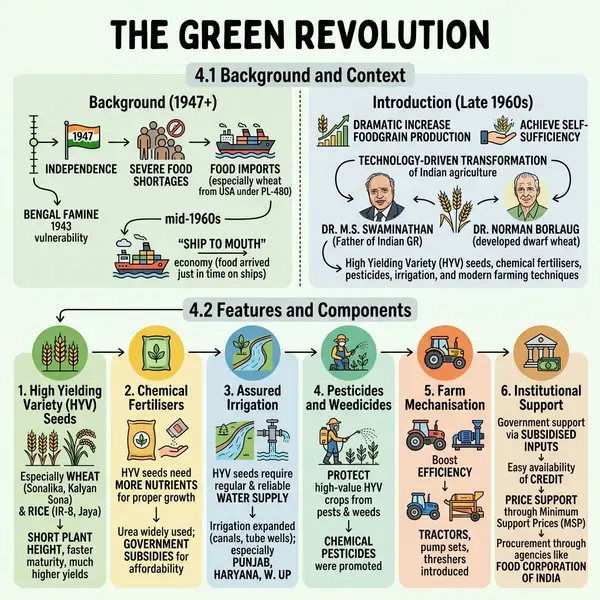
Sketchnote infographics, start to finish
Each one opens the full visual and the notes it was drawn from.
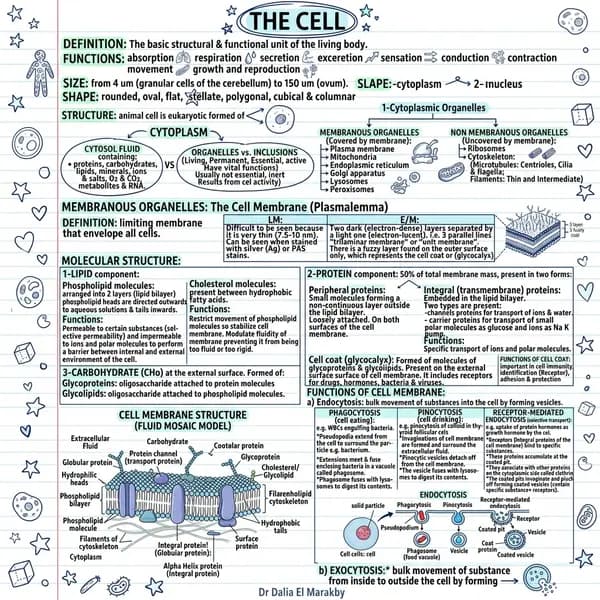 Animal cell structure
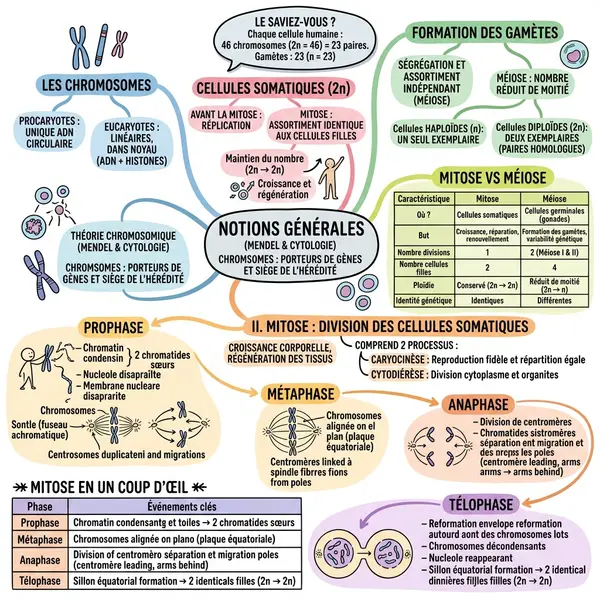 Mitosis vs meiosis
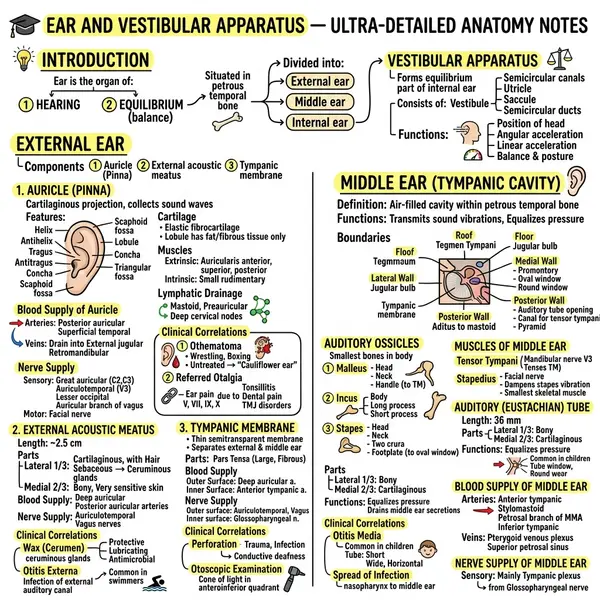 Ear anatomy
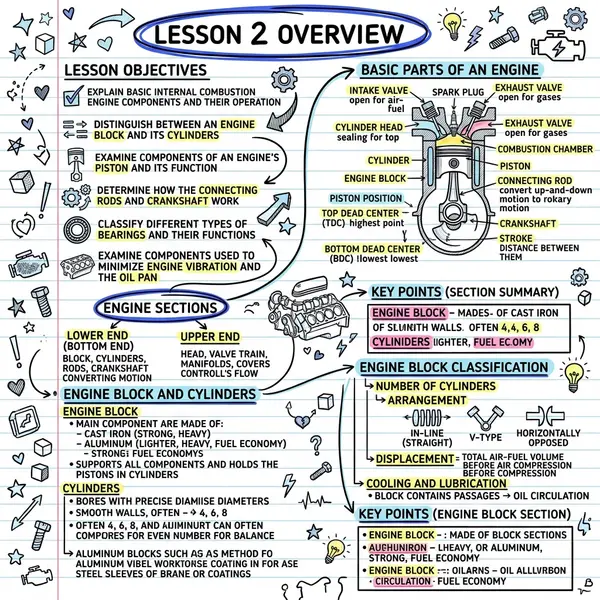 Car engine parts
Why VisualNote AI is the best AI sketchnote generator
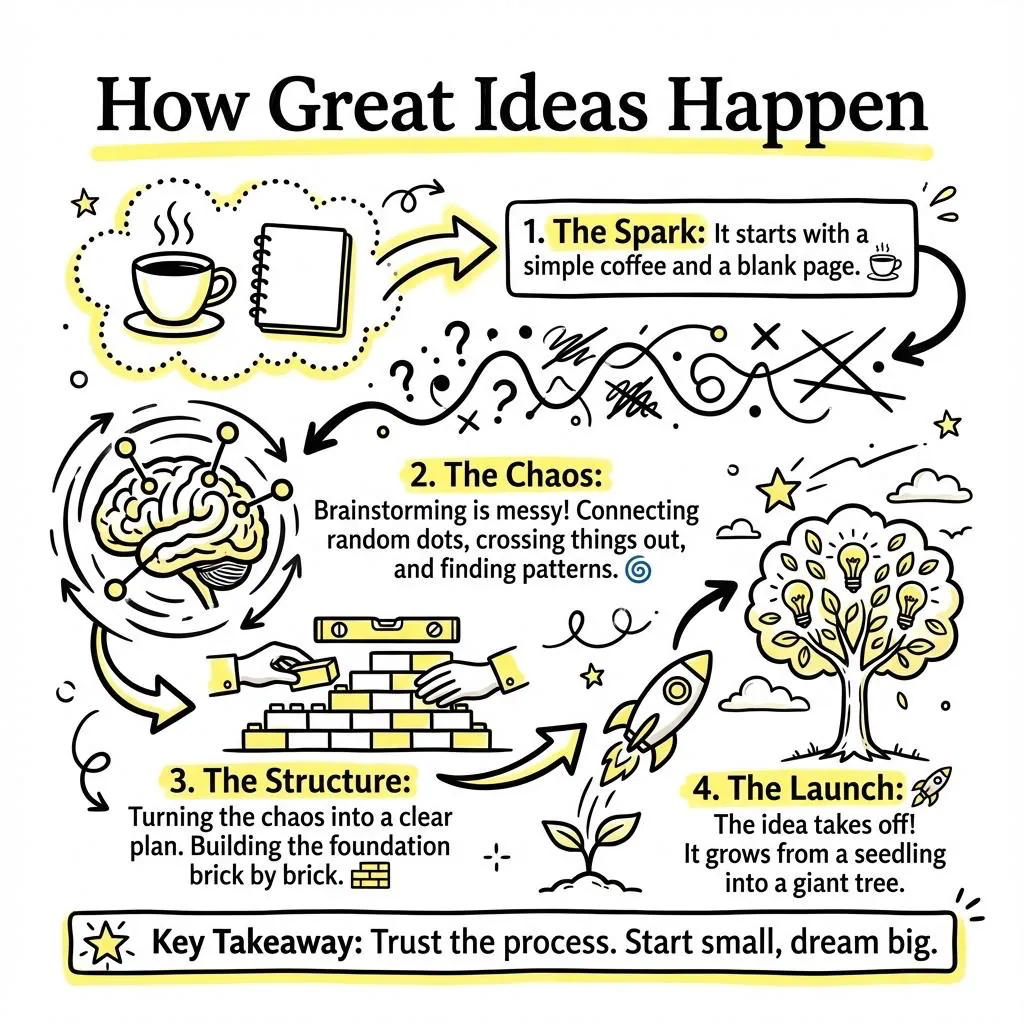
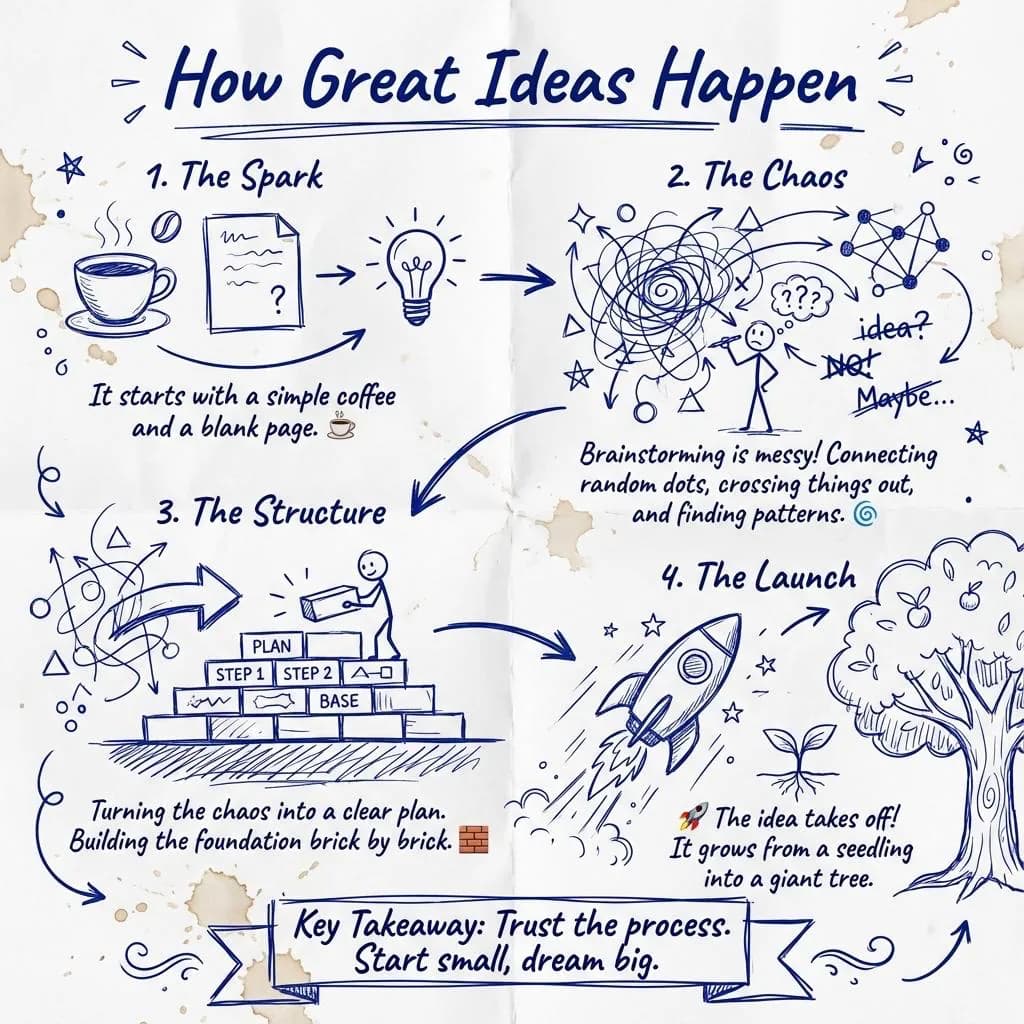
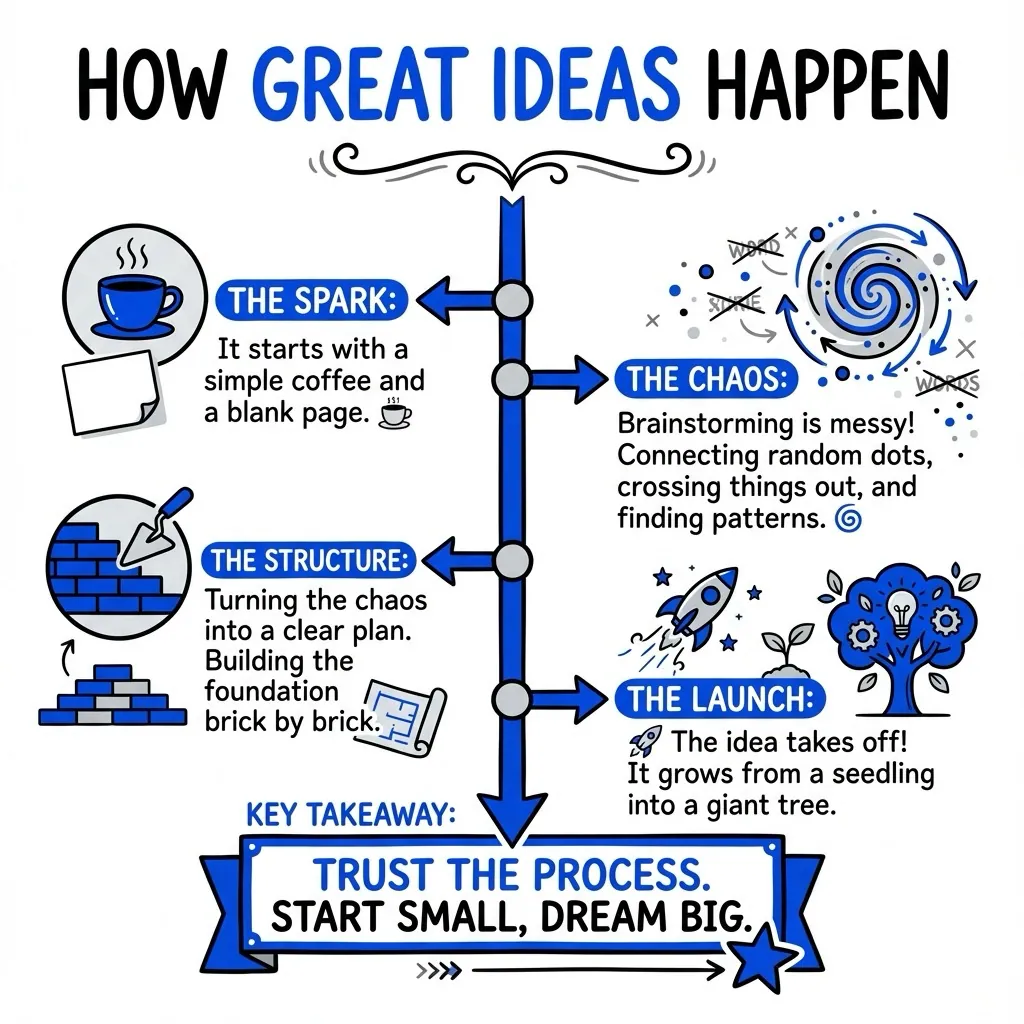
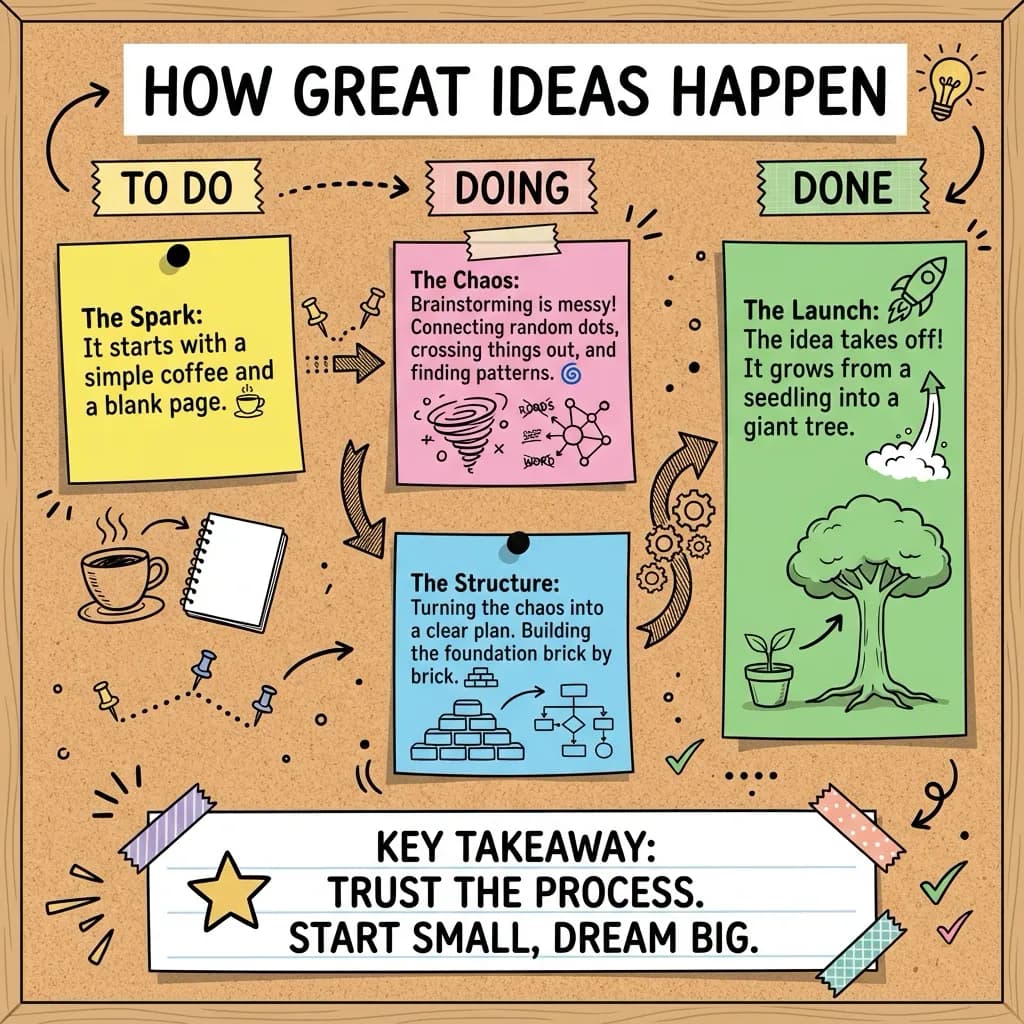
Best styles for sketchnote infographics
Four of the forty. See the full set on the features page.
Questions people ask
A sketchnote infographic combines hand-drawn sketchnote aesthetics with the structured layout of an infographic, visual hierarchy, callouts, icons, but with a more personal, illustrative feel.
Paste your text or upload a PDF, pick the Classic style for the sketchnote look, and VisualNote AI generates a sketchnote infographic in under 30 seconds.
No drawing skills required. The AI sketchnote generator handles the illustration, layout, and typography automatically.
Yes. The output PNG can be used in slide decks, social posts, blog articles, classroom materials, and client deliverables.
Yes, VisualNote AI offers a free plan to try the sketchnote generator with no credit card required.
Make your first sketchnote infographic, free
No credit card. Try the AI sketchnote generator and download a high-res PNG in 30 seconds.