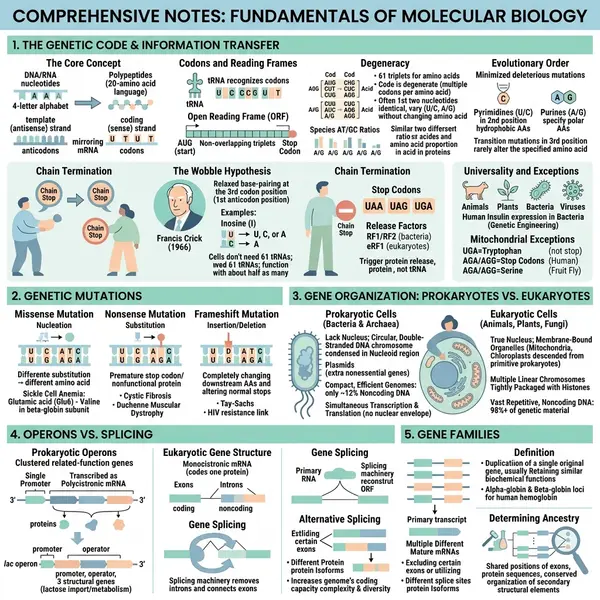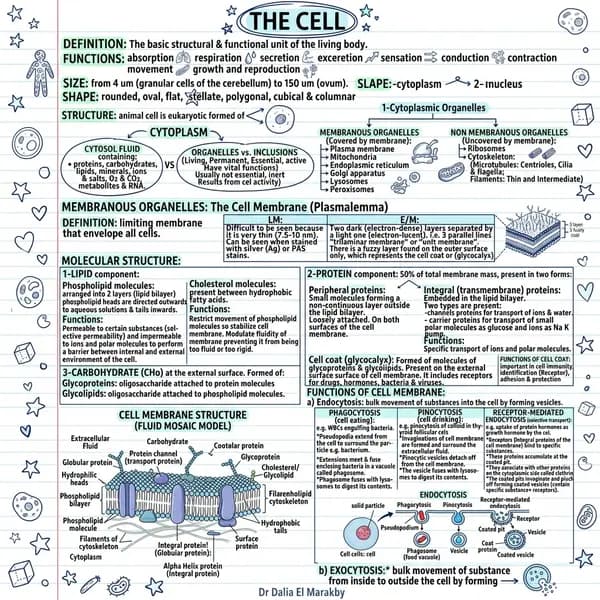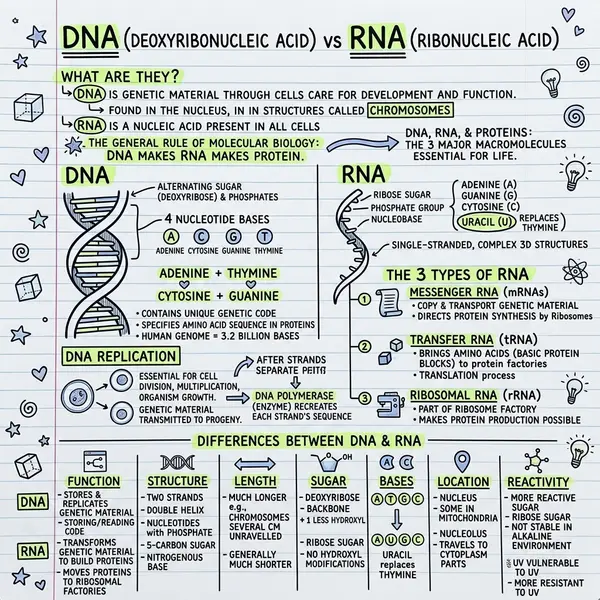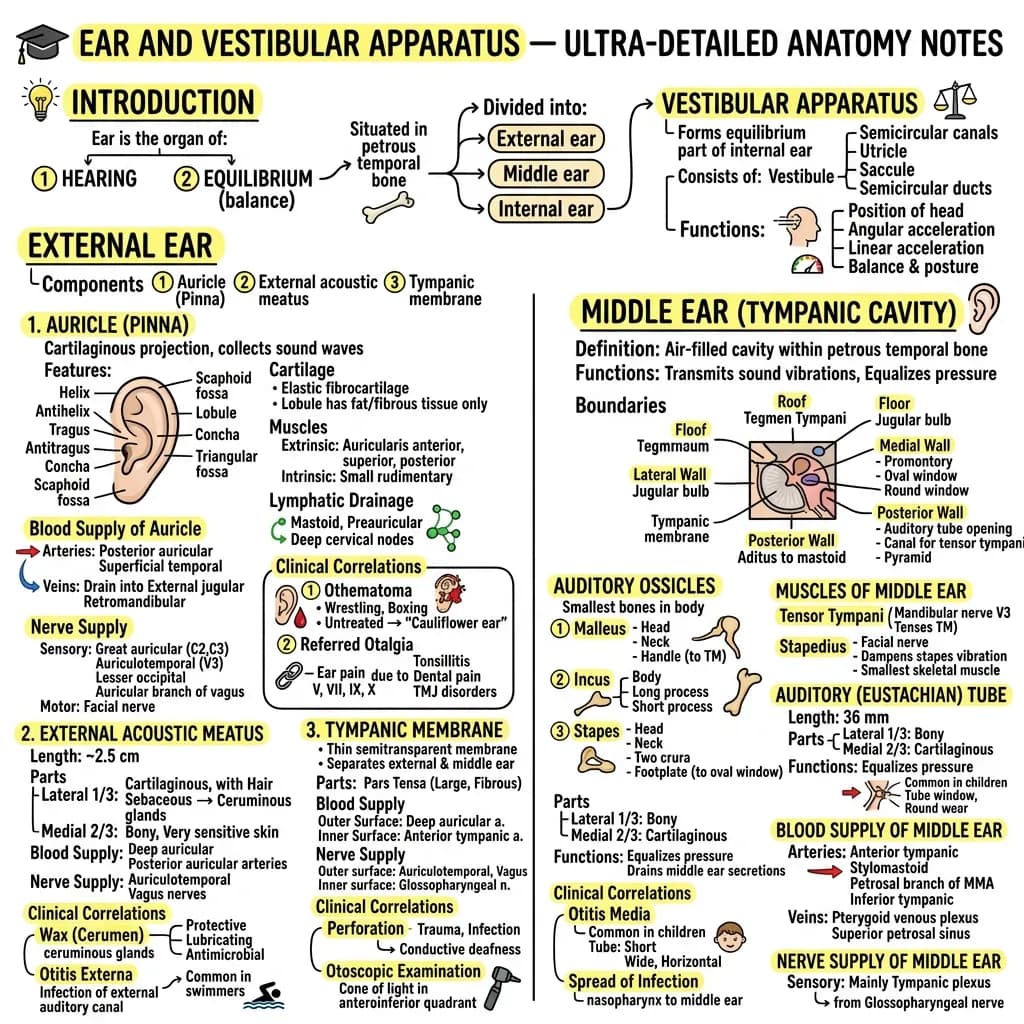
Different content communicates through different visual structures. A set of sequential steps wants a timeline. A comparison of options wants a Kanban board. A dense research summary wants Classic's structured hierarchy. Match style to content and the visual writes itself.
Why the right style matters
When you match the style to the content type, the AI generates a coherent, informative output. When there's a mismatch, the visual feels forced and harder to read. The four-style logic below isn't decoration — it's structural.
Classic — the safe default
Balanced hand-drawn page with title, 4–8 framed sections, icons, and arrows. Works for book summaries, lecture notes, meeting recaps, blog recaps — anything without an obvious shape. Default to Classic when you don't know which to pick; it works for ~70% of inputs.
Blueprint — technical and rigorous
Technical-drawing aesthetic. Measured frames, callouts, precise lines. Best for system architecture, product specs, ADRs, anatomy diagrams, engineering content. Signals “rigorous” without losing the warmth of a hand-drawn feel. Avoid for personal essays or informal content.
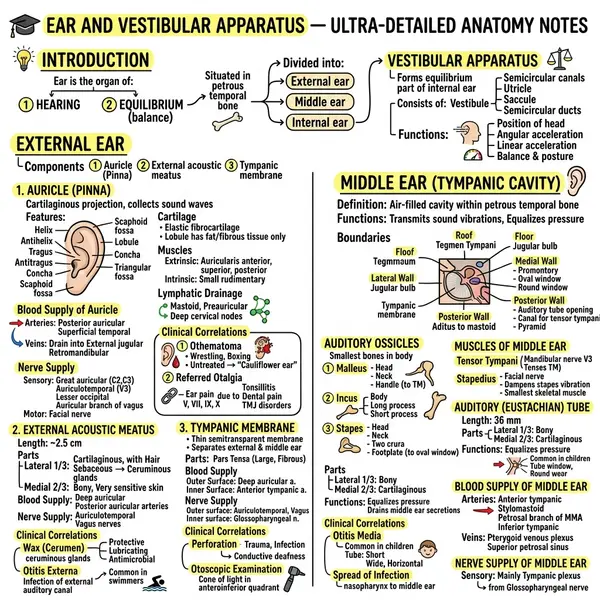
Comic — personal and engaging
Hand-drawn, approachable, often colourful. Stands out from corporate visuals. Best for student study guides, teacher handouts, social-media educational posts, personal learning notes. Avoid in formal business contexts where polish is required.
Kanban — categories and comparison
Column-based layout. Best when content naturally falls into categories, comparisons, pros/cons, feature breakdowns, status boards. Parallel structure is immediate. Avoid for sequential or narrative content — Kanban strips story.
Timeline — chronological and sequential
Horizontal or vertical axis. Best for historical events, processes, step-by-step guides, project timelines, biographies. Order communicates itself. Avoid for non-sequential content — it feels forced.
Terminal — dark, technical, developer-focused
Dark background, monospace aesthetic. Resonates with technical audiences. Best for API documentation summaries, developer tutorials, code-adjacent content. Avoid for non-technical audiences who may find the aesthetic unfamiliar or harder to read.
When unsure, generate two styles and compare. The right one becomes obvious instantly.
Frequently asked questions
Can I switch style mid-session?
Yes — picking a different style and regenerating uses one credit. The text input stays.
Can I customise colours?
The current AI picks colours from a curated palette per style. Custom palettes are on the roadmap; in the meantime, upload your own style reference image.
Which style is most shareable on social?
Comic and Classic tend to perform best on LinkedIn and X. Terminal does well in developer communities.
Which renders fastest?
All styles take 20–40 seconds. Speed depends on model load, not style.
Browse 30 sketchnote examples across all six styles, or open the sketchnote generator to try one now.