
PDF to Notes AI: Turn Any PDF into Visual Notes
VisualNote AI is the fastest way to turn a PDF into notes you can actually use. Upload any PDF (research paper, report, chapter, whitepaper) and get clean visual notes in under 30 seconds: a sketchnote, an infographic, or a one-page summary.
What is a PDF to notes AI?
A PDF to notes AI is a tool that reads the contents of a PDF and automatically renders the key information as visual notes: a sketchnote, an infographic, a one-page summary. It saves you the hour you'd normally spend in Canva or Illustrator manually copying text and arranging boxes.
VisualNote AI is built end-to-end for this use case. It identifies the important sections, picks an appropriate hierarchy, and produces a polished image you can share immediately. It's how modern teams convert PDF to visual summaries at scale.
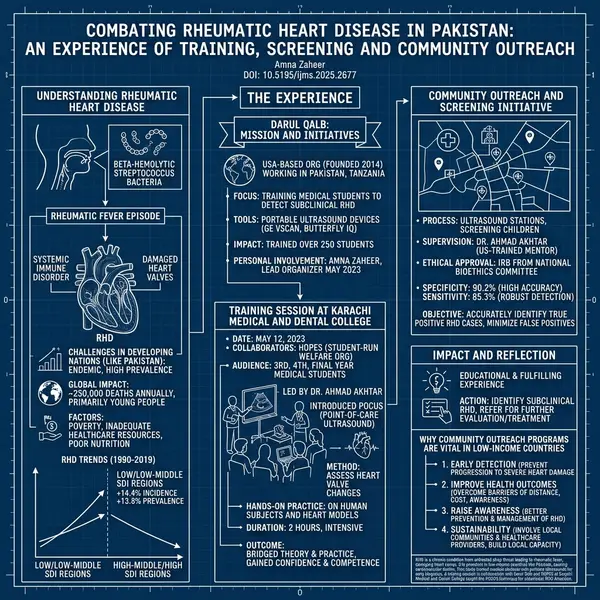
How it works
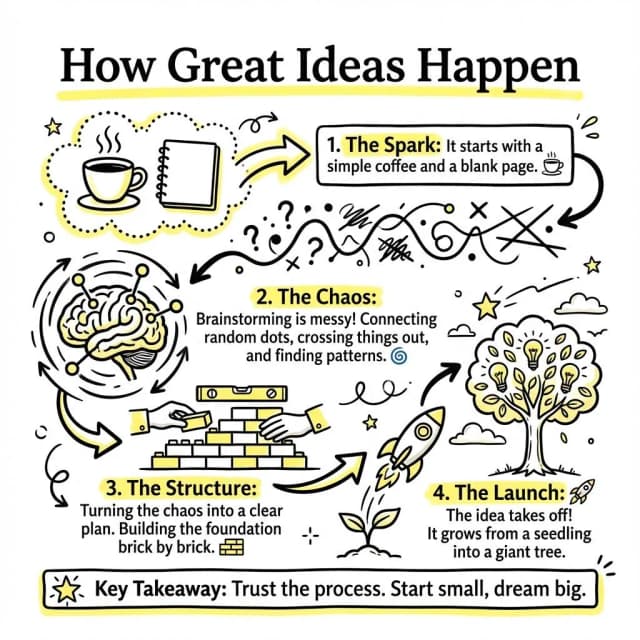
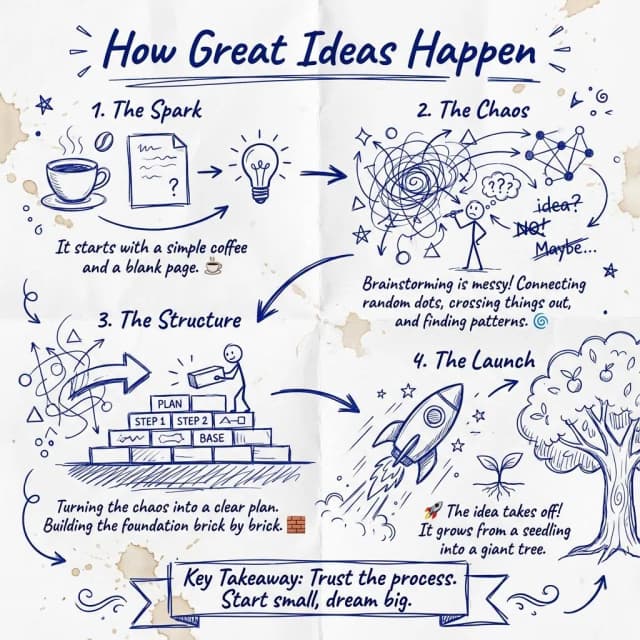
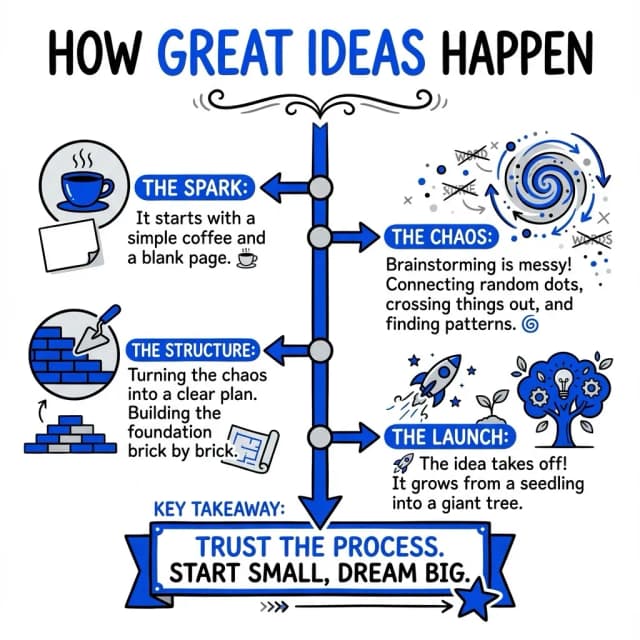
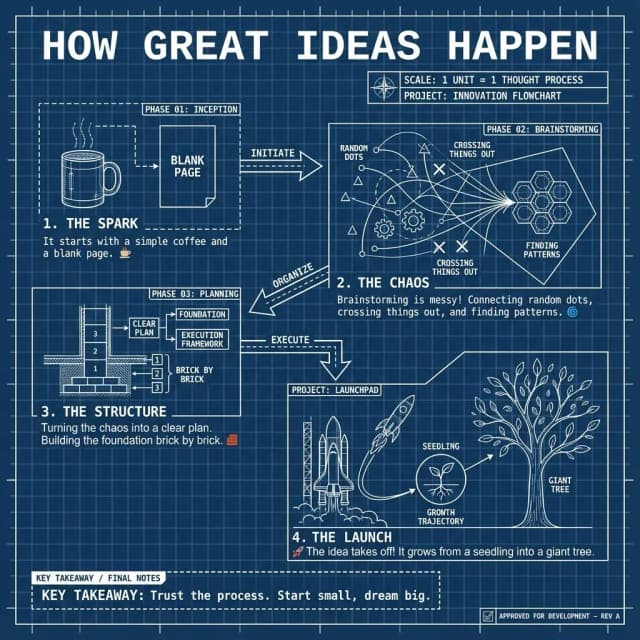
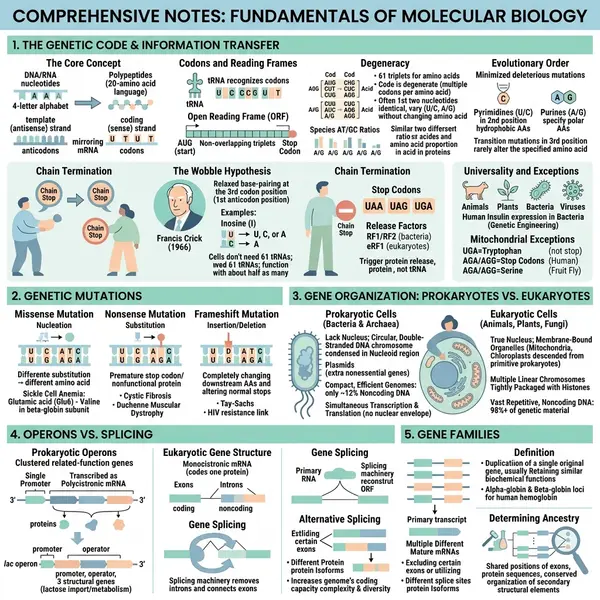
Papers, reports and chapters, drawn
Each one opens the full visual and the document it came from.
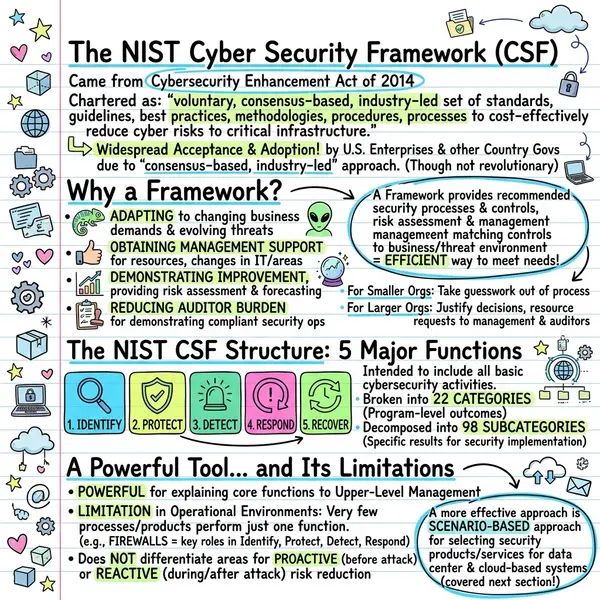 NIST framework
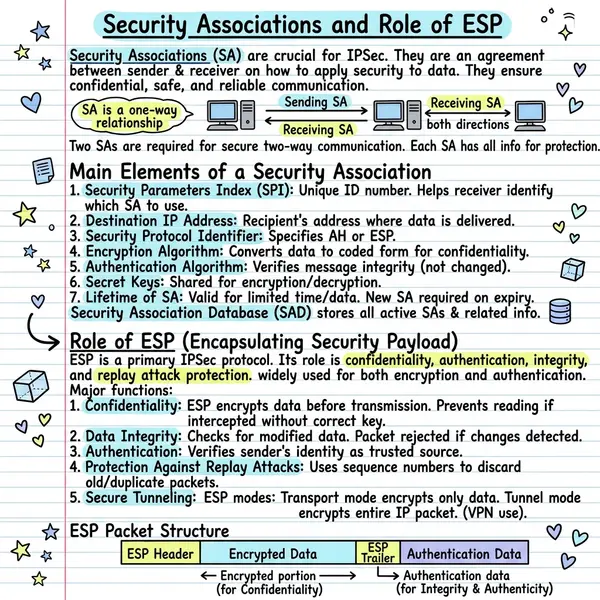 IPSec associations
Why VisualNote AI is the best PDF to notes AI
Best styles for PDF visuals
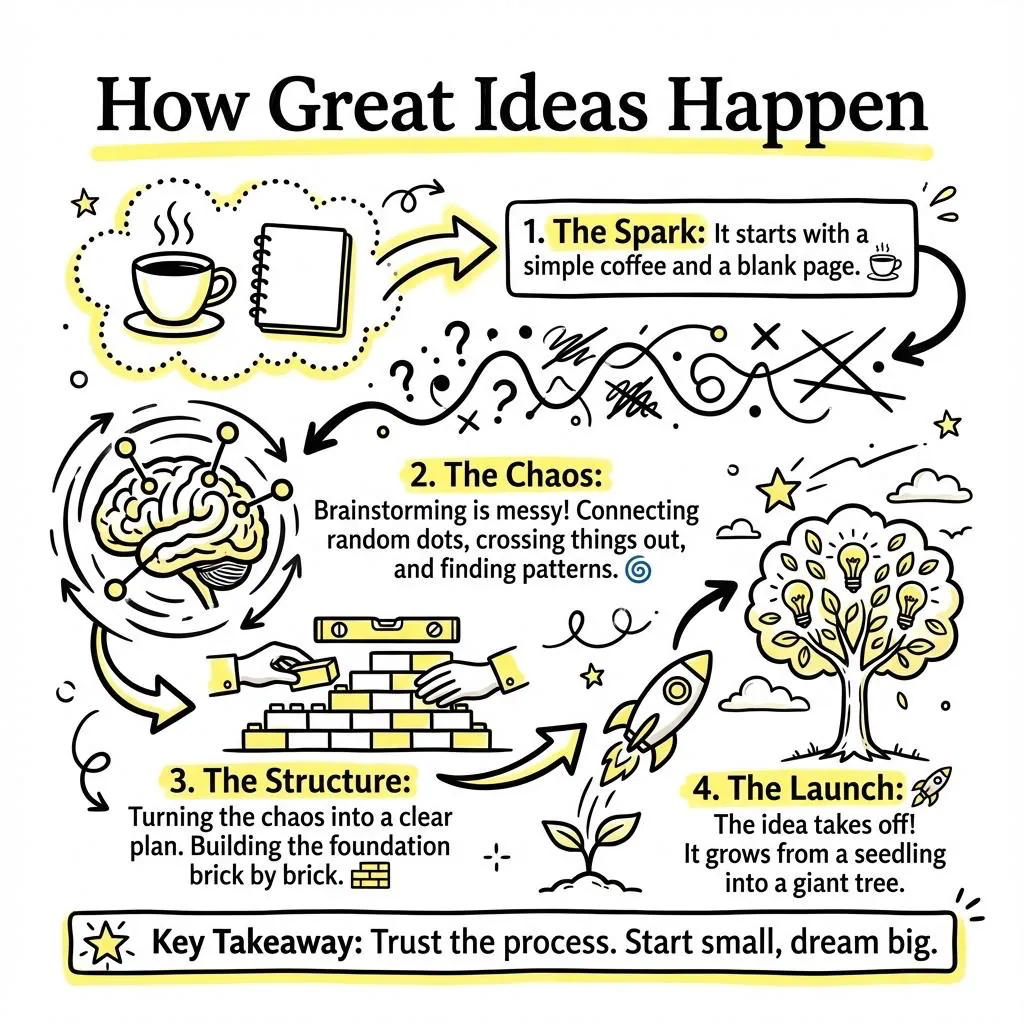
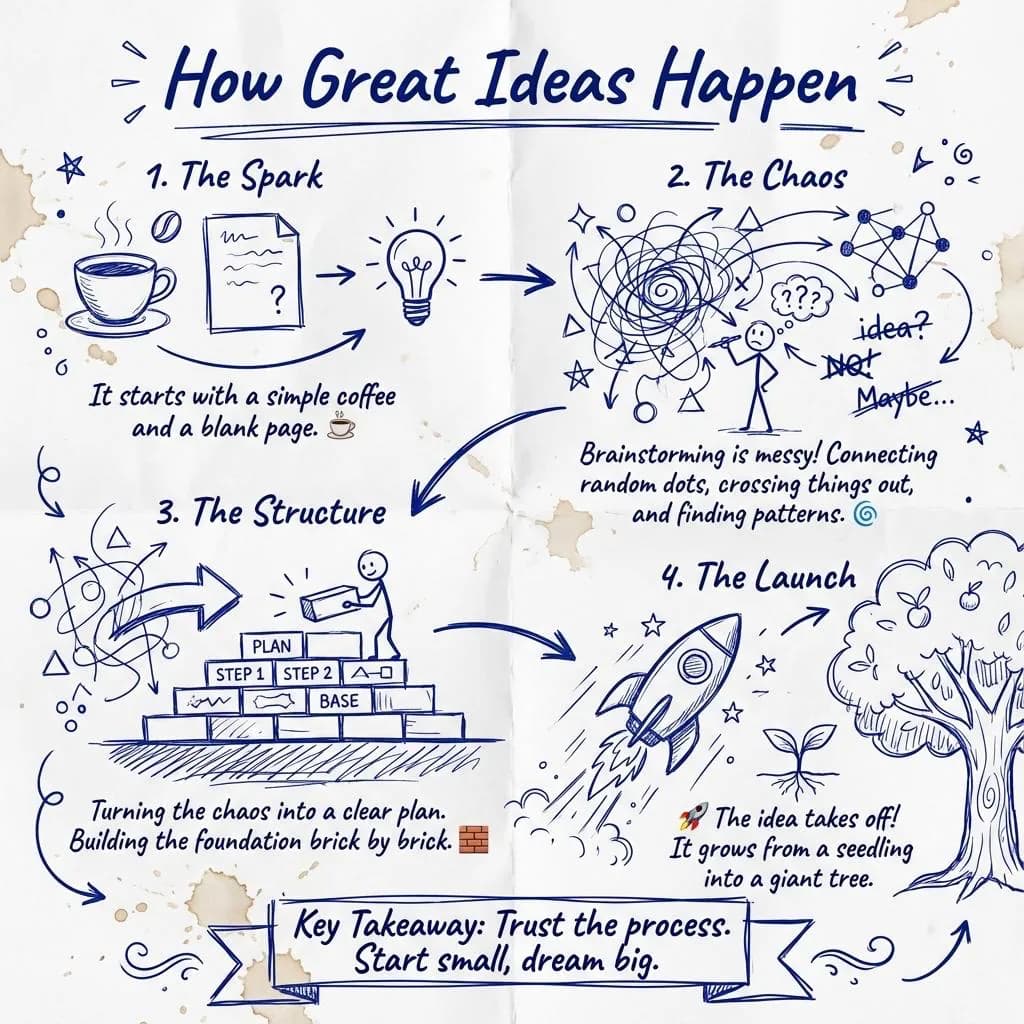
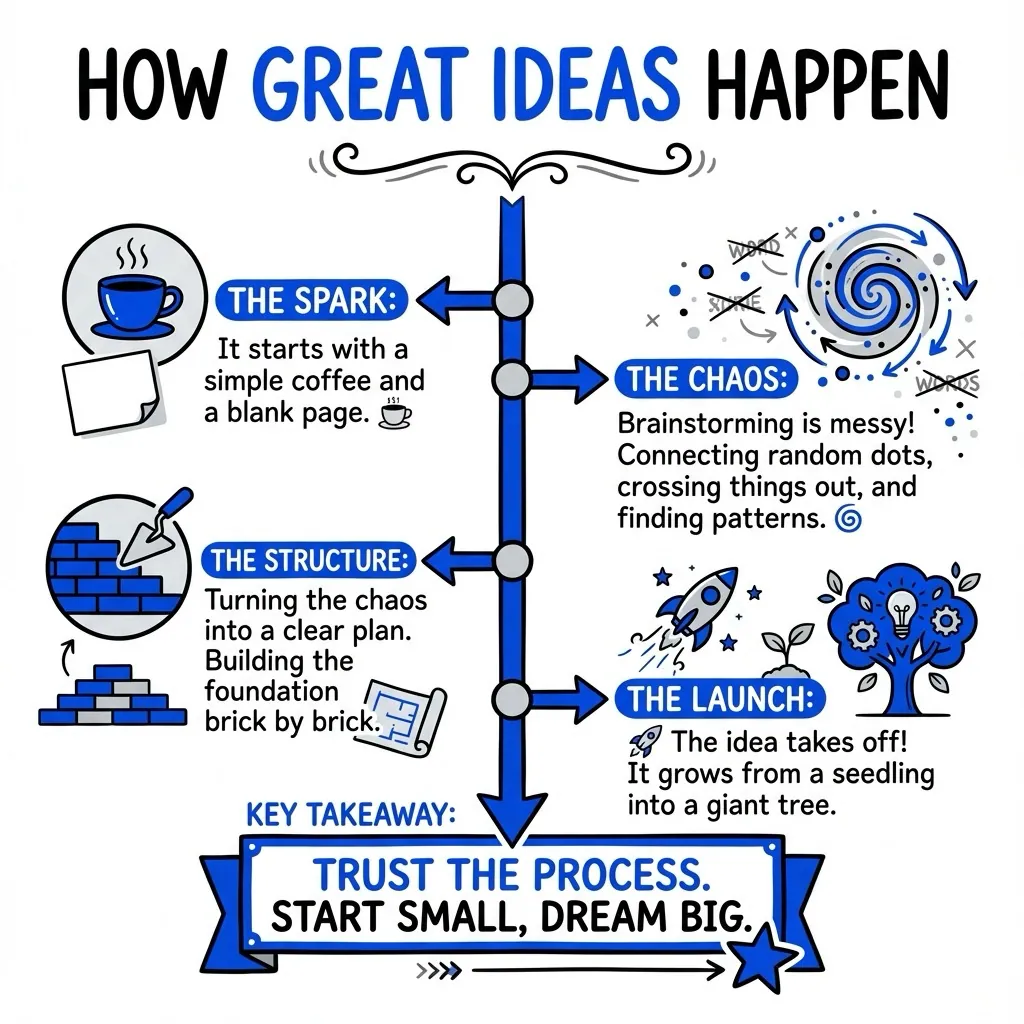
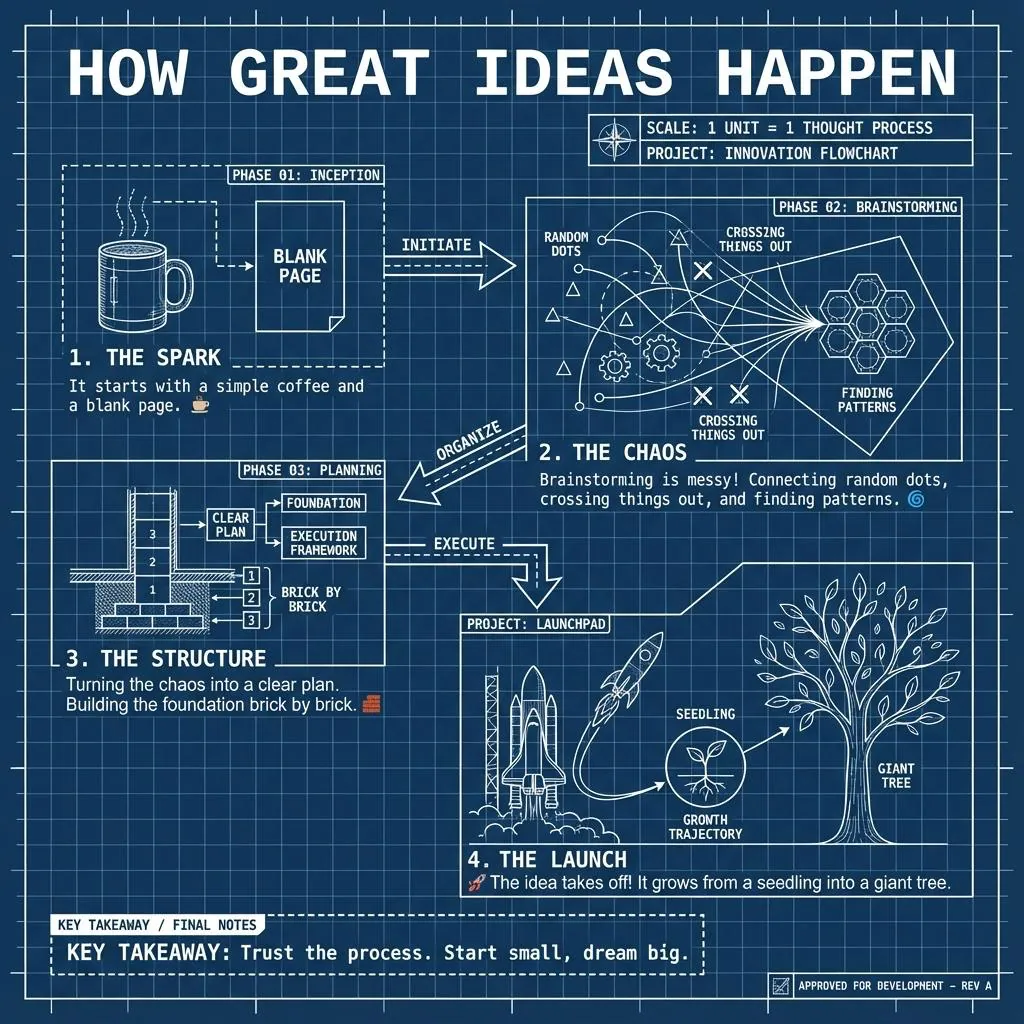
Four of the forty. See the full set on the features page.
Who uses our PDF to notes AI
Questions people ask
A PDF to notes AI is a tool that reads a PDF and automatically converts it into visual notes: a sketchnote, infographic, or one-page summary, in under a minute.
Upload your PDF, pick a visual style, and VisualNote AI extracts the key information and lays it out as a clean visual in 30 seconds.
Yes, VisualNote AI offers a free plan with no credit card required to turn PDFs into visual notes.
Text-based PDFs work best: research papers, reports, ebooks, lecture notes, whitepapers. Scanned image-only PDFs may need OCR first.
Yes. Your uploads are processed securely and not used for training. See our FAQ for full details.
Turn your first PDF into notes, free
No credit card. Upload a PDF and download a high-res visual in 30 seconds.