
Turn any YouTube video into a visual note
Paste a link and summarize any video, lecture, or talk into a shareable sketchnote, mind map, or infographic. One image you can actually study from. No extension, no download.
Free to try · no credit card · works on any public video
What is a visual note from a YouTube video?
A visual note from a YouTube video is a single-image summary of the video's key ideas, rendered as a sketchnote, mind map, timeline, or infographic. Instead of rewatching a lecture or reading through a transcript, you get one studyable page that captures the structure, key terms, and main takeaways in a visual format your brain retains more easily than plain text. VisualNote AI creates these automatically: paste any public YouTube URL, choose a visual style, and the tool watches the video, extracts the core ideas, and renders them as a finished visual note in seconds. The output is a shareable image you can save, print, or post, no browser extension, no manual highlighting, no copy-pasting required. The free plan covers videos up to 15 minutes; the Plus plan extends to 4 hours of video per month.
From a YouTube video to a sketchnote mind map
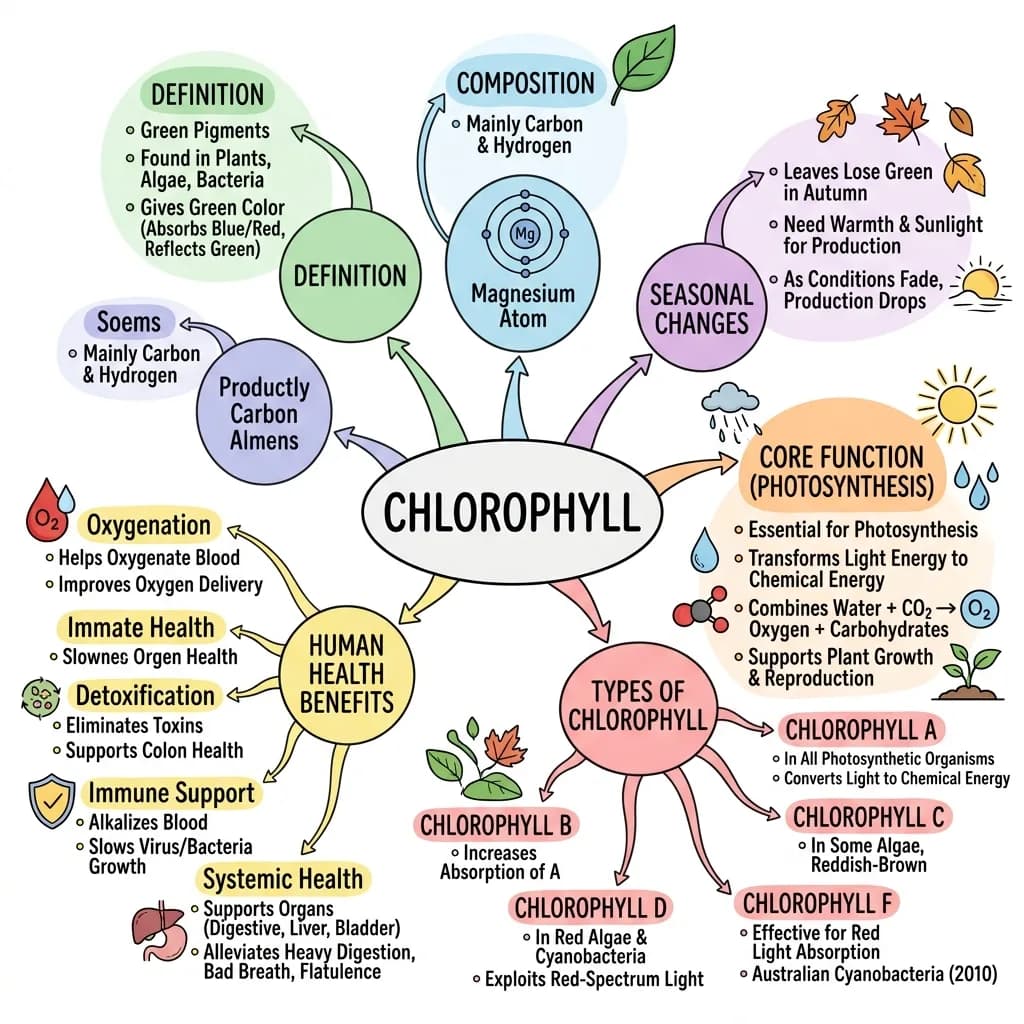
We turned a YouTube explainer on chlorophyll into a single sketchnote mind map, every key idea from the video on one studyable page.
How it works
Why turn YouTube videos into visual notes
What a video turns into
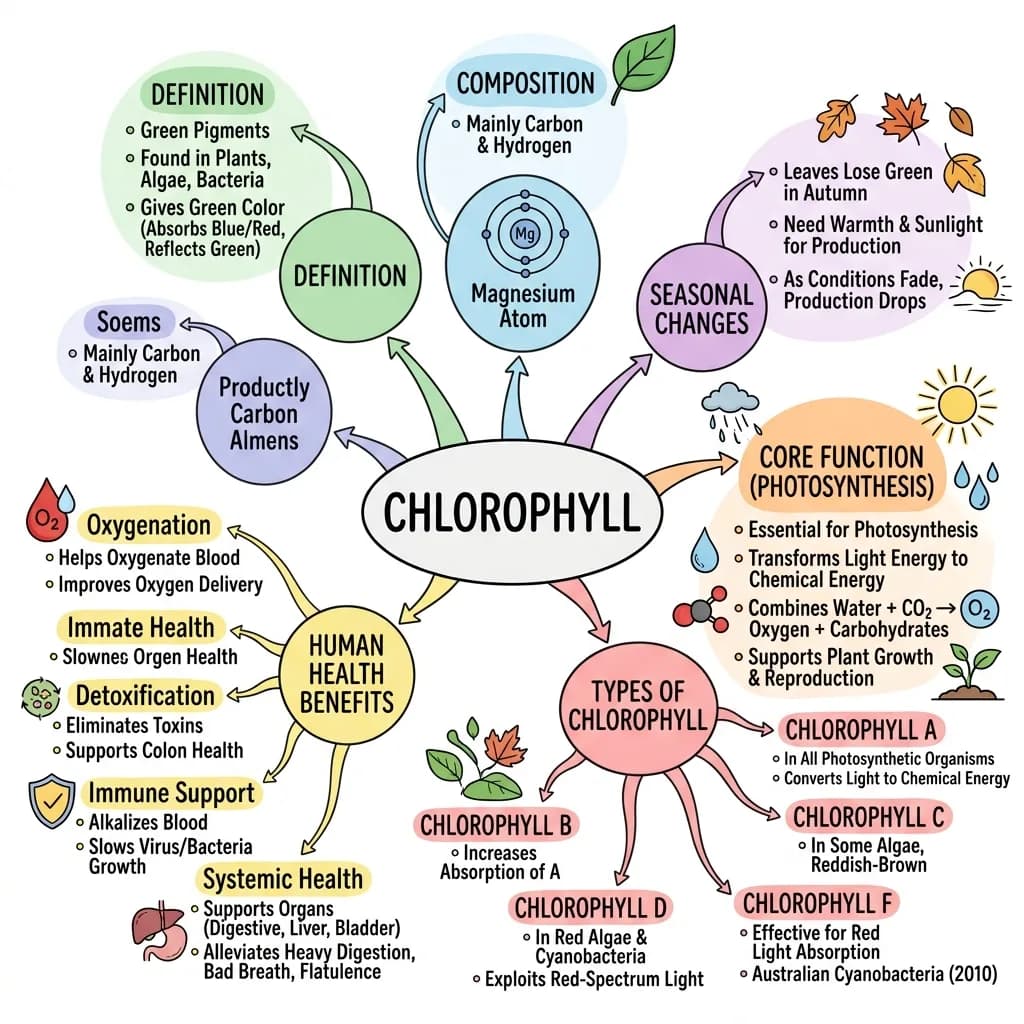
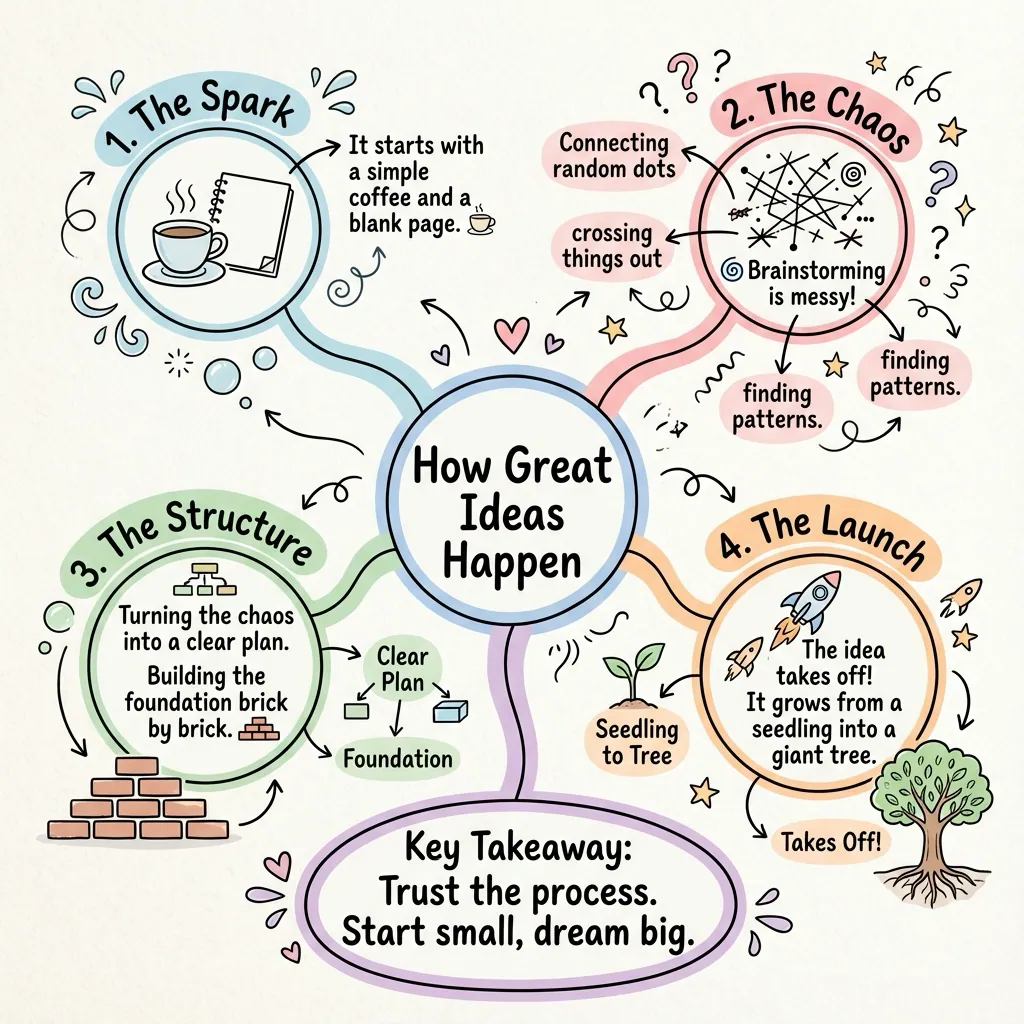
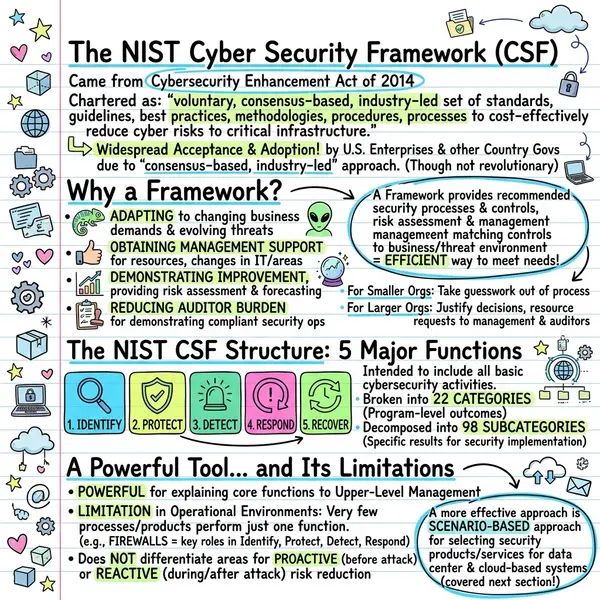
Each one opens the full visual and the source it came from.
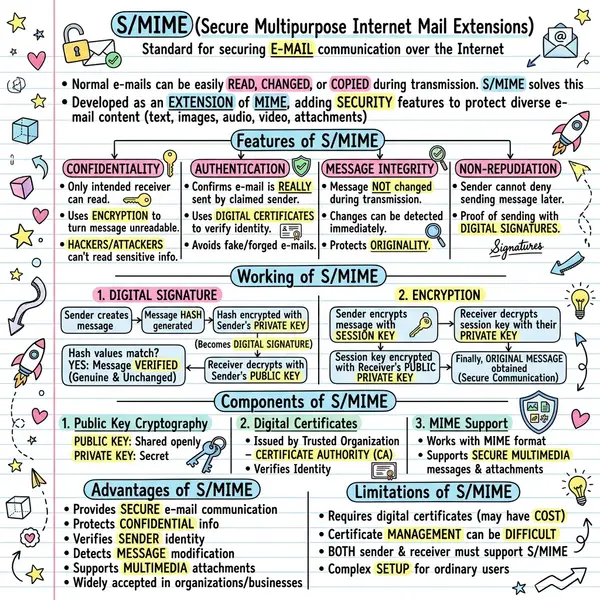 S/MIME email security
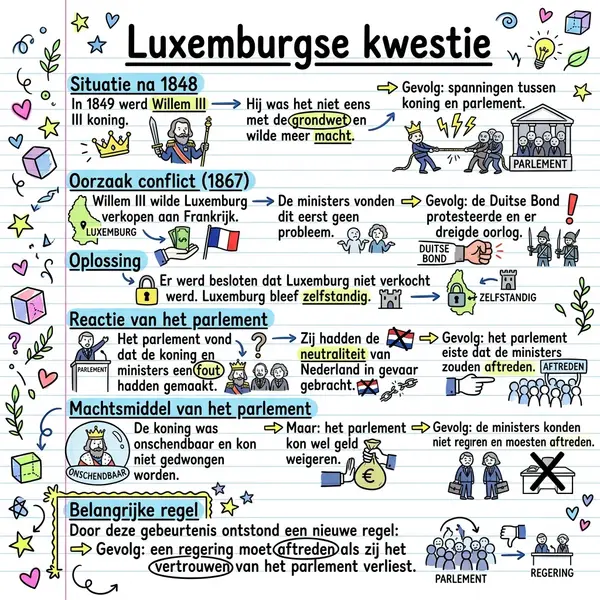 The Luxembourg Question
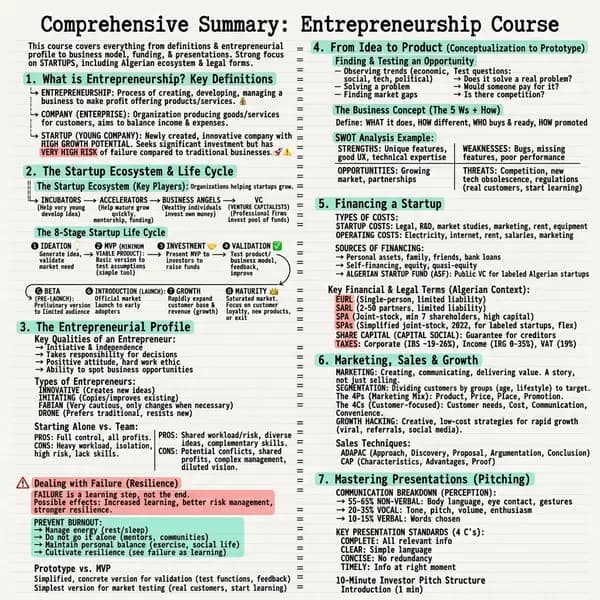 Entrepreneurship course
Questions people ask
Paste the YouTube link into VisualNote AI and hit Summarize. We read the video, summarize the key ideas, and render them as a one-image visual note in seconds.
Yes. That's the whole point. Pick a style, sketchnote, mind map, timeline, or infographic, and VisualNote AI lays the video's key ideas out in it.
Paste the lecture URL and summarize it. You get a one-page visual note of the core concepts, far easier to revise from than a transcript.
Yes. You can turn YouTube videos into visual notes for free, no credit card and no browser extension. The free plan covers videos up to 15 minutes.
A visual note is a one-image, sketchnote-style summary of the video's key ideas, easy to skim, save, and share.
Turn your first YouTube video into a visual note, free
Paste a link, pick a style, download the note. No credit card, no extension.