
Text to Visual AI: Create Visuals from Text
VisualNote AI is the easiest way to create visual from text. Paste any text, an article, a transcript, notes, a chapter, pick a style, and our text to visual AI produces a clean infographic or sketchnote in under 30 seconds.
What is a text to visual AI?
A text to visual AI is software that reads plain text and automatically generates a visual representation of its content. Unlike generic image generators that draw scenes from prompts, a text to visual AI is built for one job, turning information-dense text into structured, easy-to-skim visuals like infographics, sketchnotes, and diagrams.
When you create visual from text with VisualNote AI, the system extracts main ideas, sub-points, and structure from the source. Then it picks the right hierarchy and renders the result with proper layout, typography, and colour. The output is a high-resolution image you can share or print immediately.
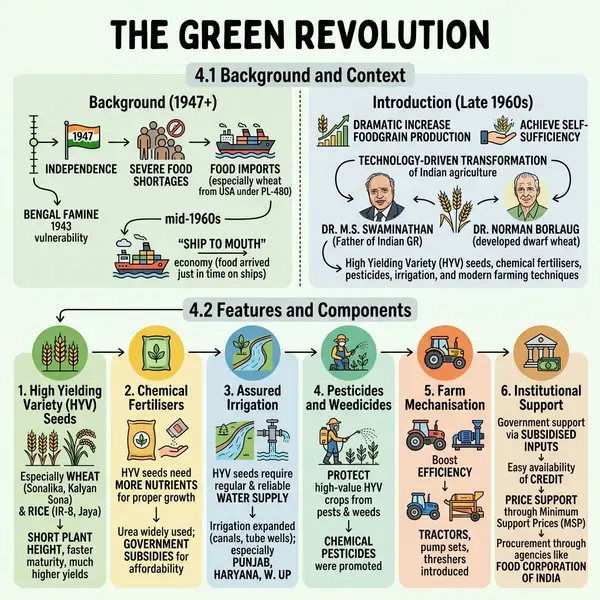
How it works
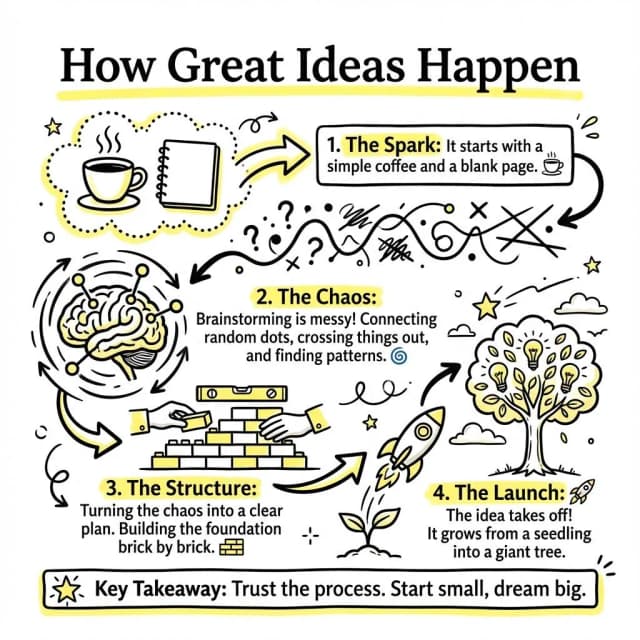
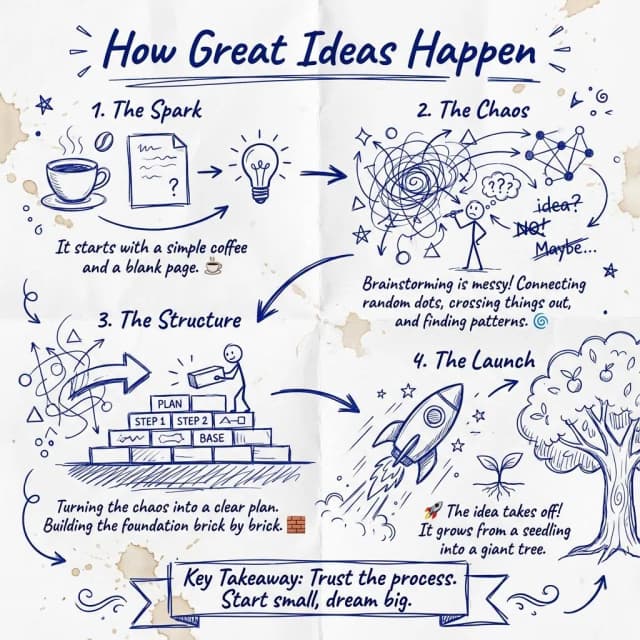
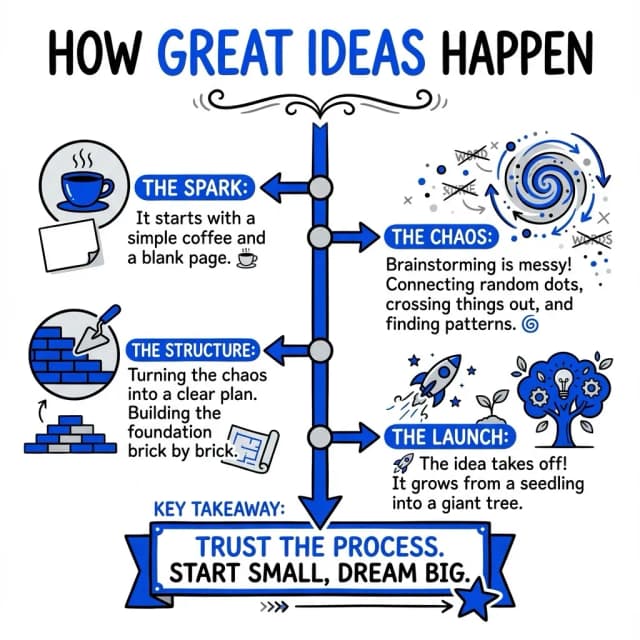
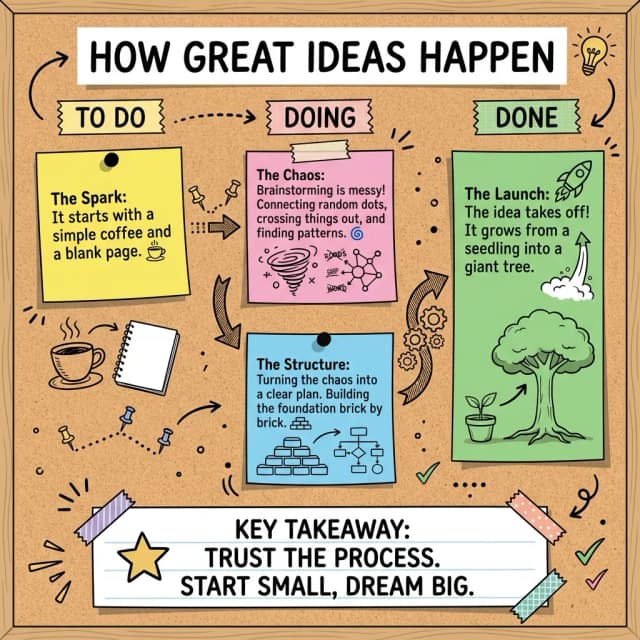
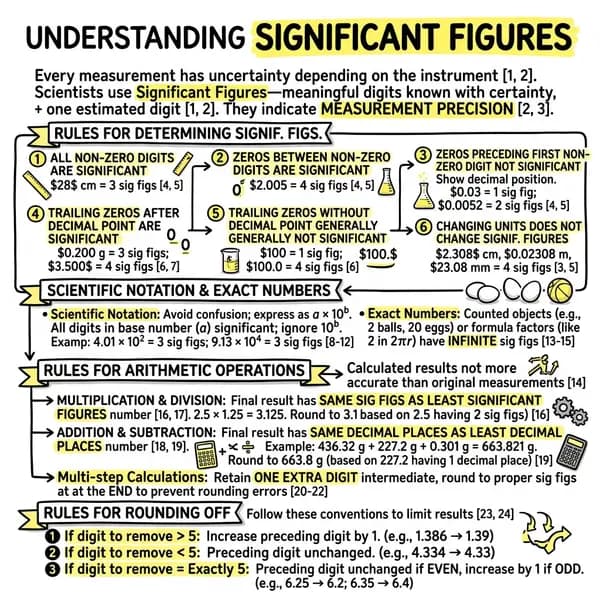
Text in, visual out
Each one opens the full visual and the text it was made from.
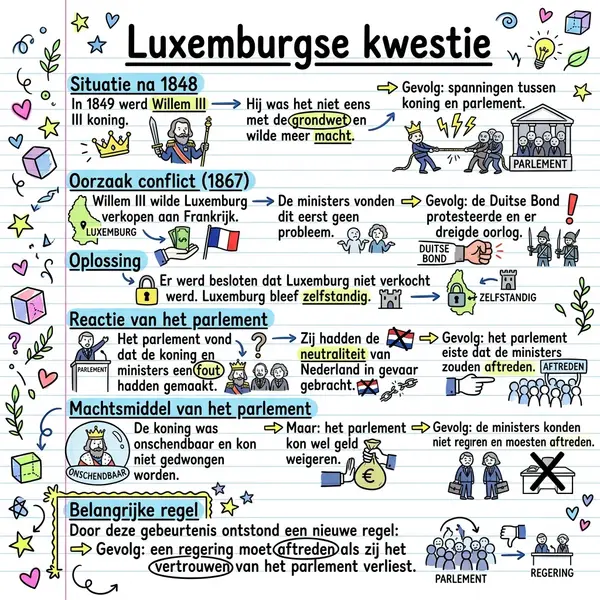 The Luxembourg Question
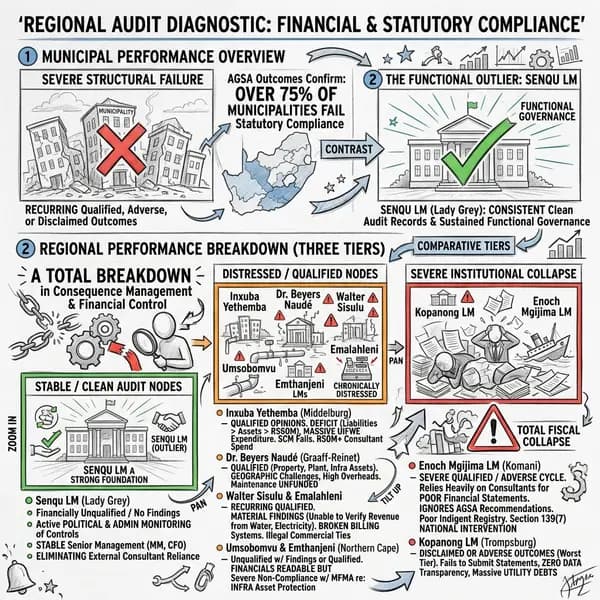 Municipal audit
Why VisualNote AI is the best text to visual AI
Best styles for text-based visuals
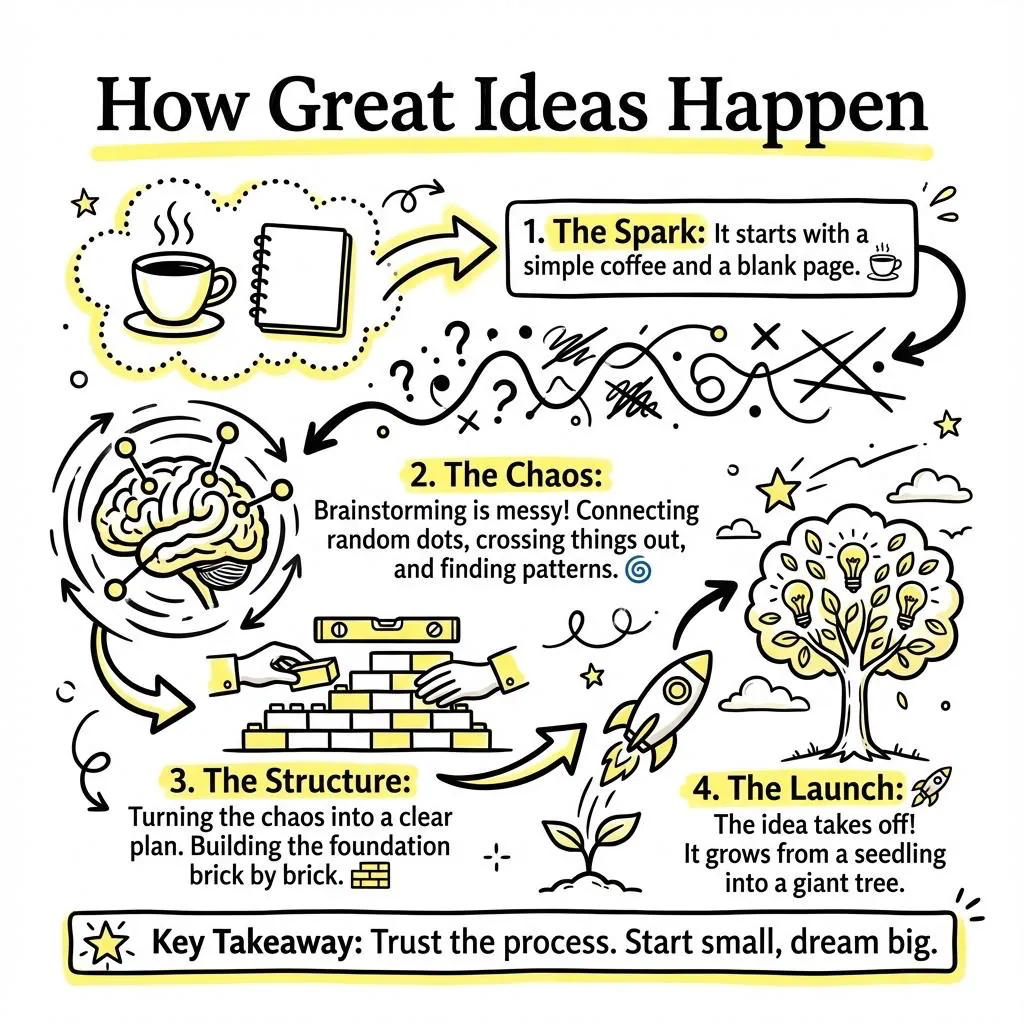
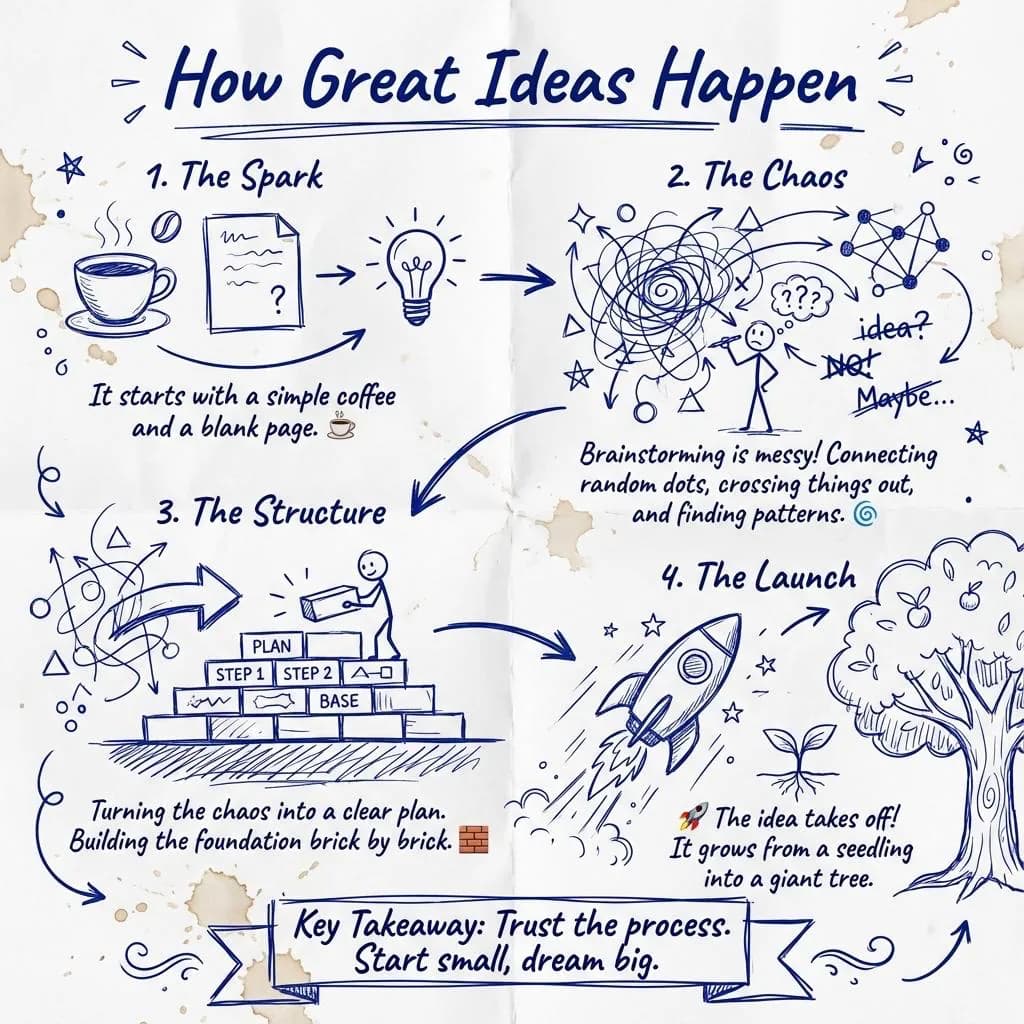
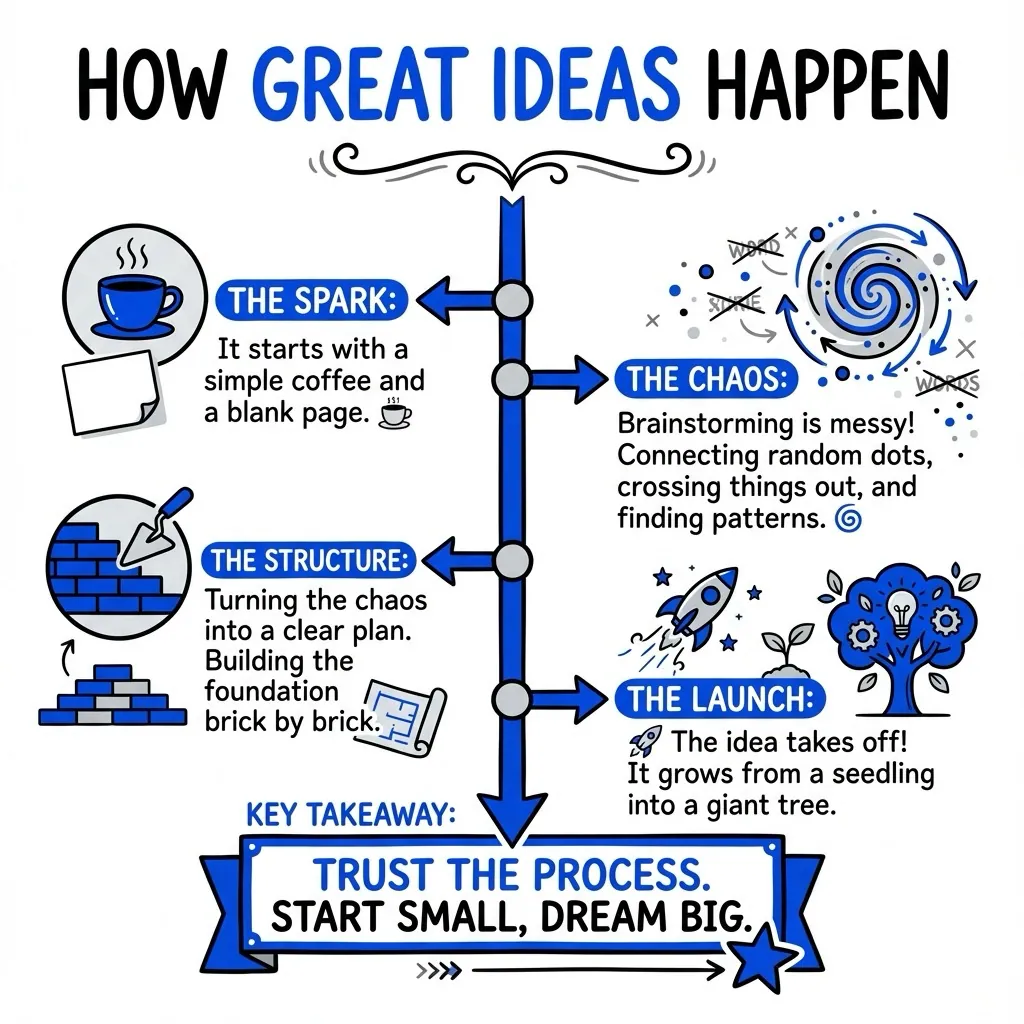
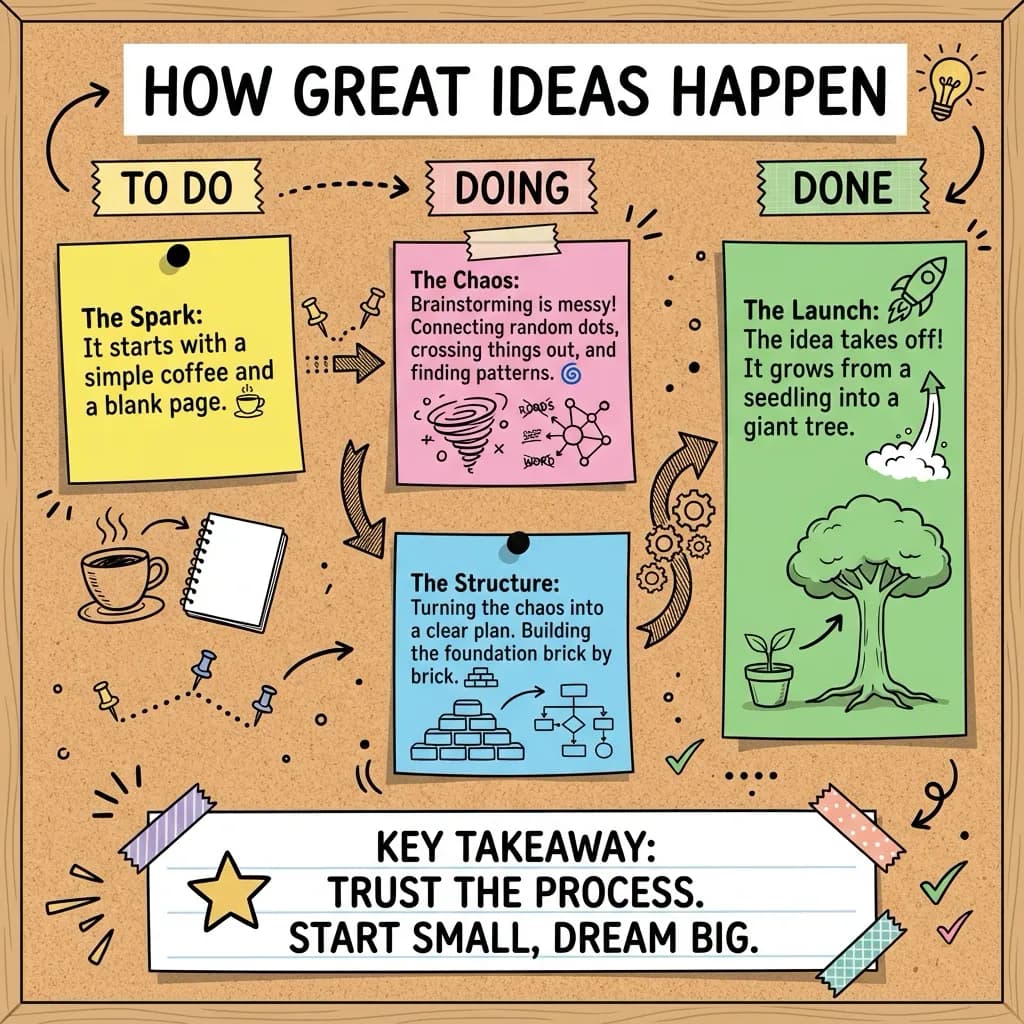
Four of the forty. See the full set on the features page.
Questions people ask
Paste your text into VisualNote AI, choose a visual style, and the text to visual AI generates an infographic or sketchnote in under 30 seconds.
A text to visual AI is a tool that takes plain text and automatically converts it into a visual format, infographic, sketchnote or diagram, without manual design.
The free plan handles short to medium texts; paid plans support longer inputs. See the pricing page for exact character limits per plan.
Yes, VisualNote AI offers a free plan with no credit card required. Test it before upgrading.
Yes. Generate the same text in Classic, Napkin, Timeline, Kanban or any of the 40 styles to find the best fit.
Create your first visual from text, free
No credit card. Try the text to visual AI and download a high-res PNG in 30 seconds.