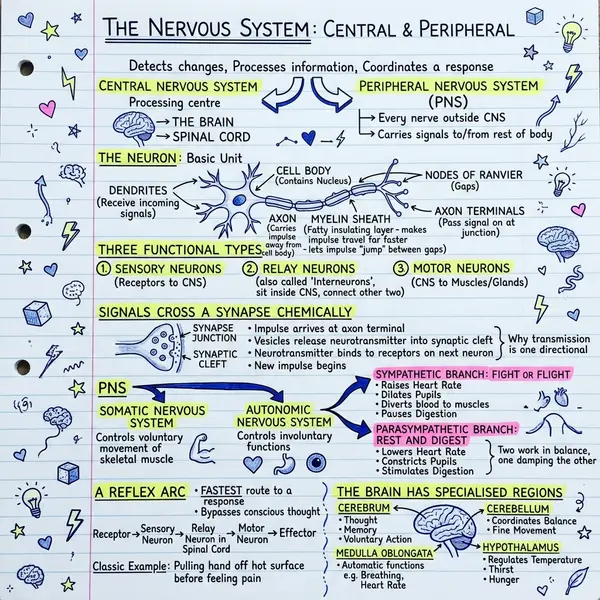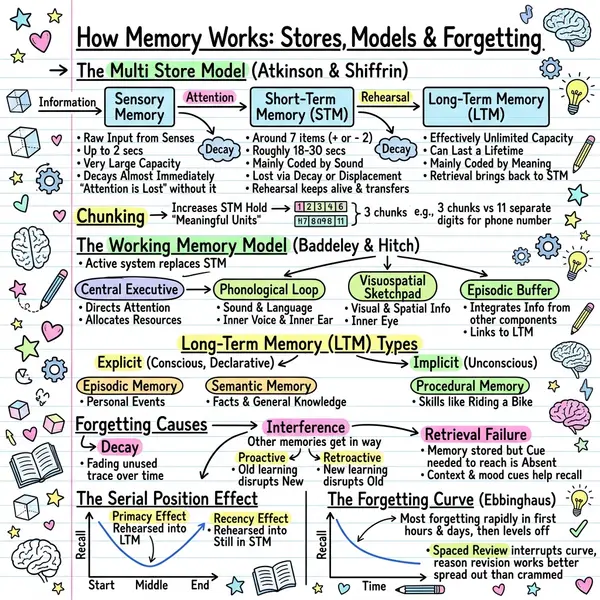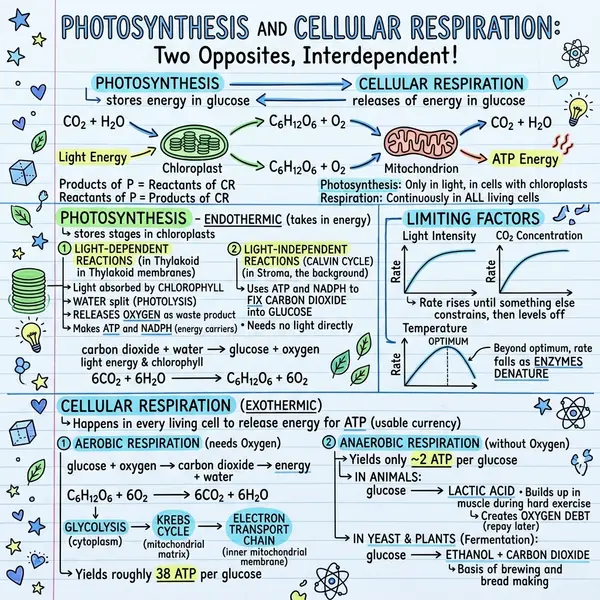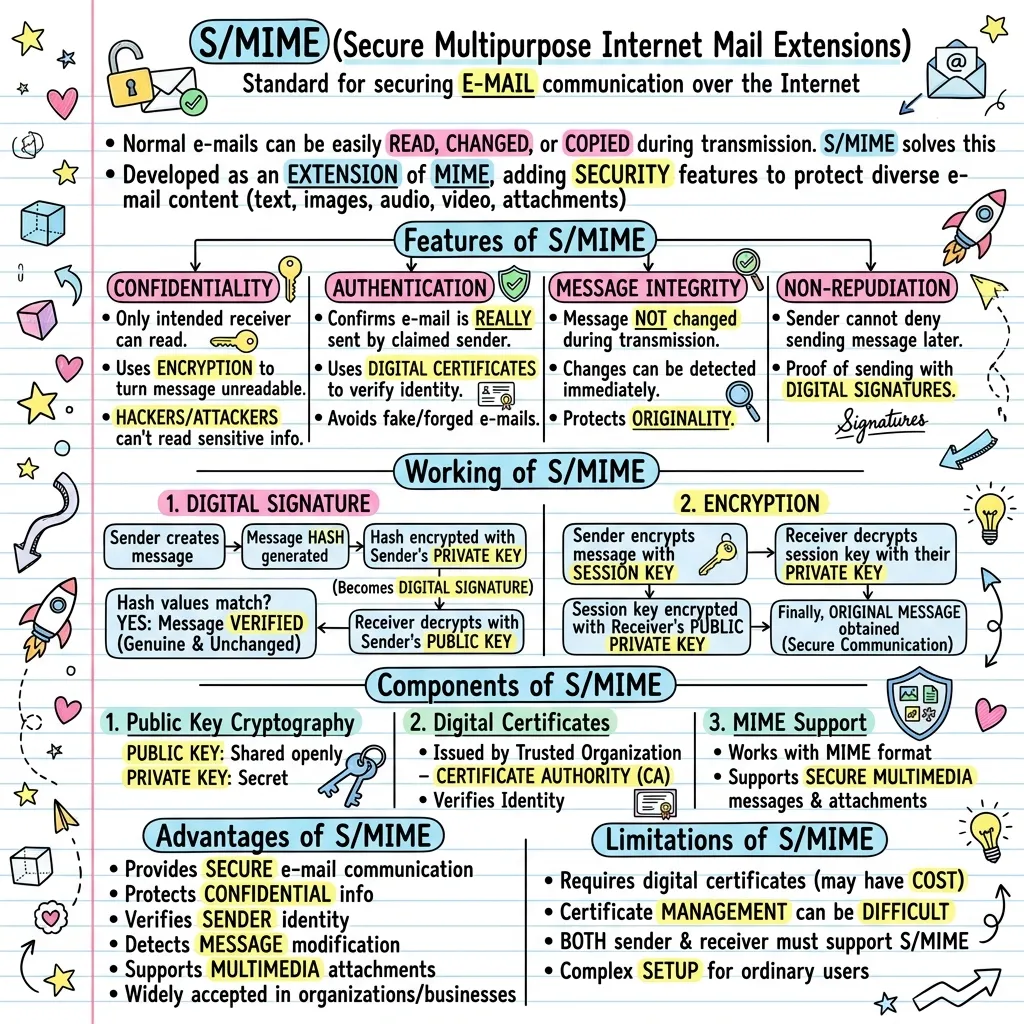
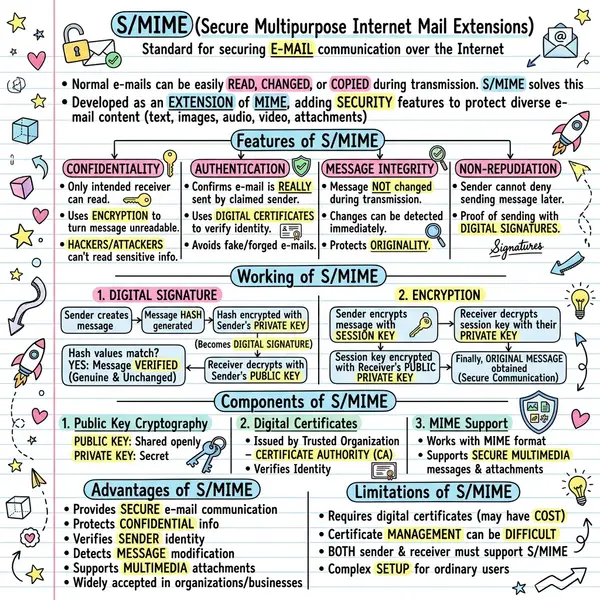
A bullet-point summary still asks your brain to do the layout work — to scan, group, prioritise, remember. A sketchnote does that work upfront. Headlines become titles, key facts become callouts, sequences become arrows. You spend cognitive energy on the ideas, not on rebuilding structure from raw text.
Why a sketchnote beats a text summary
Visual one-pagers from articles get saved three to five times more often than the underlying URL on LinkedIn and X. The visual carries the structure with it — when someone re-shares your summary, the compression survives.
What VisualNote AI does when you paste a link
- Reads the page. Uses Gemini's native URL context tool — no fragile scrapers, no User-Agent spoofing.
- Extracts the spine. The model identifies the headline, the core argument, the supporting facts, the actionable takeaways, and the order they belong in.
- Returns clean bullets. The summary lands in your editor as editable bullet points — tweak emphasis before generating.
- Generates the sketchnote. Pick a style — Classic, Blueprint, Comic, Kanban, Timeline — and the AI renders a one-page visual.
Link to sketchnote in under 60 seconds
Pick the link tab
On the generate page, switch to 🔗 Summarize link. The textarea becomes a URL field.
Paste + Summarize
Works on blog posts, Medium, Substack, knowledge bases, news, GitHub READMEs, public docs.
Edit the bullets
The summary lands as editable bullets. Trim, reorder, rewrite — the closer the bullets match what you want, the cleaner the visual.
Pick a style + generate
Classic for general, Timeline for sequential, Comic for opinion, Kanban for listicles, Blueprint for technical.
Download + share
Drop the PNG into Slack, Notion, LinkedIn, your newsletter. Credit the source link in your post body.
Pages this works best on
- Long-form blog posts (1,000+ words) — best ROI; you skip the most reading
- Substack essays — capture the argument without re-reading
- Research write-ups — preserve sequence and definitions
- Knowledge-base articles and SOPs — turn dense docs into onboarding aids
- News explainers — the 5Ws stay intact in a single panel
- Listicles and roundups — Kanban style mirrors the list perfectly
The summarizer doesn't magic up content from pages it can't read. Paywalled, login-gated, and JS-only pages are the failure modes — paste text directly when those come up.
Workflow ideas
- Weekly newsletter digest. Five saved articles → five sketchnotes → one gallery. Ships in 10 minutes instead of an hour.
- Team knowledge share. Every Monday, paste in the top three industry articles. Visuals land in the team channel; the reading list becomes glanceable.
- Research synthesis. Summarise three articles on the same topic, then paste the combined bullets into Paste-text mode and generate one meta-summary.
- Sales enablement. Turn a competitor's launch blog into a sketchnote in 60 seconds. AEs scan it before calls.
Frequently asked questions
What URLs are supported?
Anything reachable over public HTTP/HTTPS. Blog posts, Medium, Substack, news, knowledge bases, docs, GitHub READMEs.
Does it work on paywalled pages?
If the public version is a teaser, the summary will summarise the teaser. Paste the full text directly if you have access.
Does the summary use a credit?
No — only the final sketchnote generation does. So one link can turn into one final visual without burning extra credits.
Can I edit the bullets before generating?
Yes. The summary lands in the textarea ready to edit. The cleaner the bullets, the sharper the visual.