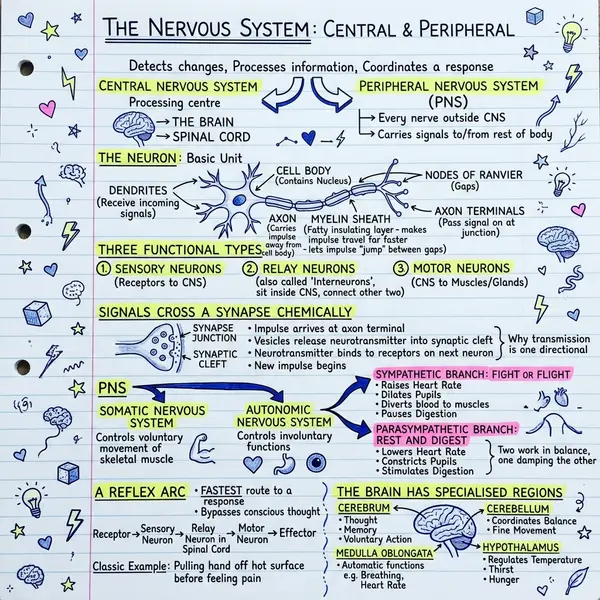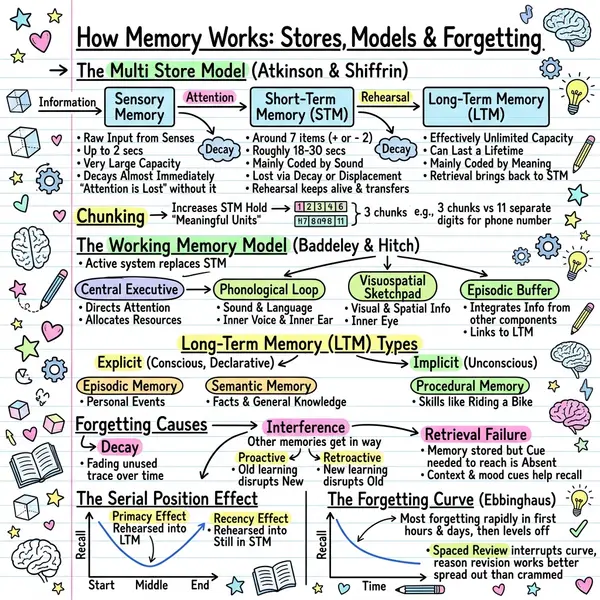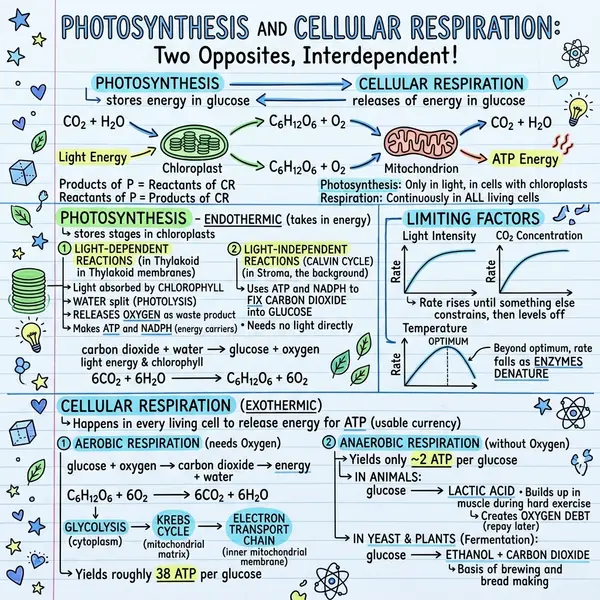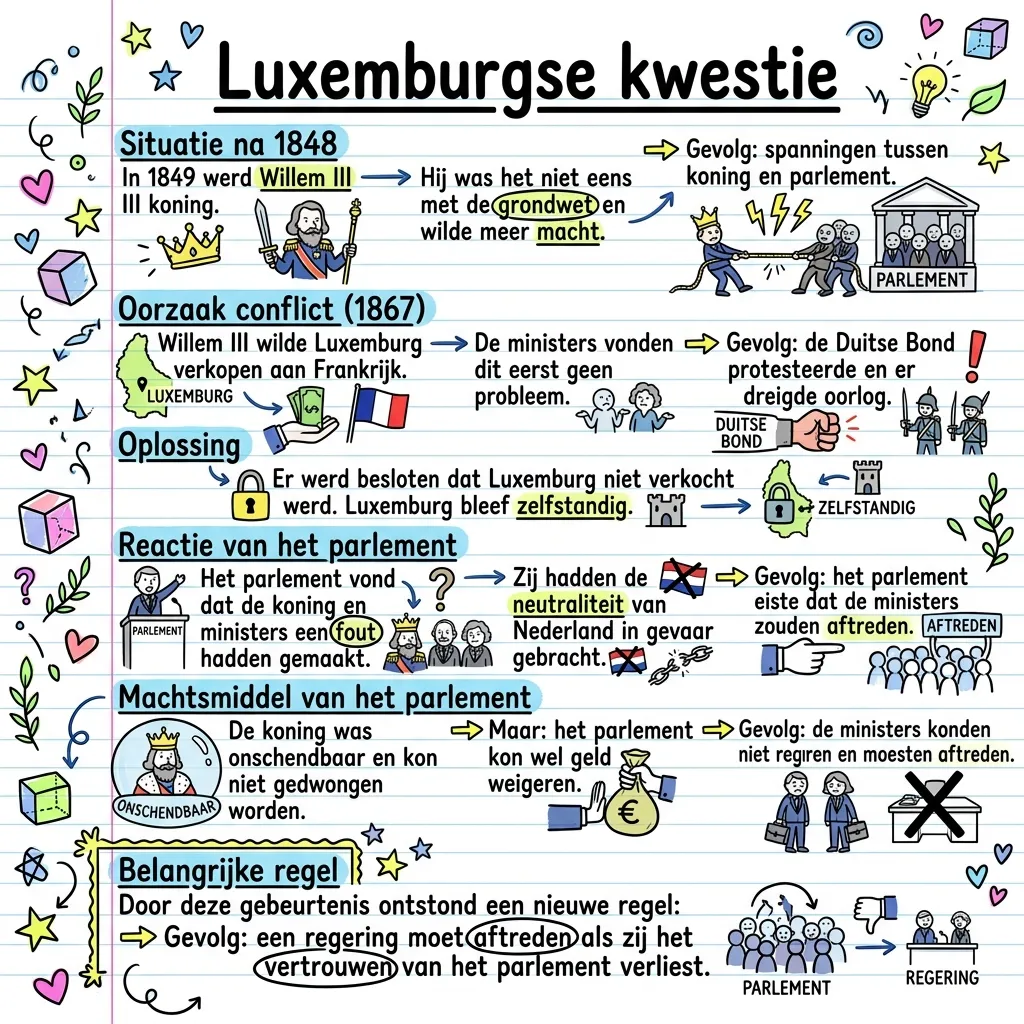
Style transfer used to require prompt engineering, fine-tuning, or accepting a generic look you don't love. Now you upload one image, and every subsequent visual mirrors its palette, line work, and layout language — automatically.
What is a style reference, exactly?
When you upload a personal style image, the AI treats it as a visual instruction — not content to reproduce. It asks: what colors are used, how thick are the lines, what kind of icons appear, what's the layout language, what's the typography mood? Then it generates a new sketchnote with your text rendered in that visual language.
Behind the scenes we tell the model explicitly: use the image attached as style reference, don't copy the text, only the style. No prompt engineering from your end.
How to use it
Open the generator
Paste your content or upload a PDF as usual. The style picker is in the right-hand column.
Click 🎨 Upload your style
Yellow button at the top of the style picker. PNG, JPG, or WebP — under 5MB.
Confirm the preview
The preview panel switches to your uploaded image with a YOUR STYLE badge. That's the visual language the AI will mirror.
Generate
The Generate button now sends your text alongside your reference image. The result is a fresh sketchnote — your content, your aesthetic.
Replace or remove anytime
Use Replace to swap mid-session. Picking a preset tile clears the personal style automatically.
What makes a good style reference
- Something you'd happily ship as your own. If the reference looks rough, the output will too. Style propagates.
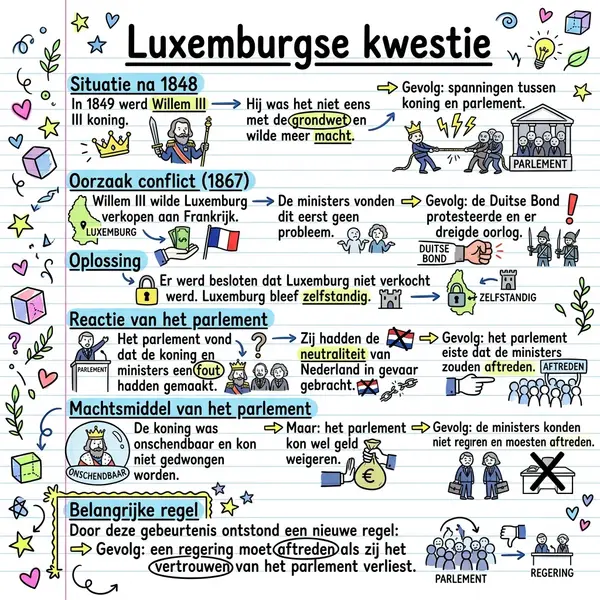
- Single-page composition, not a collage. One sketchnote, slide, or illustration — beats a moodboard. Competing styles confuse the model.
- Visible color palette. 3–5 recognisable colors, solid backgrounds. The model picks up the palette and uses it consistently.
- Consistent line treatment. Hand-drawn references want hand-drawn outputs. Crisp vector references produce crisp visuals.
- Some visible structure. Sections, columns, callouts, arrows — give the model a layout language to copy, not just a vibe.
Style transfer is approximate. The model copies the vibe, not the exact font or stroke. Treat the result as “same family,” not pixel-identical.
References that work surprisingly well
- A photo of a sketchnote from your bullet journal — same hand on every digital visual
- Your brand guidelines one-pager — palette and typography rules carry through
- A designer's Figma mockup — keep agency-quality consistency across the content calendar
- A slide from your master deck — generate handouts that match
- A favourite poster, zine page, or magazine spread — recreate editorial energy
- A previous VisualNote generation you liked — lock in a recurring look across a series
Use cases by audience
- Solo creators — build a recognisable look across newsletter, thread, and LinkedIn carousel from one reference.
- Brand teams — upload your visual identity one-pager. Marketing, sales, and CS all generate in the same language without a designer.
- Teachers — sketch one handout the way you want them all to look, then upload it as the reference for the semester.
- Students — photograph your favorite notebook spread and every chapter summary now looks like an extension of your notes.
- Agencies — one reference per client. Switch between projects in one click.
Frequently asked questions
Does it copy text from the reference?
No — we explicitly instruct the model to use it as style only. Very text-heavy references can leak occasionally; keep references clean.
What file formats?
PNG, JPG, WebP. Up to 5MB.
Does it work with photos?
Photographs of real-world scenes or portraits confuse the model. Stick to illustrations, diagrams, slides, or sketches.
Can I keep it set across sessions?
Yes — your last reference persists. Click Remove or pick a preset tile to clear it.
Browse 30 sketchnote examples for inspiration before uploading your own.