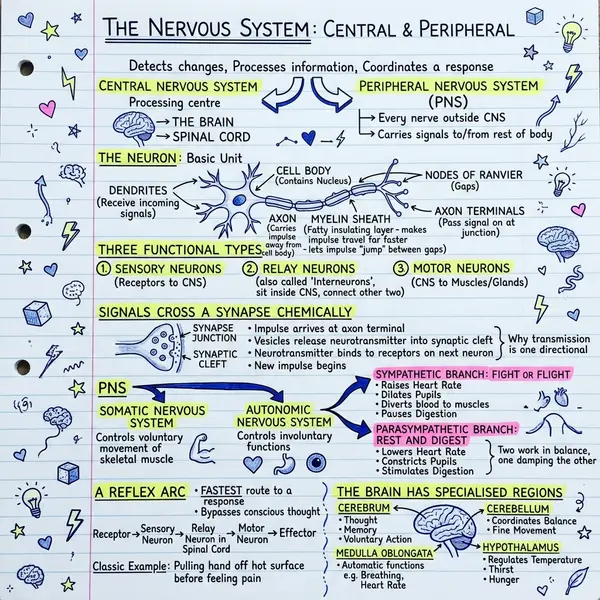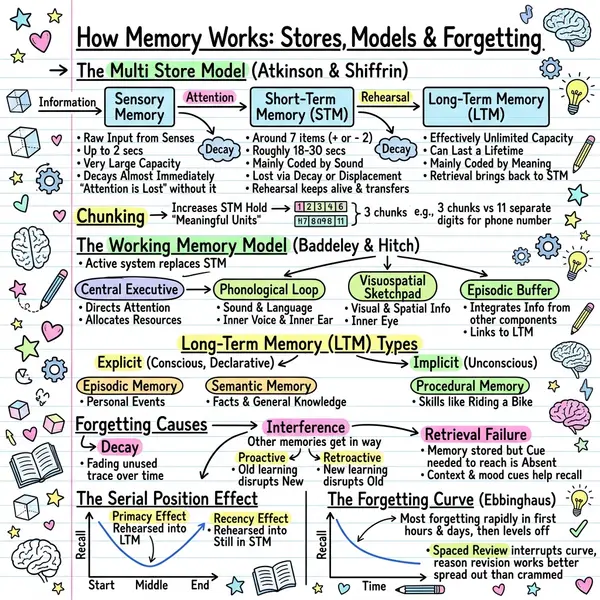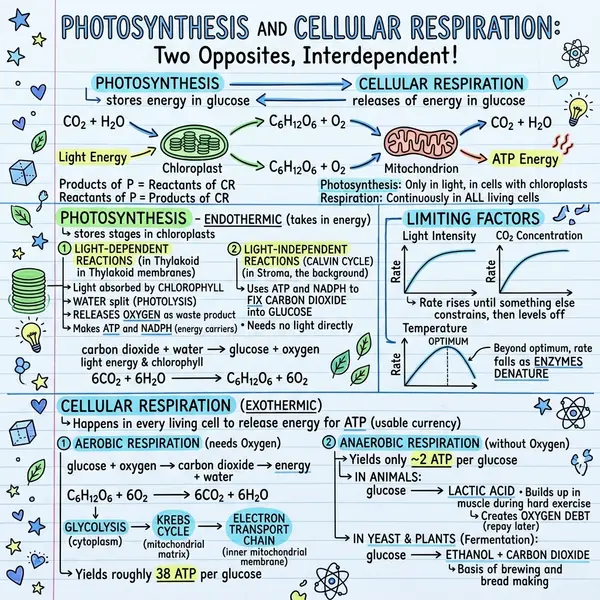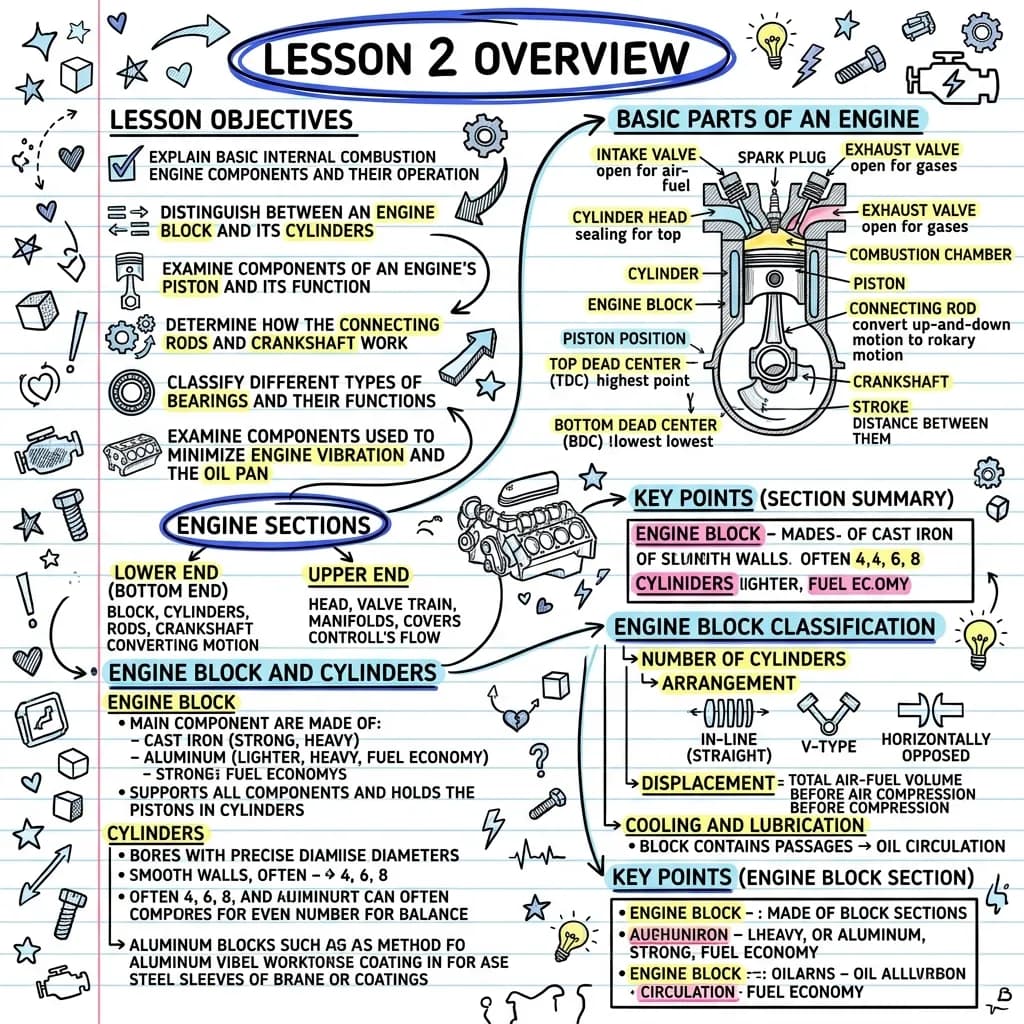
Bullet-list summarizers ask your audience to assemble the picture in their head. A visual summarizer ships the picture. That single difference shows up everywhere — in save rates on LinkedIn, in whether the summary survives a forward to a coworker, in whether you remember the article a month later.
How an AI article summarizer actually works
- It fetches the page. Either by scraping the HTML or handing the URL to a model with native web access (Gemini, Claude, GPT). Native reading is more reliable.
- It identifies the article body. Headers, footers, comments, related posts — all stripped.
- It extracts the spine. Headline, core argument, supporting facts, takeaways, ordered events.
- It produces an output. Most tools stop at bullet points. Visual summarizers go one step further and render a sketchnote from the same spine.
Why a visual summary outperforms a bullet list
- Dual coding — the brain stores text + image together, doubling retrieval paths.
- Layout is meaning — proximity, grouping, and arrows do explanatory work bullets can't.
- Shareability — visuals get saved at 3–5× the rate of plain text on LinkedIn and X.
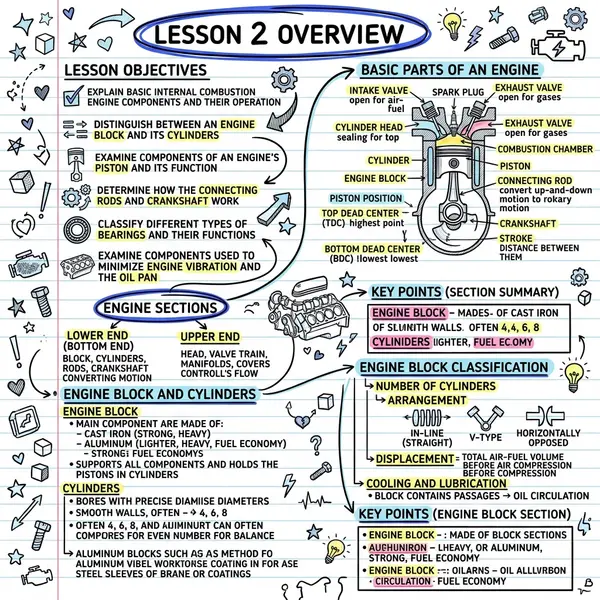
Categories of AI summarizers in 2026
- Chrome extensions (TLDR This, Glasp, Recall) — convenient, but text-only and often shallow on long articles. Inbox triage, not for sharing.
- Chat-based (ChatGPT, Claude, Gemini) — most flexible, slower workflow, text-first output.
- Note-taking integrations (Notion AI, Obsidian plugins) — lives where your notes live. Better for archive than distribution.
- Visual summarizers (VisualNote AI) — URL → sketchnote in under a minute. Optimised for sharing and retention.
A bullet-list summarizer asks your audience to assemble the picture in their head. A visual summarizer ships the picture.
From URL to visual — the 60-second workflow
- Open the generator and switch to the 🔗 Summarize link tab.
- Paste the URL. Press Enter or click Summarize.
- Review the bullets that land in the textarea. Trim what you don't need.
- Pick a style — Classic for general, Timeline for historical, Comic for opinion, Kanban for listicles, Blueprint for technical.
- Generate, download, share — Slack, Notion, LinkedIn, newsletter, deck.
Full walkthrough: URL to sketchnote summary.
Workflows that pay off fast
- Newsletter digest. 5 saved articles → 5 sketchnotes → one gallery section. An hour of writing → 10 minutes of curation.
- Sales enablement. Competitor announcement → sketchnote AEs scan before discovery calls.
- Product weekly digest. Three industry reports → three sketchnotes posted to the team channel.
- Research roundup. Three papers → one combined sketchnote in Paste-text mode. Meta-summary in 15 minutes.
- Customer support. Release-notes blog post → sketchnote support reps scan in one shift.
- Investor updates. Industry articles → visuals embedded in the monthly update.
Frequently asked questions
Is the summary faithful to the article?
It captures the spine — argument, facts, takeaways. Edit before publishing if the article is technical or contentious. Bullets land in the editor so you can adjust before the visual is generated.
Can I summarize multiple articles into one visual?
Yes — summarize each separately, then paste the combined bullets into the Paste-text tab. You get a meta-summary as a single sketchnote.
Does the summary use a credit?
No — only generating the final sketchnote does. One link can become one final visual without burning extra credits.
Best style for a general blog post?
Classic. For opinion or essay, try Comic. For listicles, Kanban. For sequential or historical, Timeline.