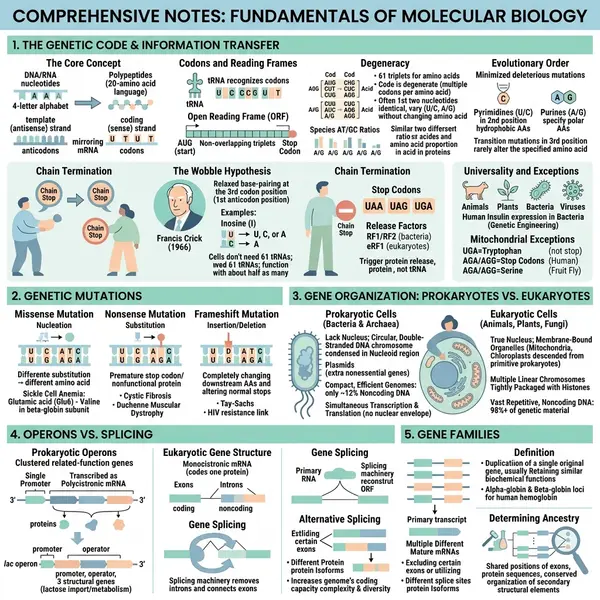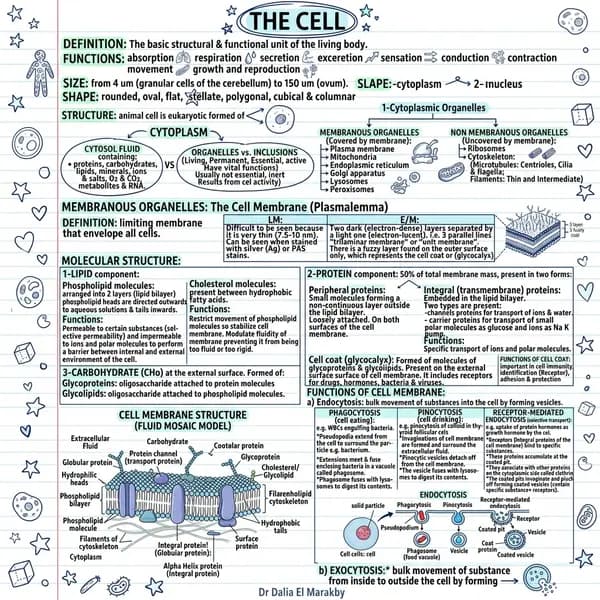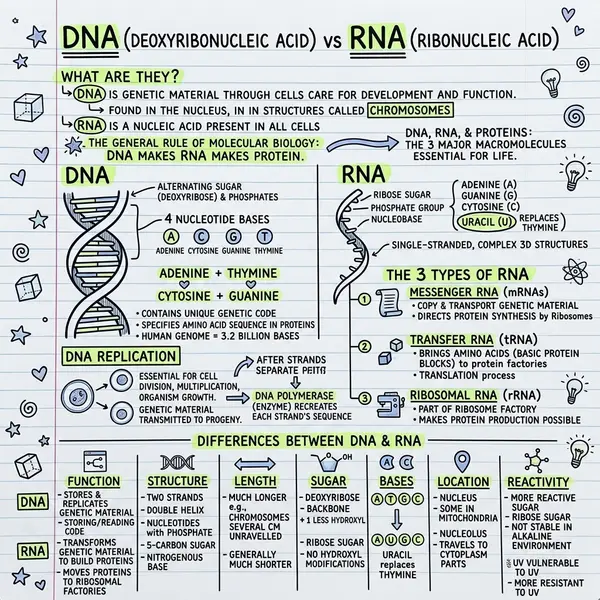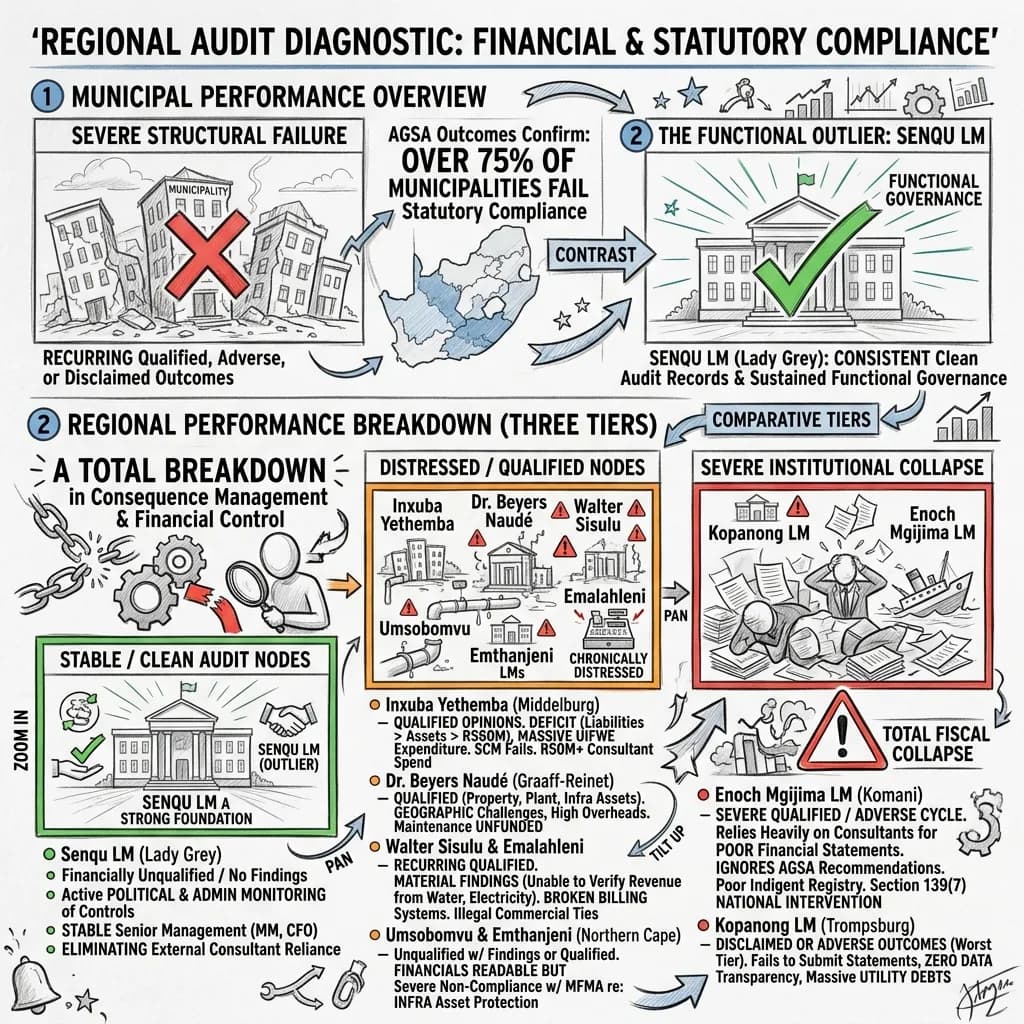
PDFs were invented as a print-ready format and never adapted to how people consume information on screens. The result: most PDFs are never fully read, and the information they contain is lost. AI visual summarisation does what a skilled analyst does — read the full document, extract what matters, present it scannably — but in 30 seconds instead of an hour.
The PDF problem
Reading a PDF requires focused attention. You can't skim it effectively, can't quickly share the key points, can't get a quick sense of whether it's worth reading in full. The format is fundamentally misaligned with how people work in 2026.
How AI visual PDF summarisation works
- Document extraction — body text, headers, captions, and metadata are pulled out.
- AI content analysis — OpenAI reads the full content and identifies key themes, main arguments, supporting data, conclusions. Context, not just keywords.
- Visual layout generation — based on content structure and chosen style, the AI decides what to include and how to organise it.
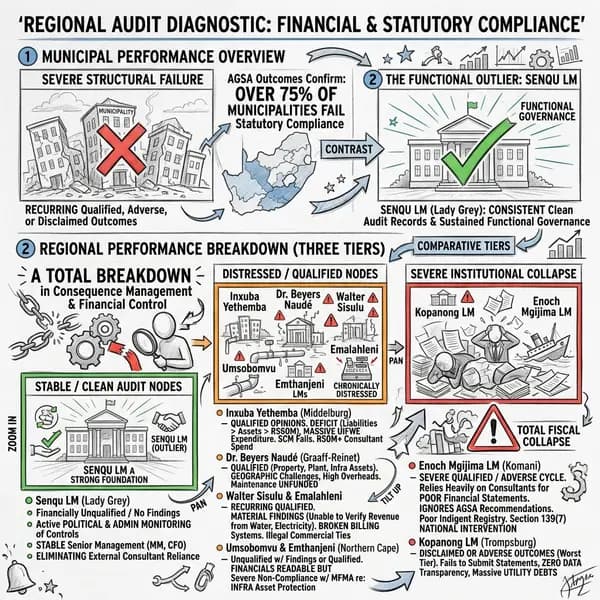
- Image rendering — the layout becomes a high-resolution PNG you can download and share.
Types of PDFs that benefit most
- Research papers — understand methodology, findings, conclusions without reading 30 pages
- Business reports — extract metrics, trends, and recommendations for stakeholder briefings
- Industry whitepapers — core argument + evidence, minus the marketing padding
- Meeting agenda PDFs — visual overview to share before the meeting
- Product documentation — technical specs into visual summaries for non-technical stakeholders
- Academic literature — rapid summaries for literature reviews
Use AI visual summaries as a triage tool. If the points in the visual are relevant, read the full PDF. If they're not, you've saved 30 minutes.
The right workflow: visual first, full doc second
Generate the visual summary first to decide whether the full document deserves your attention. For documents you need to share — team updates, research summaries, briefings — the visual is often sufficient on its own. Your colleagues get the key information in a format they'll actually engage with.
Frequently asked questions
How big can the PDF be?
10MB on Plus. For bigger, split into sections.
Is my PDF stored?
No. Documents are processed through serverless endpoints and not stored permanently.
Does it handle multi-language PDFs?
Yes — works on Latin-script languages reliably. Non-Latin scripts work but stylistic flourishes can drift.
What plan do I need?
PDF upload is on Plus ($13.99/month). Free supports text input — paste your extracted text. See pricing.
More on PDF upload on the features page or the FAQ.