AI Guided Notes Generator
Turn any lesson into printable guided notes with fill-in-the-blank spaces, in minutes instead of an evening. Paste one prompt with the lesson content and the blanks already written where you want them, and download a handout your students complete as you teach. You keep the full version as the answer key.
Create guided notes free
What are guided notes?
Guided notes (also called skeleton notes or cloze notes) are handouts that carry the structure of your lesson: the learning targets, the vocabulary, the worked examples, but with the key words and numbers left blank. Students fill in the blanks during the lesson, so they listen for the important parts instead of copying everything, and every student walks out with a complete, correct set of notes.
A typical page has sections like “Learning Targets”, “Key Vocabulary”, a teacher model with worked examples, guided practice, and a summary students write in their own words. Building that by hand takes an evening per lesson. The guided notes generator builds it from the lesson material you already have.
How it works, in 3 steps
Write the blanks into your prompt
Start from your lesson text and put underscores (______) where students will write: the key vocabulary, the steps of a procedure, the numbers in the worked examples. Keep Name and Date lines at the top.
Paste it into the generator
One paste, everything included. Or copy the ready-made example prompt below and swap in your own lesson.
Print for the class
Download the high-resolution PNG, print it, photocopy it, or glue it into interactive notebooks. Your original text is the answer key.
A real prompt you can copy
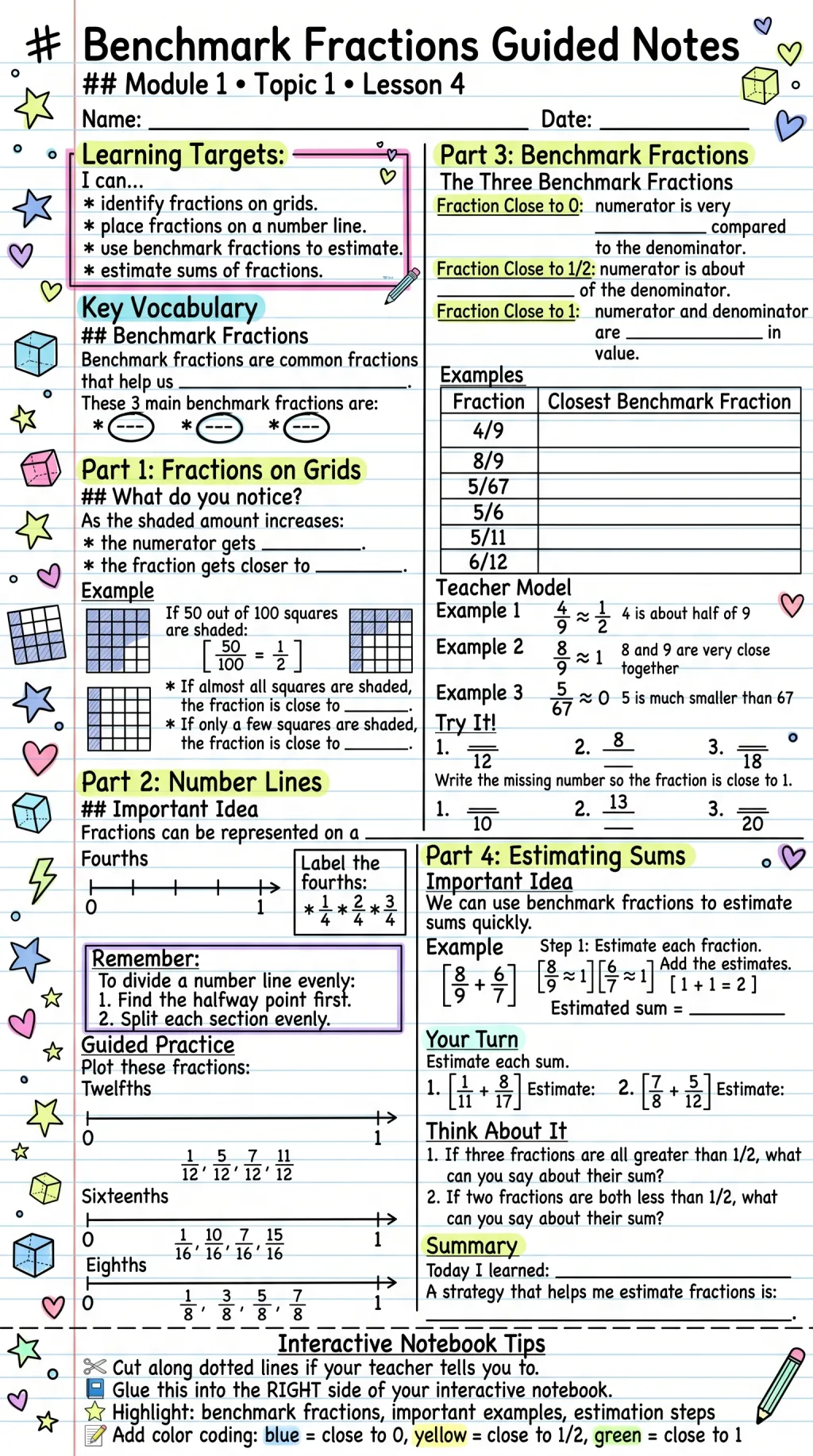
The guided notes at the top of this page came from a prompt in exactly this format. Copy it, replace the fractions content with your own lesson, and keep the underscores where you want the blanks.
# Benchmark Fractions Guided Notes ## Module 1 • Topic 1 • Lesson 4 Name: ____________________ Date: ________ # Learning Targets I can... * identify fractions on grids. * place fractions on a number line. * use benchmark fractions to estimate. # Key Vocabulary Benchmark fractions are common fractions that help us ________________. The 3 main benchmark fractions are: ___ ___ ___ # Part 1: Fractions on Grids As the shaded amount increases: * the numerator gets ____________. * the fraction gets closer to ____________. # Teacher Model Example: 4/9 is about 1/2, because 4 is about half of 9. # Try It! Write the missing number so the fraction is close to 1/2. 1. ___/12 2. 8/___ 3. ___/18 # Summary Today I learned: ______________________________
Keep adding sections in the same pattern: every underscore becomes a blank space on the printed page.
What a generated page looks like
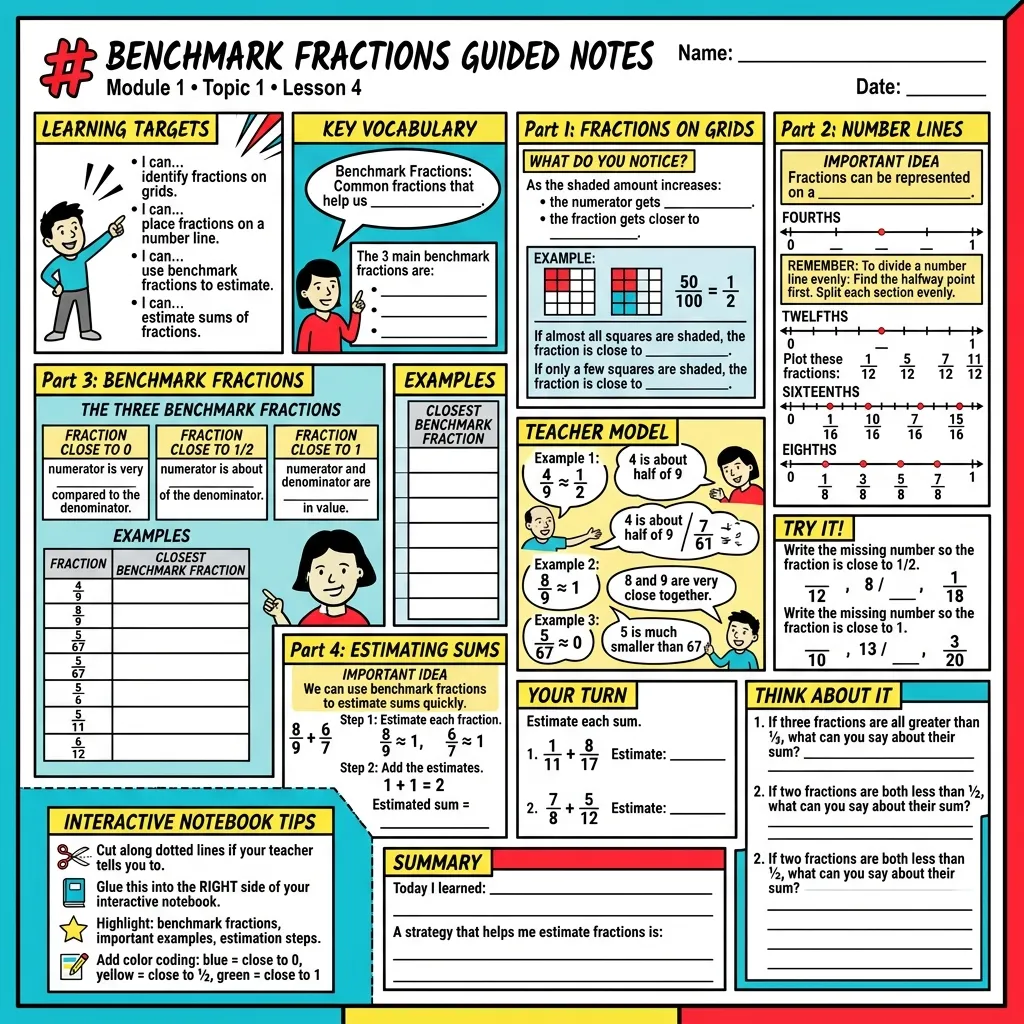
A guided notes page for a 4th-grade lesson on benchmark fractions, for example, comes out with:
- Name and date lines at the top, ready for the binder.
- Learning targets phrased as 'I can...' statements.
- Key vocabulary with the definitions left blank: 'Benchmark fractions are common fractions that help us ______.'
- Number lines students label themselves for fourths, eighths, and twelfths.
- A teacher model with worked examples, then a 'Try It!' block with missing numbers.
- A summary section: 'Today I learned ______.'
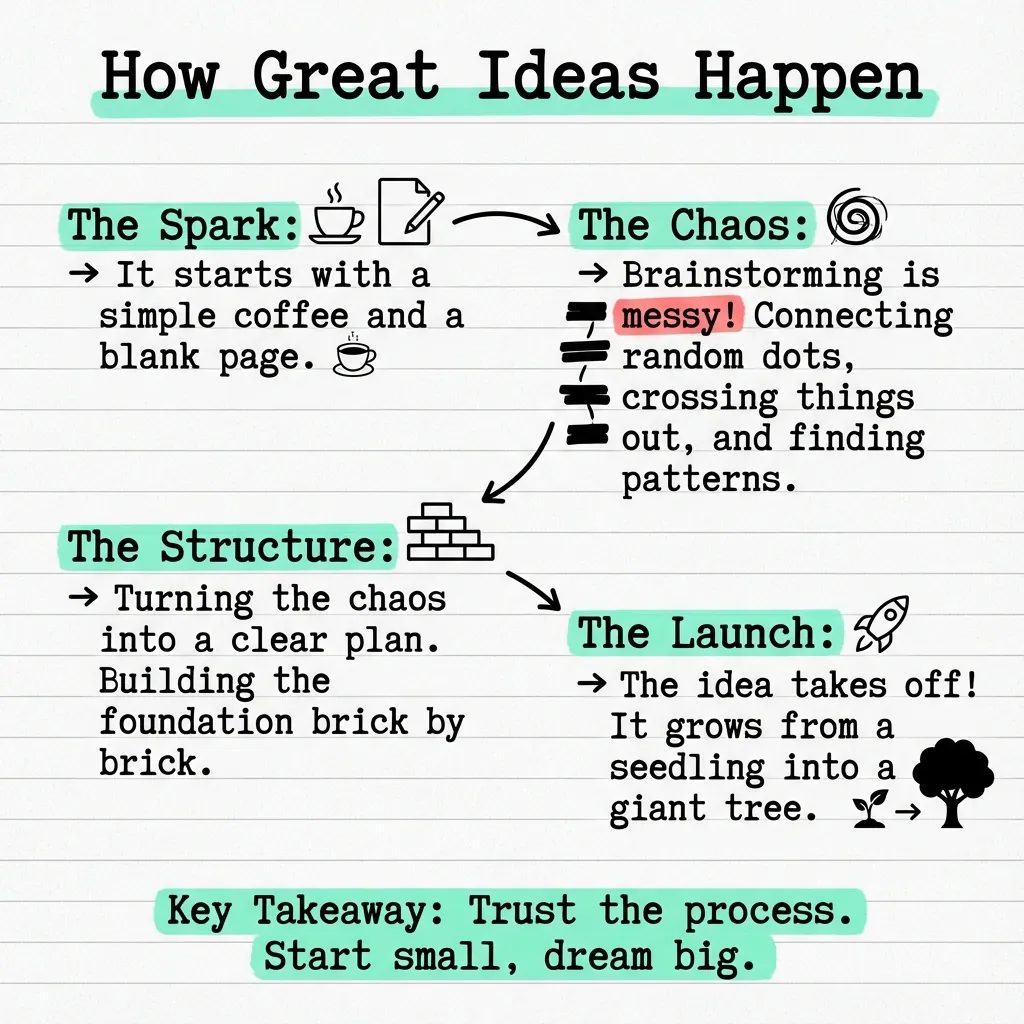
The same structure works for photosynthesis vocabulary, historical timelines, or grammar rules: the AI keeps your lesson's order and leaves blanks where the thinking should happen.
Why teachers use it
An evening of formatting becomes minutes
The layout, the hierarchy, the blanks: generated from material you already wrote.
Every student leaves with correct notes
Guided notes keep slower writers in the lesson instead of three lines behind it.
You control the scaffolding
Leave few blanks for younger grades, or strip the prompt down to a sparse outline that makes older students do the work.
Built-in answer key
Your source text is the completed version. Nothing extra to prepare.
Print-ready output
High-resolution PNG that photocopies cleanly and fits interactive notebooks.
FAQ
What are guided notes?
Guided notes are teacher-prepared handouts that outline a lesson but leave key terms, definitions, and examples blank. Students fill in the blanks as the lesson unfolds, which keeps them engaged and gives everyone an accurate set of notes to study from.
How do I make fill-in-the-blank guided notes with AI?
Write one prompt that contains the lesson with the blanks already in it: keep your headings, and put underscores (______) where students will write. Paste it into the generator and the AI lays it out as a printable page, blanks included. The example prompt on this page is a ready-made starting point.
Can I print the guided notes?
Yes. Every generation downloads as a high-resolution PNG that prints cleanly on A4 or letter paper, ready to photocopy for the whole class or glue into interactive notebooks.
What subjects and grades do guided notes work for?
Any subject where students take structured notes: math lessons like benchmark fractions, science vocabulary, history timelines, grammar rules. The scaffolding level is up to you, from mostly complete notes for younger grades to sparse outlines for older students.
Is the guided notes generator free?
Yes, VisualNote AI has a free plan you can try with no credit card. Paid plans unlock more generations, PDF uploads, and watermark-free exports.
Make your first guided notes, free
Paste a lesson and print scaffolded notes for tomorrow's class. No credit card required.