How do I make a study schedule for my exams?
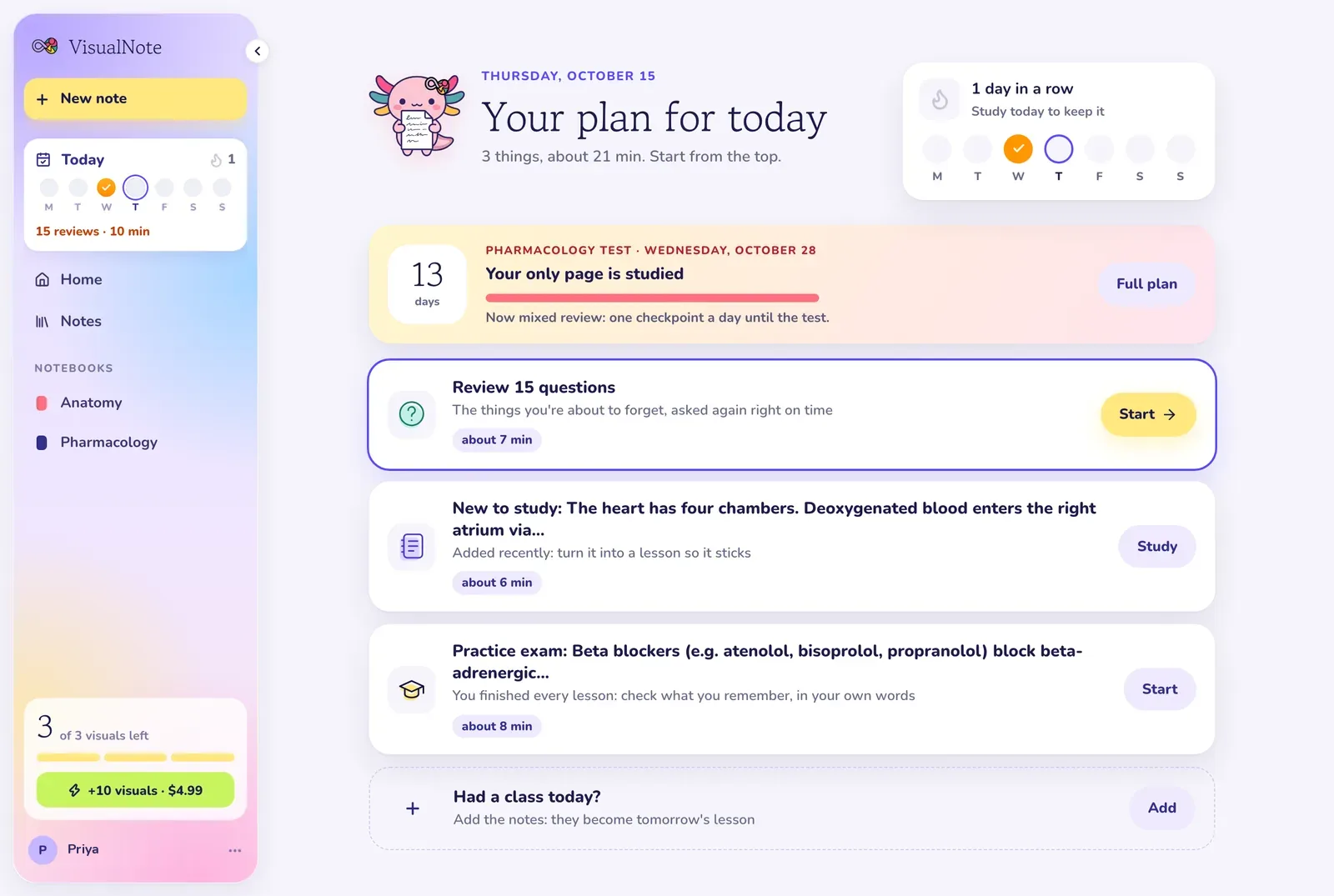
Make a notebook for each subject and add the exam date. Today takes the nearest exam in the next 60 days and shows the days left and how many pages a day to cover, keeping the last day for review. You do not write the schedule yourself: you open Today and do what is on it.
How do I know what to study today?
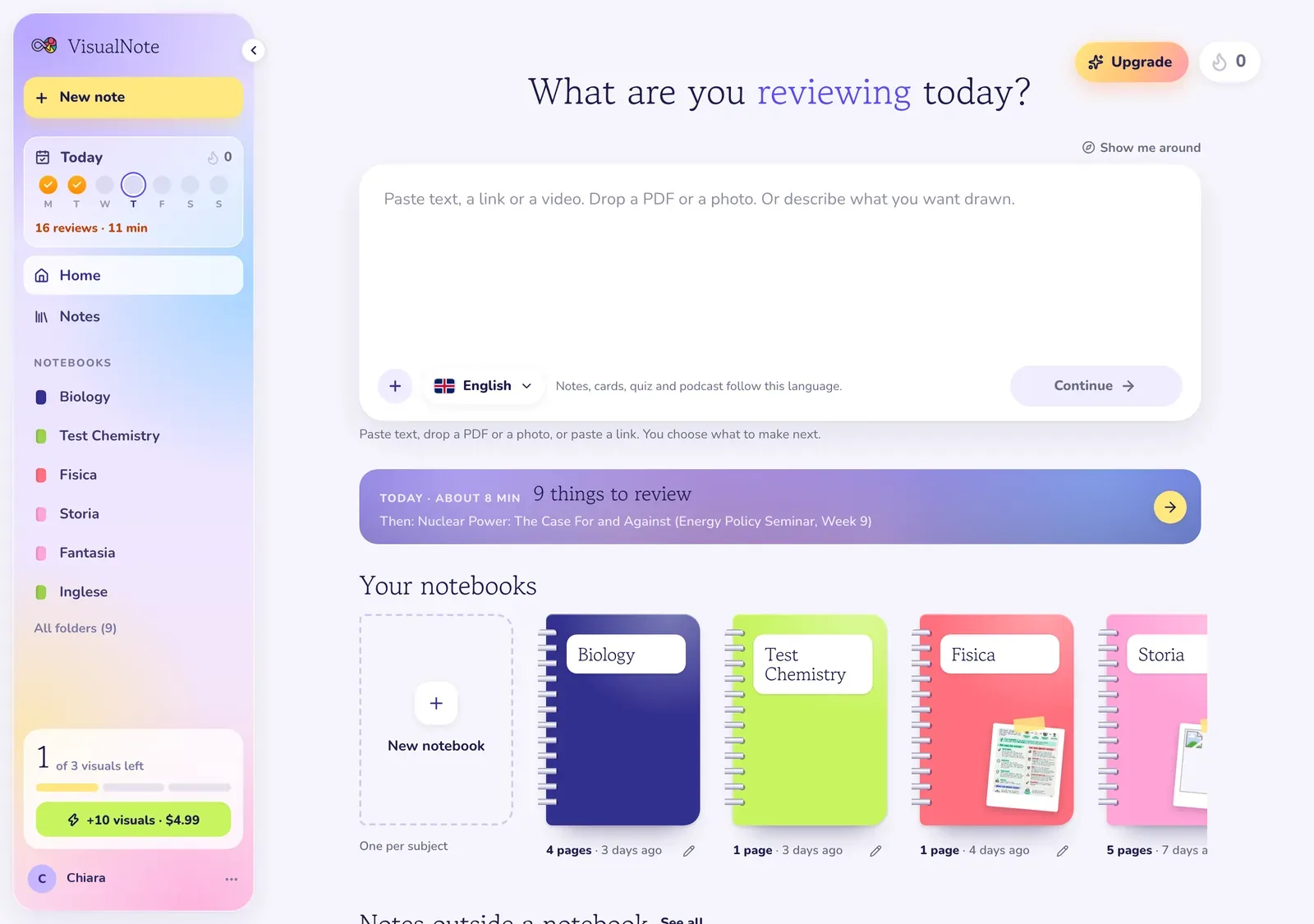
Today lists it in order: reviews that are due, a lesson you left unfinished, the next lesson or checkpoint, pages you added and have not studied yet, and quizzes you have not answered. Each item shows roughly how many minutes it takes. If you had a class, you can add those notes from the same page.
When should I start practicing for the exam?
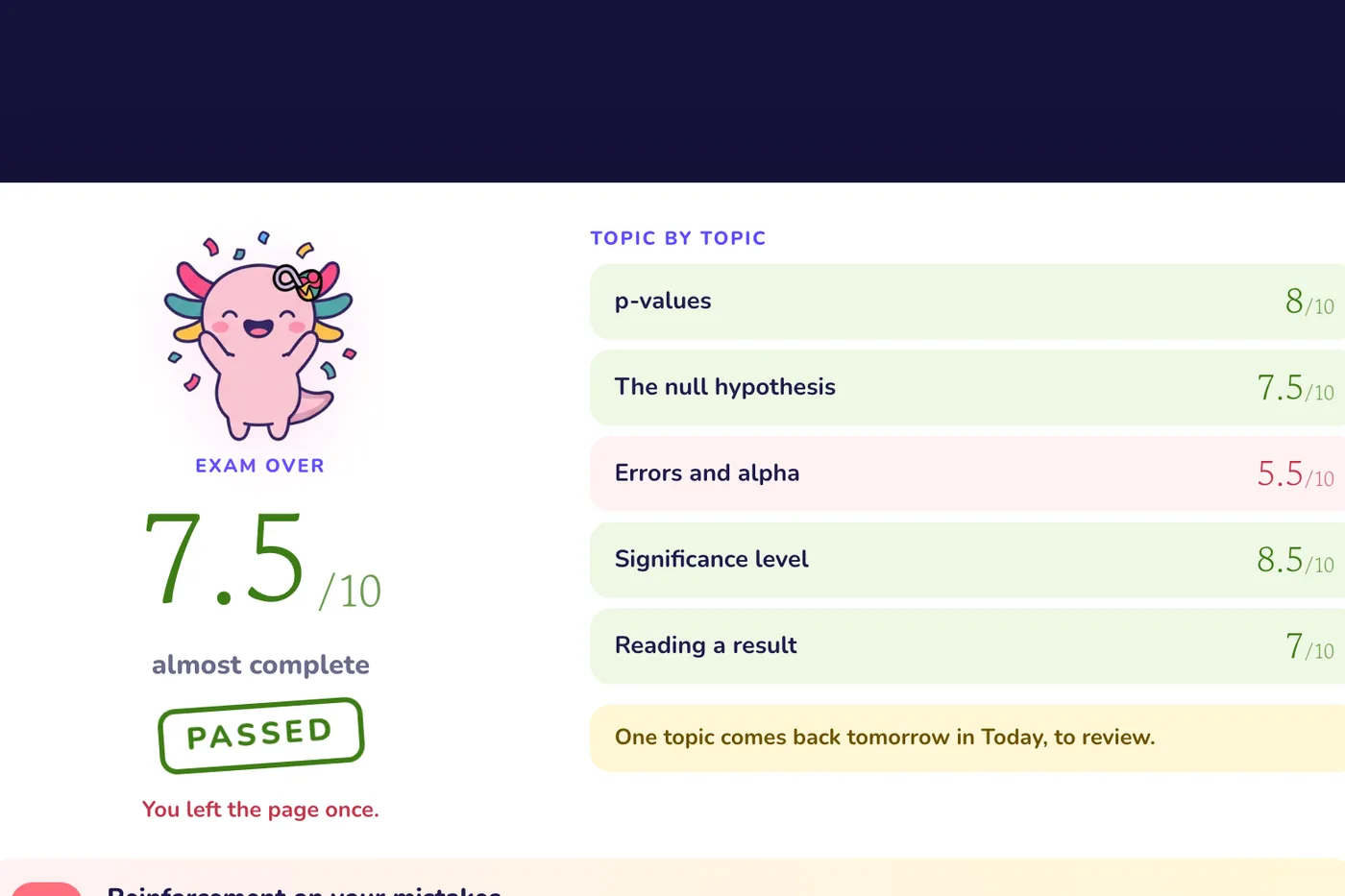
A practice Exam shows up in Today 7 days before the exam date, or earlier if you finish every lesson in the notebook. It is 5 open questions, about 10 minutes, no notes. The pass mark is 6 out of 10, and anything under it comes back as a review.
Will it remind me to study?
Only if you turn it on. You get an email or a phone notification at the hour you pick, 18:00 by default. It comes only when something is due or an exam is near, and never on a day you already studied.
Is the study planner free?
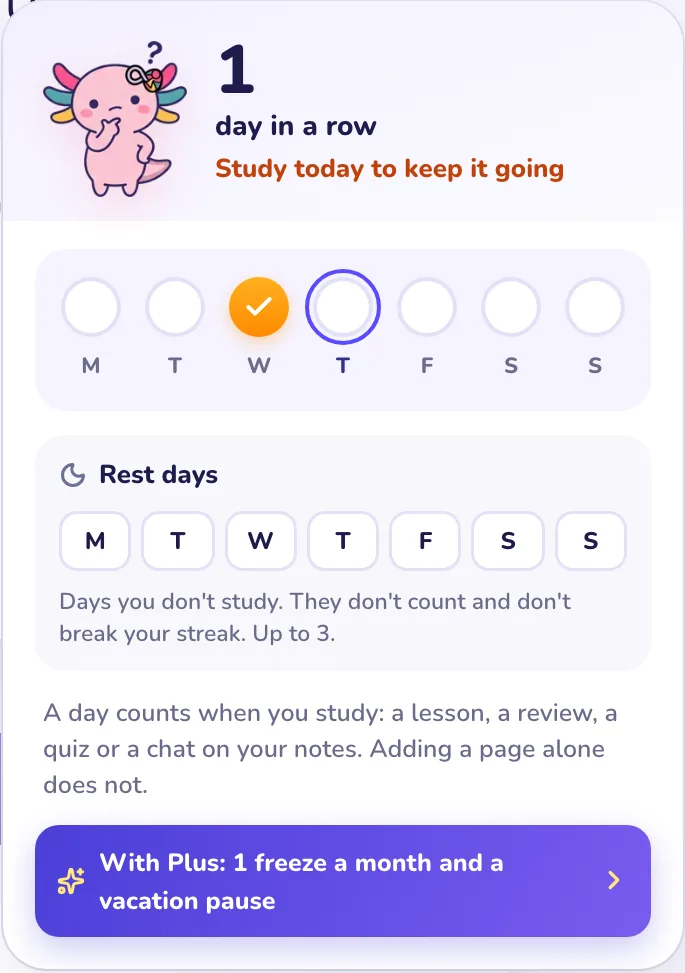
Yes. Today, the exam countdown, reviews, the streak and rest days are free, and so is 1 Exam a day. Plus is $13.99 a month or $79.99 a year and opens every lesson whole, checkpoints, a monthly streak freeze and a vacation pause.