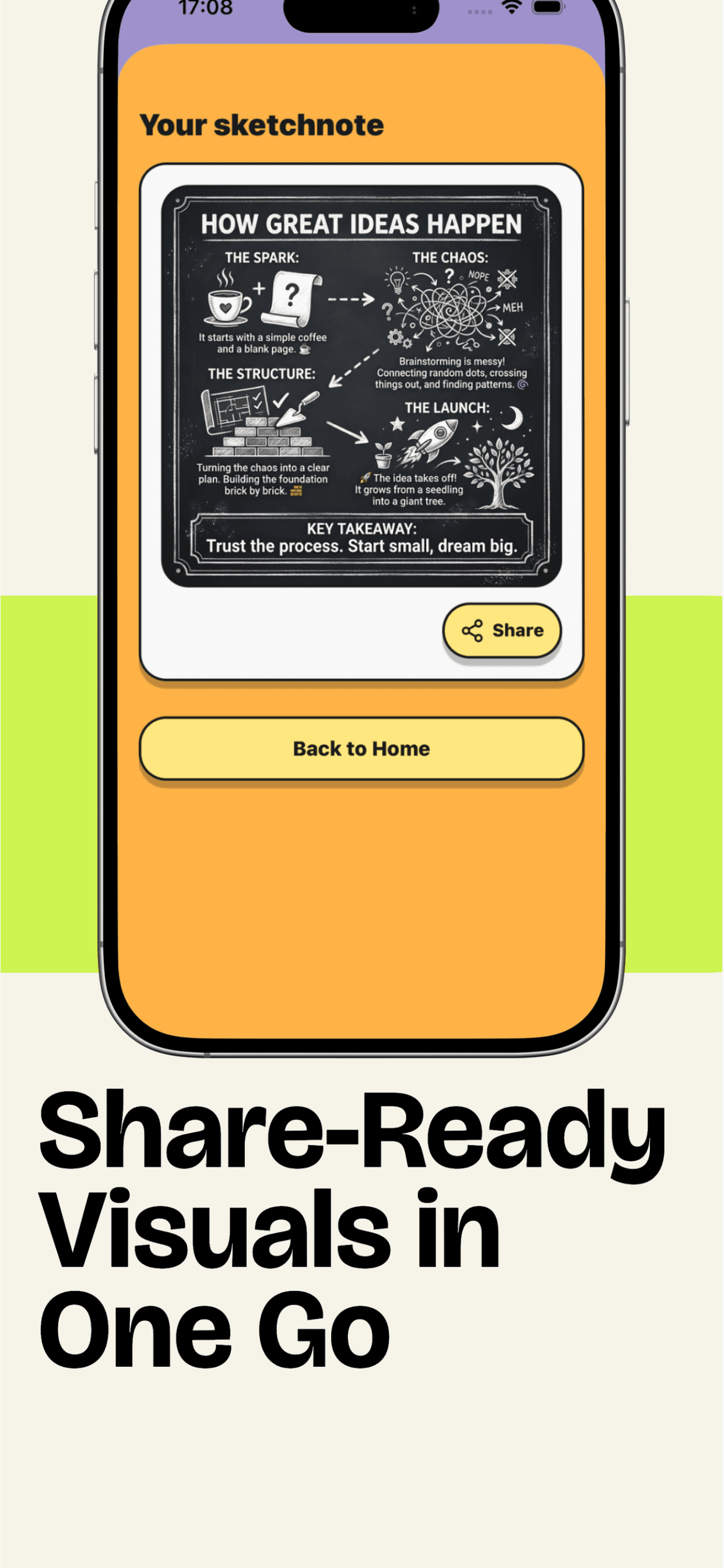
VisualNote Ai turns PDFs, text, and notes into visuals people actually read
Create sketchnotes, dashboards, timelines, and infographic-style images from your content. Built for studying, teaching, product docs, and sharing ideas fast.
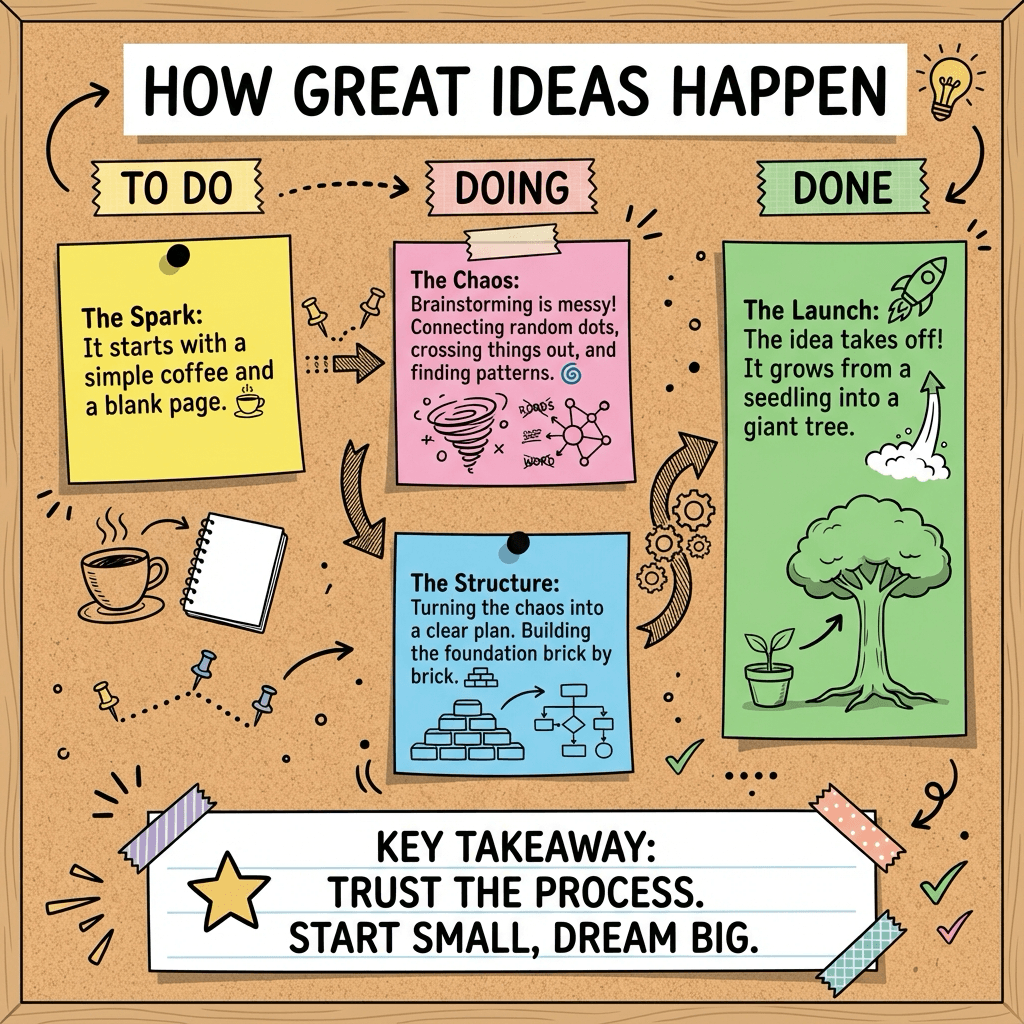
Posts With Images Get 3x More Engagement
Your words are powerful. Make them visual.
Transform any post into a professional sketchnote or infographic that:
- •Captures attention instantly
- •Makes complex ideas simple
- •Gets shared, saved, and remembered
Perfect for:
Transform social media posts into viral visuals with VisualNote Ai's viral visual mode. Turn your text posts into professional sketchnotes and infographics that drive engagement. Perfect for Twitter/X posts, LinkedIn content, educational posts, and thought leadership. Create visual content that gets shared, saved, and remembered. Our AI-powered tool optimizes your posts for maximum engagement while generating stunning visual representations of your ideas. Start creating viral visuals today.
Watch a PDF turn into a visual in real time
A quick product walkthrough: pick a style, generate, and download a clean visual summary.
What you’ll get
- ✓A visual summary that’s easier to scan than a wall of text
- ✓Multiple styles (timelines, dashboards, sketchnotes, infographics)
- ✓Download and share instantly — perfect for study notes, docs, and slides
Tip: tap fullscreen for the clearest view.
Transform PDFs into Stunning Visual Infographics
Convert your PDF documents, Word files, and text into beautiful visual notes and infographics. Perfect for turning notes to visual, text to image, and PDF to infographics conversion.
Before: PDF Document
Upload any PDF, Word document, or text file
After: Visual Infographic
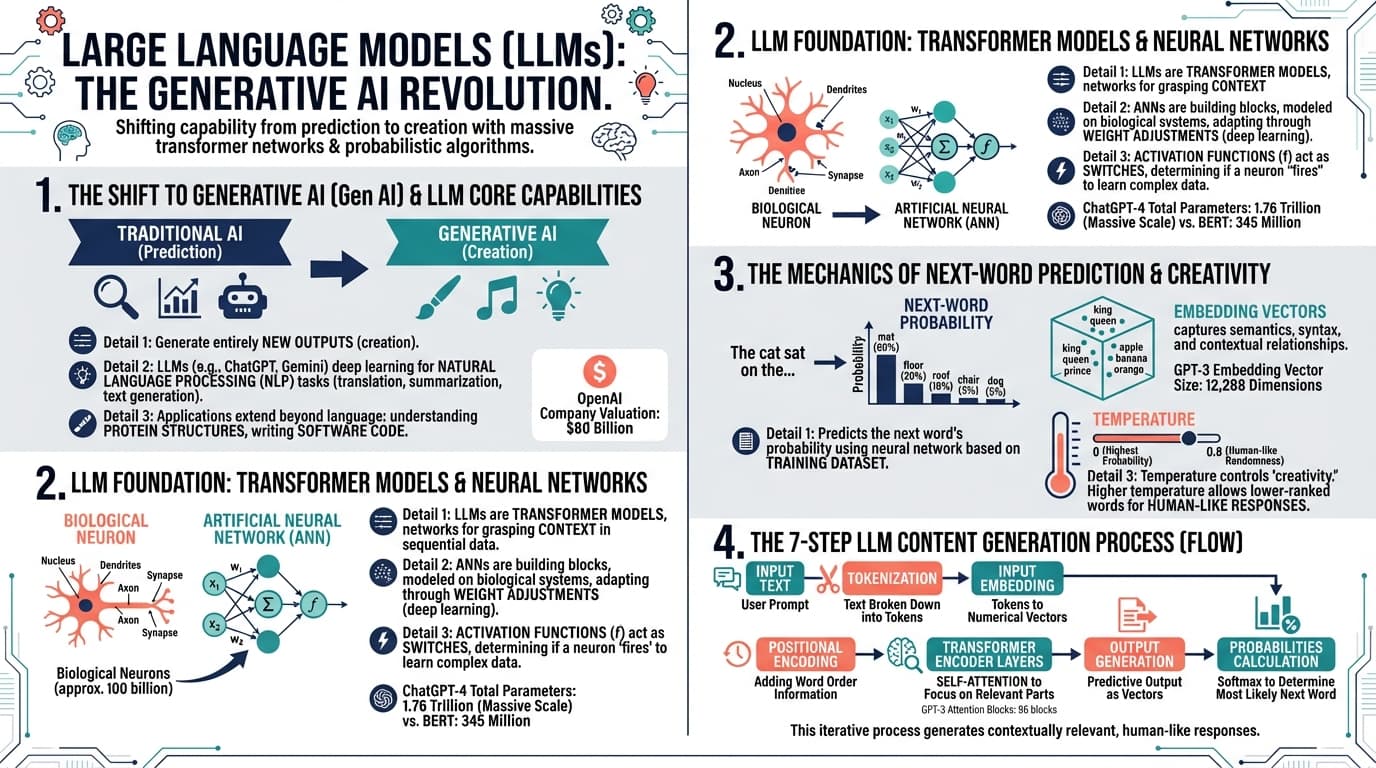
Beautiful visual notes and infographics generated instantly
Explore styles
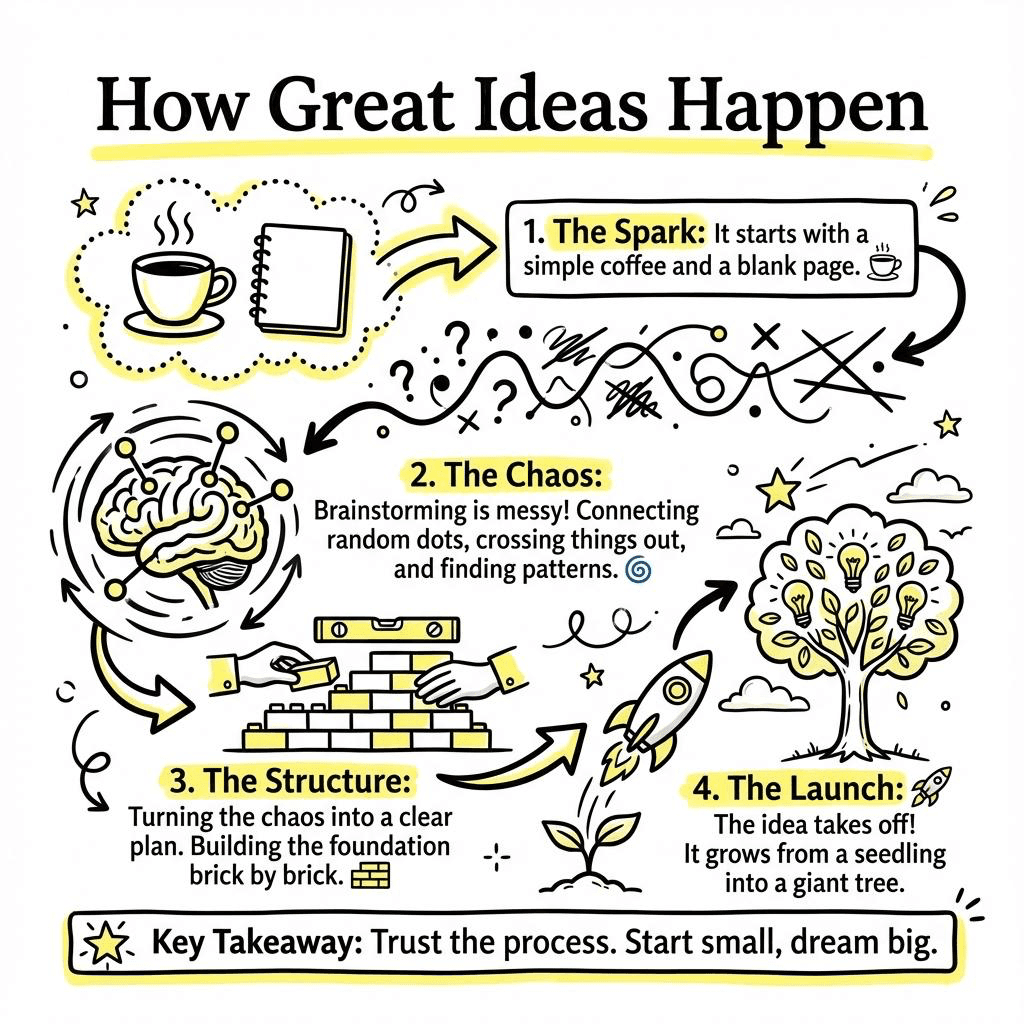
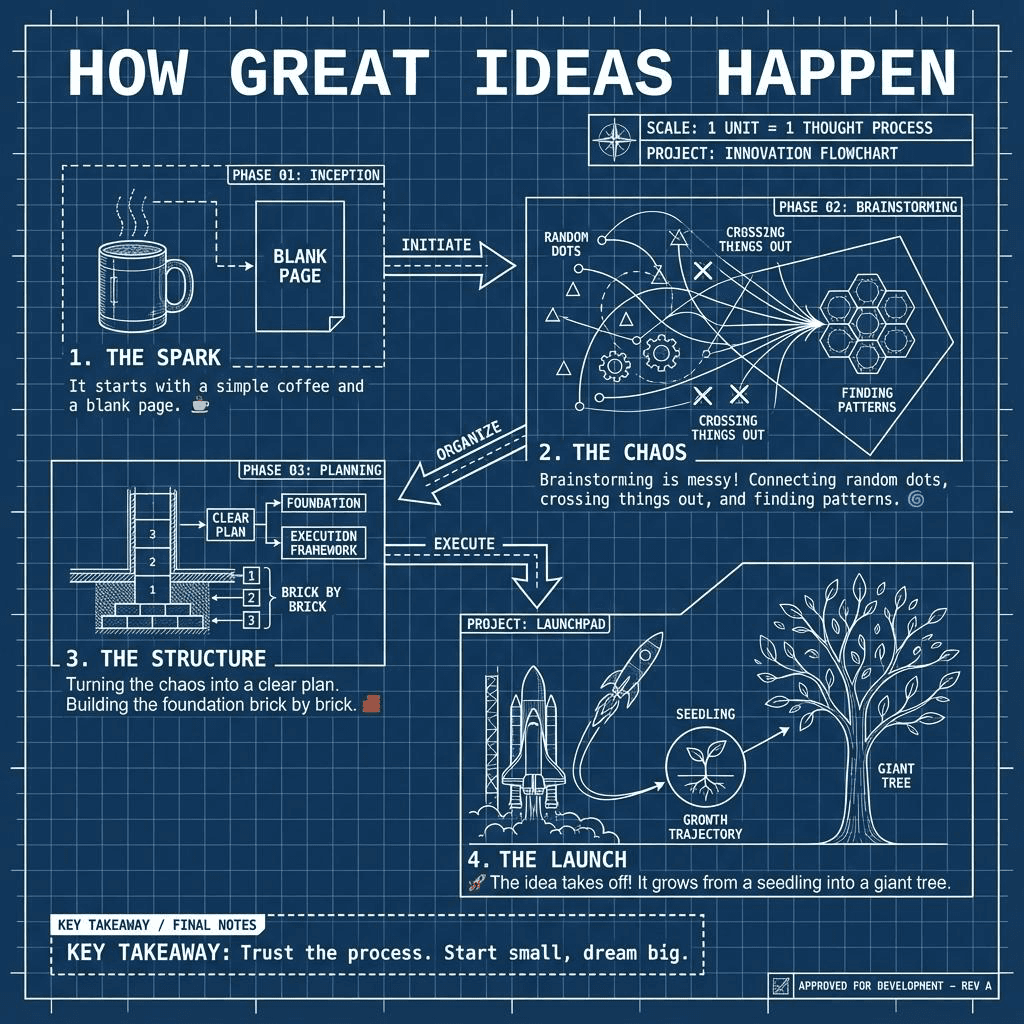
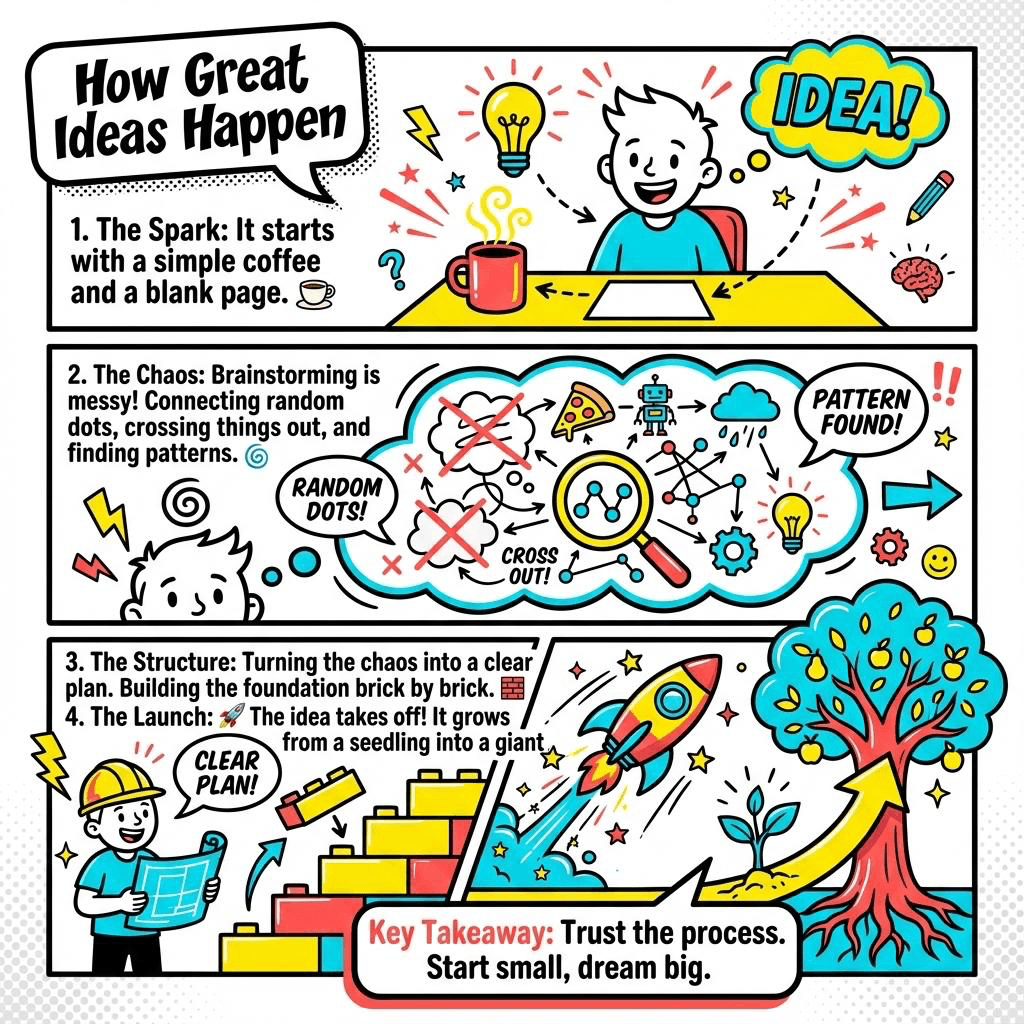
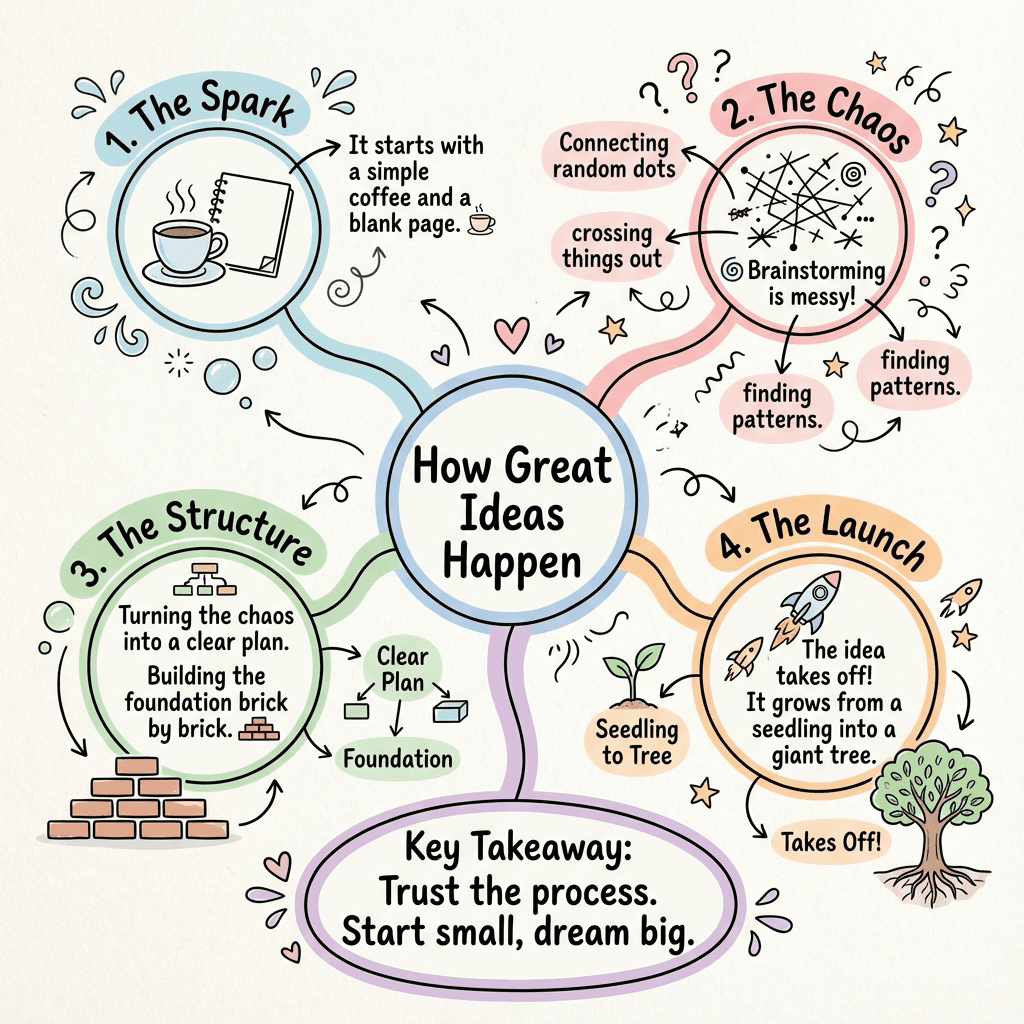
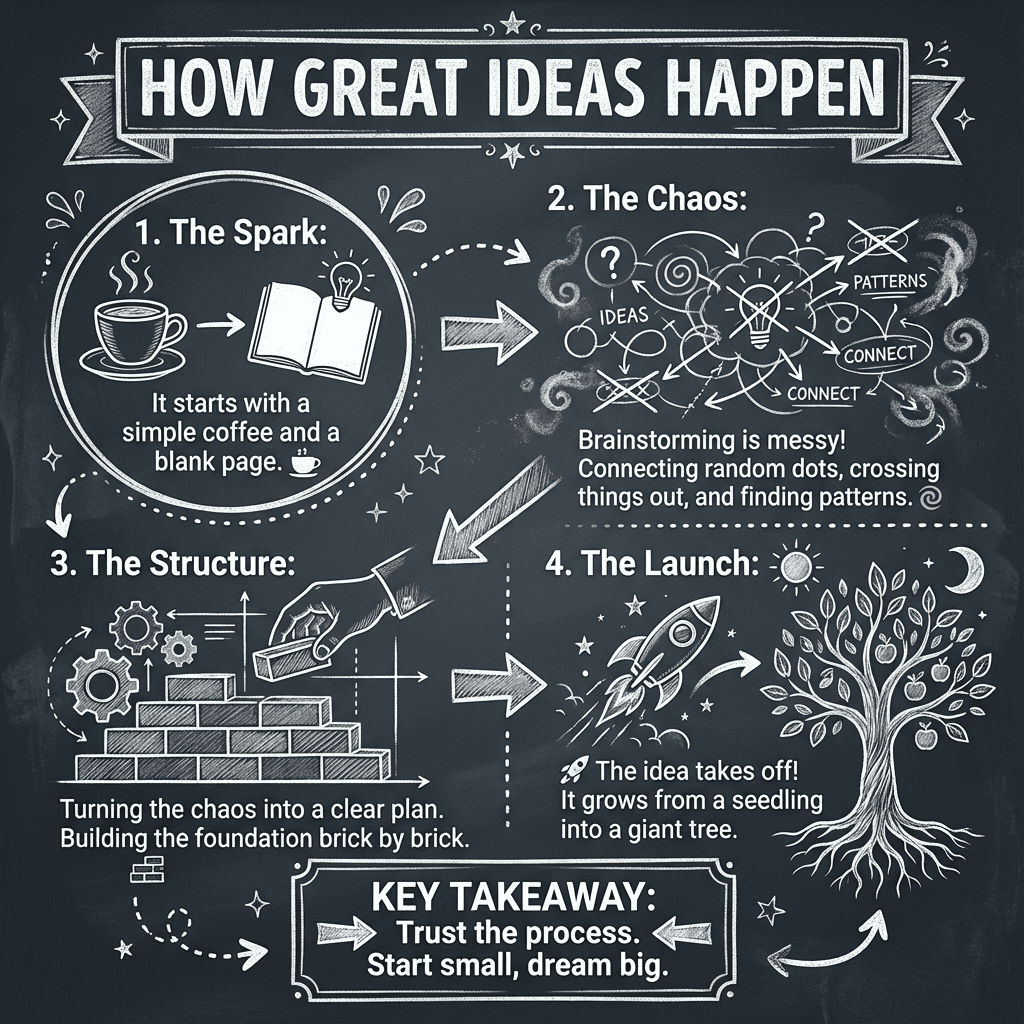
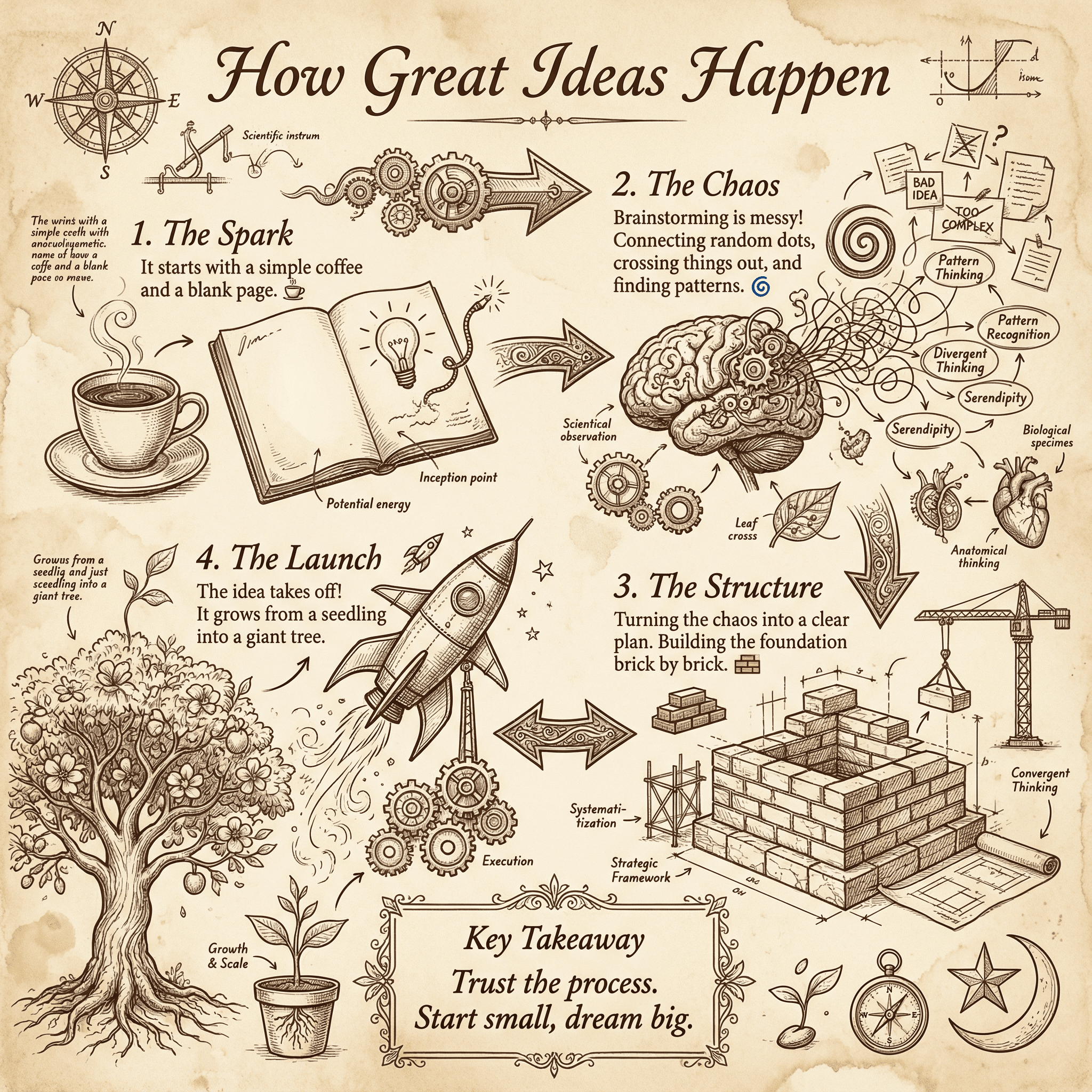
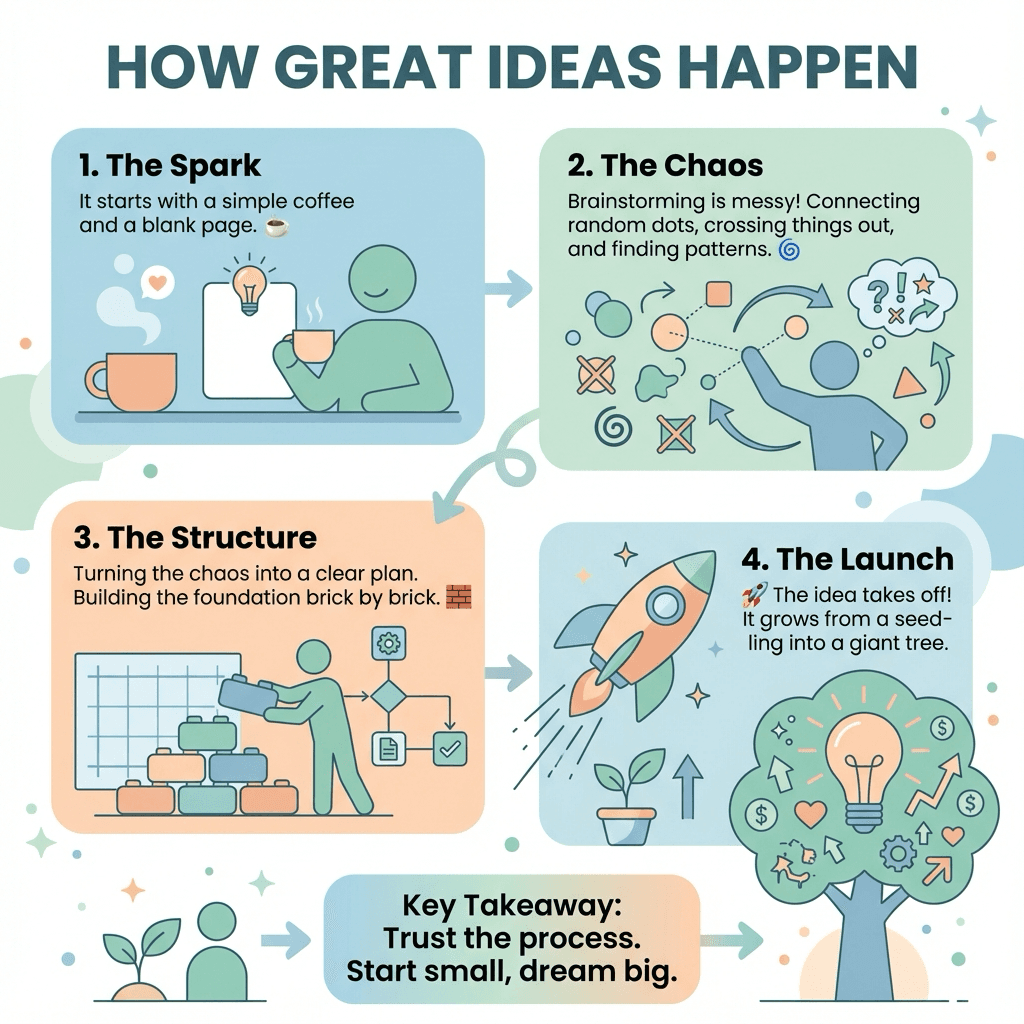
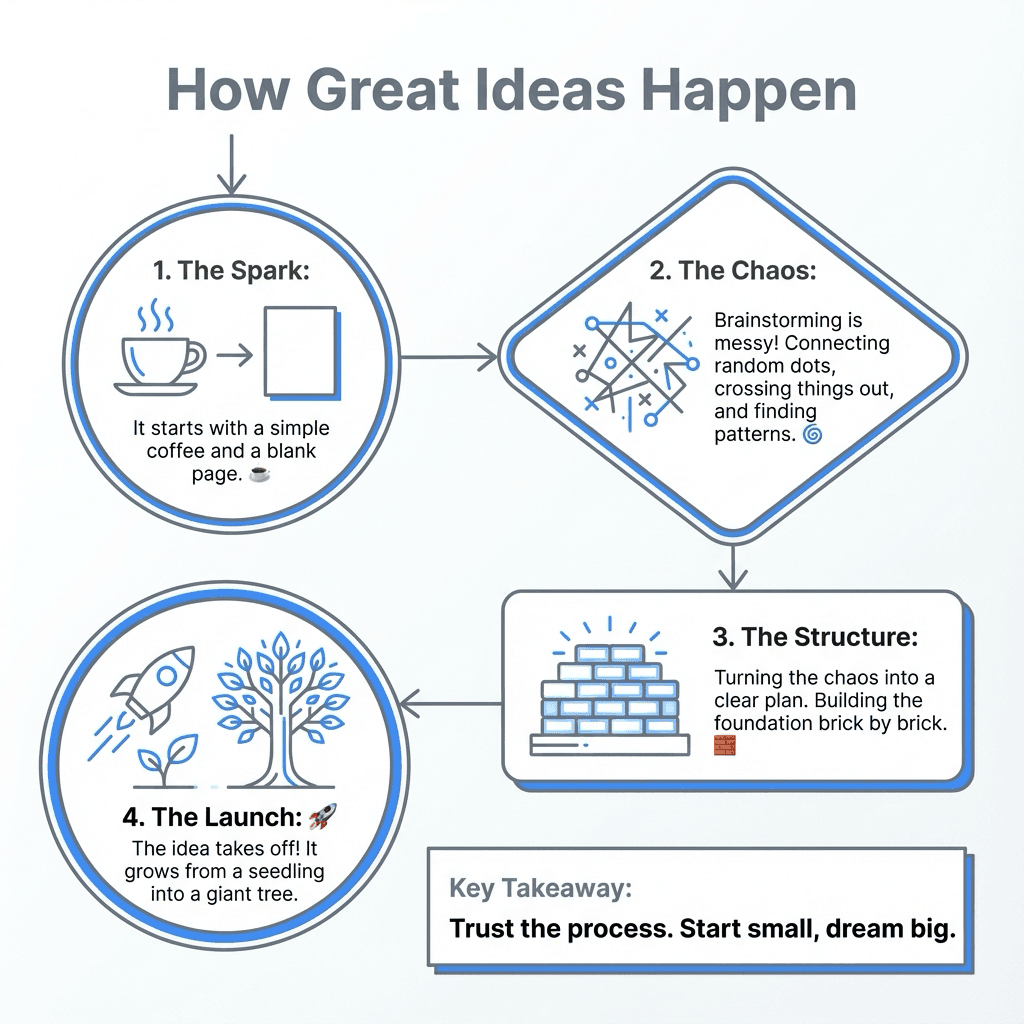
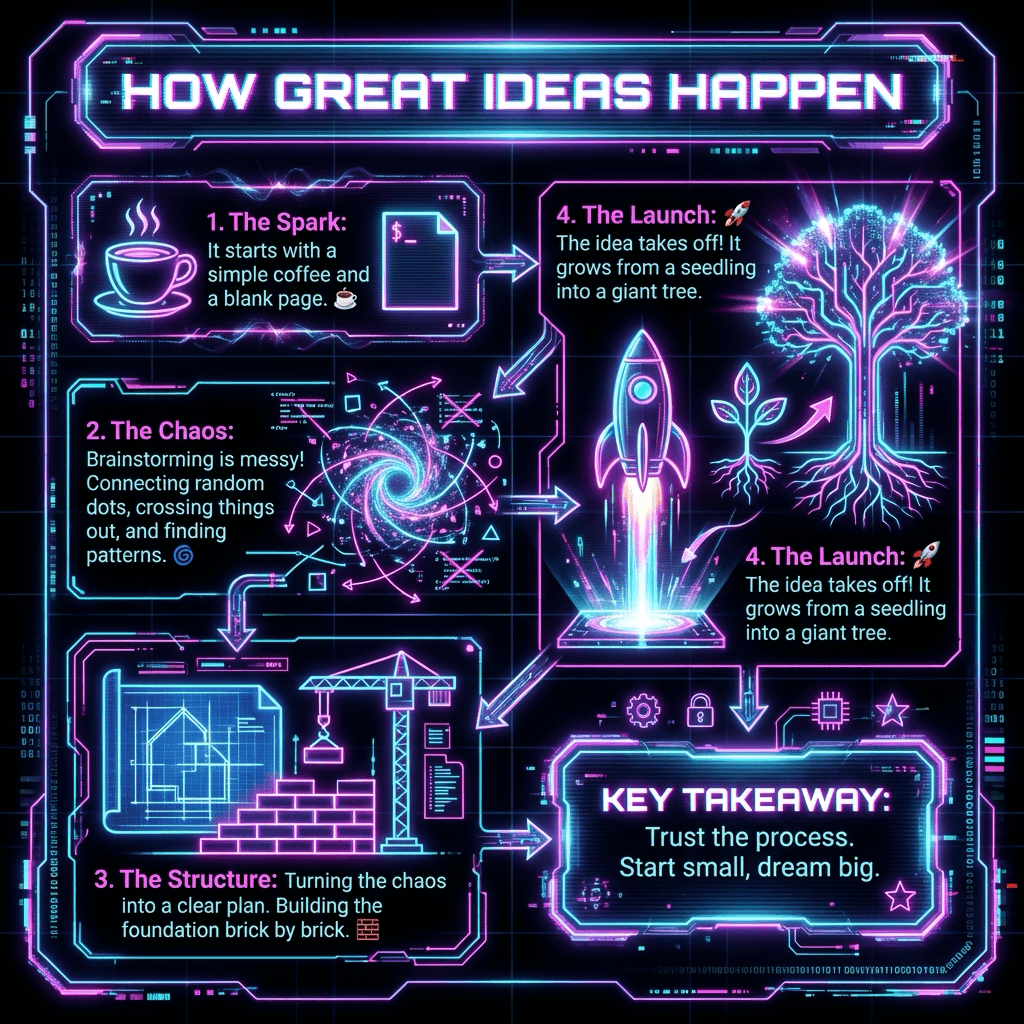
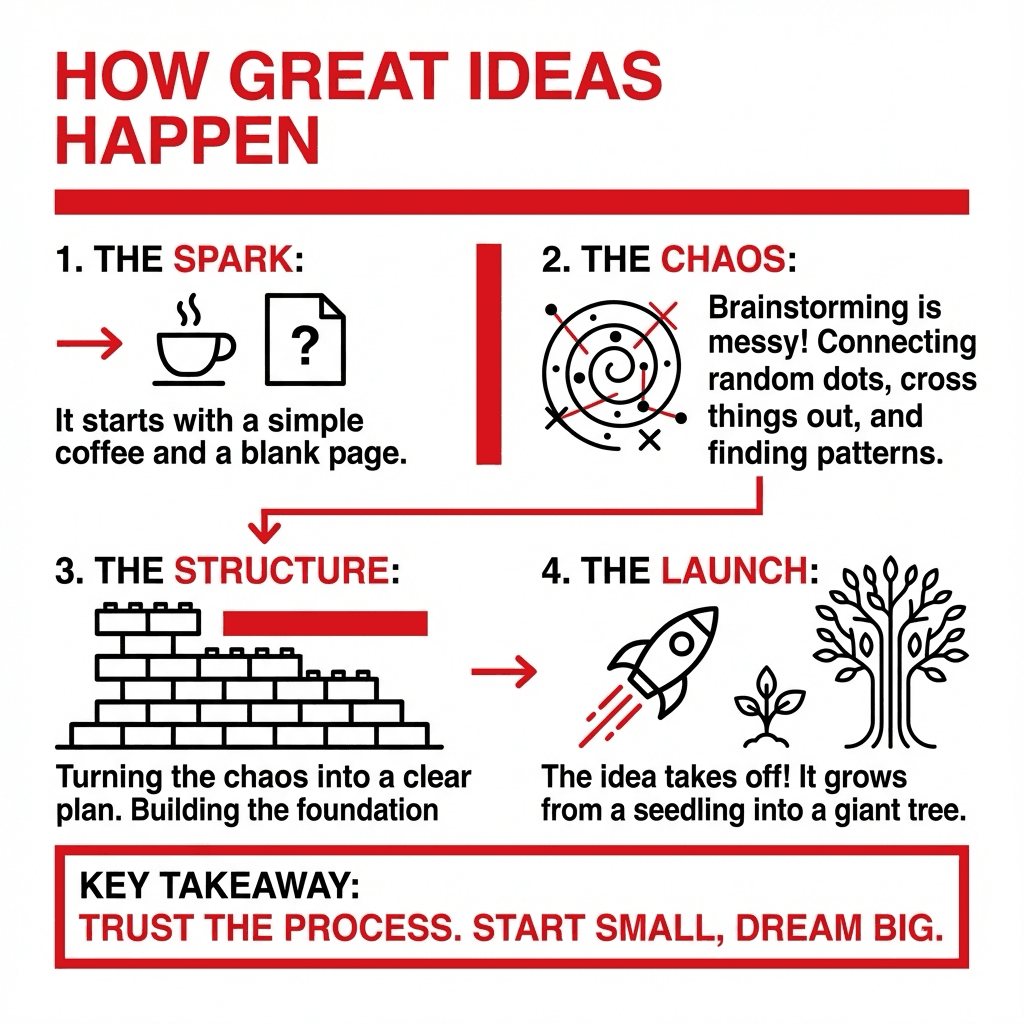
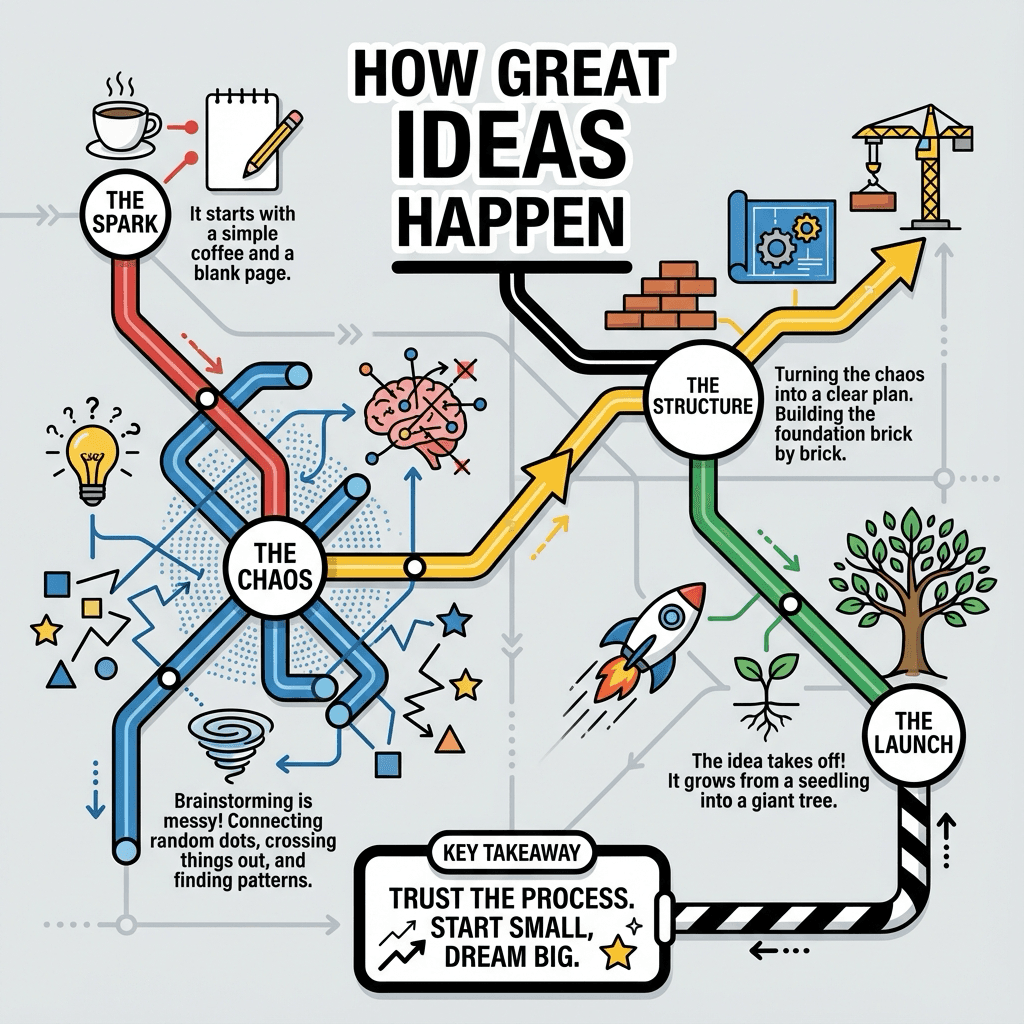
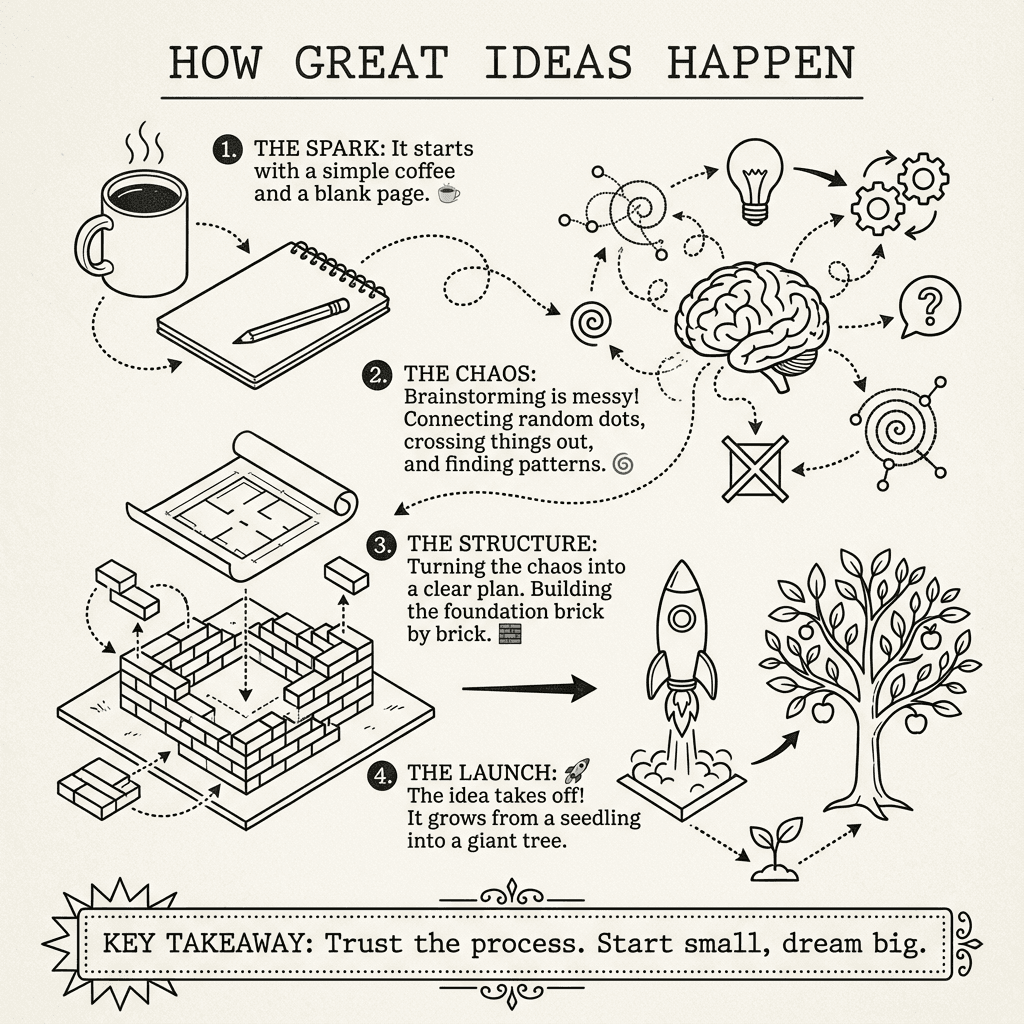
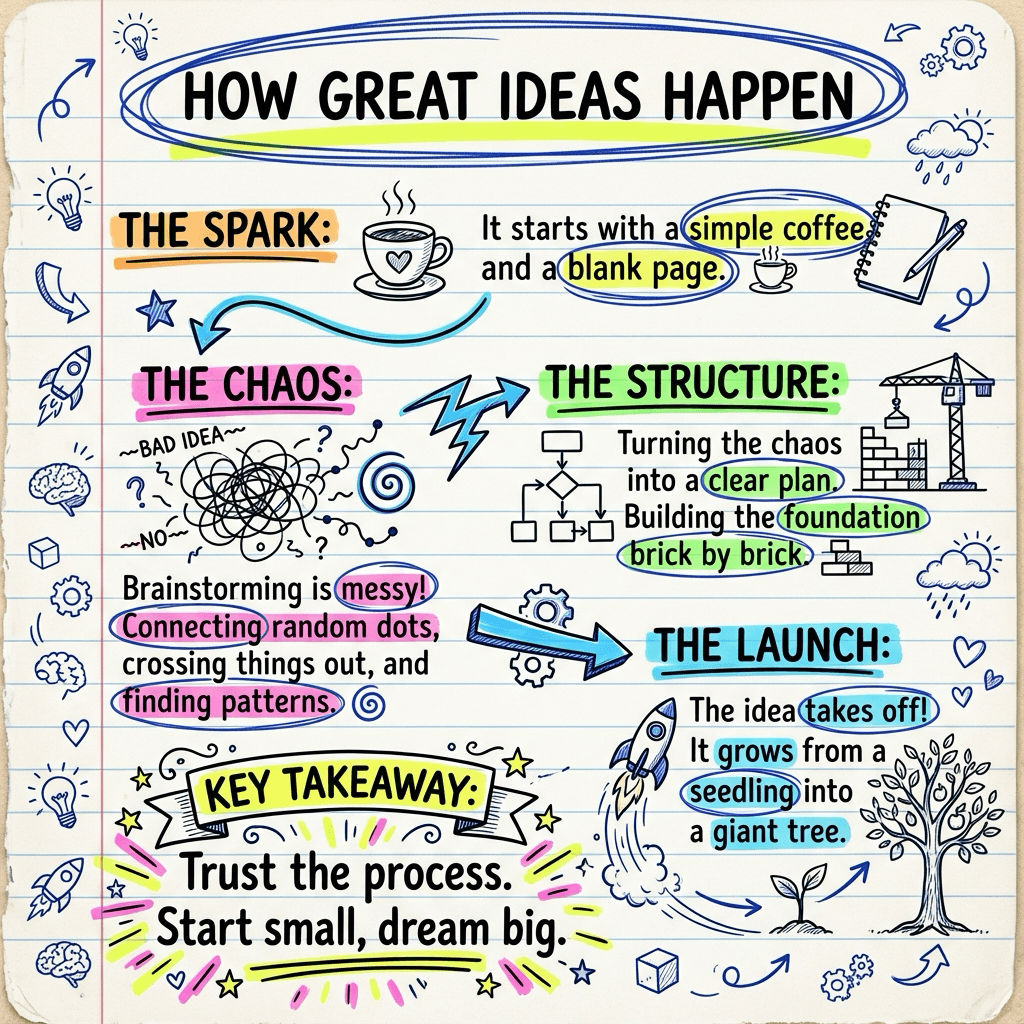
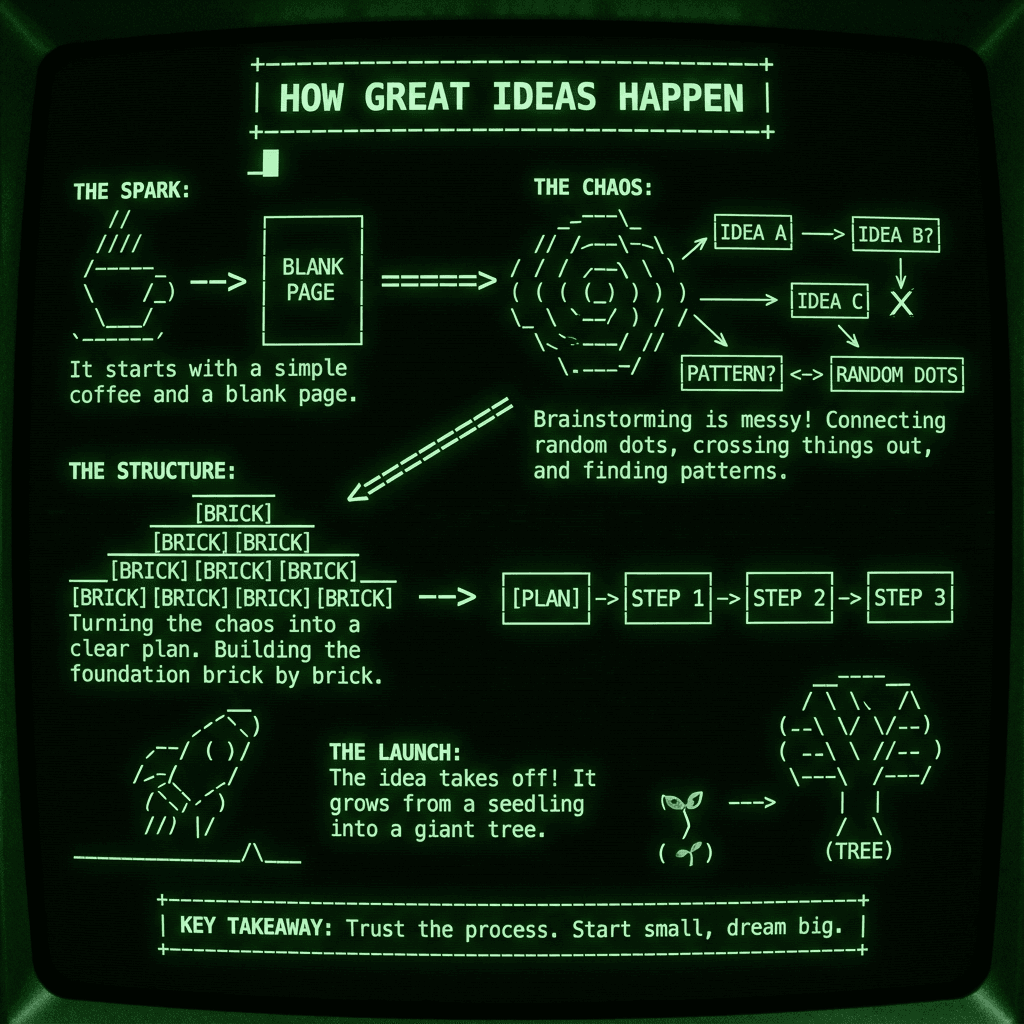
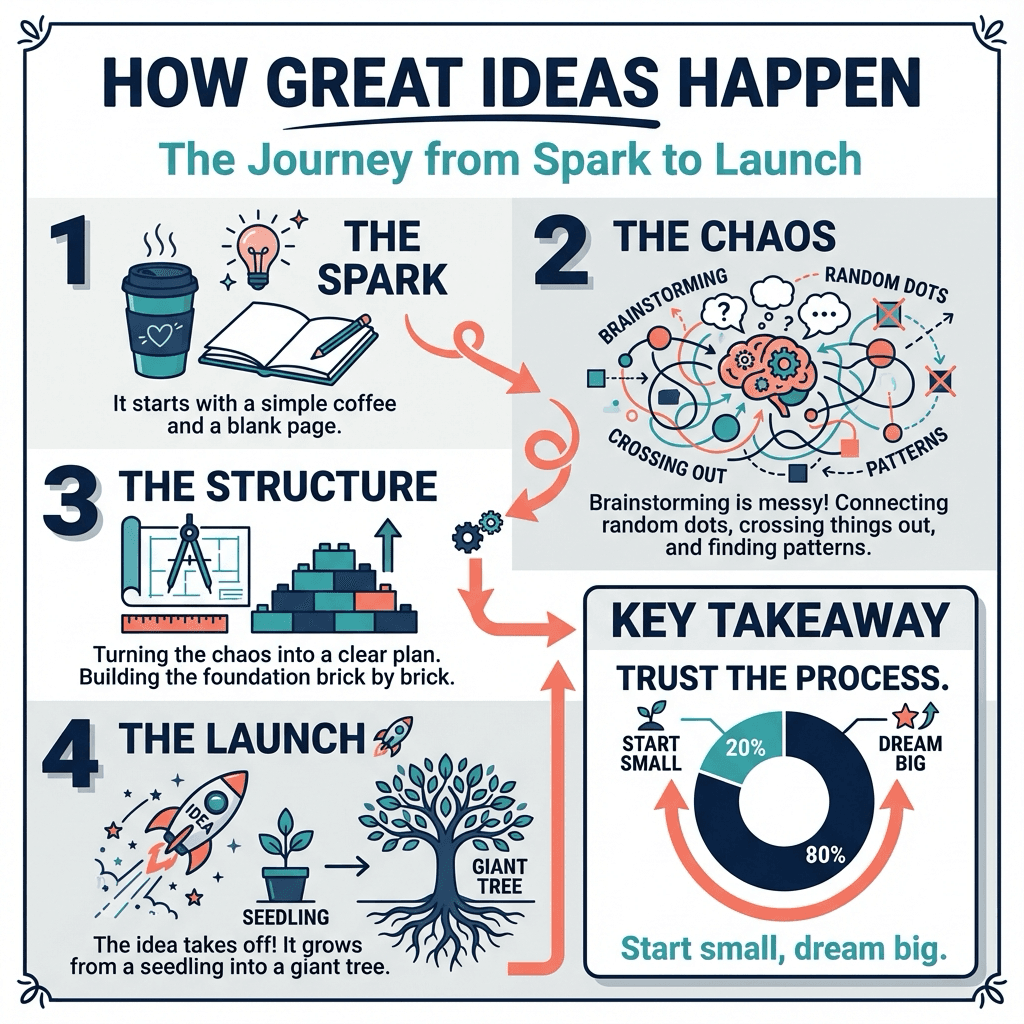
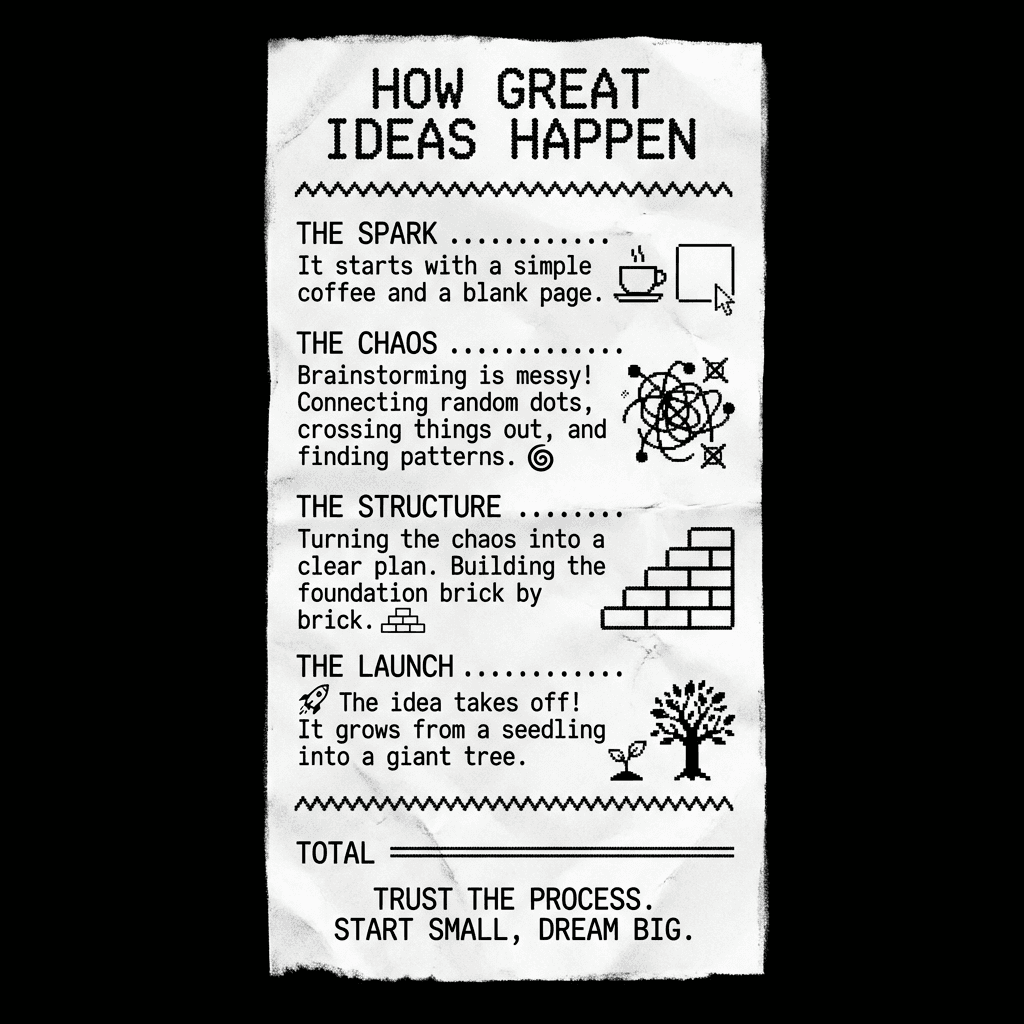
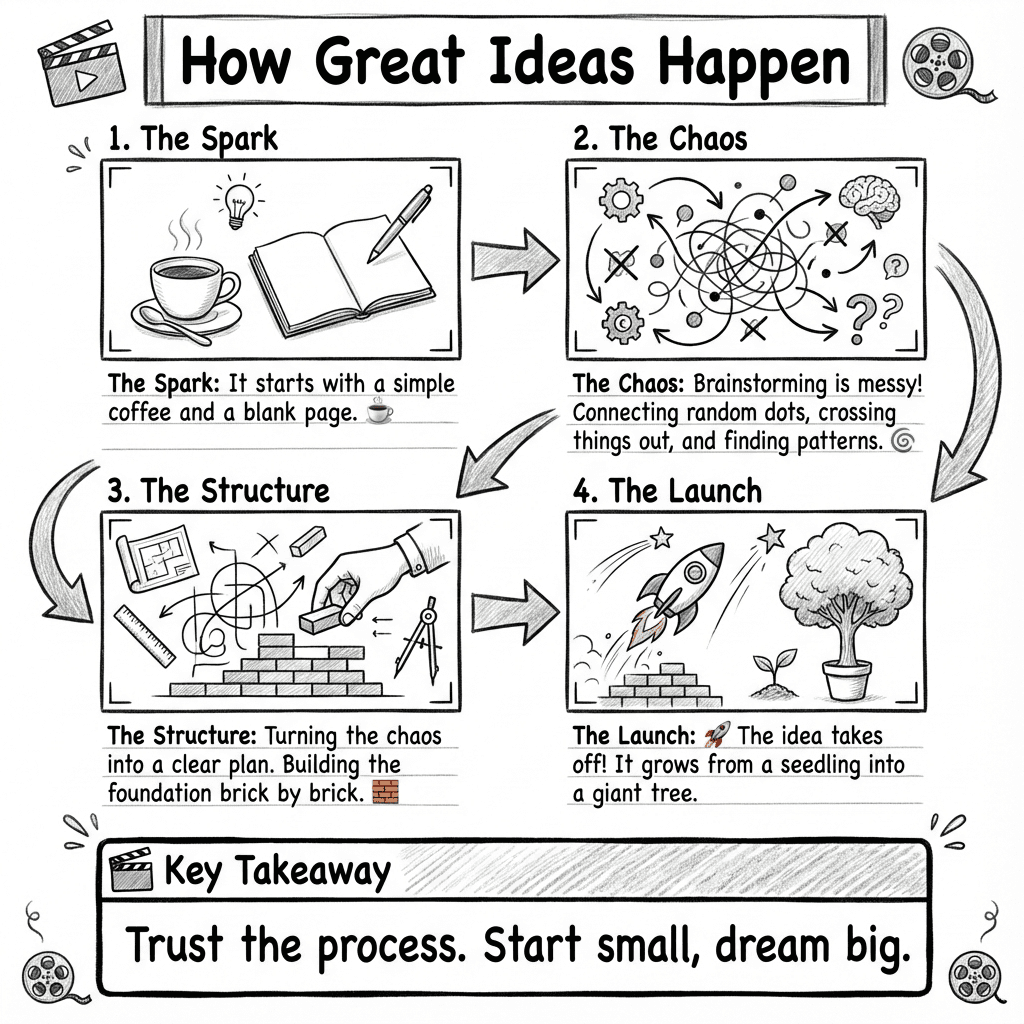
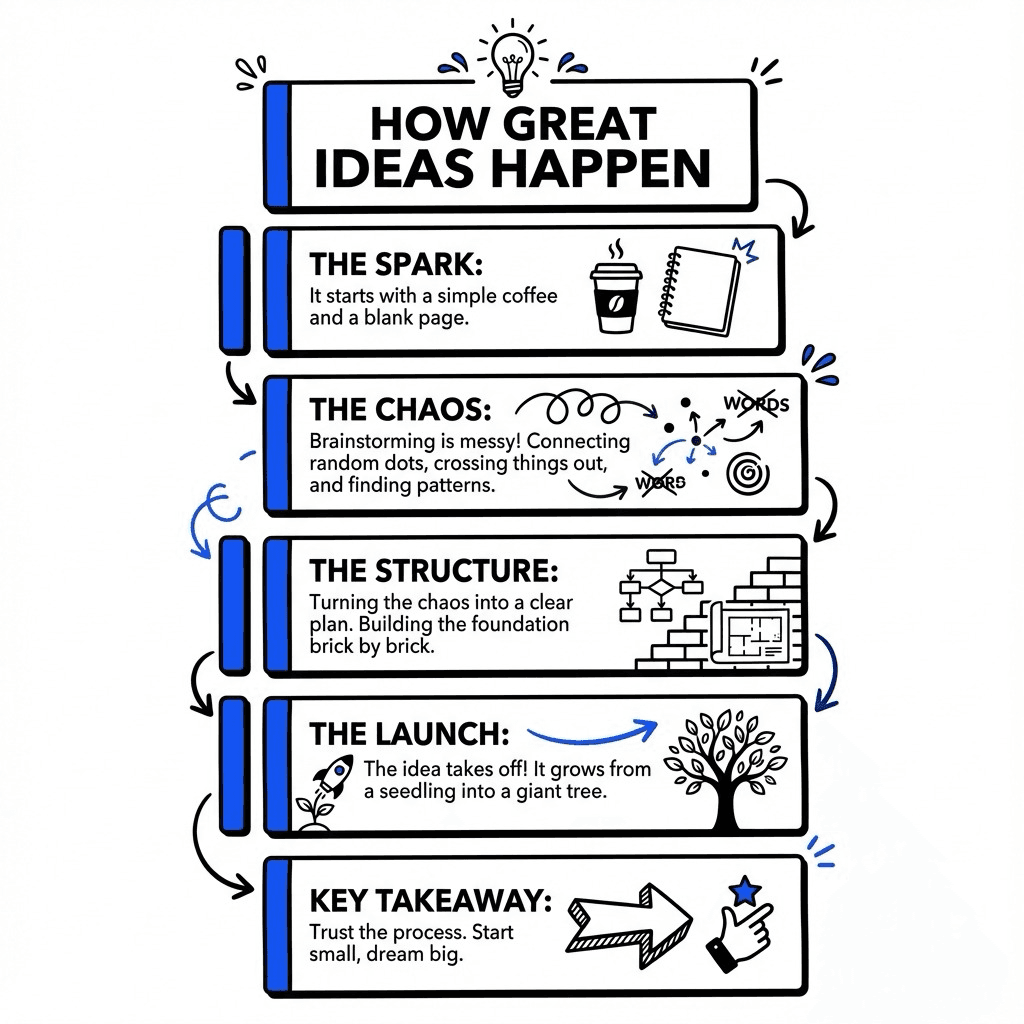
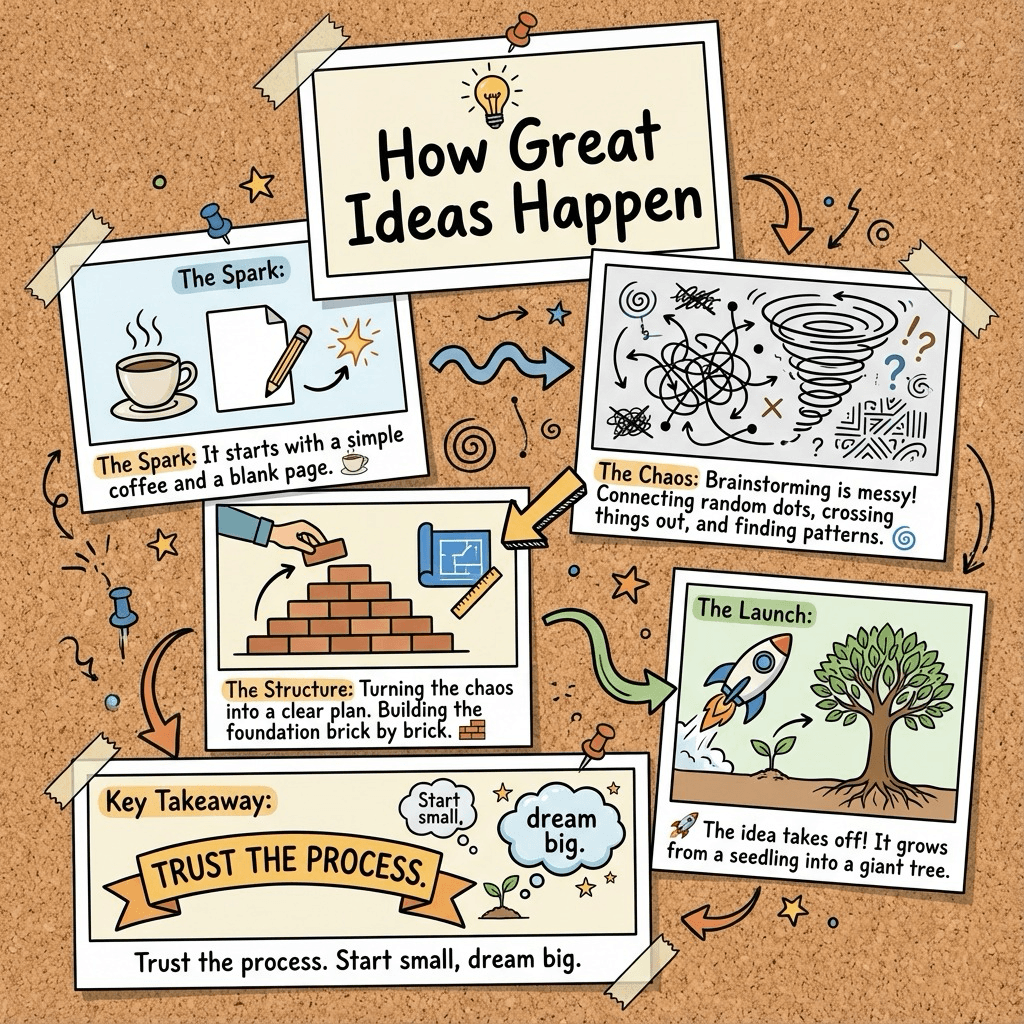
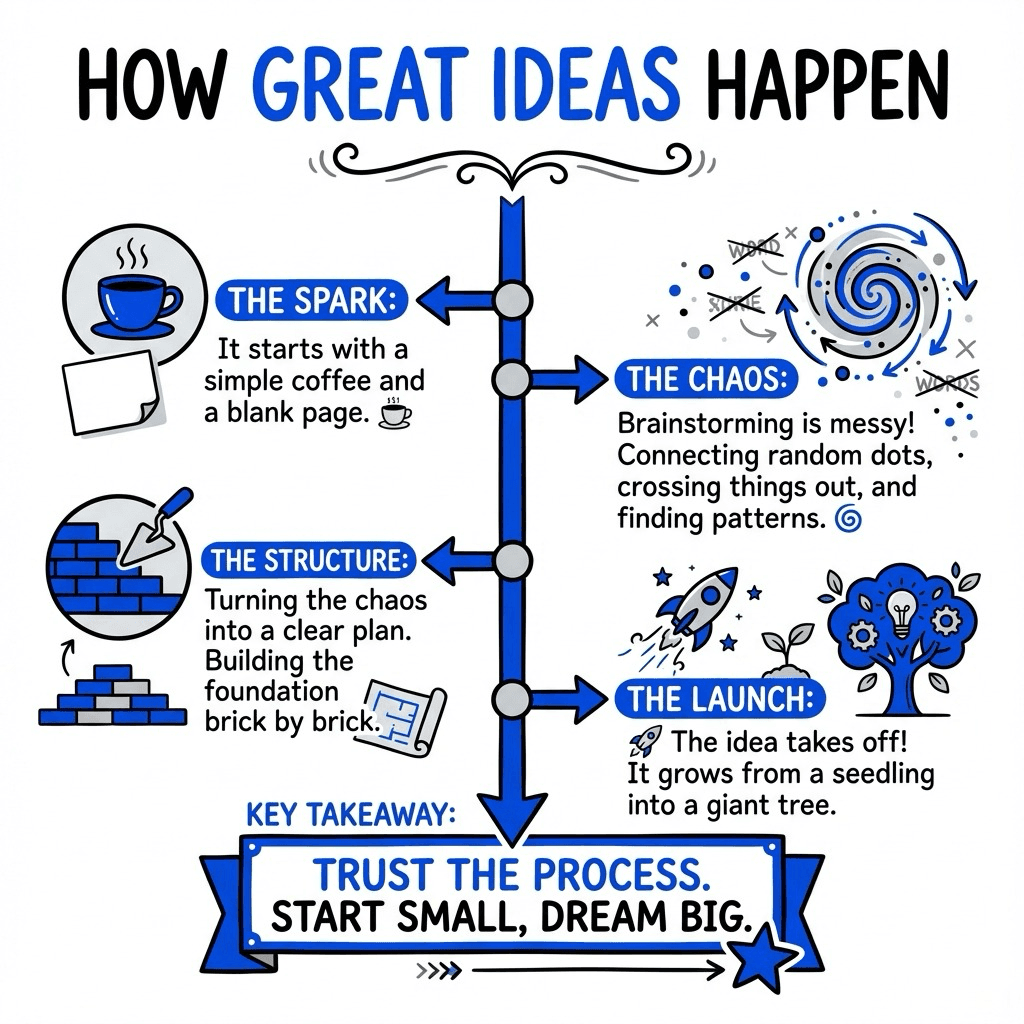
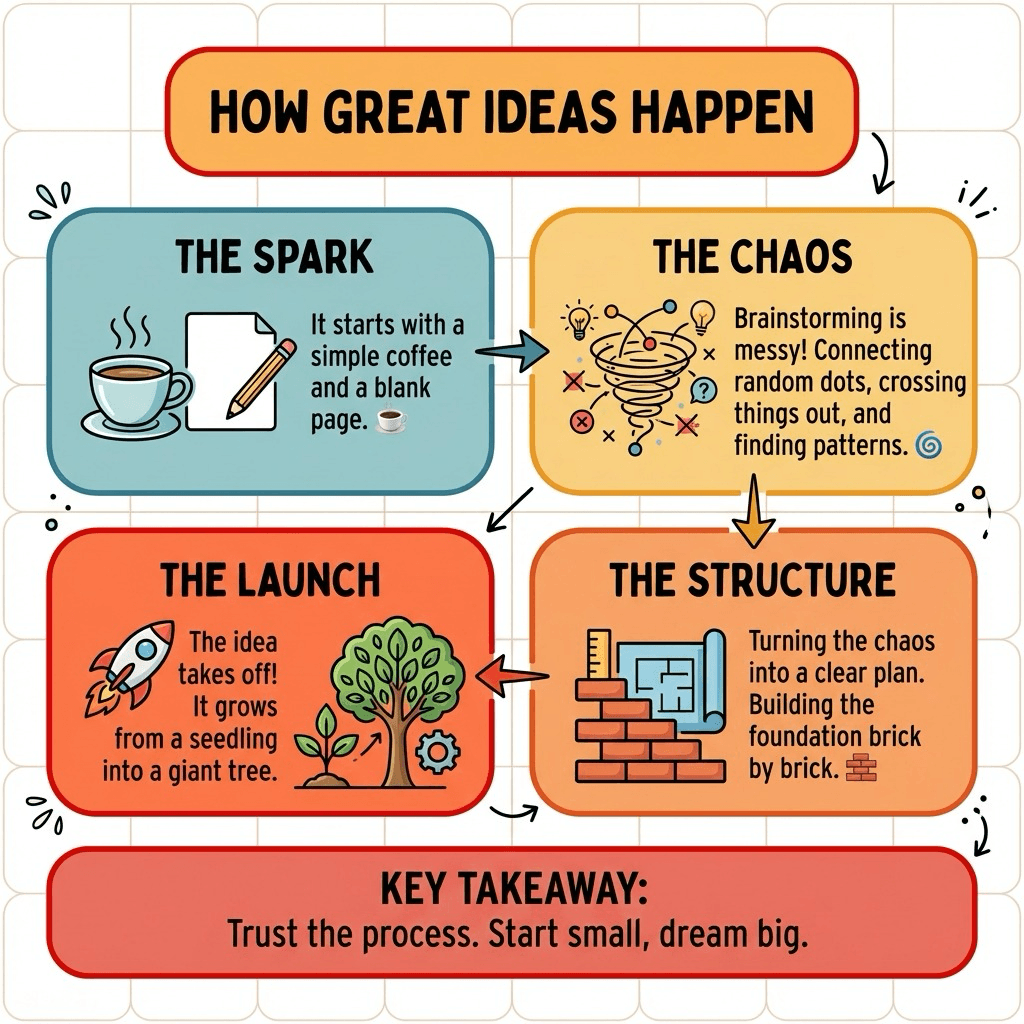
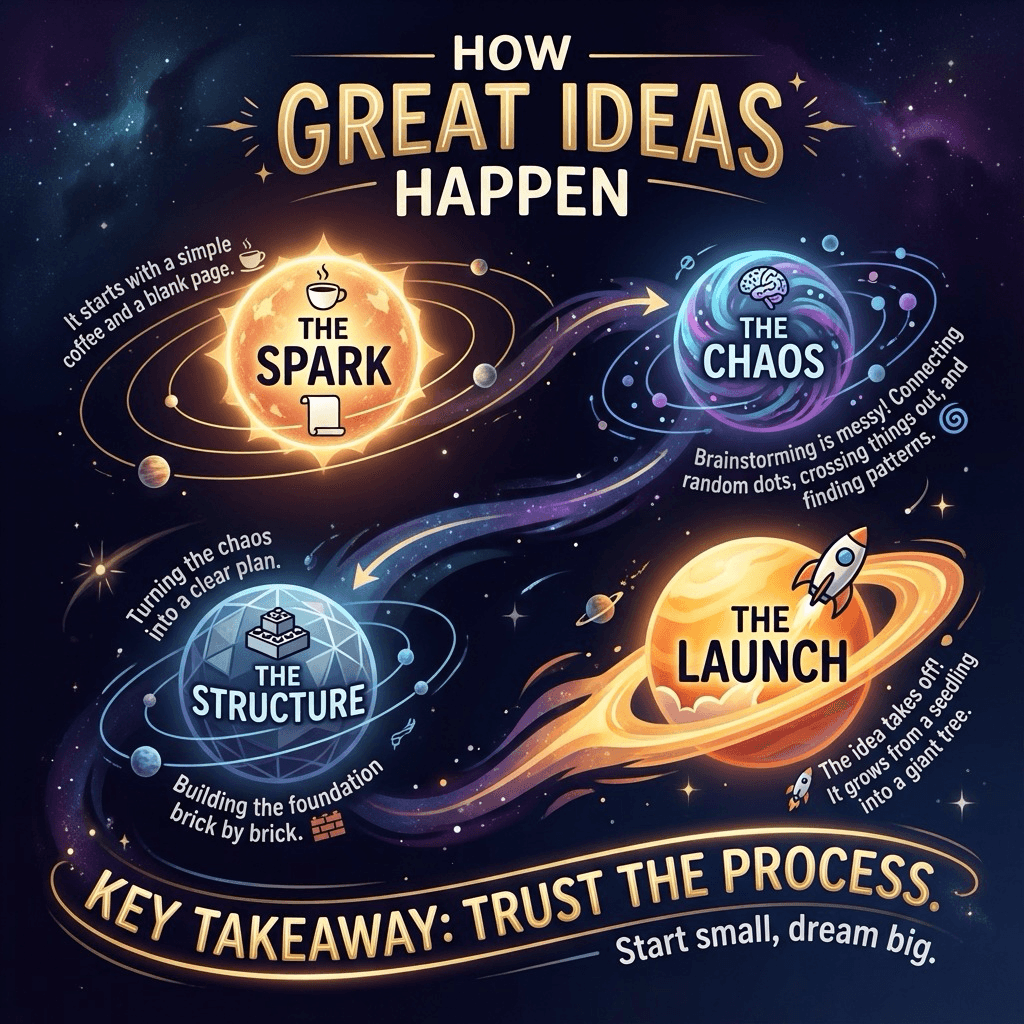
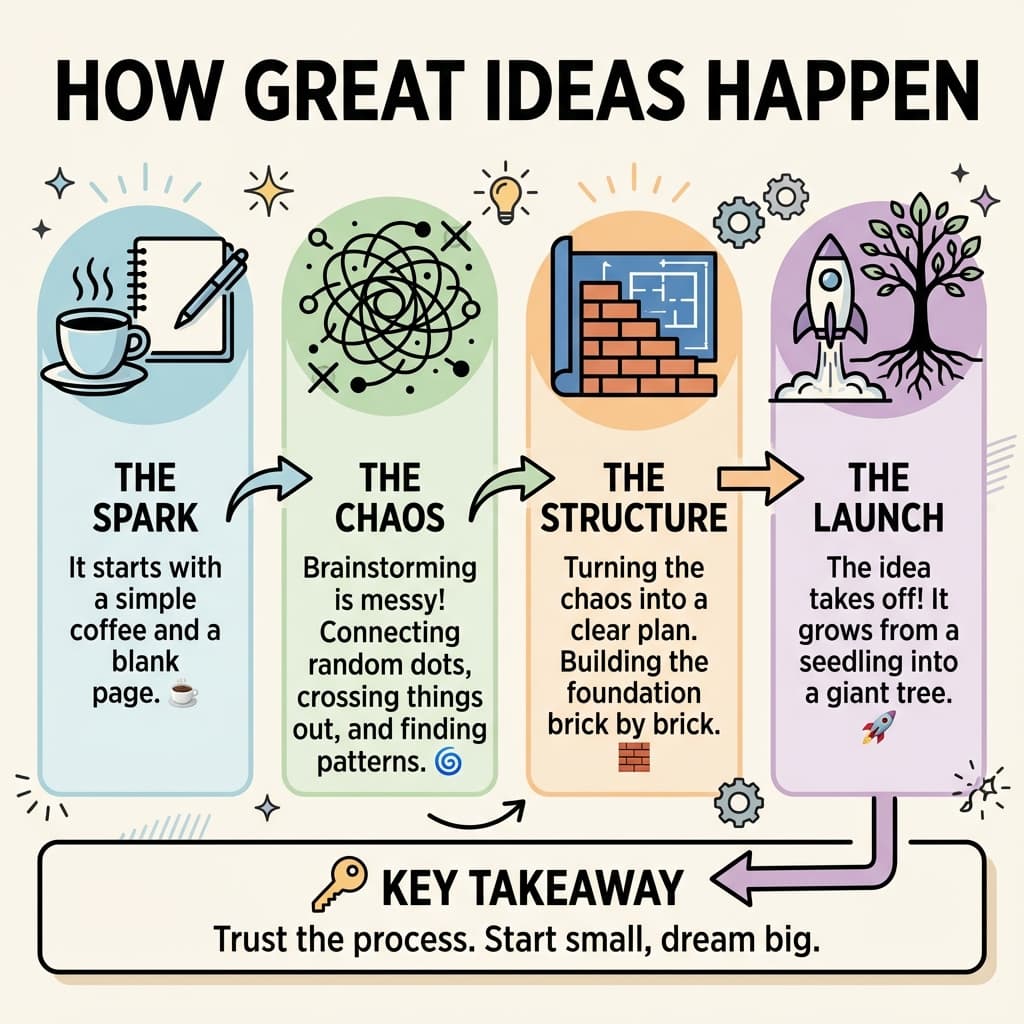
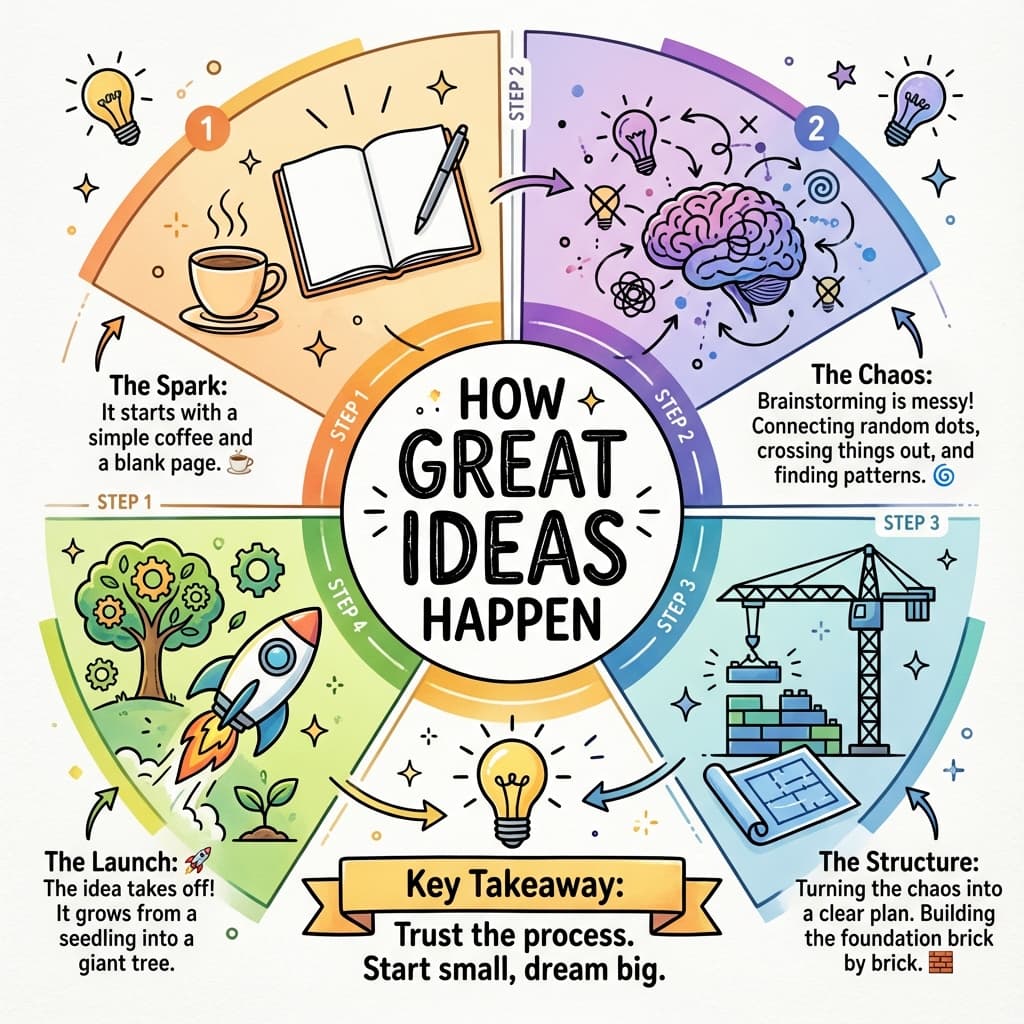
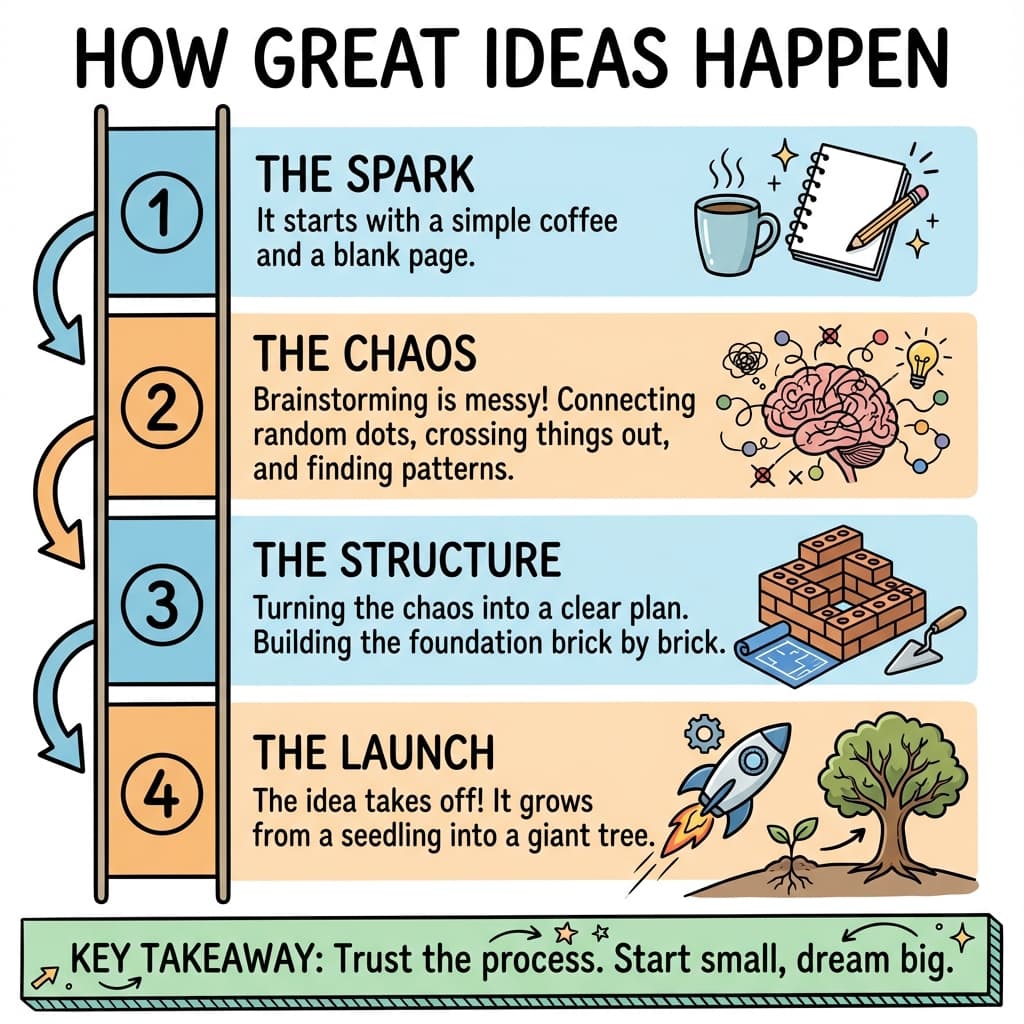
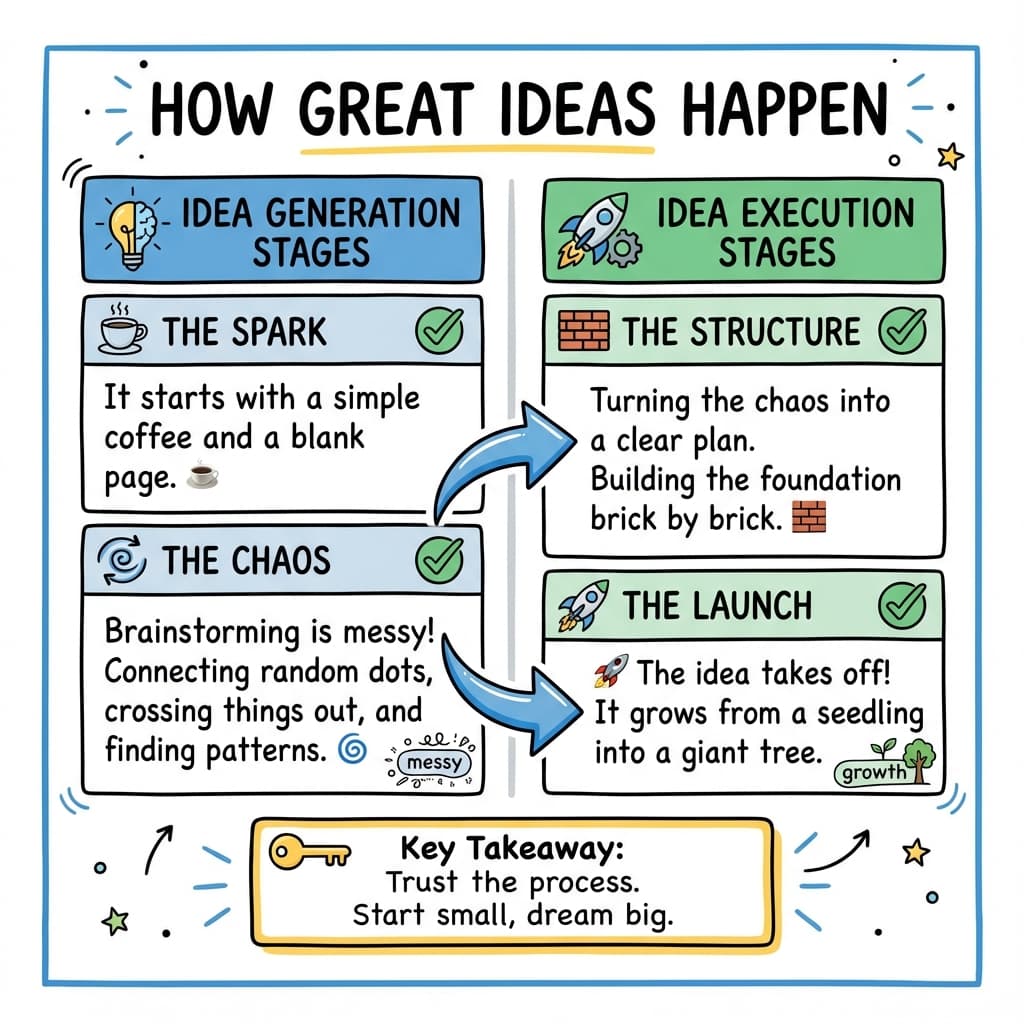
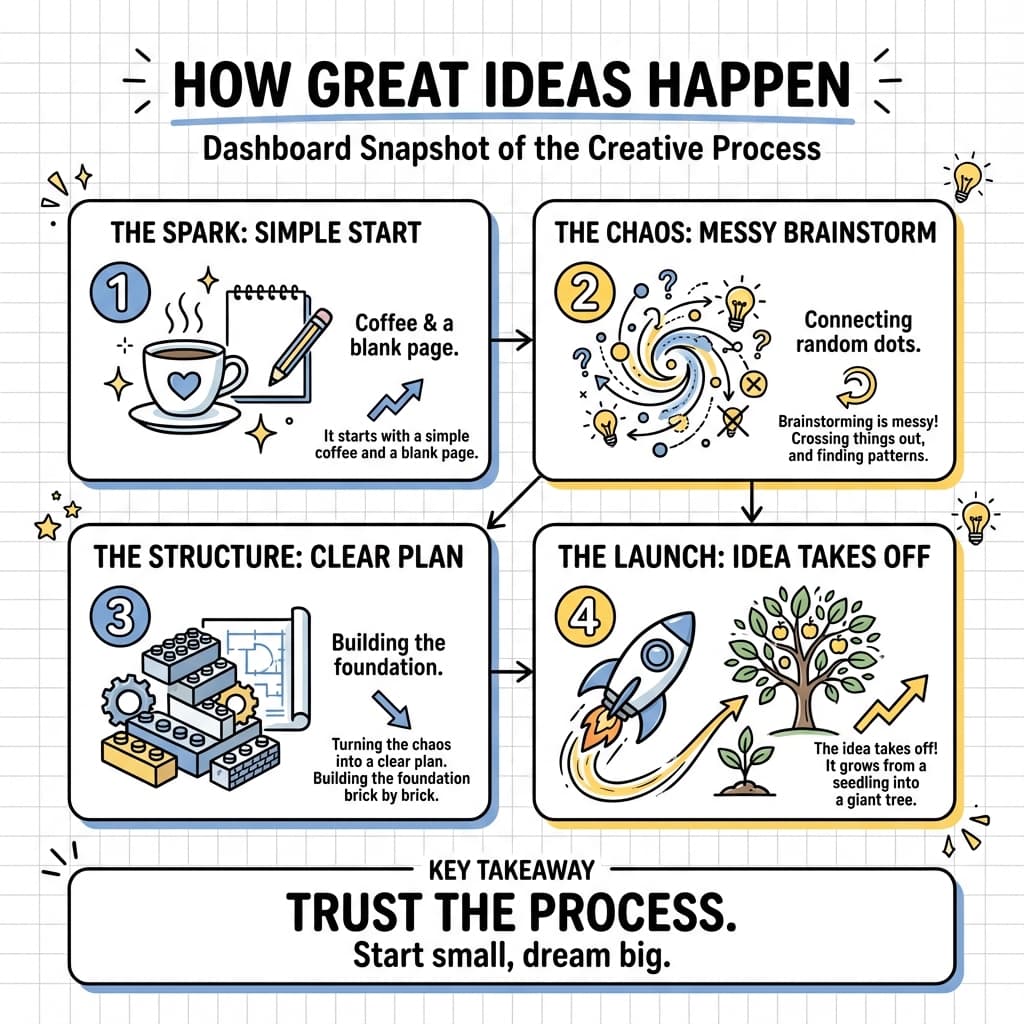
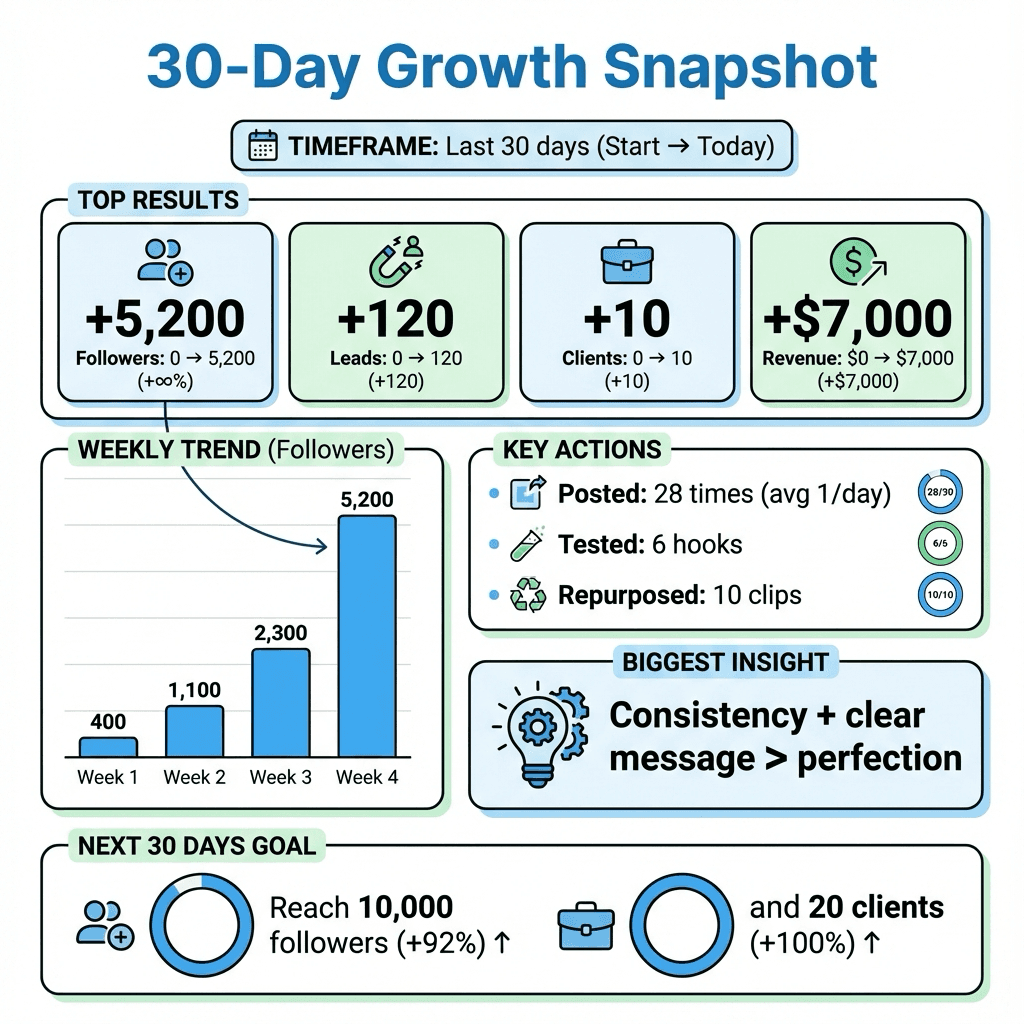
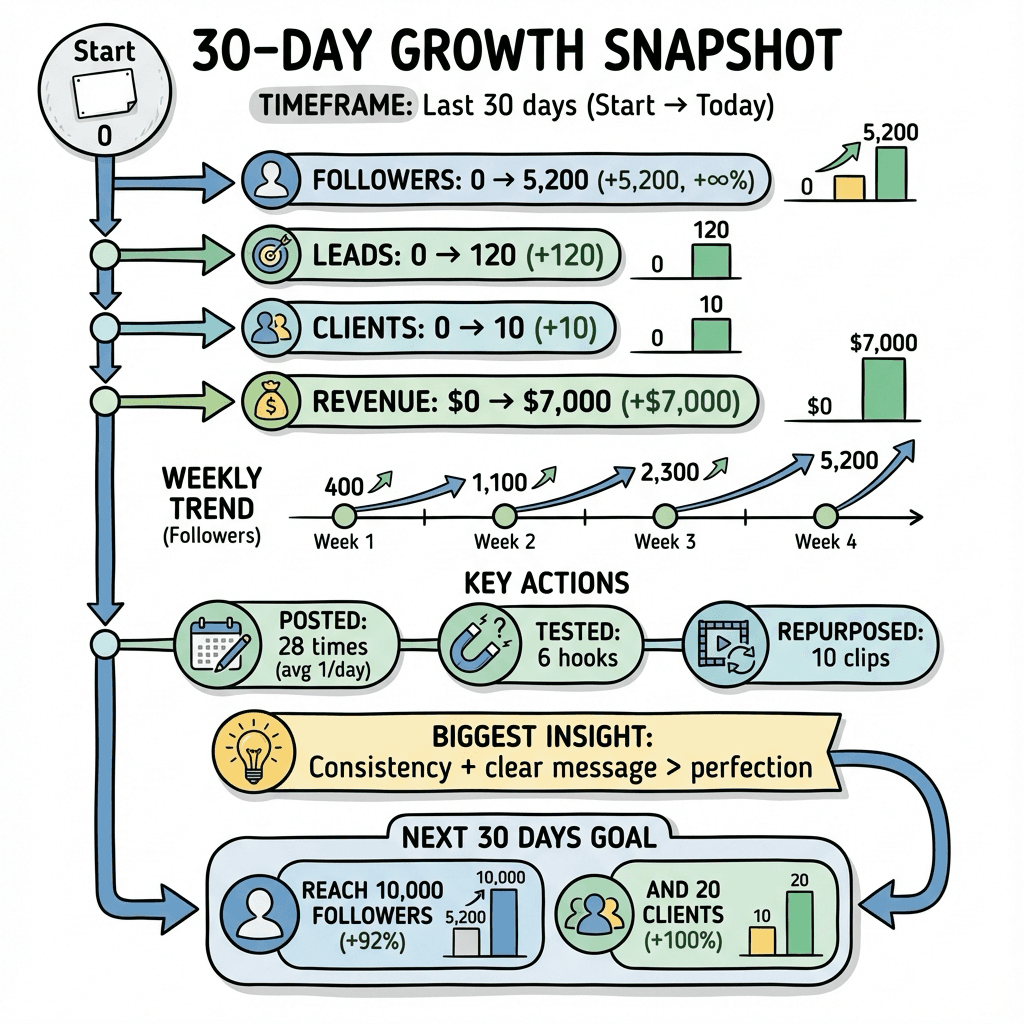
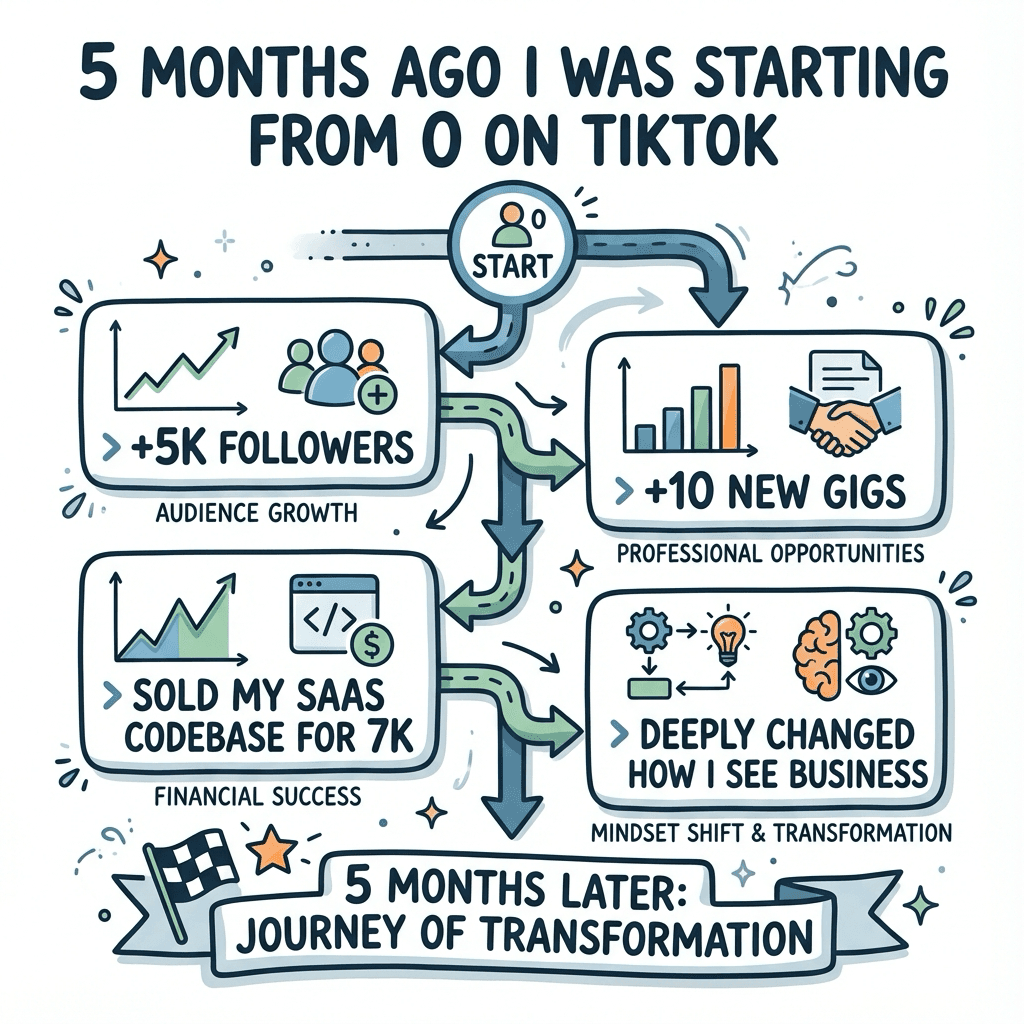
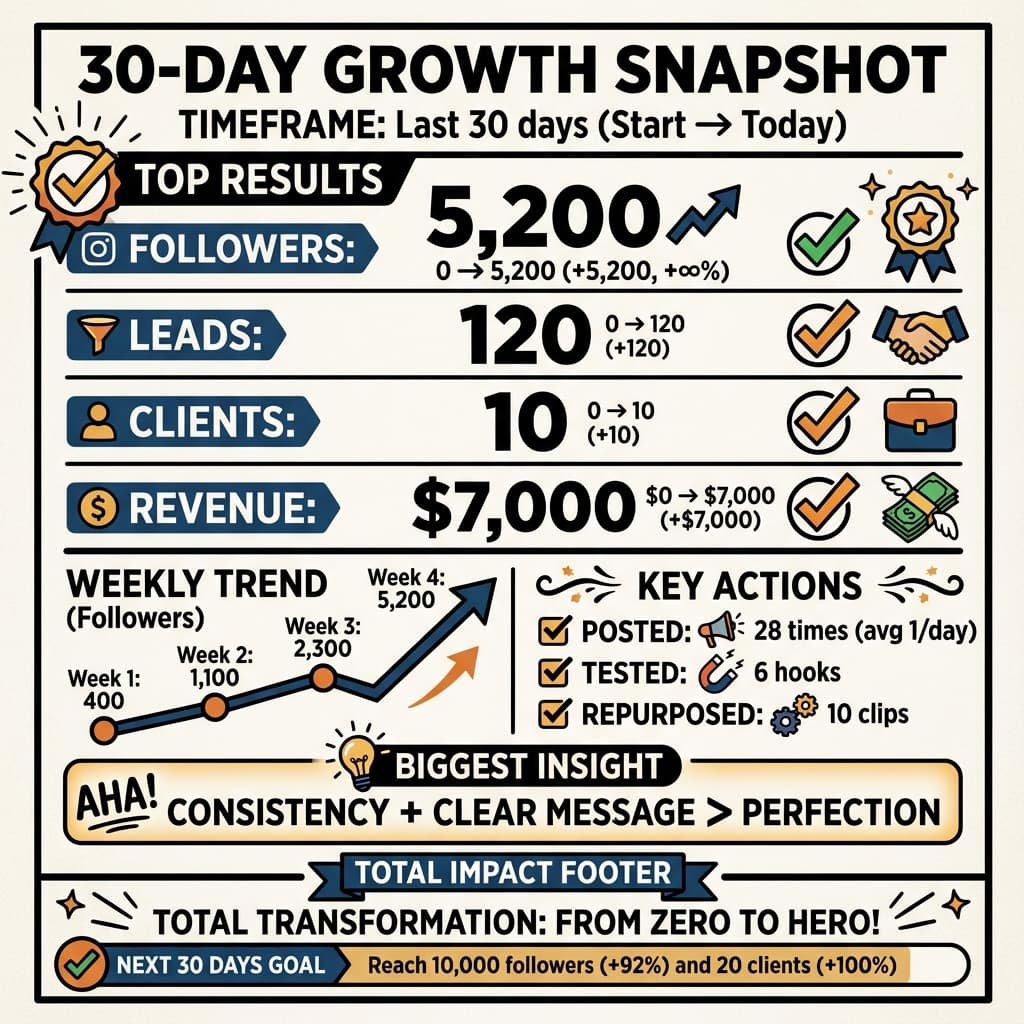
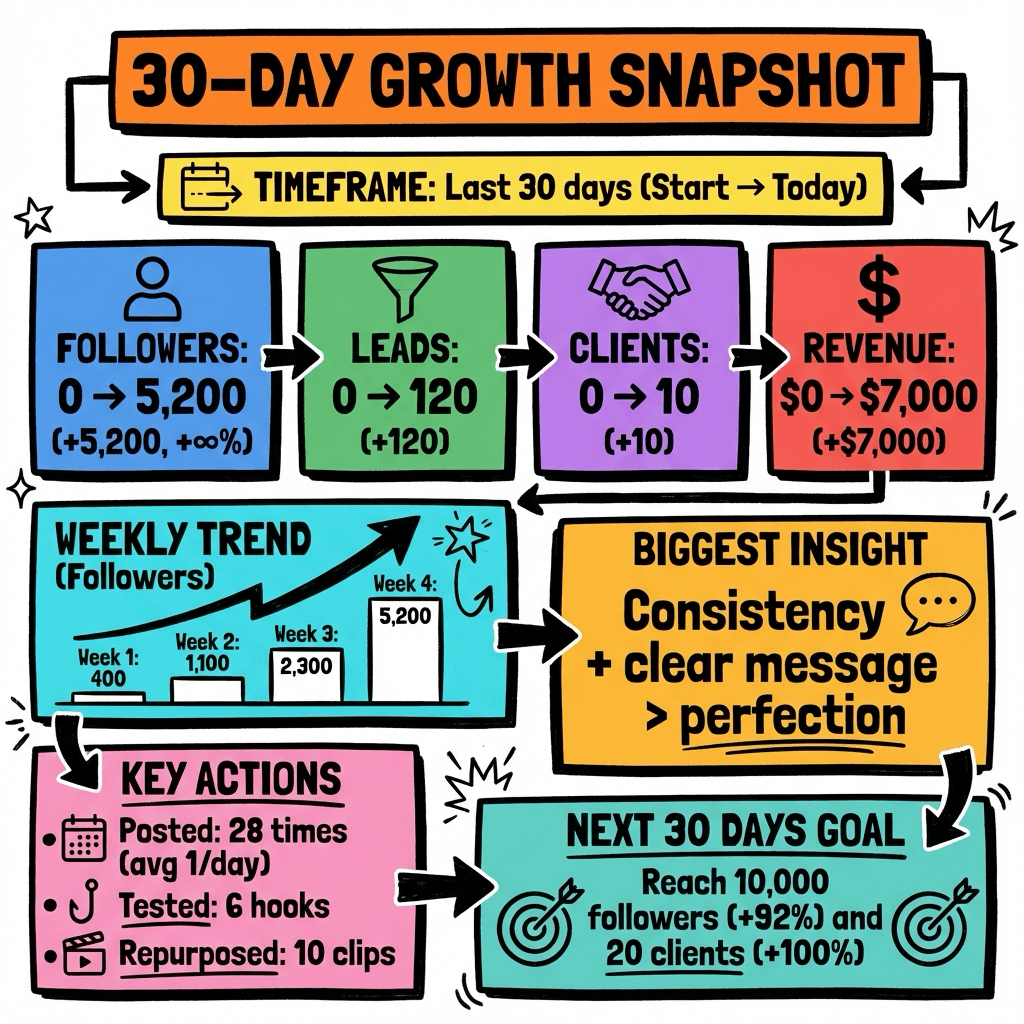
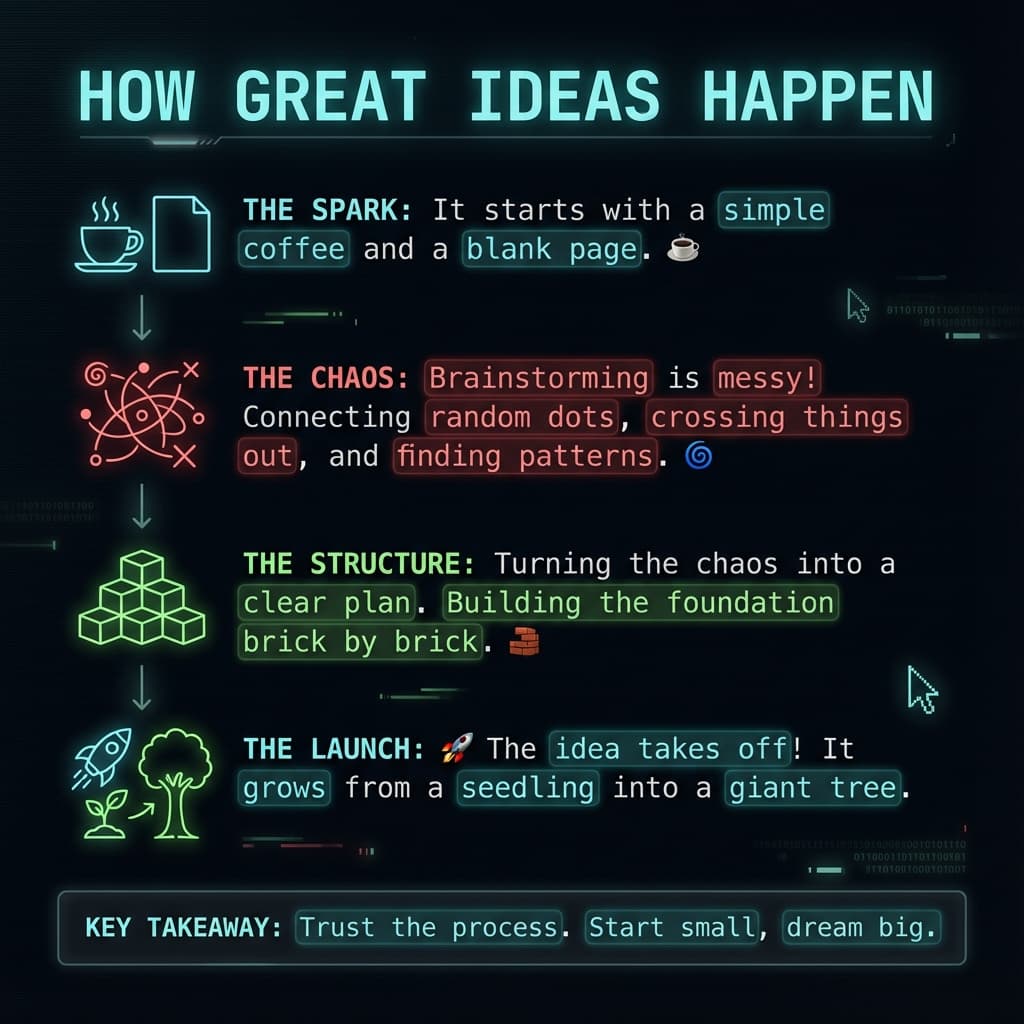
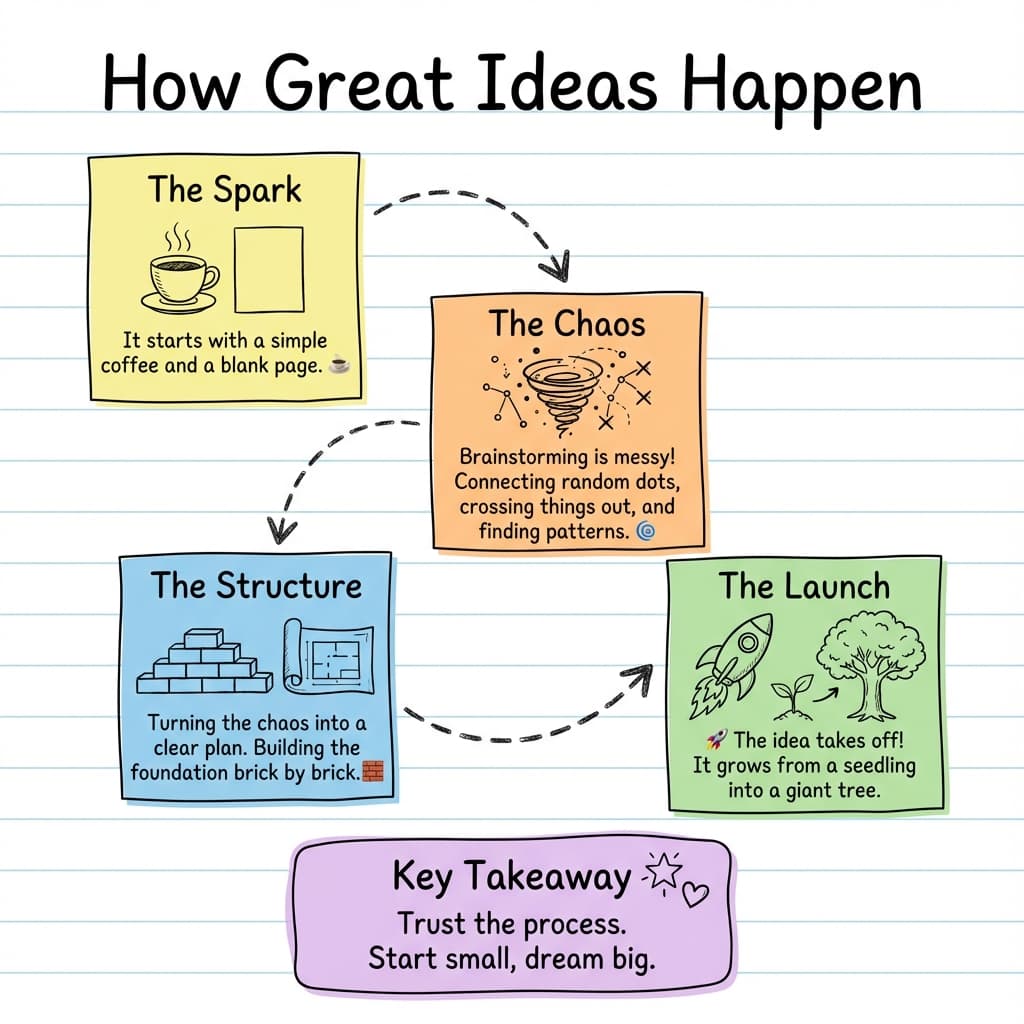
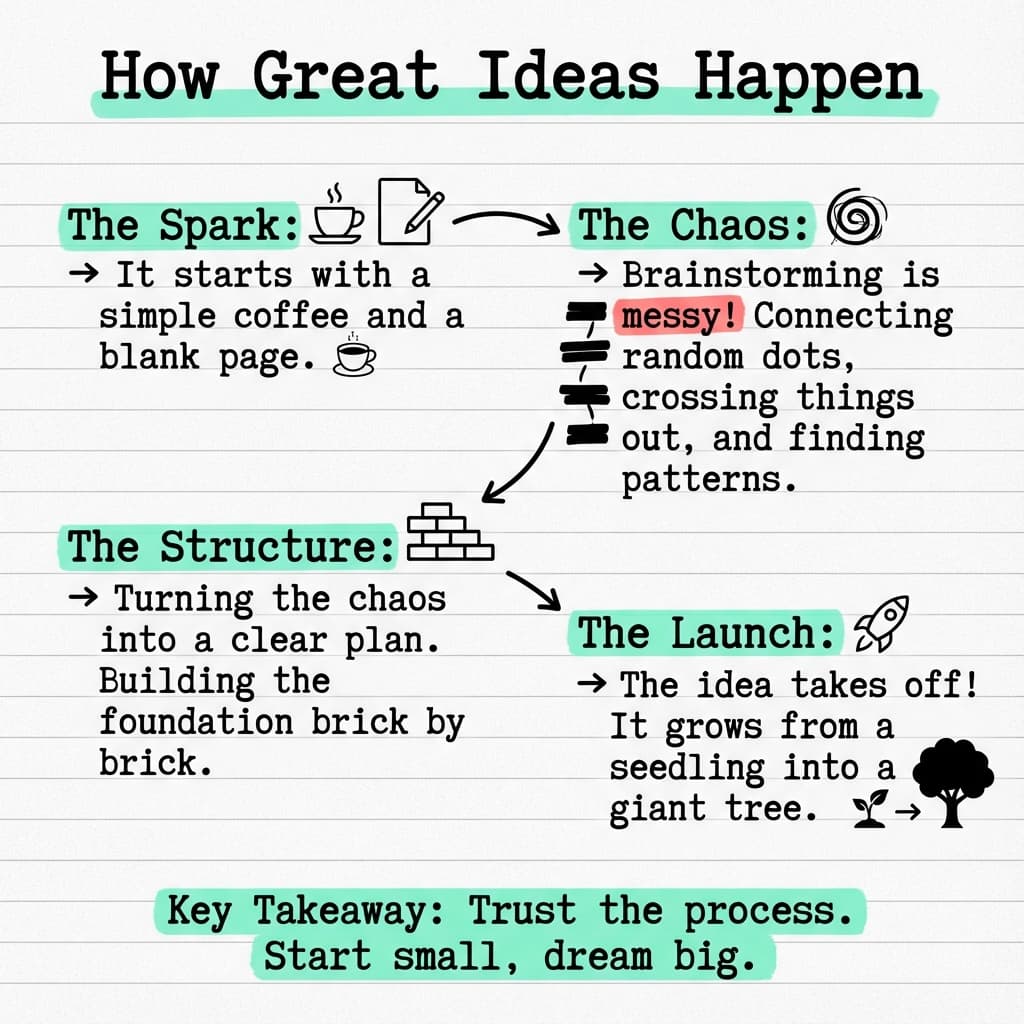
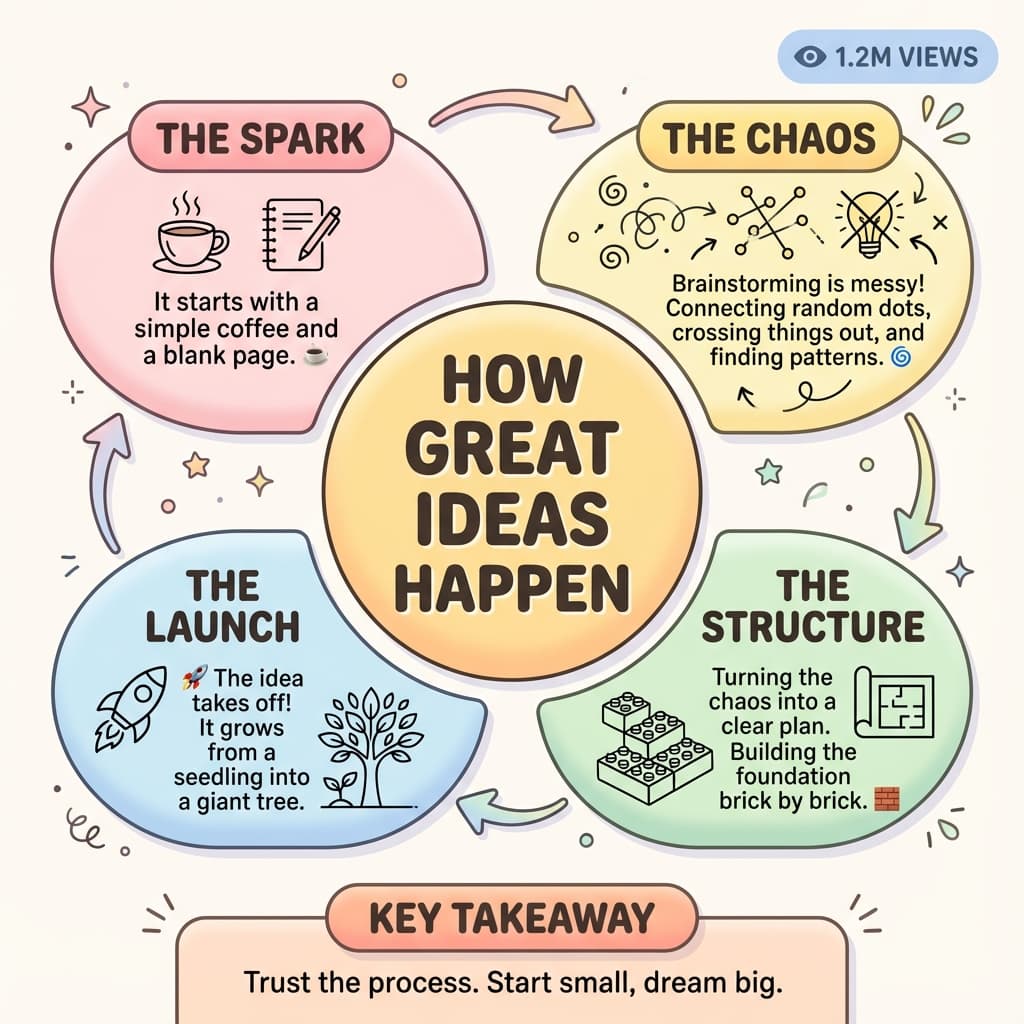
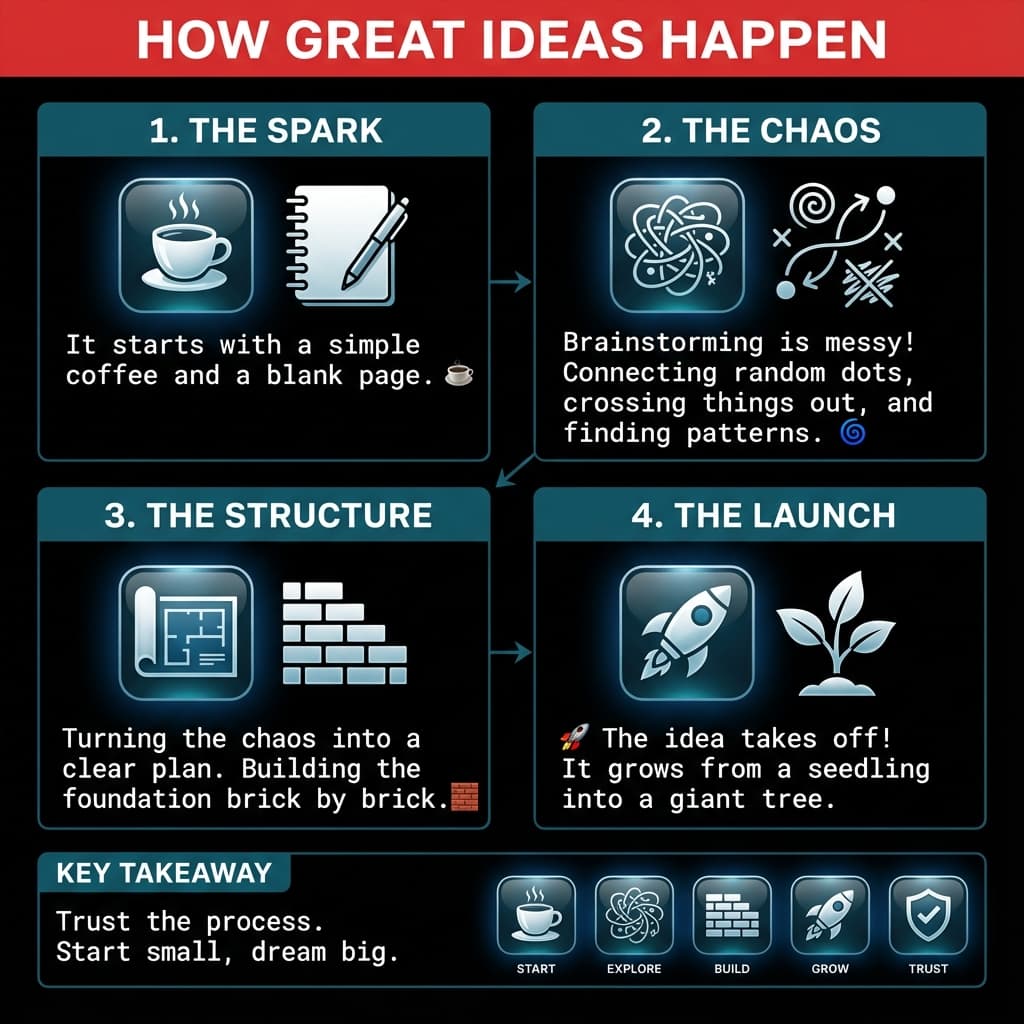
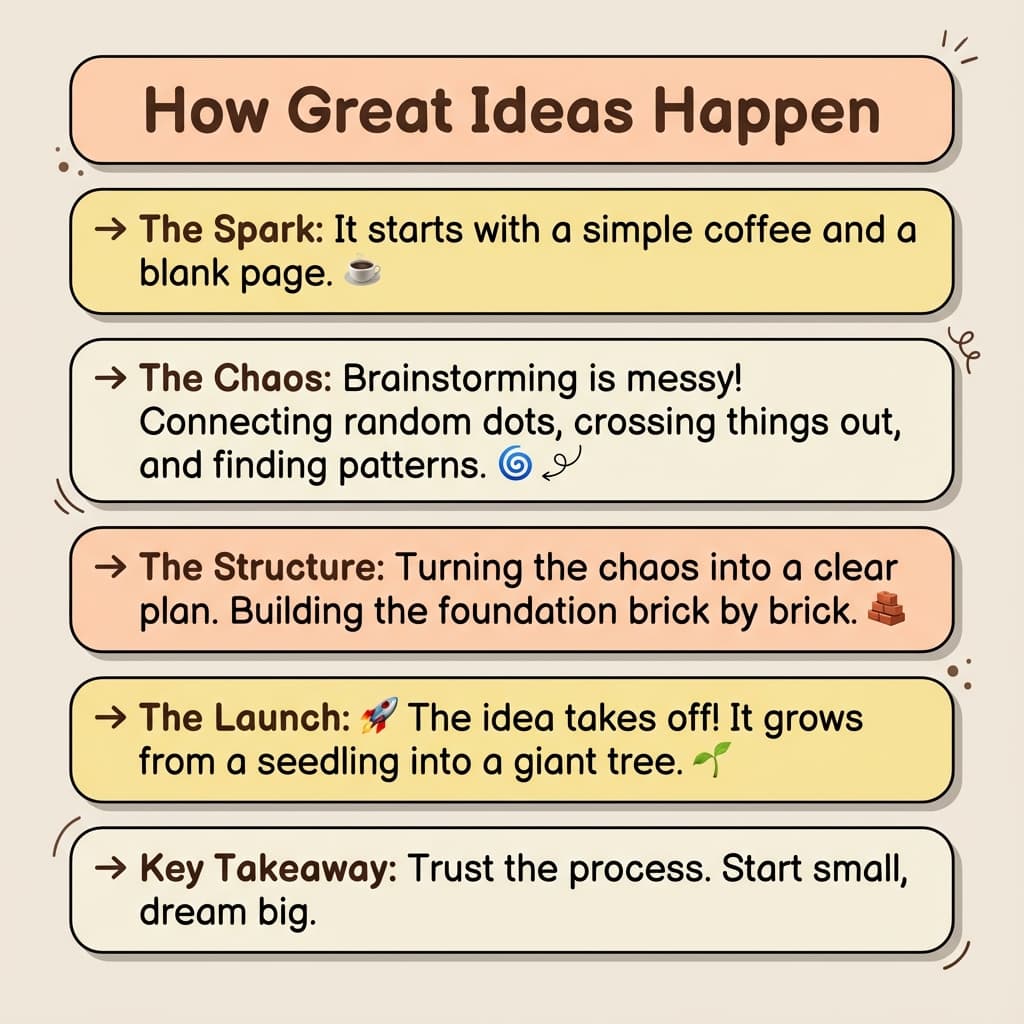
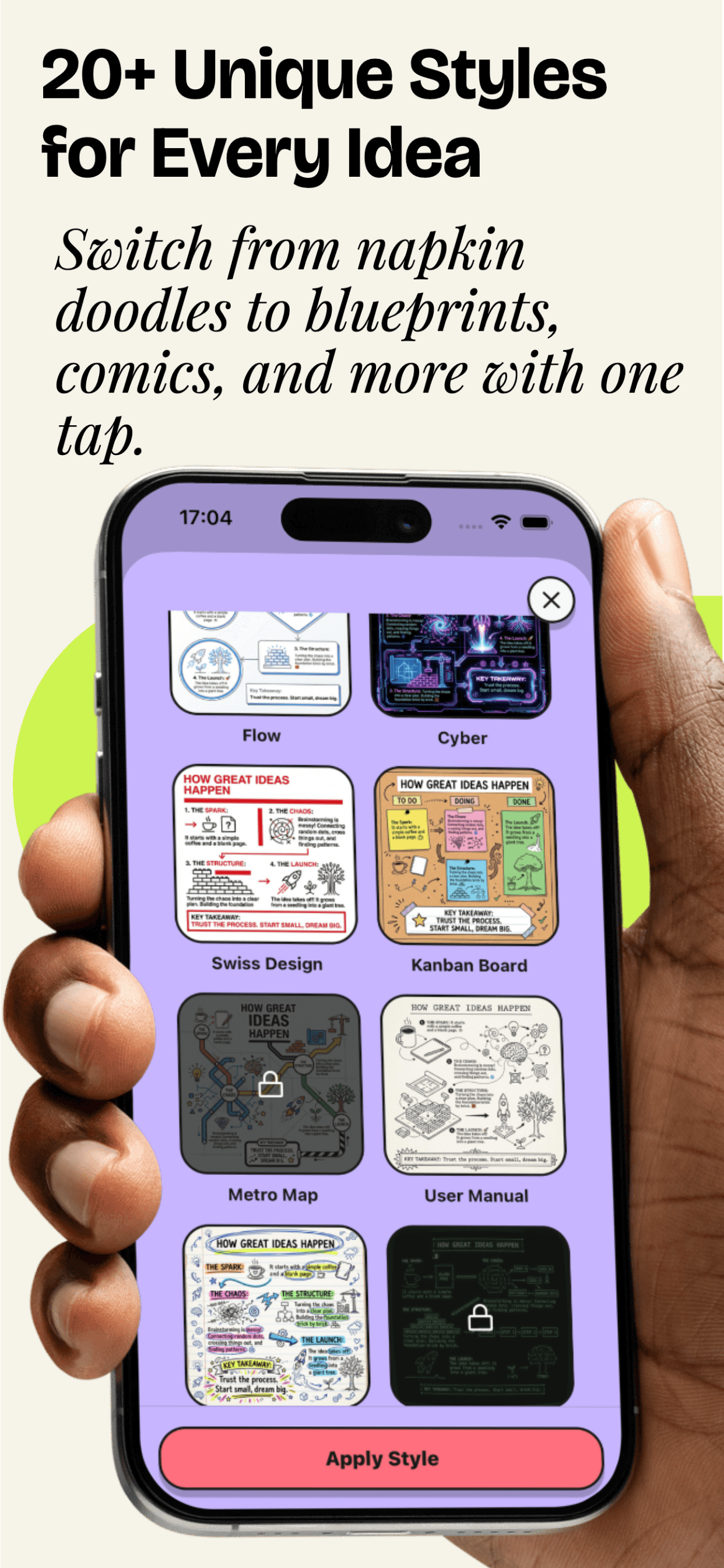
From sketchnotes to dashboards — pick a look that fits your content and audience. Hover to pause and browse.
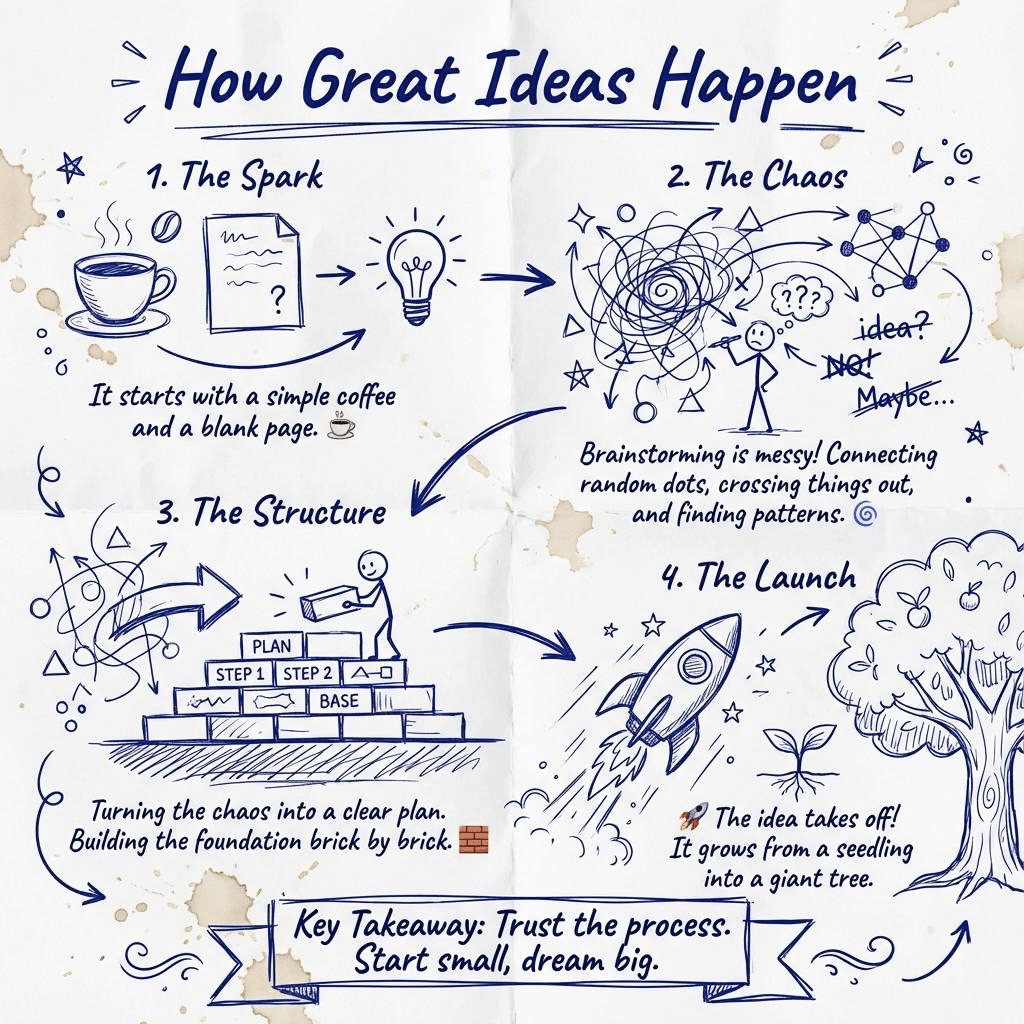

Why VisualNote Ai
A fast way to convert PDF to infographics, generate text to image visuals, and turn notes to visual summaries — without fighting formatting.
PDF → Infographic visuals
Upload a PDF (or Word/text) and generate a clean, shareable infographic-style summary you can actually scan.
Text → Image styles
Paste text and instantly switch styles: dashboards, timelines, terminals, sketchnotes, and more.
Notes → Visual notes
Turn messy notes into structured visuals you can download, reuse, and drop into docs or slides.
Higher quality output
Premium unlocks more styles + higher-res exports so your visuals look crisp in presentations and print.
UpgradeVisualNote AI for iOS (iPhone & iPad)
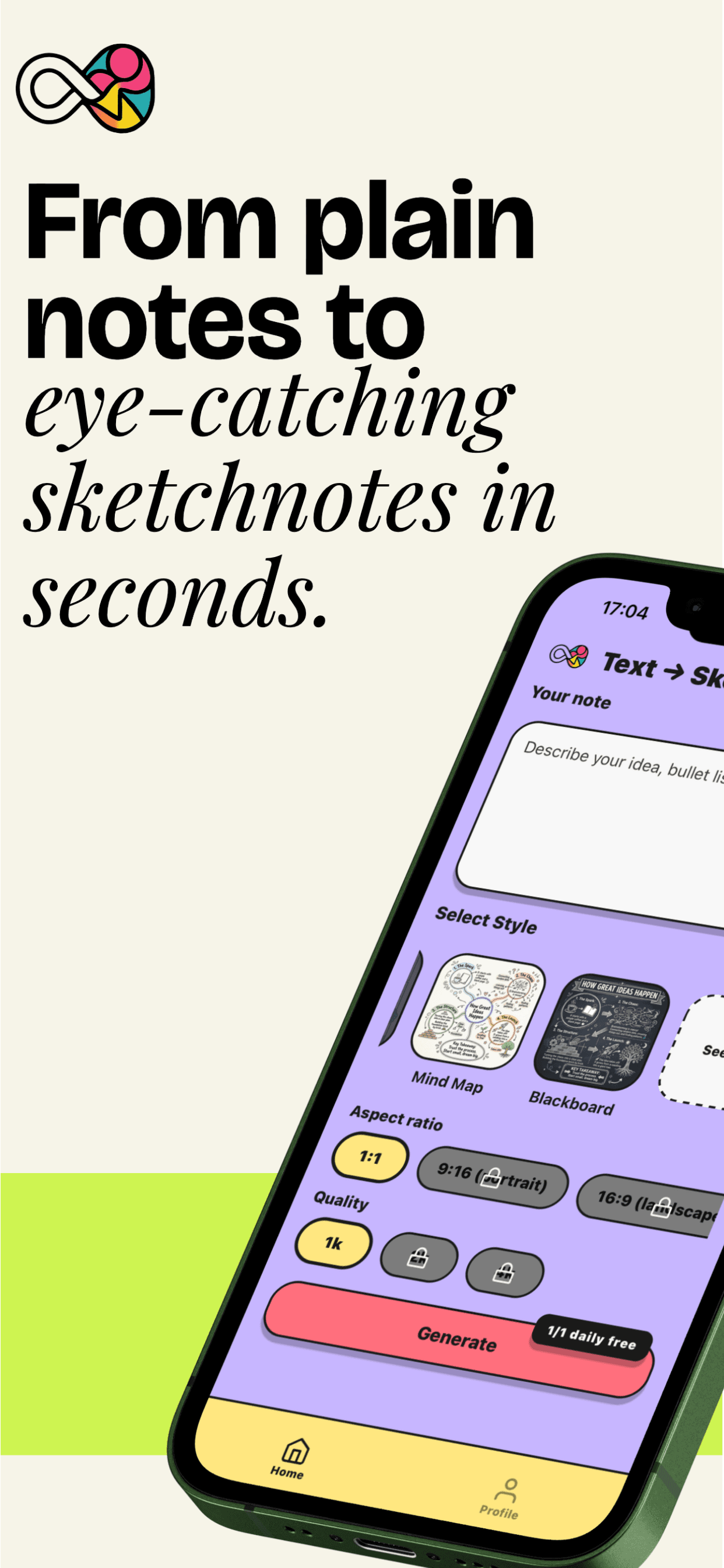
Prefer creating visuals on mobile? Download the official VisualNote AI iOS app to turn text into art, transform notes into sketchnotes, and generate infographic-style visuals you can share instantly.

Unlock Premium PDF to Infographics & Text to Image Features
- ✓200 Text to Visual Notes per Months
- ✓20 PDF to Visual Notes per Months
- ✓25 Viral Visual Notes per Months
- ✓All aspect ratios
- ✓All styles
- ✓All qualities
Frequently Asked Questions - PDF to Infographics & Text to Image
How do I convert PDF to infographics?
Simply upload your PDF document, Word file, or text file to VisualNote Ai. Our AI-powered tool automatically extracts the content and converts it into beautiful visual infographics. Perfect for PDF to infographics conversion, text to image generation, and notes to visual transformation.
Can I convert text to image?
Yes! VisualNote Ai is the best text to image generator. Paste any text, notes, or content and transform it into stunning visual images. Our text to image converter supports multiple styles including dashboards, timelines, and sketchnotes.
How does notes to visual work?
Our notes to visual creator takes your written notes and automatically converts them into visual sketches and infographics. Whether you have meeting notes, class notes, or bullet points, our tool transforms notes to visual representations instantly.
What file types can I convert?
VisualNote Ai supports PDF, Word documents (.doc, .docx), and plain text files. Our PDF to visual converter and text to infographic tool works with documents up to 10MB. Perfect for PDF to infographics, text to image, and notes to visual conversion.
How do I create viral visuals from social media posts?
Use our viral visual mode to transform your social media posts into engaging visual content. Simply paste your post text, enable viral visual mode, and our AI will create an optimized viral hook and a professional sketchnote or infographic. Perfect for Twitter/X, LinkedIn, and other social platforms to increase engagement. Posts with images get 3x more engagement.